
Get any PDF form from the DocHub library of ready-made templates - Page 1126
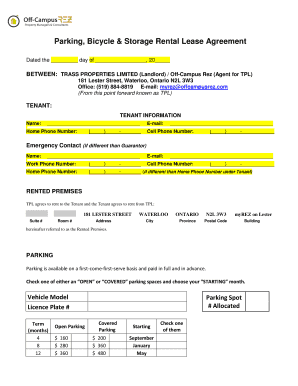
Parking at offcampusrez
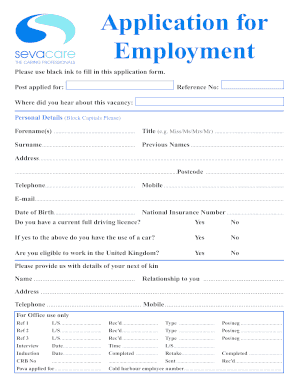
Sevacare application form

Cdbs consent form

Update resident information

Academic Progress Report - cabrillo

Educational Residency Affidavit - Parent - Nash-Rocky Mount Public - nrms schoolwires

Michigan guardianship form
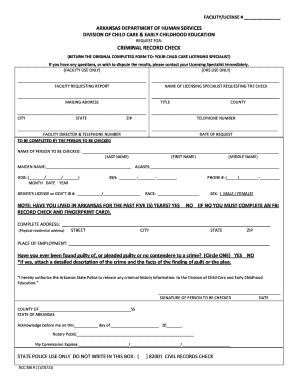
Criminal record check: ar920100z - Arkansas Department of Human - humanservices arkansas

Affidavit of military service cook county
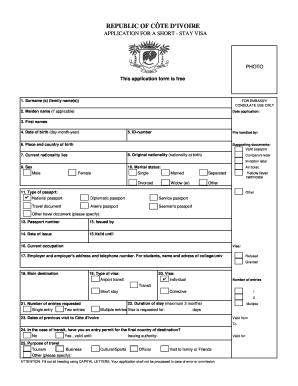
Cote d'ivoire visa application form pdf
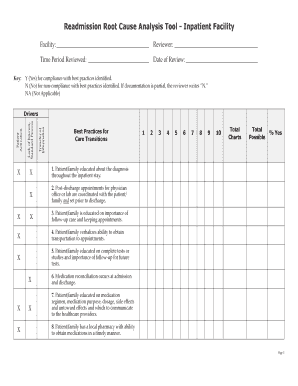
Readmission root cause analysis tool - in-patient facility readmissions work sheet

Church volunteer application form pdf
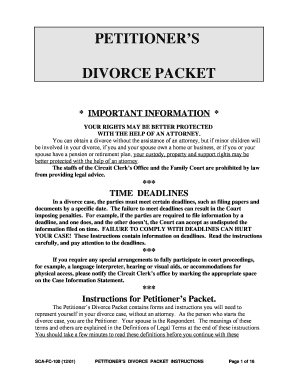
Divorce packet
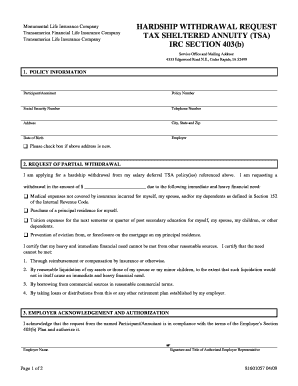
Transamerica spousal consent form

Gregs post

City of houston wcr application
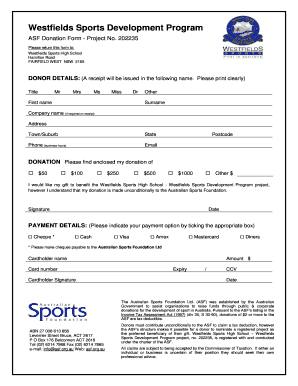
Donation forms for sport

Dol wa

Driver licence application - Kirklees Council - kirklees gov
WellsTrade Transfer on Death Kit - Wells Fargo

Fdle appeal form

01 Vendor Profile Sheet
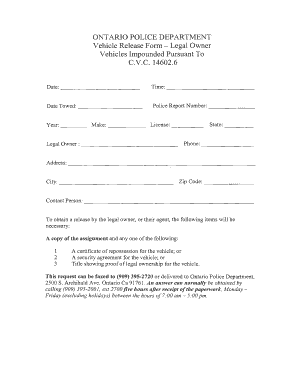
Vehicle release form ontario
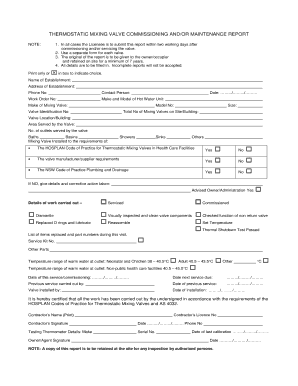
THERMOSTATIC MIXING VALVE COMMISSIONING AND OR MAINTENANCE REPORT
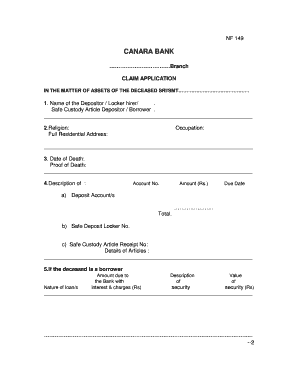
Canara bank nominee claim form
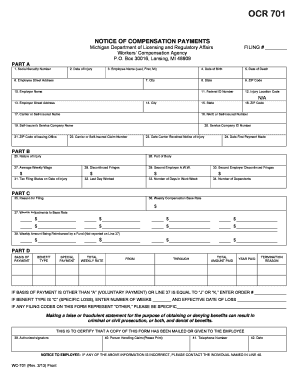
Ocr 701 form
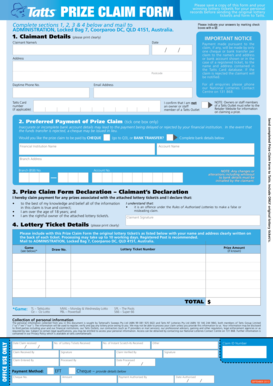
Tattslotto victoria prize claim form

Child support deviation form

Tufts aba request form
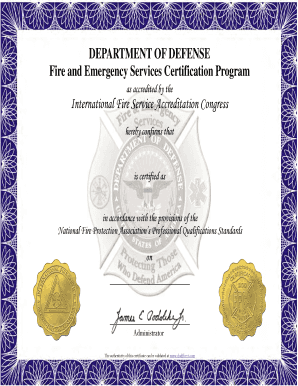
2013 DoD FESCP Certificates pub - DoD Fire & Emergency

Loading Zone Application - The City Of Newark, New Jersey - ci newark nj
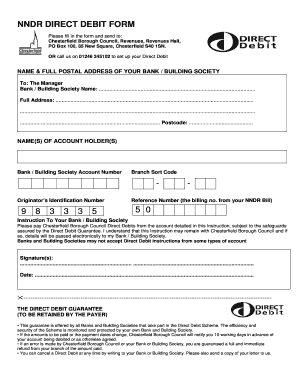
Psira renewal fees 2022
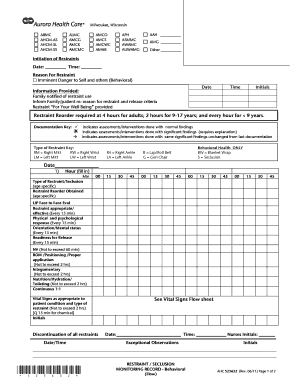
Restraint assessment form

Mercy hospital discharge papers
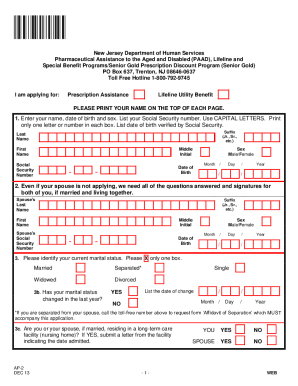
Nj paad application form
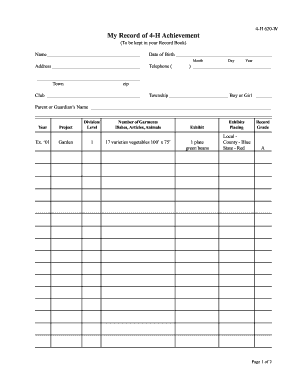
My Record of 4-H Achievement - Indiana 4-H - Purdue University - four-h purdue
Job shadowing in a hospital california form

Form 3682 daily transportation record
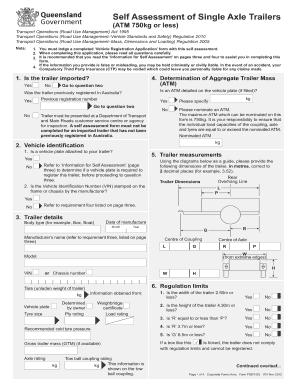
Self assessment of single axle trailers
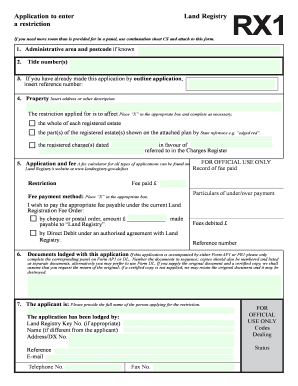
Rx1 form
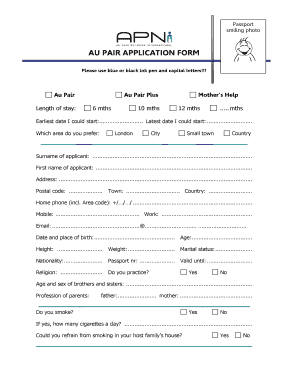
Au pair declaration form uk

Cibc gift letter
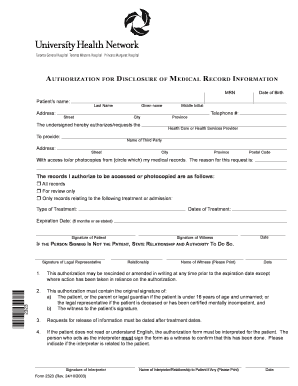
Medical release form - The Princess Margaret
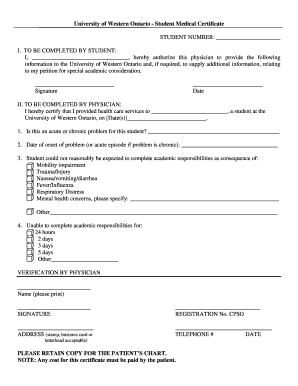
Lto medical certificate form
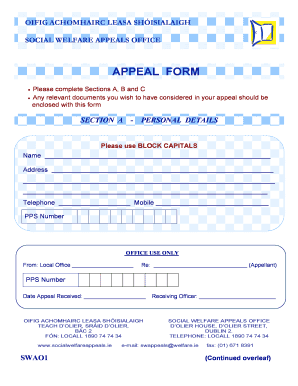
Sample appeal letter to social welfare
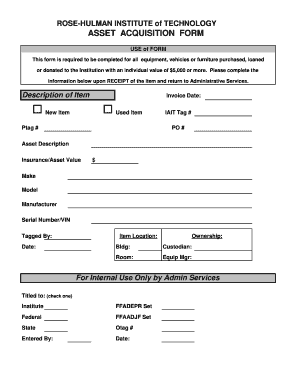
Fixed asset requisition form

Driving Test Evaluation Form - sdstate
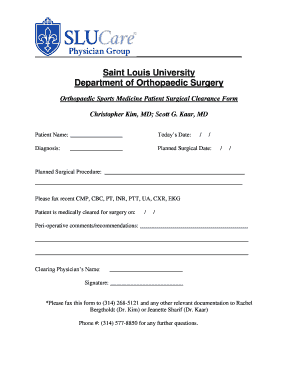
Pre op dental clearance form

Student employment application - York College of Pennsylvania - ycp
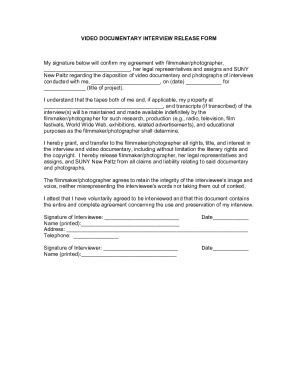
Documentary release form

Commissioning physical navy

Employee of the quarter nomination example

Aoc 350

Form communicating consent
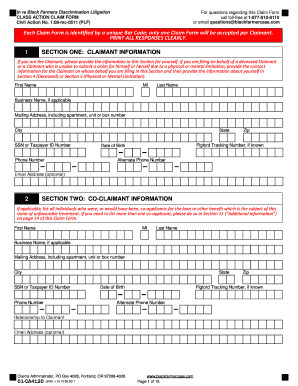
Black farmers claim form

Po box 67610 wilkes barre pa
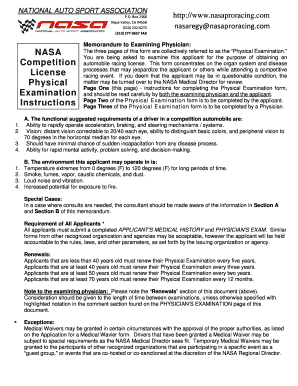
National autosport association medical release form

Application for Dentition Database - offa

Dr 500 011 form
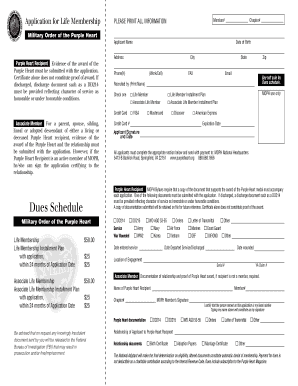
Blank purple heart certificate template

Kansas residentbusiness out of state vin verfication form

Apis custom shoe order form

Mccombs resume template
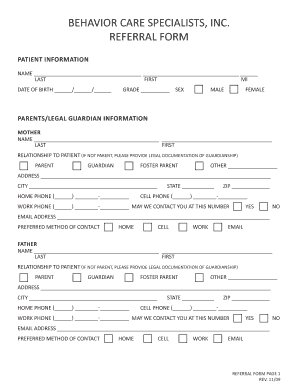
Behavior specialist referral form
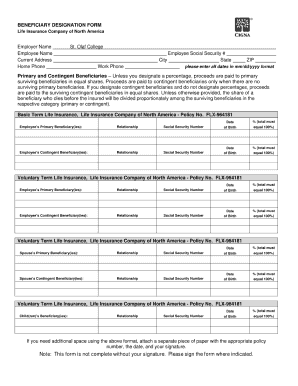
Cigna beneficiary form
Prra form download

Flagstar direct deposit form

USC CREDIT UNION DIRECT DEPOSIT AUTHORIZATION FORM - usccreditunion

I am selling this vehicle to Junk My Car Now Ltd
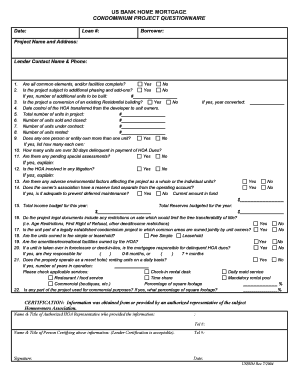
Us condominium questionnaire
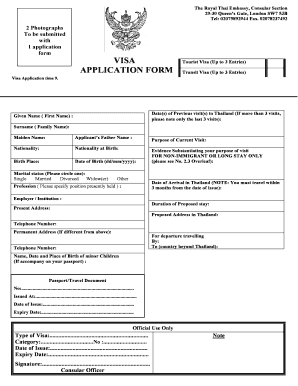
Singapore entry form
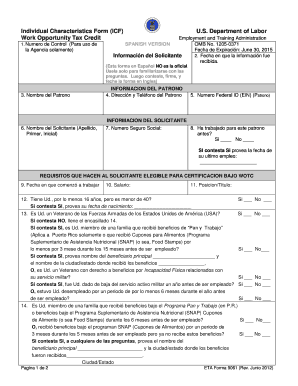
Wotc form
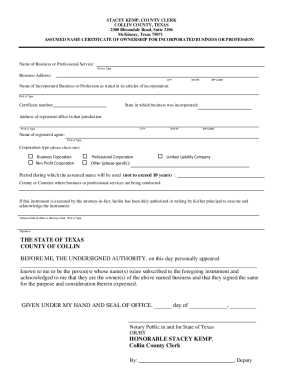
Incorporated Assumed Name Application
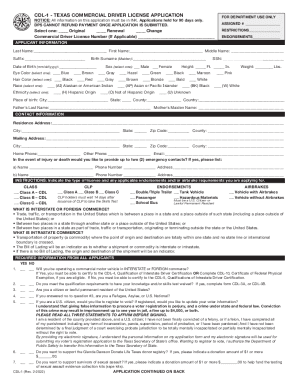
Cdl 1 Form - Fill Out and Sign Printable PDF Template

ENF001 - Criminal History Questionnaire
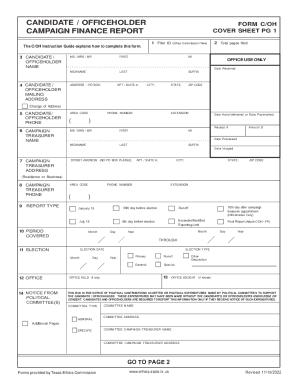
Texas Campaign Finance Report Cover Sheet

Name Change Form - Texas State Board of Public Accountancy

Form TSP-41, Notification to TSP of Nonpay Status - Hawaii DoD
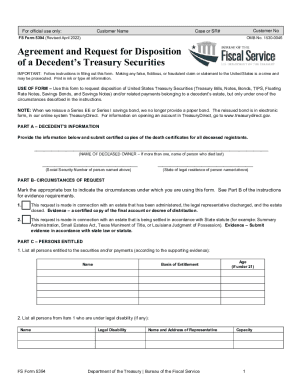
Form FS Form 3062-4 FS Form 3062-4 Claim for United States

U S Treasury Check Security Features
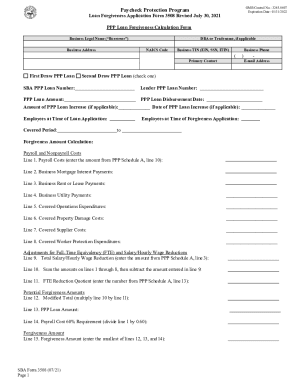
SBA Form 3508 PPP Loan Forgiveness Application
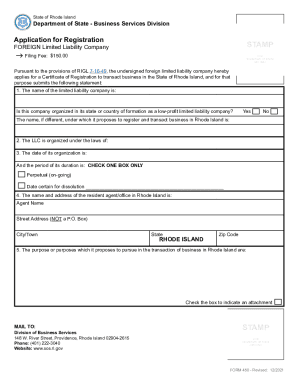
450-application-for-registration
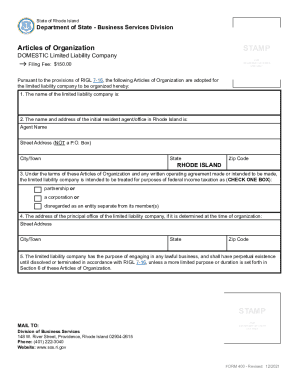
Rhode Island Articles of Organization for LLC
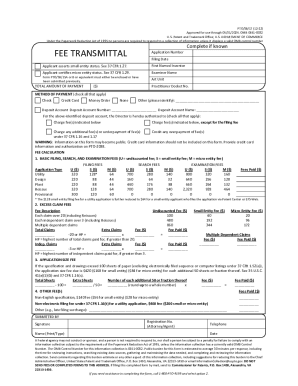
Supplemental Sheet for Declaration
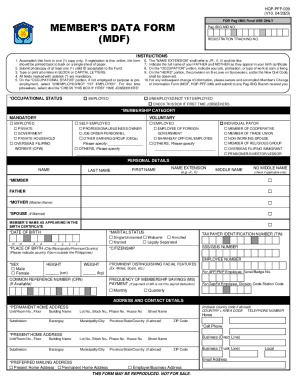
MEMBER'S DATA FORM (MDF)
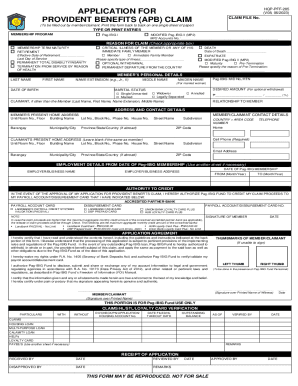
APPLICATION FOR PROVIDENT BENEFITS (APB) CLAIM
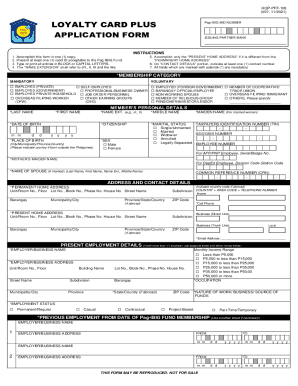
Employee Non-disclosure Agreement UaeDocHub
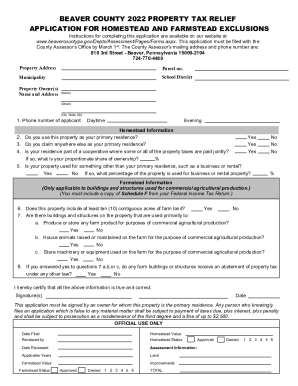
PA Beaver County Property Tax Relief Application Homestead And
2022-23 OSAP Application for Full-Time Students
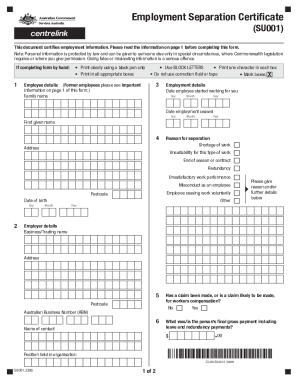
Employment Separation Certificate
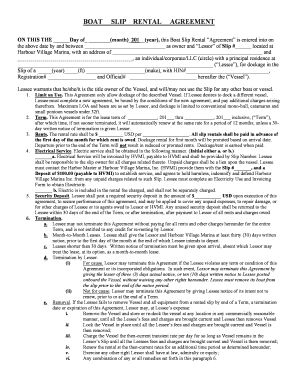
Boat slip rental agreement - Harbour Village Marina Inc
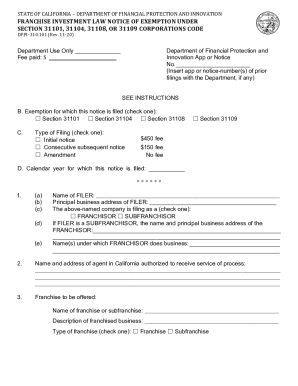
(Franchise Investment Law)The Department of Financial
Voluntary Inspection of Rabbits and Edible Products Thereof
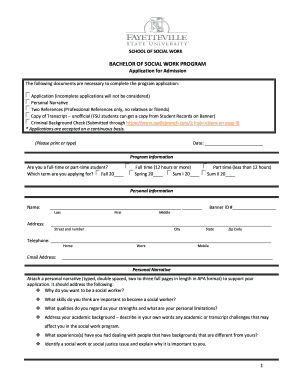
Bachelor of social work program - Fayetteville State University
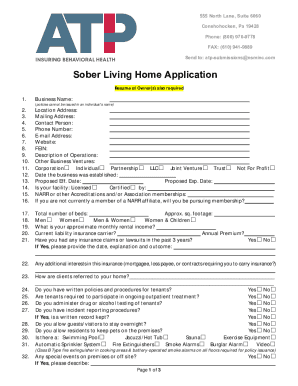
Contact Us - Higher Education Insurance Program
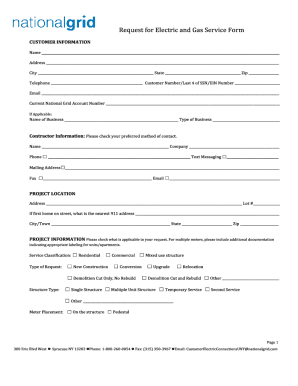
Request for Electric and Gas Service

How to write address on unisa application
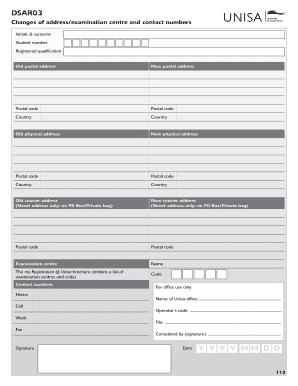
Dsar 03 form
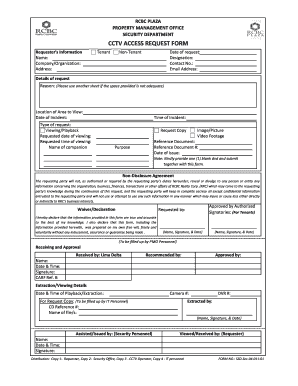
RCBC PLAZA
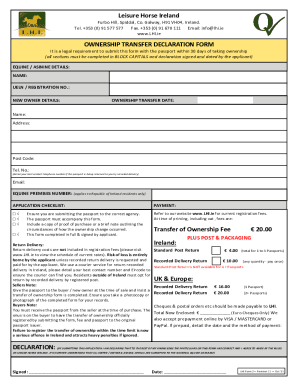
DocHub 246489461-LHINameChangeLeisure Horse Ireland - Fill Online, Printable, Fillable
Benefit from the DocHub online library of fillable PDF forms
Searching the PDF forms doesn't have to be a tedious and time-consuming process. With the DocHub online library, it has become easier to find the fillable PDF forms and modify them in your browser. The service allows you to adjust the document to your needs using powerful editing tools.
You can use online document editing features to modify almost any type of document with ease. You just need to find the template of your choice, open it in the editor, and use the toolbar to make the necessary corrections.
Follow this guide to get your document done with DocHub:
- Find the PDF template you need.
- Click the Get Form button to open the file in the editor.
- Use the toolbar to fill out and edit the document.
- Easily add and highlight text, insert images, checkmarks, and symbols.
- Drop new fillable fields, and rearrange or delete pages from your file.
- Save changes and download your record.
DocHub empowers everyone to streamline document editing, signing, and distribution, and form completion. Create an account and benefit from our well-organized PDF Forms library and comprehensive editor.