
Get any PDF form from the DocHub library of ready-made templates - Page 1052

Fillable Online schute bell badgery lumby form Fax Email

Six big ideas in the constitution handout 3 answer key pdf
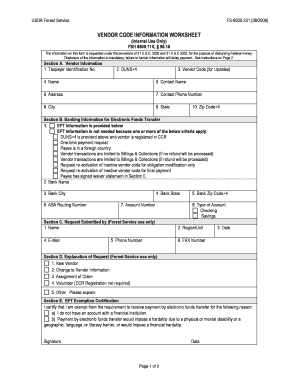
Fs 6500 231

Double cross character sheet
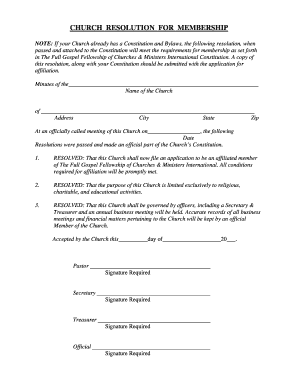
Church board resolution sample

Cell biology crossword
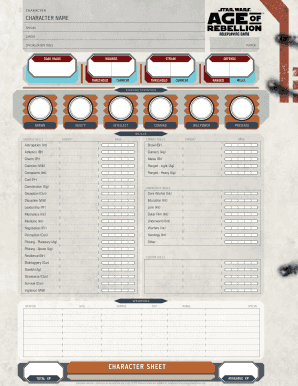
Star wars saga ships

STATE OF CONNECTICUT Invoice for Marshal Services

What does a planned parenthood receipt look like
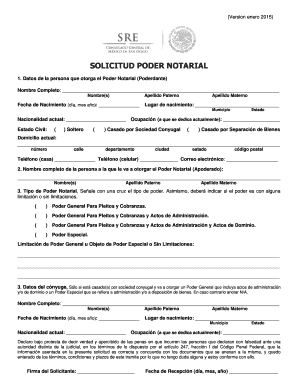
Consulado General de M xico en San Diego - Secretar a de

Application for Handicapped License Plate or Placard - Hamilton
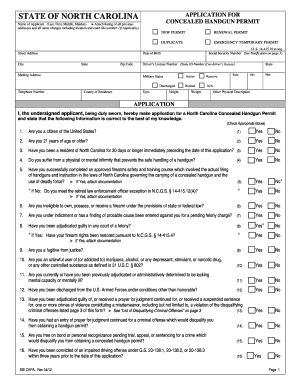
Get concealed carry permit online printable

State of tennessee civil summons" Keyword Found Websites
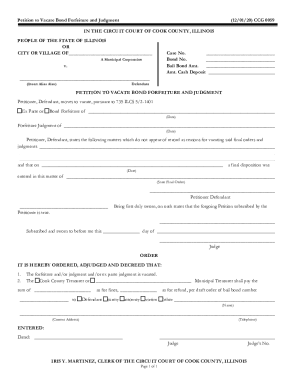
Services cookcountyclerkofcourt Forms FormsSMALL ESTATE AFFIDAVIT - services cookcountyclerkofcourt
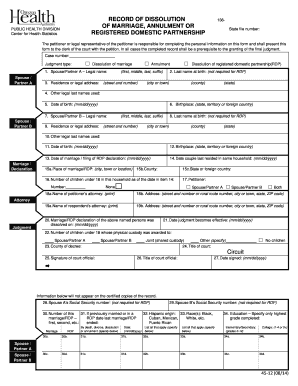
Oregon divorce
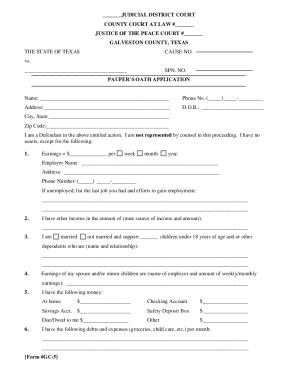
JUDICIAL DISTRICT COURT COUNTY COURT AT LAW
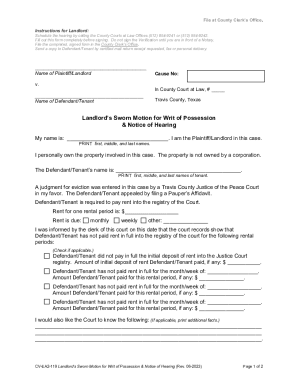
Landlord's Sworn Motion for Writ of Possession
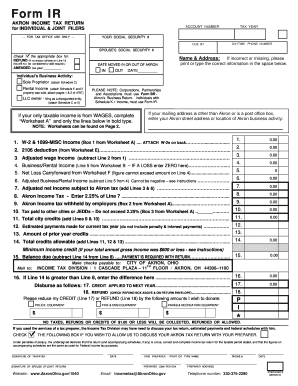
City of akron income tax
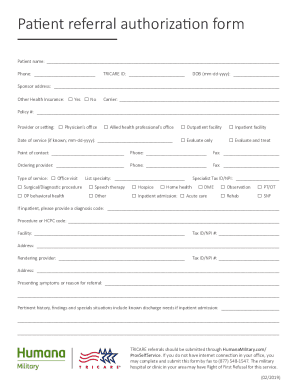
Tricare authorization form
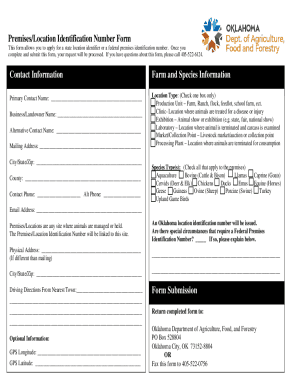
Oklahoma paper id template
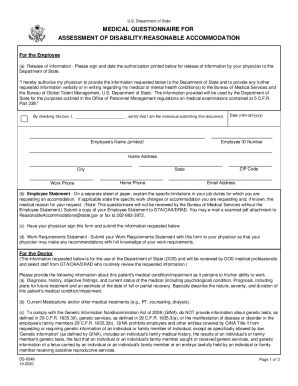
Medical questionnaire disability
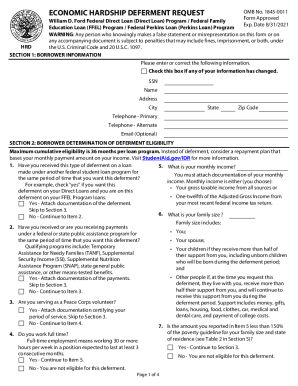
Economic hardship deferment request form

PASSPORT PARENTAL CONSENT FORM

Application employment form county
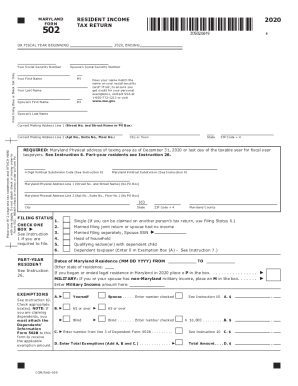
Fillable md 502 printable

Change of accountant sample letter

Social administration ssi security
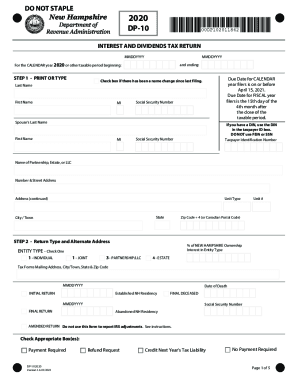
For the CALENDAR year 2020 or other taxable period beginning:

Statutory declaration birth certificate
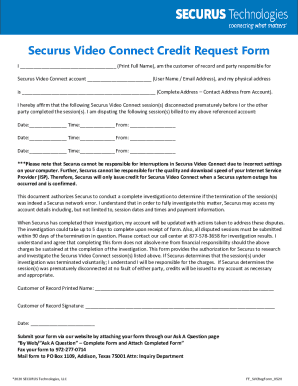
Securus credit request form
Idfpr reinstatement form

Uc 1609

Munich claim form
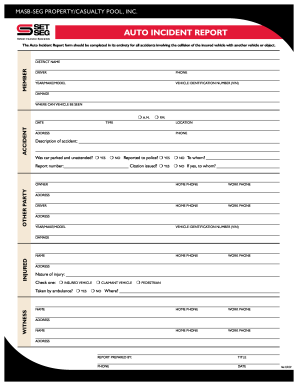
Auto incident report form

Meningococcal consent form

Trs 562

Auburn university serology
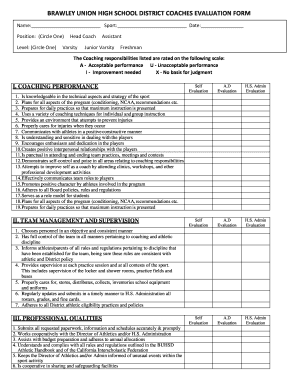
Athletic director evaluation form

Gems newborn registration form 2022
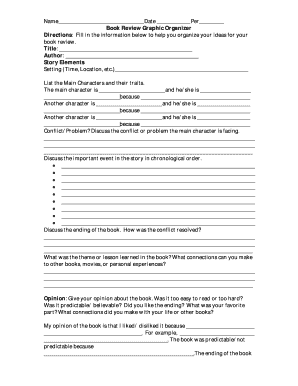
Book Review Graphic Organizer
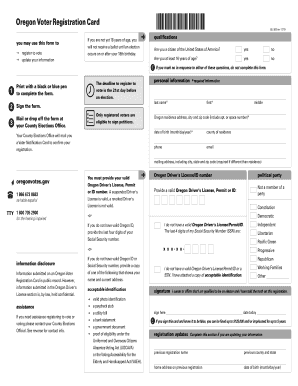
Oregon voter registration card
ASPEN CLINIC MEDICAL WEIGHT LOSS PATIENT

Kentucky realtors contract
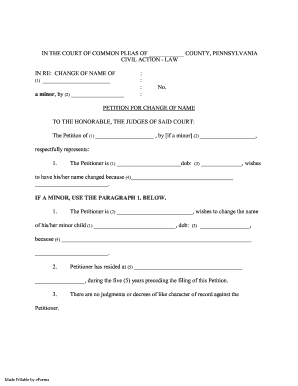
A minor, by (2)

Ca health care services
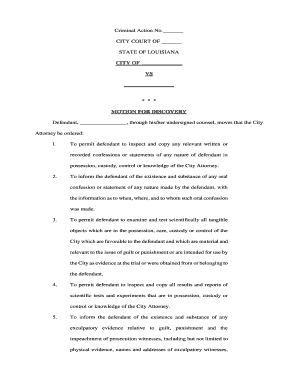
Motion discovery court
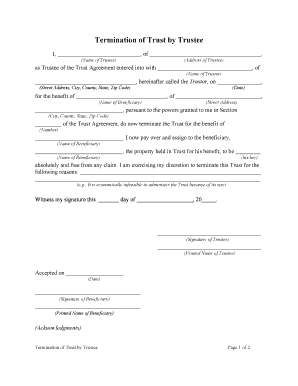
Termination trustee
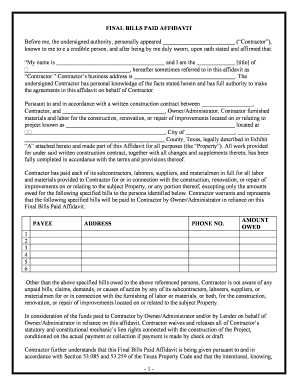
Bills form

Barber contract
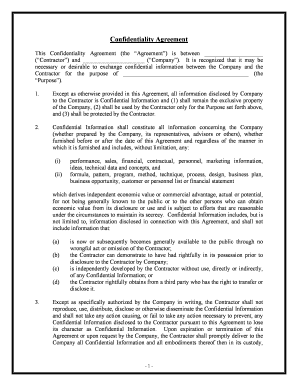
Confidentiality
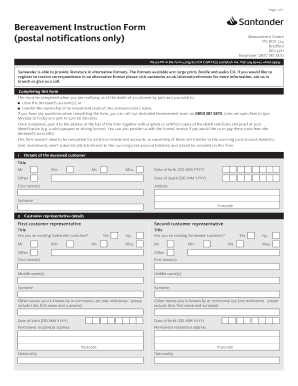
Santander bereavement form
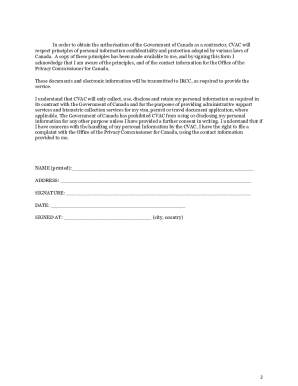
Vfs consent form indonesia

Action plan template Action plan

Tra change of details form
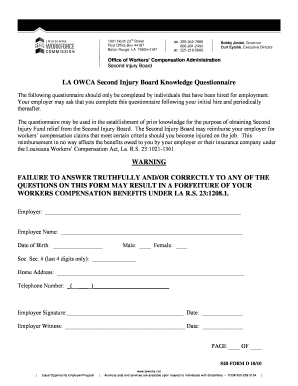
LA OWCA Second Injury Board Knowledge Questionnaire WARNING
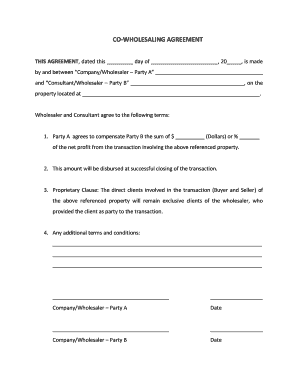
Co wholesaling agreement
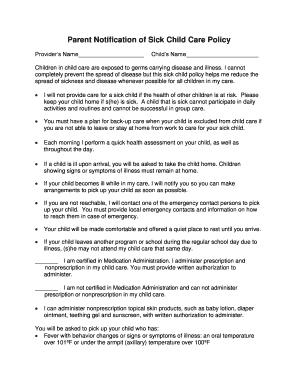
Parent Notification of Sick Child Care Policy
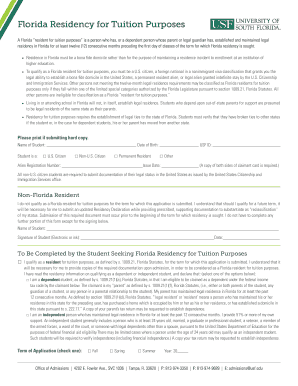
Usf residency

Silver diamine fluoride consent form pdf

Knowledge first financial maturity application

Blank map of ancient india

Application for Health Permit - cityofnevadatx

Autozone employee handbook 2022

Lesson 7 problem solving practice constant rate of change answer key

GMAT Test Accommodation Request Form - MBA
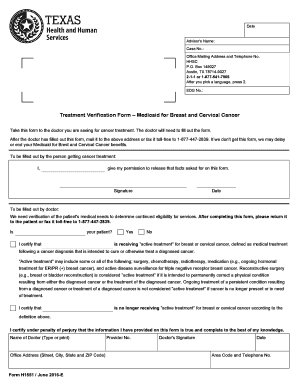
H1551 form
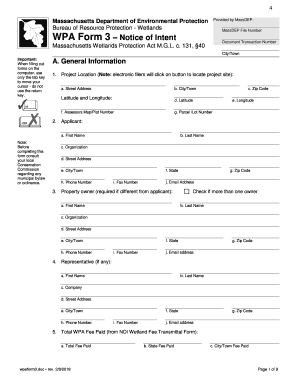
Wpa form 3
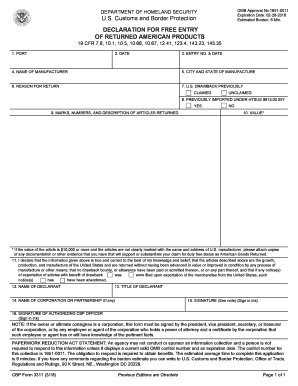
Cbp form 3311
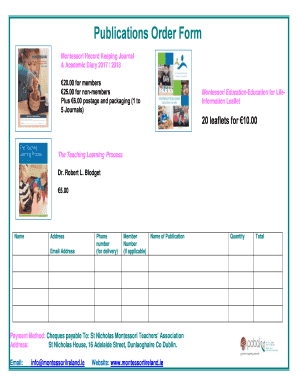
Montessori record keeping template
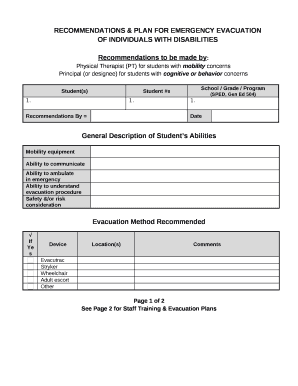
Student emergency evacuation plan template

Analysis of Student Work
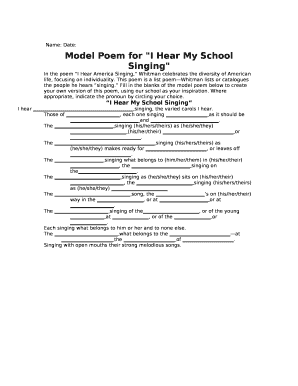
I hear my school singing poem examples
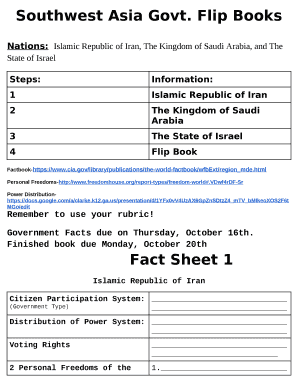
Southwest Asia Govt
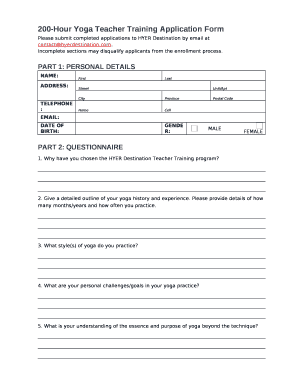
200-Hour Yoga Teacher Training Application Form
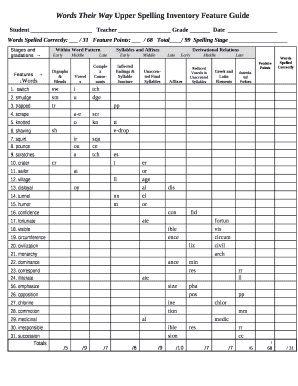
Words their way spelling inventory upper
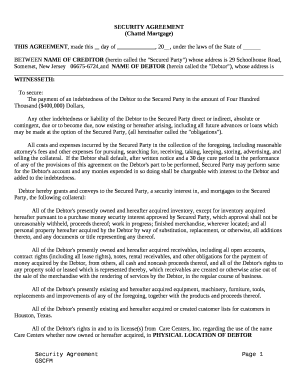
Chattel mortgage form
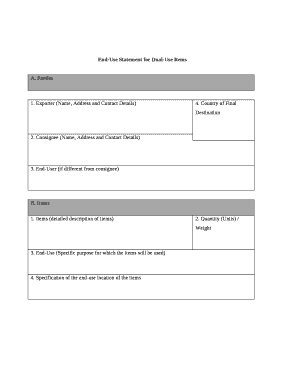
End-Use Statement for Dual-Use Items
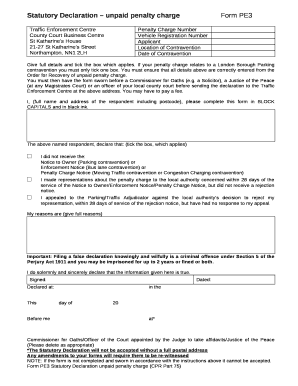
Pe3 form example

Mandate letter format broker
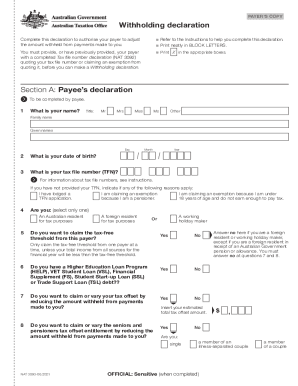
Withholding declaration form
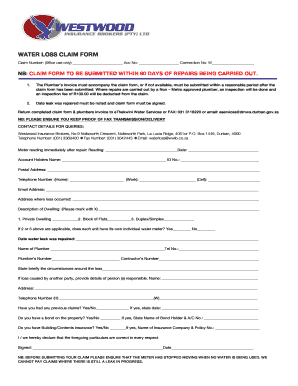
Ethekwini water loss claim form

California initial disclosures
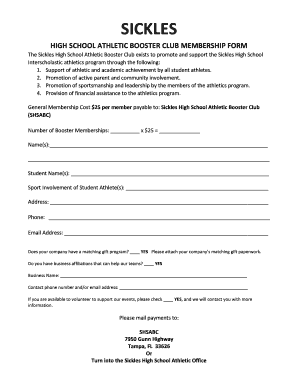
HIGH SCHOOL ATHLETIC BOOSTER CLUB MEMBERSHIP FORM
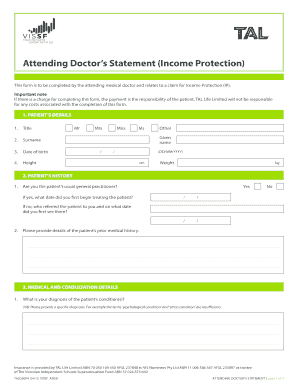
Tal attending doctors statement pdf
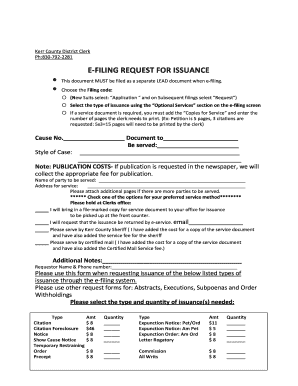
E-file Request Issuance - Kerr County
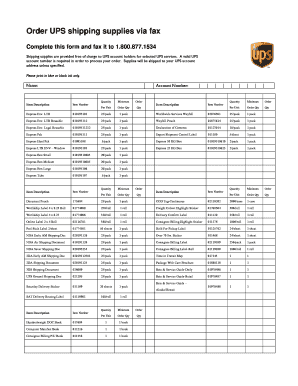
Ups shipping supplies order form
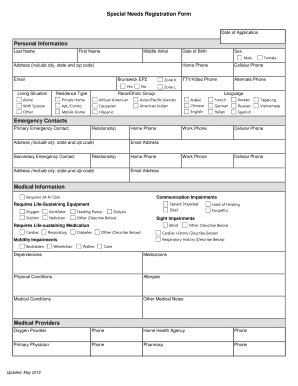
Special needs form
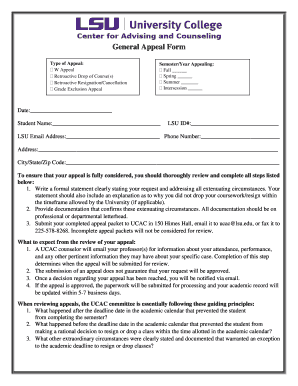
Lsu appeal form
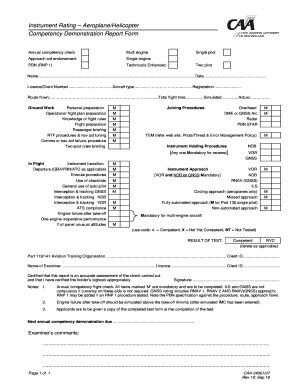
CAA form 24061-07 CAA form 24061-07
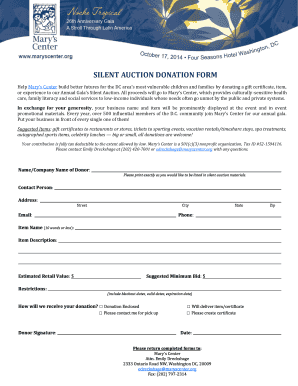
Silent auction donation form
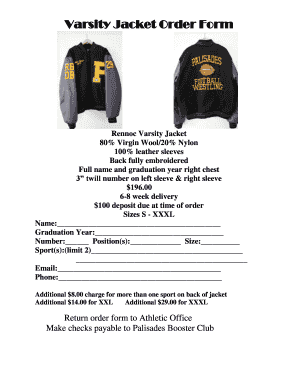
Varsity Jacket Order Form - Palisades High School
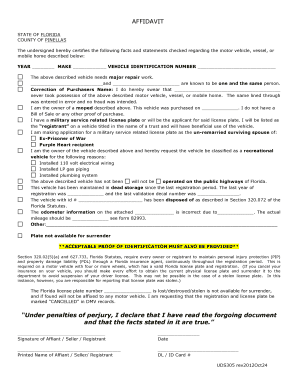
Uds305 form
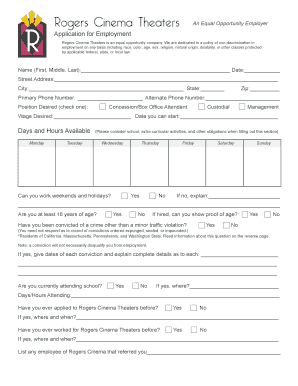
Rogers Cinema Application
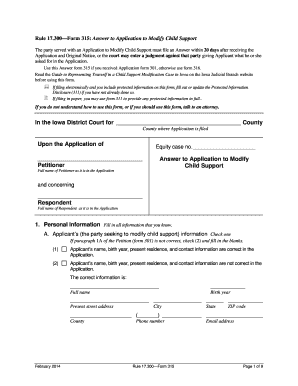
Iowa application child support

Permit to Stand Plant application form - City of Canada Bay - edas canadabay nsw gov
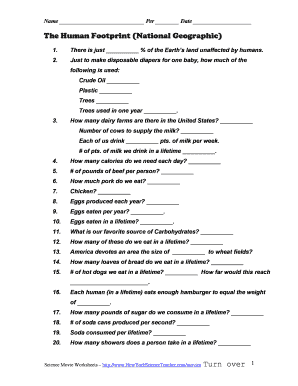
The human footprint national geographic worksheet answers

Arizona board of fingerprinting good cause exception
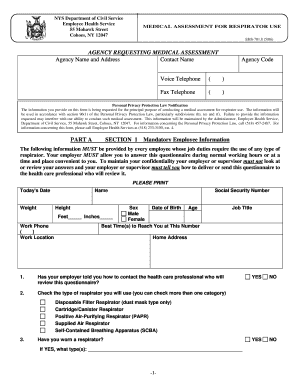
Ehs 701 8

Jhs prefects nomination forms
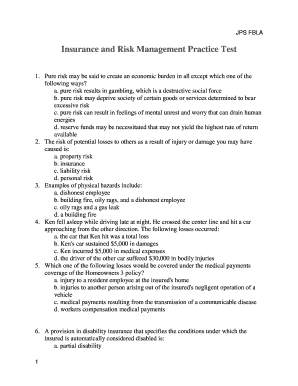
Fbla insurance and risk management
Benefit from the DocHub online library of fillable PDF forms
Searching the PDF forms doesn't have to be a tedious and time-consuming process. With the DocHub online library, it has become easier to find the fillable PDF forms and modify them in your browser. The service allows you to adjust the document to your needs using powerful editing tools.
You can use online document editing features to modify almost any type of document with ease. You just need to find the template of your choice, open it in the editor, and use the toolbar to make the necessary corrections.
Follow this guide to get your document done with DocHub:
- Find the PDF template you need.
- Click the Get Form button to open the file in the editor.
- Use the toolbar to fill out and edit the document.
- Easily add and highlight text, insert images, checkmarks, and symbols.
- Drop new fillable fields, and rearrange or delete pages from your file.
- Save changes and download your record.
DocHub empowers everyone to streamline document editing, signing, and distribution, and form completion. Create an account and benefit from our well-organized PDF Forms library and comprehensive editor.