
Get any PDF form from the DocHub library of ready-made templates - Page 1053
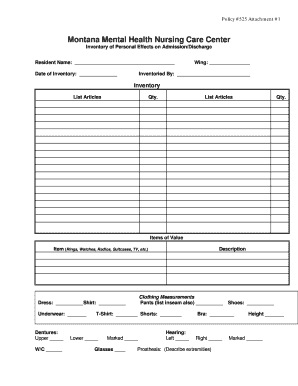
Personal effects form
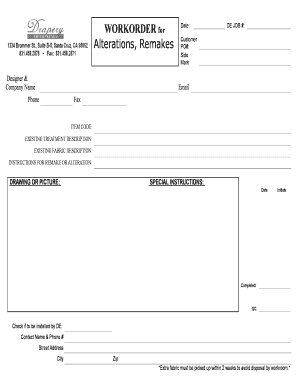
WORKORDER for Alterations Remakes - Drapery Enterprises

START The Group Inc Home-Buying Process - Ninja Selling
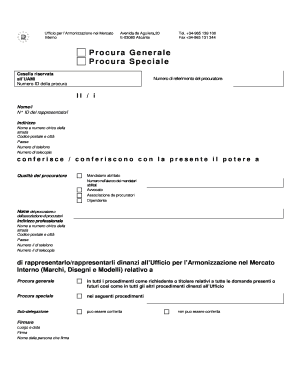
Procura speciale

Swim a thon pledge sheet
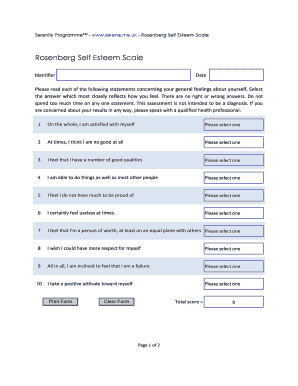
Rosenberg self esteem scale

Multiple paragraph outline
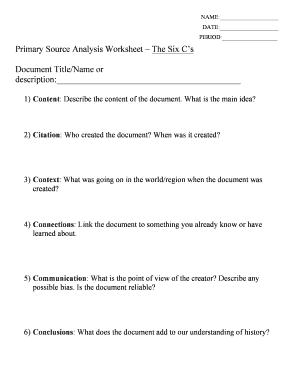
Primary source analysis worksheet pdf

Werewolf the forsaken character sheet
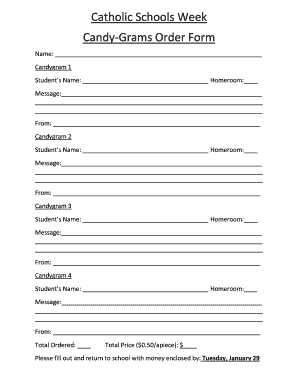
Catholic Schools Week Candy-Grams Order Form - sppslex

Chuck e cheese application pdf

Npcb training form
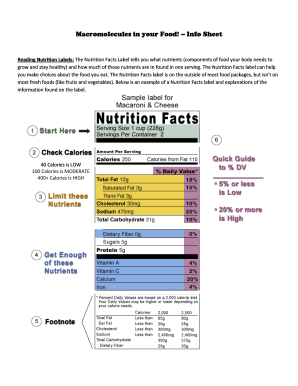
Macromolecules in my food answer key pdf
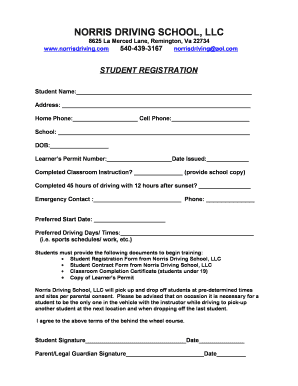
Norris driving school
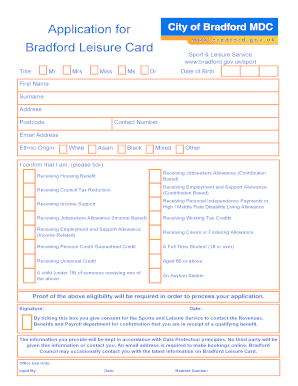
Bradford leisure card application

Quality Assurance Plan for Prescriptive Authority Example 2 - arsbn arkansas

Wreath order form
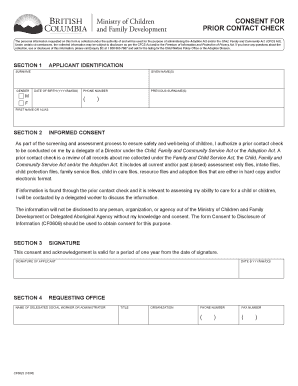
Prior contact check
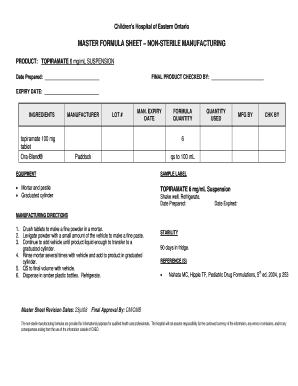
Master formula record sample pdf

Sponsors may pledge either a fixed amount or a pledge per pound lifted

Order Forms - Spotsylvania Regional Medical Center

Forensic odontology webquest answer key
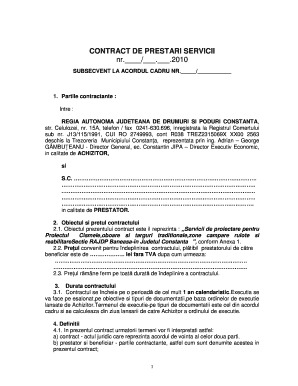
Contract prestari servicii
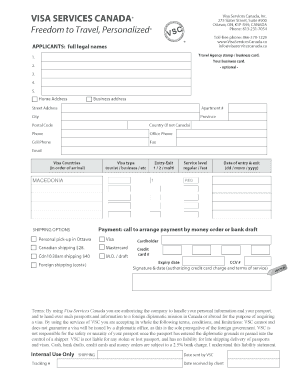
Macedonia visa application form pdf

Gymnastics score sheet pdf
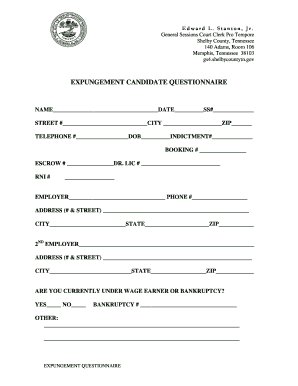
Expungement Questionnaire doc

Emmaus high school excuse blank
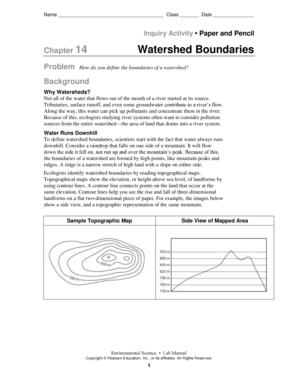
Chapter 14 watershed boundaries answer key
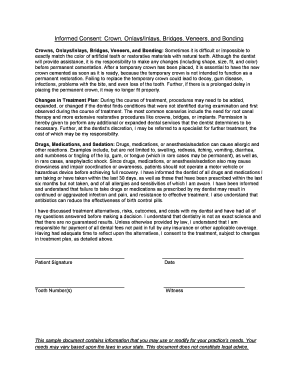
Informed Consent Crown OnlaysInlays Bridges Veneers - agd

Locker combination cheat sheet

Printable workout log
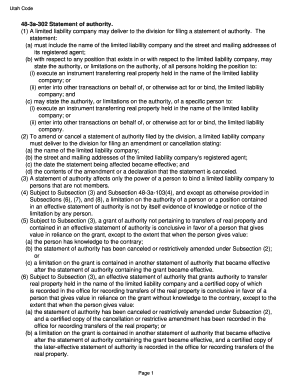
Statement of authority utah
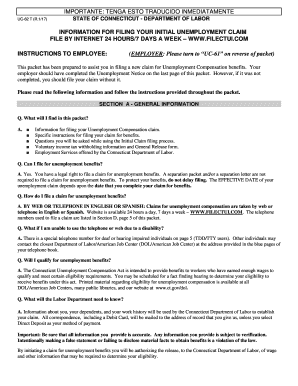
Uc 62 form ct

Additional income and property information needed for medi-cal - dhcs ca
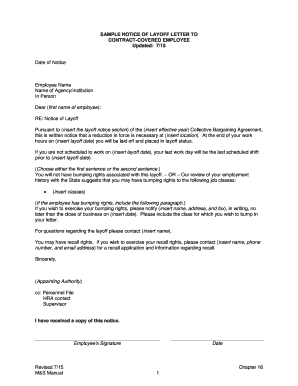
Layoff letter template

Program wic

70 Question Answer Sheet doc

OP 407 Confidential Medical Report - uft

General survey example

Overseas british passport application form
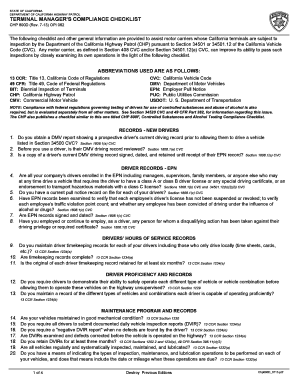
Bit inspection checklist

Ui28
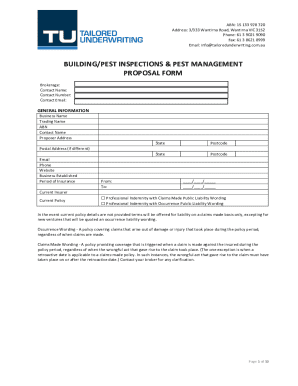
Pest Management Treatment Proposal & Advice Notice - LocalSearch

Certificate of Destruction - IMACC Corp
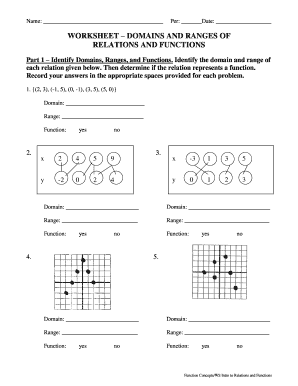
Relations and functions worksheet
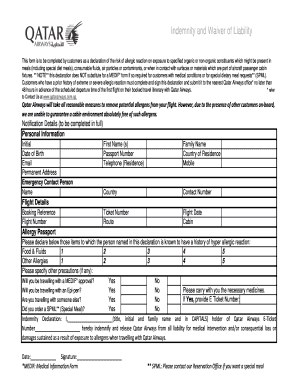
Qatar airways discharge form
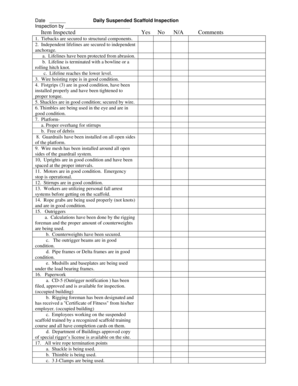
Lifeline inspection sheet
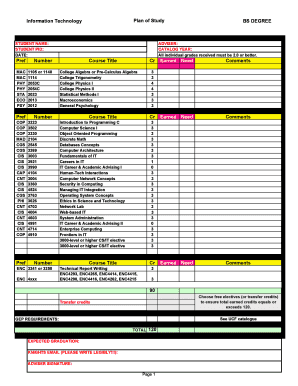
IT Plan of Study Form - UCF Computer Science - cs ucf
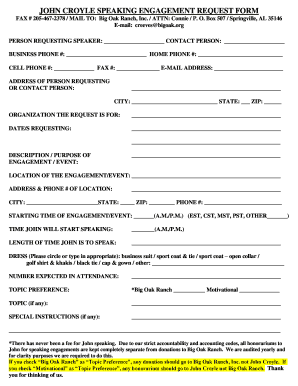
JOHN CROYLE SPEAKING ENGAGEMENT REQUEST FORM - Big - bigoak
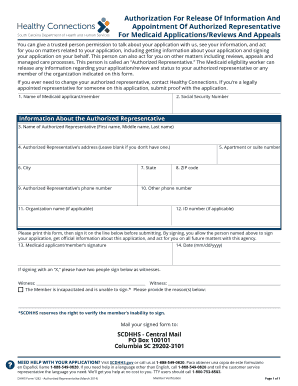
Dhhs form 1282
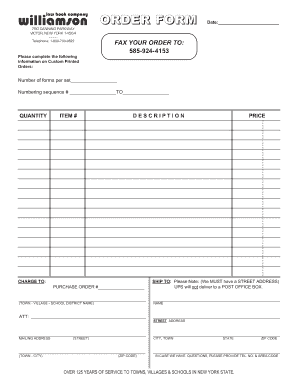
Williamson law book
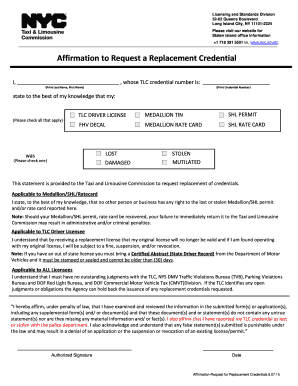
Tlc affirmation form
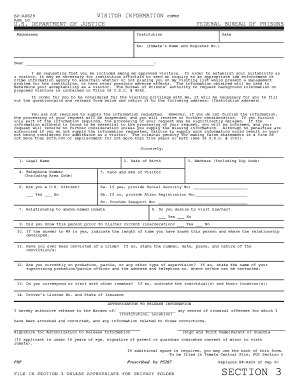
Bp a0629
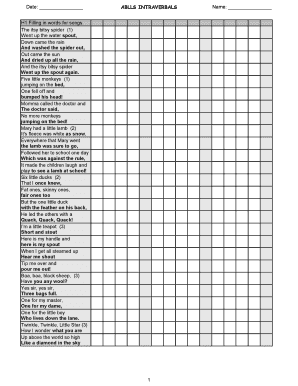
Intraverbal fill ins

Vfw application form

Bakery confectionery pension direct deposit

Workers comp witness statement form
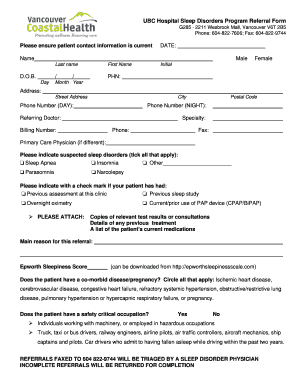
Ubc sleep disorders clinic referral form

Ems refusal form
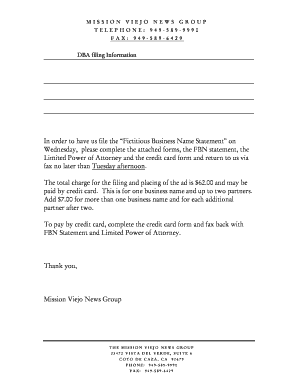
Mission viejo news fictitious business name
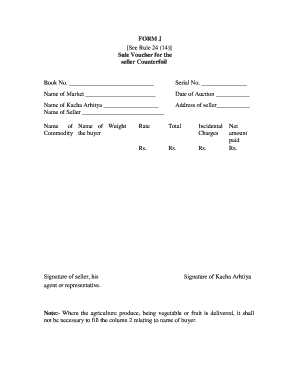
J form download
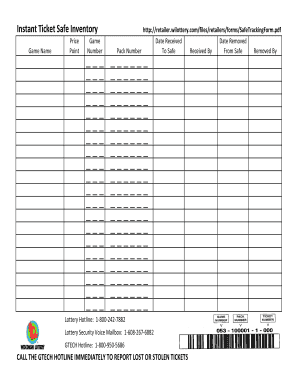
Lottery inventory spreadsheet

Z1 leave form
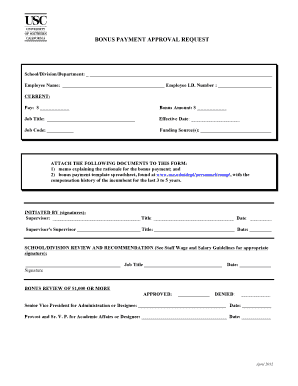
Bonus approval form
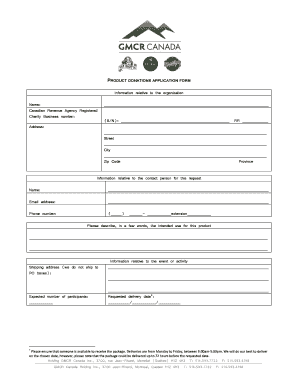
PRODUCT DONATIONS APPLICATION FORM - Van Houtte
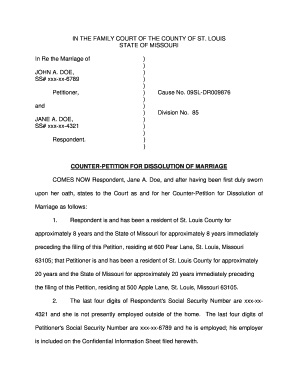
Counter petition sample
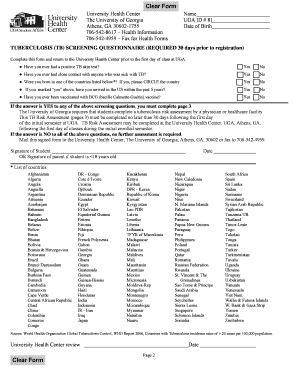
Uga tb screening form
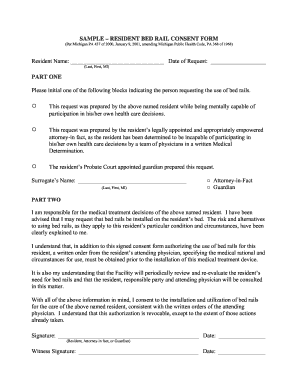
Bed rail consent form

Musical theatre audition evaluation form

BUSINESS LICENSE REVISION - Sacramento County California
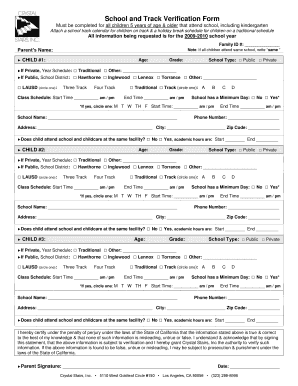
Crystal stairs provider forms
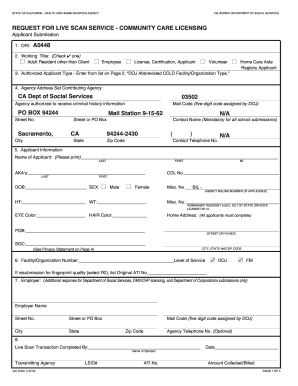
REQUEST FOR LIVE SCAN SERVICE - COMMUNITY CARE LICENSING - cdss ca
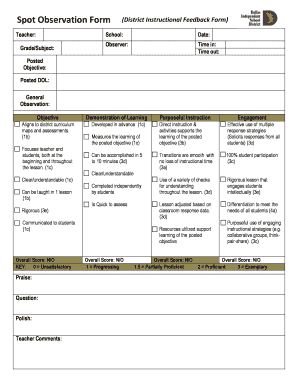
Spot Observation Form - Dallas Independent School District - dallasisd
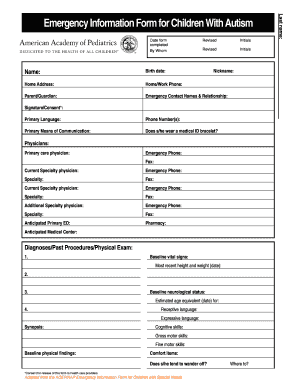
Emergency Information Form for Children with Autism - aap
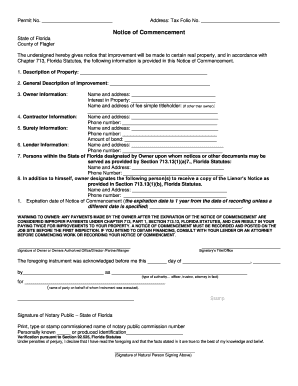
Flagler county notice of commencement
Congressman Mario Diaz-Balart Service Academy Nomination
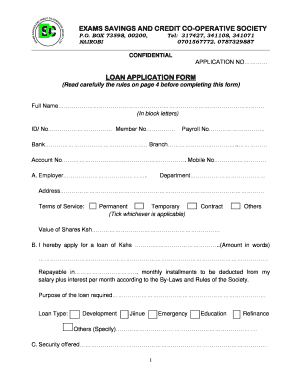
Sacco loan application form template

Application for Refund - Department of Transport

Letter of intent to homeschool

Handicap parking placard form hawaii
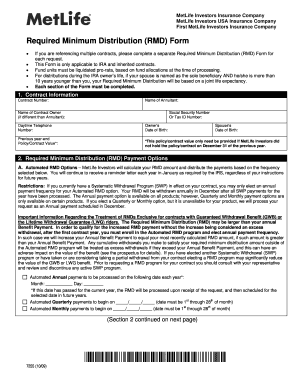
Metlife rmd form
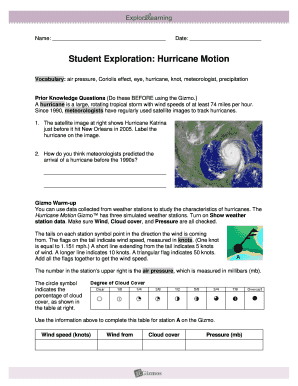
Hurricane motion gizmo answer key
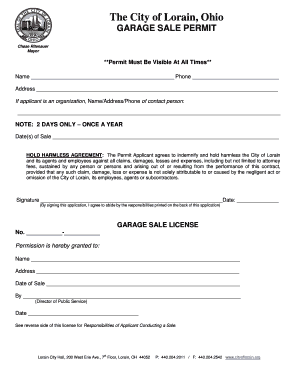
Lorain online garage sales
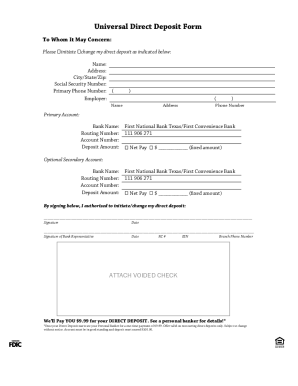
First convenience bank direct deposit form

Medical Records Release Format - Fairfield Memorial Hospital - fairfieldmemorial

GTA Performance Assessment Form - Office of Graduate Support - graduate cah ucf
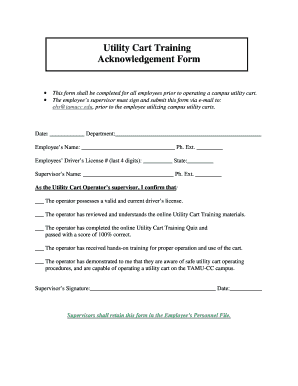
Training acknowledgement form
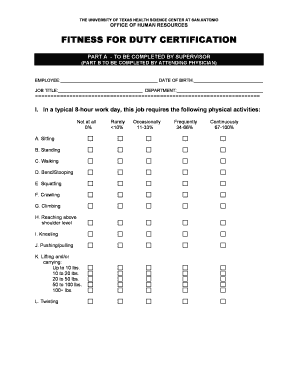
Fitness for duty form
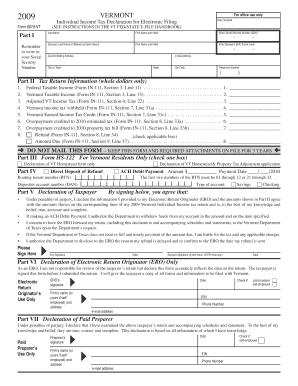
Form 8879 vt

ARR150000 Inspection Form Stormwater Pollution Prevention Plan - adeq state ar

Reduced fee id mn
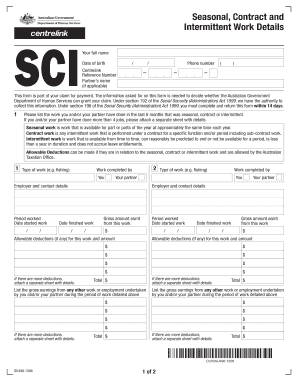
Su496 form
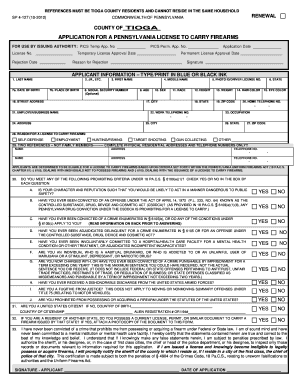
Tioga county pa pistol permit

Csc application form

Hospital admission form

Hockey Canada Injury Report Form - BC Hockey

DEVELOPMENT PERMIT APPLICATION PERMIT - City of Estevan
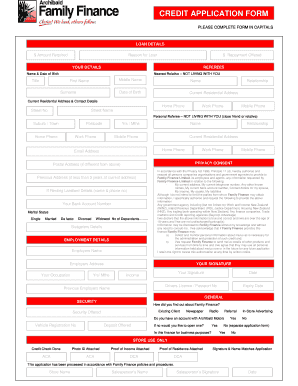
Credit application form - Archibald New & Used Cars Kaitaia Northland - archibaldcars co

UQ undergraduate application form for international students - scholarships-online

Pro 045
Benefit from the DocHub online library of fillable PDF forms
Searching the PDF forms doesn't have to be a tedious and time-consuming process. With the DocHub online library, it has become easier to find the fillable PDF forms and modify them in your browser. The service allows you to adjust the document to your needs using powerful editing tools.
You can use online document editing features to modify almost any type of document with ease. You just need to find the template of your choice, open it in the editor, and use the toolbar to make the necessary corrections.
Follow this guide to get your document done with DocHub:
- Find the PDF template you need.
- Click the Get Form button to open the file in the editor.
- Use the toolbar to fill out and edit the document.
- Easily add and highlight text, insert images, checkmarks, and symbols.
- Drop new fillable fields, and rearrange or delete pages from your file.
- Save changes and download your record.
DocHub empowers everyone to streamline document editing, signing, and distribution, and form completion. Create an account and benefit from our well-organized PDF Forms library and comprehensive editor.