
Stripe Order Forms
Streamline your document workflows with Stripe Order Forms templates. Adjust, fill out, and eSign your order documents, and monitor their status with DocHub.

Create a new Stripe Order Form
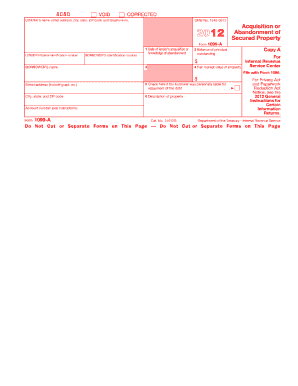
1099 a 2012 form
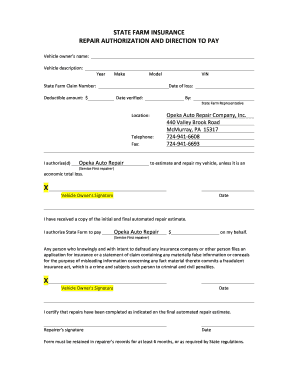
Direction to pay form
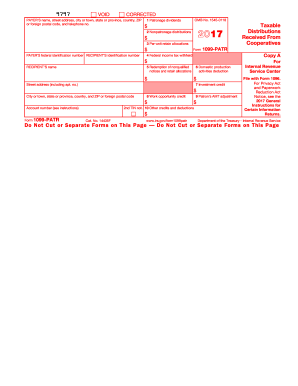
1099 2017 form
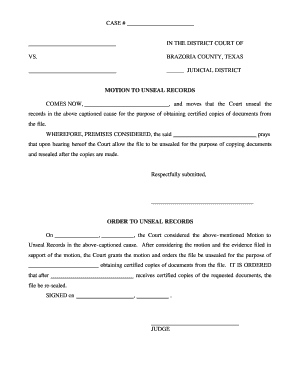
Petition to unseal records texas
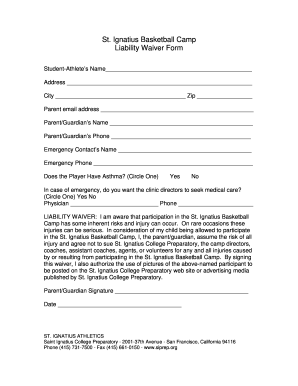
Agreement sale business sole leased form template

Test Card

D888 form
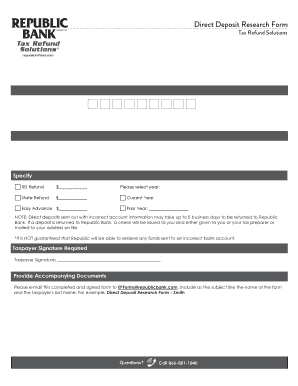
Direct deposit research form

Form FOC 65 MOTION REGARDING PARENTING TIME
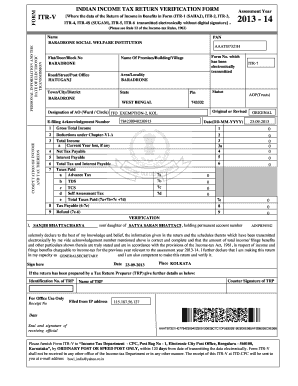
Income form pdf

STANDARD CREDIT CARD CHARGE FORM - iata

Pay request
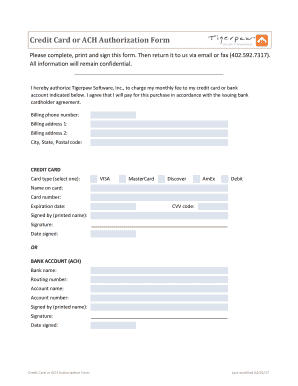
Credit card ach authorization form
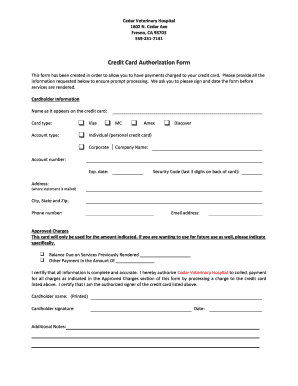
Credit Card Authorization Form - Cedar Veterinary Hospital
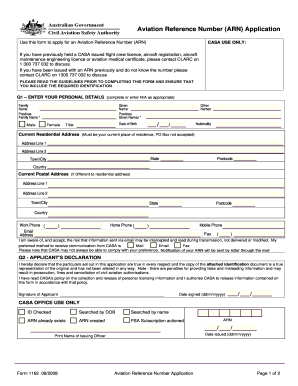
Aviation reference numberarn form 1162
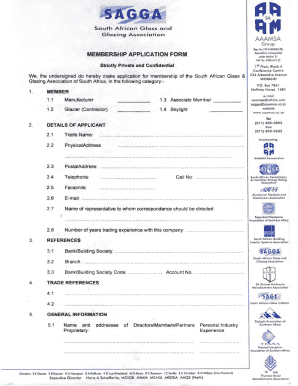
Glazing certificate
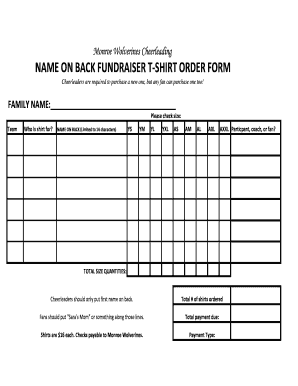
Name back fundraiser

To Download the Credit Card Authorization Form - US Spiritleaders

South coast foods esperance order form
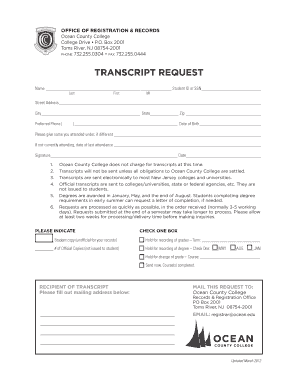
Ocean county college transcript request
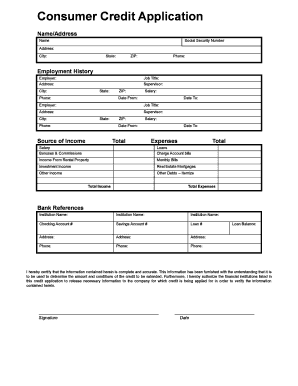
Consumer Credit Application - Wix.com
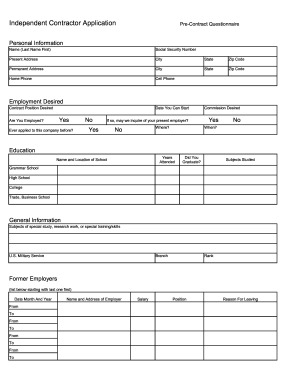
How to fill independent contractor questionnaire for doordash
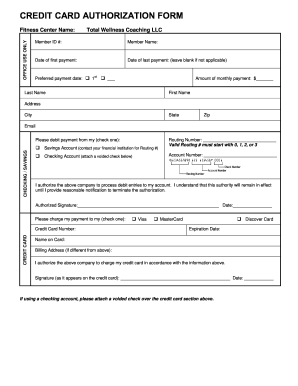
Credit card authorization form - MN Personal Training
Payment order pdf
Pager checkout fprm
Article 78 proceeding
Becu third party transfer authorization
Navmc 11749

Horse identification chart
Candy order form

Zebras - Super Teacher Worksheets
Increase your work productivity with Stripe Order Forms
Form administration occupies to half of your business hours. With DocHub, it is possible to reclaim your time and increase your team's productivity. Access Stripe Order Forms category and explore all form templates related to your daily workflows.
The best way to use Stripe Order Forms:
- Open Stripe Order Forms and apply Preview to find the relevant form.
- Click on Get Form to start working on it.
- Wait for your form to upload in our online editor and begin modifying it.
- Add new fillable fields, symbols, and images, change pages, and many more.
- Fill out your form or set it for other contributors.
- Download or share the form by link, email attachment, or invite.
Speed up your daily file administration with our Stripe Order Forms. Get your free DocHub account today to discover all forms.
Video Guide on Stripe Order Forms management

Commonly Asked Questions about Stripe Order Forms
Does Stripe have a form?
Stripe provides a 1099-K form for each unique tax identification number (TIN), such as a Social Security Number (SSN) or Employer Identification Number (EIN), that meets the IRS or state processing threshold.
What is the difference between Stripe payment form and Stripe inline form?
Inline forms allow users to complete the entire payment process on the current page, while Checkout forms involve redirection to a dedicated Stripe-hosted page.
Can you create products in Stripe?
You can create products and prices in Stripe or import them into Stripe through the API. After you create products and prices, you can use them with Checkout Sessions, Payment Links, Invoices, Quotes, or a custom integration to create Subscriptions.
Can you create forms on Stripe?
Receive payments with all-in-one order forms. In just a few clicks you can set up payment forms to receive one-time or recurring payments. This means you can safely set up forms to receive donations, sell products, tickets, or subscriptions, and even calculate prices on-the-go for each new client - automatically.
Can you create an order form on Stripe?
A Stripe Product Order Form is a form template designed to streamline the process of ordering products, such as t-shirts, tents, and boots. This form eliminates the need for manual order processing and allows product sellers to collect all the necessary information from customers in a structured manner.
Does Stripe work with Google Forms?
Connect Google Forms and Stripe with any of your favorite apps in just a few clicks. Design, build, and automate anything for your work by integrating apps like Google Forms and Stripe to create visual automated workflows.
Related Templates

Clinic Cancellation and No-Show Policy
The document outlines the cancellation and no-show policy for Kitsap Children’s Clinic, effective November 30, 2012. It ...

Transamerica life insurance beneficiary change form
The document is a Beneficiary Change Form for Transamerica Financial Life Insurance Company and its affiliates. It outli ...

The Rossetti Infant-Toddler Language Scale : a Measure of
The Rossetti Infant-Toddler Language Scale is a tool used to evaluate the communication skills of children aged 0-36 mon ...

ACUTE CONCUSSION EVALUATION ACE ACE-ED Completed by - cdc
The document is an Acute Concussion Evaluation (ACE) form designed for use in emergency departments, detailing the asses ...

Consumer Complaint form - Florida Attorney General
The document is a consumer complaint form from the Office of the Attorney General of Florida, designed for individuals t ...

Practicum log examples
The document is a Practicum Weekly Log Report for the Winter 2016 term, detailing the structure and requirements for rec ...