




01. Edit your form online
Type text, add images, blackout confidential details, add comments, highlights and more.

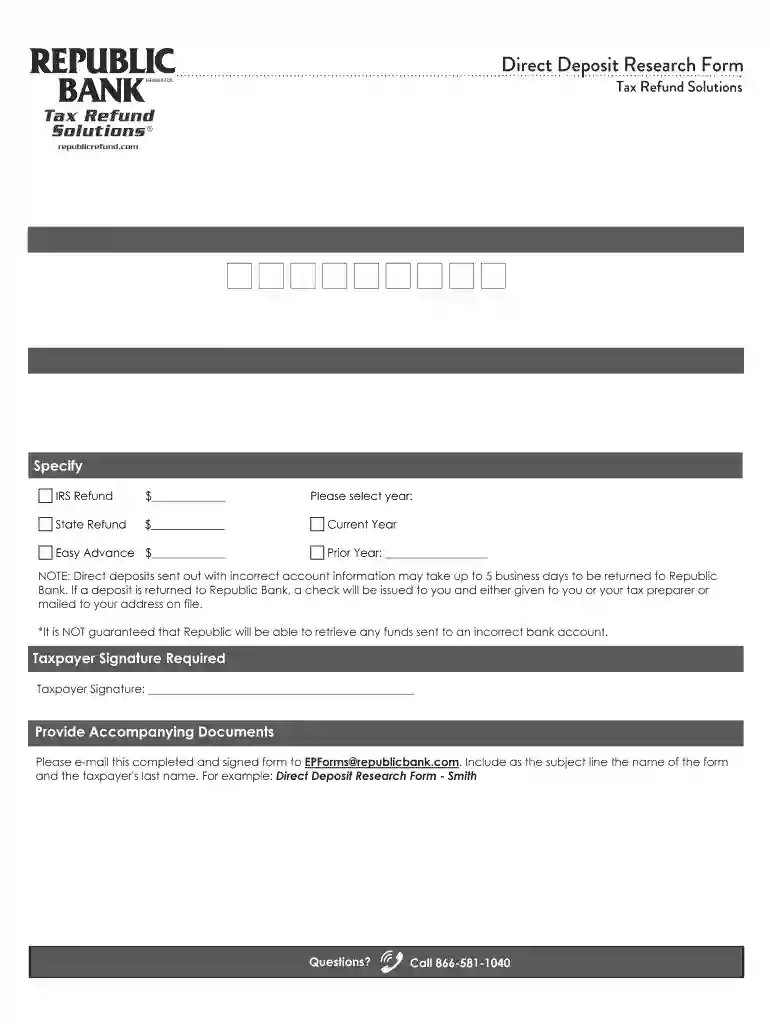
Type text, add images, blackout confidential details, add comments, highlights and more.

Draw your signature, type it, upload its image, or use your mobile device as a signature pad.

Send it via email, link, or fax. You can also download it, export it or print it out.

Start using our platform today to streamline your document editing and submission process for free!
At DocHub, your data security is our priority. We follow HIPAA, SOC2, GDPR, and other standards, so you can work on your documents with confidence.
Nov 20, 2025 Form 8888 is now only used to split your direct deposit refund between two or more accounts. For more information, go to more
Jan 30, 2018 Direct deposit securely and electronically transfers your refund directly into your financial account. Eight in 10 taxpayers use direct depositRead more
Direct Deposit Enrollment Request for Research Foundation (RF). RF employee request that salary be direct deposited into a financial account. Download the Form.Read more


