
Pre Order Forms
Improve your organization's transparency with Pre Order Forms. Select and modify forms to ensure your workflows stay on the right track.

Create a new Pre Order Form
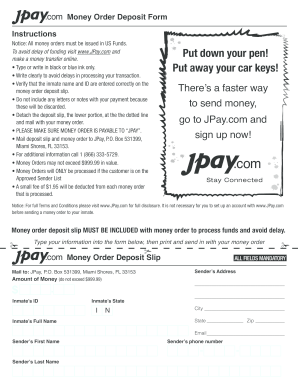
Jpay send money order
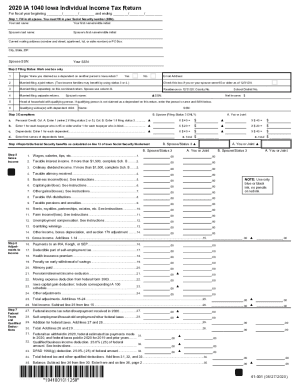
Iowa fillable tax forms 2020
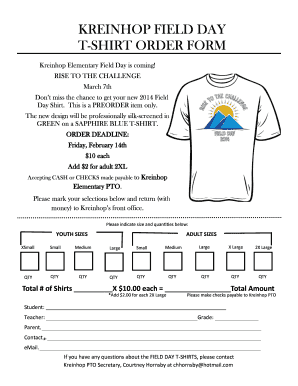
Tshirt order form
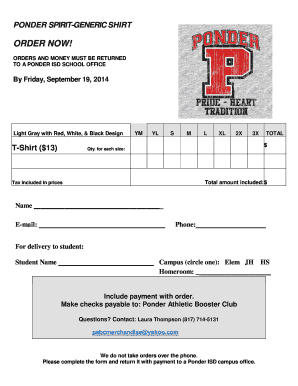
Tshirt order forms templates
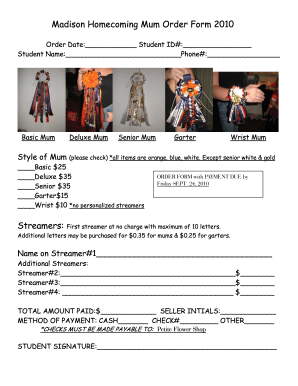
Mum order form
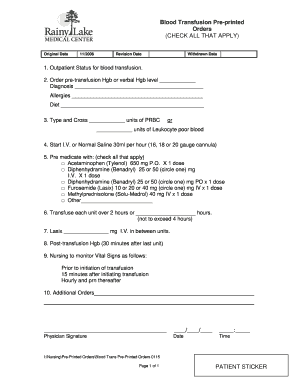
Medical blood transfusion pre printed form
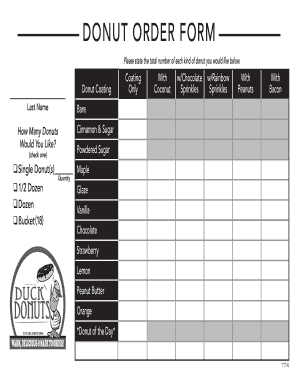
Donuts order form

Verizon loa
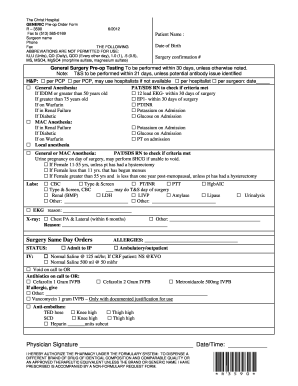
Forms for pre operation
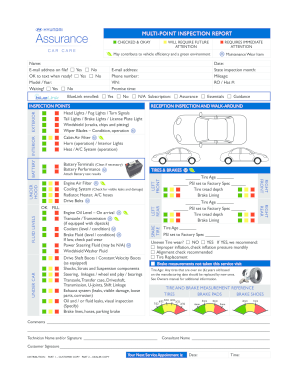
Hyundai multi point inspection

Printable Surgical Pre-Operative Test Order Form - Physician
Advance Directives - Huntsville Hospital - huntsvillehospital
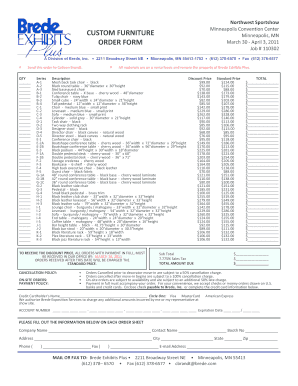
Furniture order form
Domestic Violence Restraining Order - Superior Court, Fresno - fresno courts ca
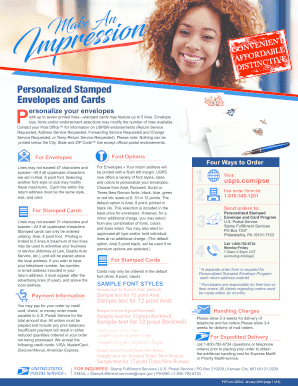
Personalized stamped envelopes order form
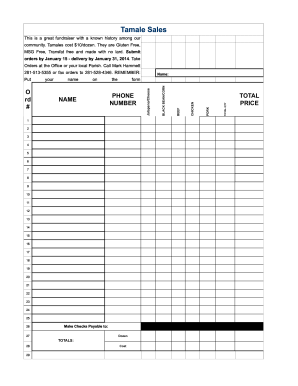
Tamale order form template
Pre primary assessment record form
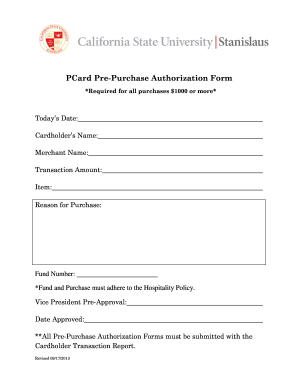
PCard Pre-Purchase Authorization Form - csustan

Wellmont release forms
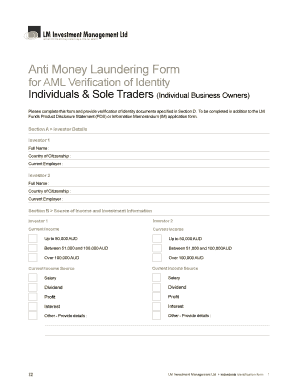
Midwood aml form
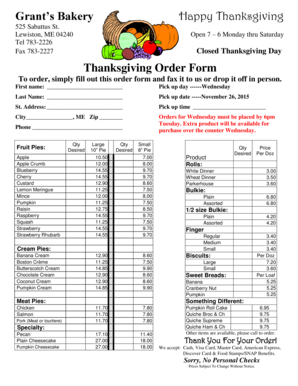
2015 Thanksgiving Order Form - Grants Bakery
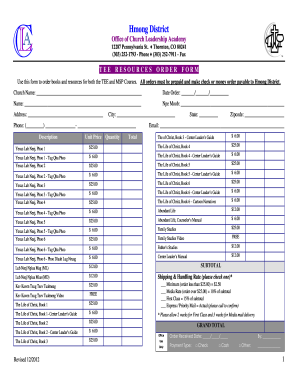
Tee order form district printable
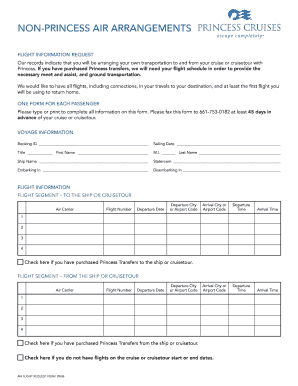
Air request non princess
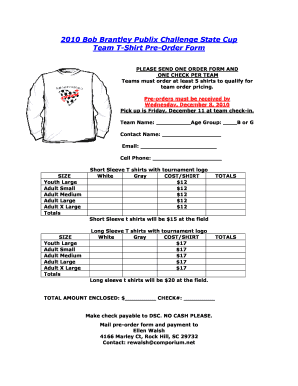
State Cup T-shirt pre order form.doc - discoveriessoccerclub

Pre vehicle inspection sheet
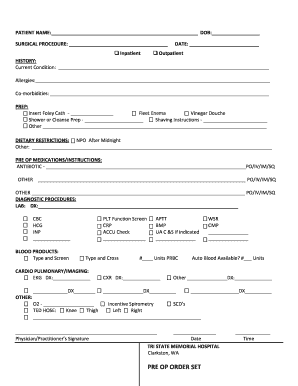
Pre op order

Cameron Cougar Gear Pre-Order Form
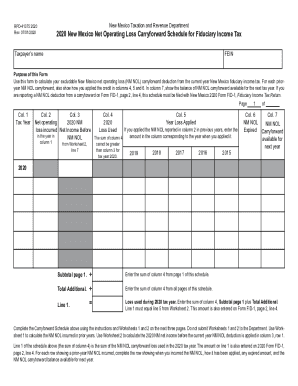
Rpd 41375

Bbq dinner order form
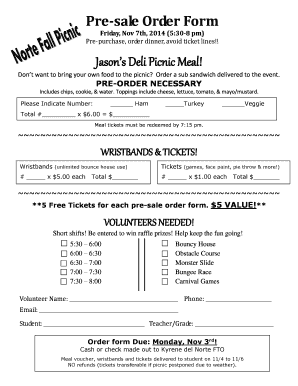
Pre order dinner templates

Record of master calendar pre trial appearance and order form

Cardiac Surgery Pre-Operative Orders Pre-Operative Orders
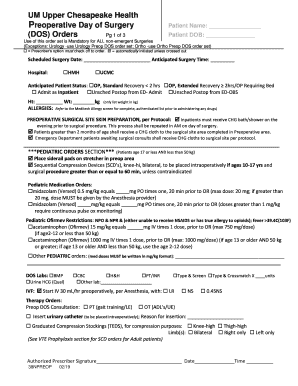
Surgery orders form
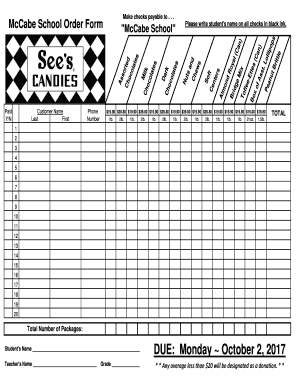
Candy order form

Urology Pre Surgery 1283 Order Form
Handle Pre Order Forms quickly online
Document administration can overpower you when you can’t locate all the forms you need. Fortunately, with DocHub's vast form library, you can get everything you need and quickly deal with it without changing among programs. Get our Pre Order Forms and start utilizing them.
Using our Pre Order Forms using these simple steps:
- Browse Pre Order Forms and select the form you need.
- Review the template and click on Get Form.
- Wait for it to open in our online editor.
- Change your template: include new information and pictures, and fillable fields or blackout some parts if needed.
- Complete your template, preserve adjustments, and prepare it for sending.
- When you are ready, download your form or share it with your contributors.
Try out DocHub and browse our Pre Order Forms category without trouble. Get your free account today!
Video Guide on Pre Order Forms management

Commonly Asked Questions about Pre Order Forms
How do I make my own order form?
Steps to Create an Order Form Decide what to sell. Choose a form builder tool. Customize the template with proper fields. Add photos of the products. Customize the order form with branding. Set up a payment method. Set up a success message. Share the order form.
How do you explain preorder to customers?
What does preorder mean? Preorders allow customers to order products before they are released or restocked. Full or partial payment is taken at the time a preorder is made, but the order only ships once it becomes available.
How to write pre-order?
Things to include on your pre-order sales page Add as much information about the product. Clearly state your product exchange policy. Include a crystal clear return policy. Make sure you have a refund policy. Give customers multiple payment options. Dont forget the Notify Me option. Implement a Shopify live chat.
How do you ask someone to pre-order?
If youre sending emails to your customer base to pre-book an order, you can use a subject line that says Pre-book You might never see it again. These tactics might look obnoxious from a distance, but they work, and thats the ultimate truth.
How to advertise preorders?
Pre-order Sale Marketing strategies to use Teasers, posts on social media platforms. Dont forget to docHub out to your existing customers. Promote pre-order through paid social media ads. Send out an email to your subscribers. Catch pre-order subscribers attention through web push notifications.
What is a pre-order form?
A pre-order form guarantees customers the product they want before its been released and sells out. Its a fantastic way to generate hype for your product, business, and secure sales before an official launch date.
How to create a pre-order?
How to launch a successful pre-order campaign: a checklist Decide how you want to accept payments. Create a pre-order (coming soon) page. Create a customer onboarding process. Test your pre-order purchasing sequence. Let people know pre-orders are open. Keep track of customers and follow-up with pre-order buyers.
Related Templates

Price Smith Doc TemplateDocHub
The document is a Mental Health Questionnaire from the Maryland Healthy Kids Program designed for children aged 13 to 20 ...

Mental Health-Questionnaire-13-20-yrs-Englishdoc - emdhealthchoice
The document is a Mental Health Questionnaire designed for the Maryland Healthy Kids Program, targeting children aged 13 ...
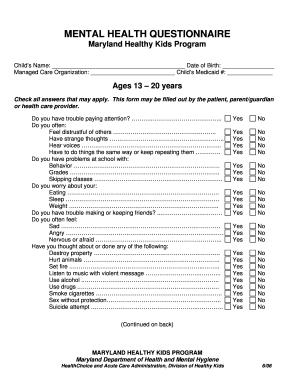
Mental health questionnaire for adults pdf
The document is a Mental Health Questionnaire designed for the Maryland Healthy Kids Program, aimed at assessing the men ...

Social security payee form filled example
The document is a referral application for the Harris County Representative Payee program, designed to assist individual ...
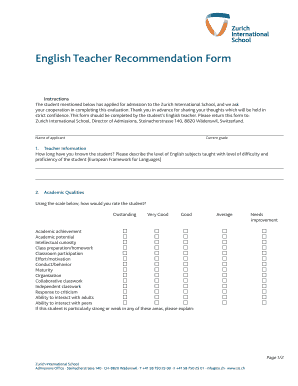
English Teacher Recommendation Form - Zurich International School - zis
The document is an English Teacher Recommendation Form for a student applying to the Zurich International School. It req ...

New washoecountyschools policyandregspdfAdministrative Form 5018 VARIANCE REQUEST BASED ON SCHOOL
New washoecountyschools policyandregspdfAdministrative Form 5018 VARIANCE REQUEST BASED ON SCHOOL
The Administrative Form 5015 is an inter-WCSD variance request form for students seeking to attend a different school wi ...
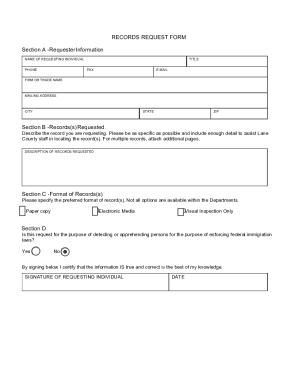
Public Records Request Formmaster docx
The document is a Records Request Form for Lane County, detailing the process for individuals to request public records. ...

Housing Tax Credit Basics - FAQs
The document is an Annual Eligibility Certification form for the Housing Tax Credit (HTC), TCAP, and Exchange programs. ...