
Downloadable purchase Order Forms
Locate relevant forms in Downloadable purchase Order Forms online catalog and easily adjust them online. Gain complete control of your forms and ensure document security and compliance without difficulty.

Create a new Downloadable purchase Order Form
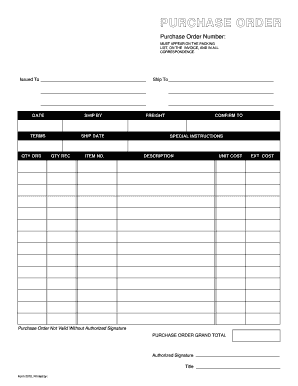
Purchase order template
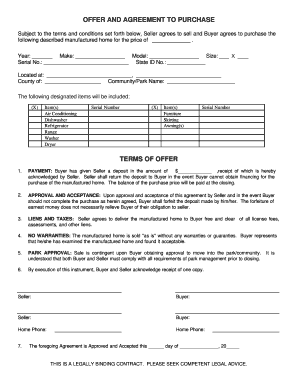
Mobile home purchase agreement
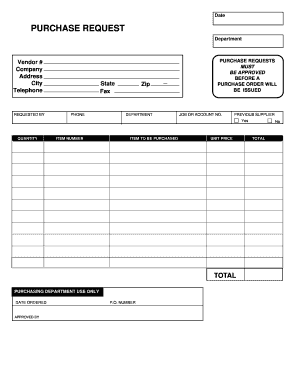
Purchase request form

Agreement michigan purchase
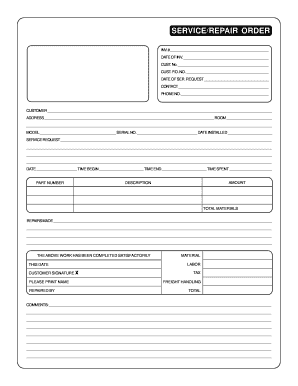
Repair order forms pdf
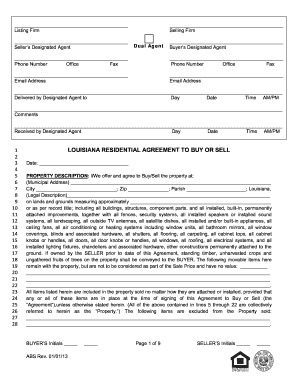
Louisiana agreement purchase 2013 form
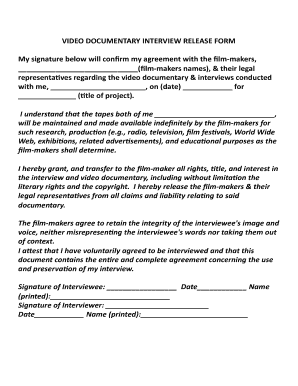
Documentary release form
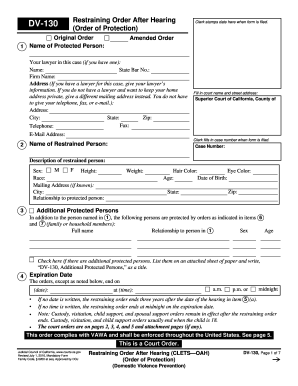
Restraining order online form

Spirit wear order form template
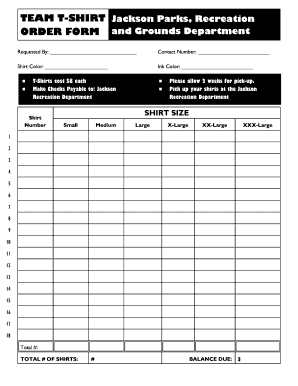
Editable t shirt order form
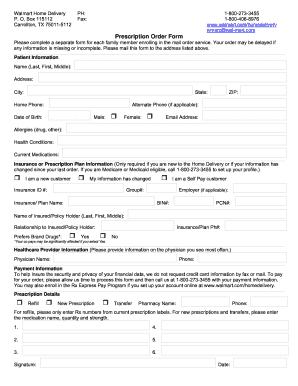
Walmart mail order pharmacy
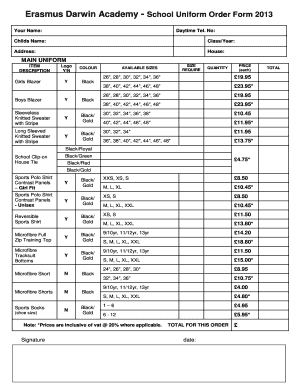
Uniform order form template
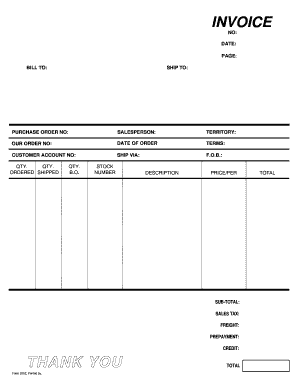
Fillable invoice form
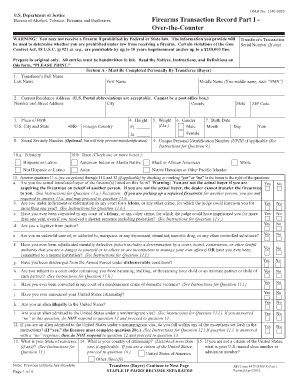
Washington state 4473 form
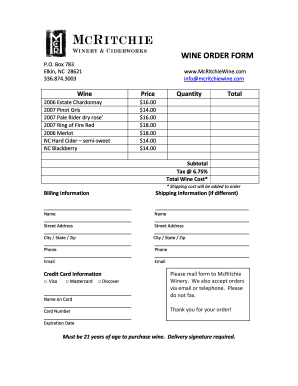
Wine order form template
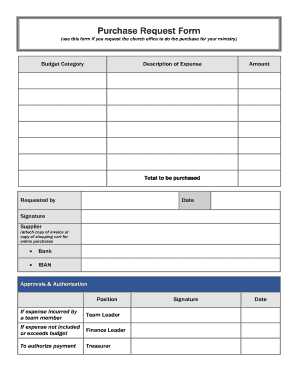
Purchase Request Form (use this form if you request the church office to do the purchase for your ministry) Budget Category Description of Expense Amount - ibcberlin
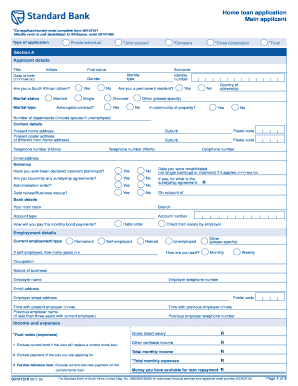
Standard bank forms download
Purchase njd uscourts search
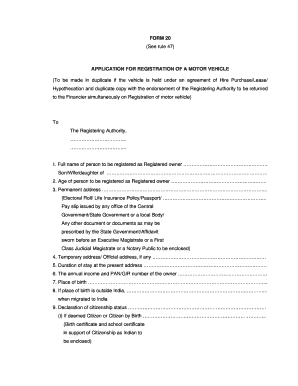
Form 20 rto sample filled
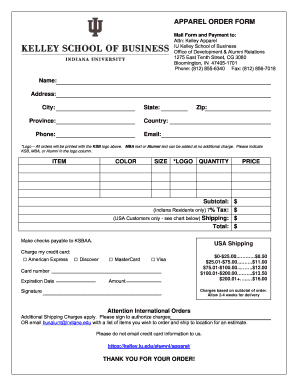
Apparel order form template

Oregon purchase sale agreement for

Seed purchase order
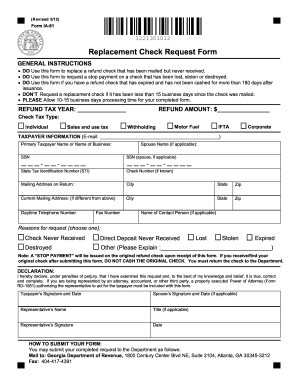
Ia 81 form
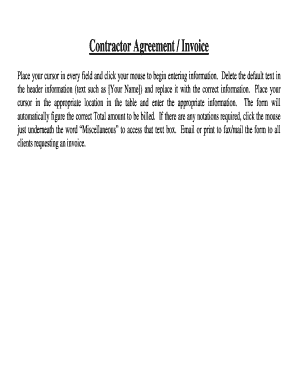
DocHub invoice template
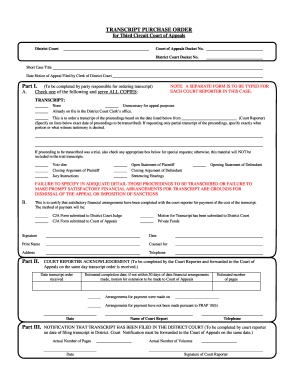
Purchase order court
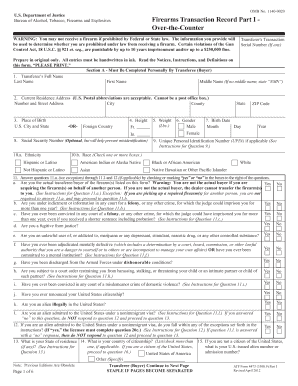
Atf form 4473
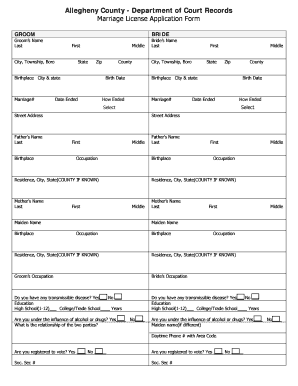
Pa printable marriage license application
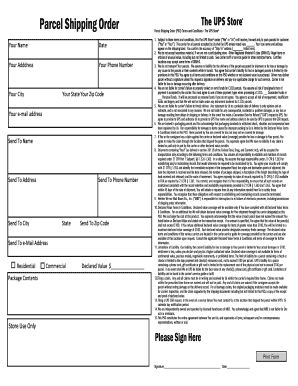
Shipping order form
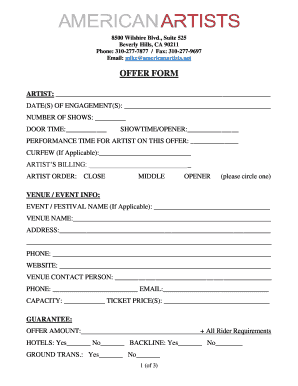
Artist offer sheet template
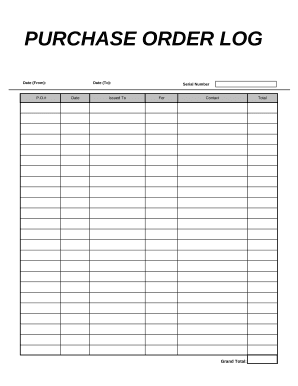
Purchase log
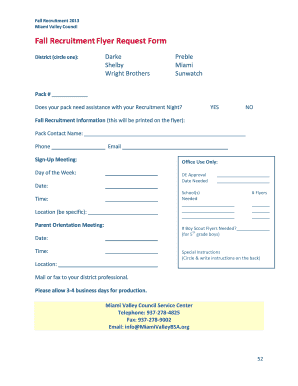
Flyer request form
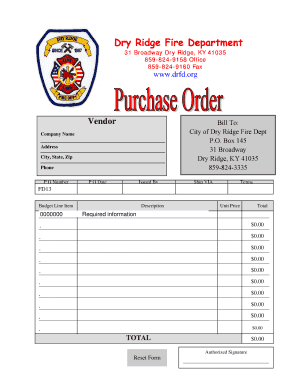
Purchase Order Form - Dry Ridge Fire Department - drfd
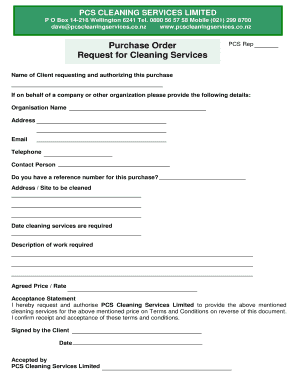
Purchase Order and Request for Cleaning Services
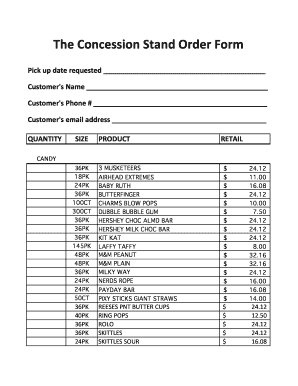
Concession stand order form

Government document template
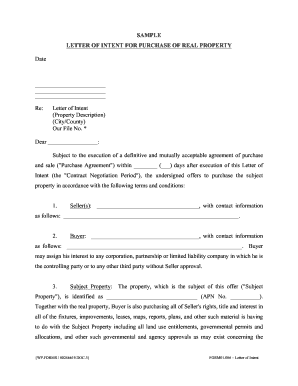
Purchase letter agreement
-
1
- 2
Increase your output with Downloadable purchase Order Forms
Document administration occupies to half of your business hours. With DocHub, it is easy to reclaim your office time and boost your team's efficiency. Get Downloadable purchase Order Forms collection and investigate all templates related to your daily workflows.
Easily use Downloadable purchase Order Forms:
- Open Downloadable purchase Order Forms and apply Preview to find the relevant form.
- Click on Get Form to begin working on it.
- Wait for your form to upload in the online editor and start editing it.
- Add new fillable fields, symbols, and pictures, change pages order, and many more.
- Complete your document or set it for other contributors.
- Download or deliver the form by link, email attachment, or invite.
Speed up your daily document administration using our Downloadable purchase Order Forms. Get your free DocHub account today to discover all templates.
Video Guide on Downloadable purchase Order Forms management

Commonly Asked Questions about Downloadable purchase Order Forms
How do I create a purchase order template?
How to make a purchase order template Create a prominent spot for the purchase order issue date. Add your company logo. Create customized sections for contact information. Add the purchase order number. Fill in the request for products or services. Add in sections for the order totals. Outline the payment terms.
How do I download a PO?
To download a PO, do one of the following: From the Download dropdown, select the format you want to download the PO. Select the PO you want to download and on the PO record that opens click the Download. icon. From the dropdown field, select the format. The PO file downloads to your device.
What is purchase order in simple Word?
A purchase order is a legal document form used by a buyer and sent to a supplier for an order. A purchase order specifies items, quantities, prices, and credit terms for a purchase from the vendor. A PO becomes a legally binding contract when a vendor accepts the purchase order.
Does Excel have a PO template?
Does Excel have a PO template? Yes, Excel offers pre-built PO templates you can use to create detailed and organized purchase orders. Like Word templates, Excel PO templates include fields for buyer/seller details, product specifications, prices, and shipping terms.
How to create a purchase order in Microsoft Word?
How to create a purchase order in Word Open a new Word document and select a template. Pick the page size you prefer. Make the gridlines visible. Insert your companys logo and slogan. Adjust the title of your form. Insert the companys information. Fix the sections for the data and purchase order number.
Does Microsoft Word have a purchase order template?
Creating an order using Word First, open a Microsoft word document and click on the MS icon on the top left corner of the screen. From there, a drop-down list will appear, and then choose the option new. Under new, a list of template options will appear; choose the purchase order.
How to create a purchase order pdf?
A typical purchase order format looks like: Purchase Order Number. Name and Logo of Buyer. Address of Buyer. Name of the Seller. Issuing Date. Delivery Location. List of Products/Services (including item ID, quantity, price) Subtotal Grand Total Amount.
Related Templates

Drop charge affidavit florida pdf
The document is a 'Waiver of Service of Process' form used in the Eleventh Judicial Circuit Court in Miami-Dade County, ...
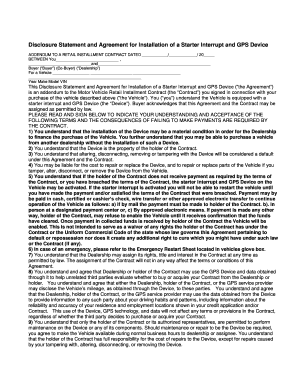
Gps disclosure form
The document is a Disclosure Statement and Agreement for the installation of a Starter Interrupt and GPS Device as an ad ...

DocHub 466026276--State-Form-53385-Fillable Online forms in State Form 53385 Fax Email Print
DocHub 466026276--State-Form-53385-Fillable Online forms in State Form 53385 Fax Email Print
Schedule IN-529 outlines the process for claiming a tax credit for contributions made to Indiana's CollegeChoice 529 Edu ...

Mv2323 form
The document provides information and application instructions for obtaining Collector License Plates in Wisconsin. It o ...

Barber Shop Application - TN - tn
The document is an application form from the State of Tennessee's Department of Commerce & Insurance for the State Board ...

Practice Exam Flash Cards FlashcardsChegg
The document is a detailed laboratory requisition form used for ordering various medical tests, primarily related to uro ...

PRIVACY POLICY ACKNOWLEDGEMENT FORM
The document is a Privacy Policy Acknowledgement Form from the Florida Department of Law Enforcement and the FBI, inform ...

How Agri-Produce Marketing Works in Indian Mandies?
The document is a sale voucher template for agricultural produce transactions, detailing the necessary information such ...