
Carbon paper Order Forms
Handle your order documents and browse Carbon paper Order Forms. Keep confidential data secure with DocHub's data encryption and access controls.

Create a new Carbon paper Order Form
Receipt for rent money
Exempt Organization Exempt Purchase Certificate ST-119.1
Silent auction bid sheets

Temporary restraining order form 2012
Alarm certificate for insurance

Uncontested divorce ny forms 2012
Cc form
Vendor form download

Jail release papers
Rent receipt format

Non dot breath alcohol form pdf
8791 form
Oklahoma form 769
Ny instructions tax form
Alberta tax forms 2021
Bus conduct form

Silent Auction Bid Sheet - Mary Kay InTouch
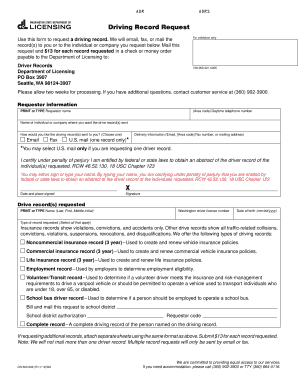
Driving record request form - Washington Department of Licensing - dol wa
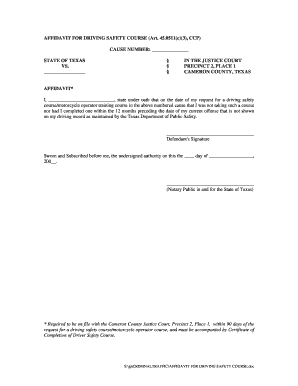
Affidavit for dsc cameron county form

Wake county public school proof of residence
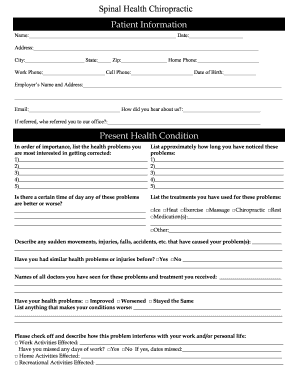
Patient intake form pdf
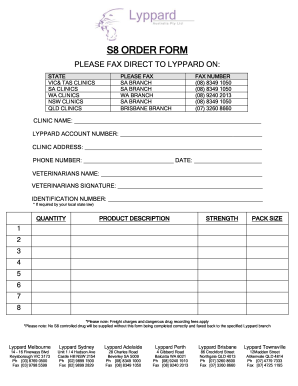
S8 ORDER FORM - Lyppard
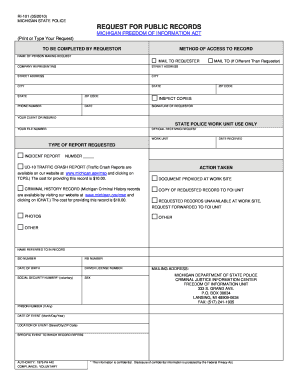
Michigan ri 101 public
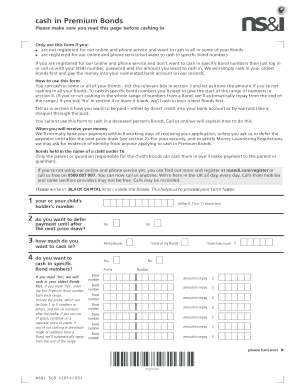
Download a Cash in Premium Bonds form
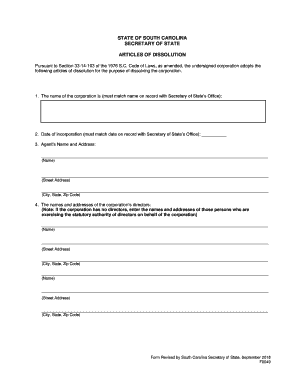
Sc dissolution
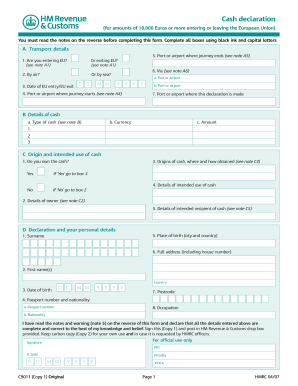
Cash declaration - HM Revenue & Customs - hmrc gov
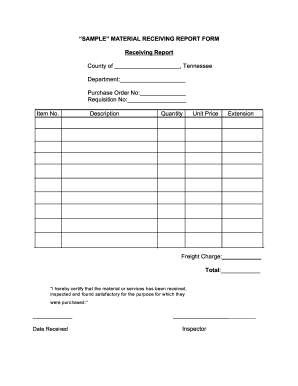
Receiving copy template
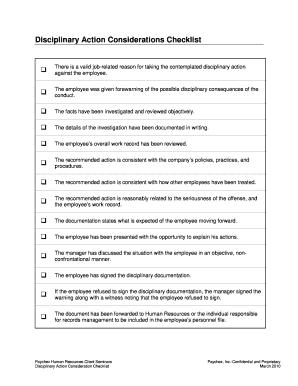
Carbon copy disiplinary slip
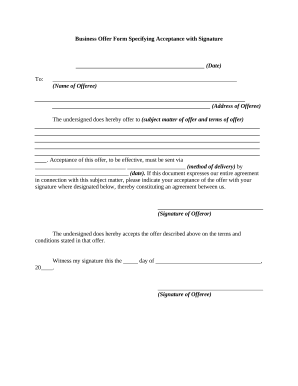
With signature paper

DO NOT HOSPITALIZE
1099 forms training 2020
Missouri 1099 instructions

PDF ApplyTexas Application US Freshman Admission - College For All ...
Duly filled application form
New mexico divorce papers pdf

Individual Graduation Plan IGP Worksheet Individual Graduation Plan IGP Worksheet
-
1
- 2
Enhance your document operations with Carbon paper Order Forms
Your workflows always benefit when you can get all the forms and documents you may need at your fingertips. DocHub gives a huge selection of forms to alleviate your day-to-day pains. Get a hold of Carbon paper Order Forms category and quickly browse for your document.
Begin working with Carbon paper Order Forms in several clicks:
- Open Carbon paper Order Forms and get the document you need.
- Click Get Form to open it in the editor.
- Begin changing your document: add fillable fields, highlight sentences, or blackout sensitive data.
- The application saves your adjustments automatically, and after you are all set, you are able to download or share your form with other contributors.
Enjoy effortless record administration with DocHub. Discover our Carbon paper Order Forms collection and get your form right now!
Video Guide on Carbon paper Order Forms management

Commonly Asked Questions about Carbon paper Order Forms
Which type of printer is used with carbon paper?
Multi-impressions: Because dot matrix printers use a print head high impact, the paper used is coated with interleaved carbon sheets. This process allows one-step multiple copies to be generated, sometimes up to 10 copies.
How do carbonless forms work?
Carbonless receipt forms come with special coatings on the top and bottom of each page. When the pressure is applied on the receipt form, the tiny micro-capsules of ink break open. They combine with a clay layer on the below sheet and create a copy of the writing on the original top carbonless receipt paper. What is carbonless paper? An Ultimate Buying Guide Graphic Tickets what-is-carbonless-paper Graphic Tickets what-is-carbonless-paper
What is no carbon required forms?
Carbonless forms are a standard practice across different industries. Both manufacturing and insurance companies use NCR (no carbon required) forms as multiple copies of important documents, personalized invoices, or invoice books for business. Carbonless Forms - Print Custom Business Forms NextDayFlyers carbonless-form-printi NextDayFlyers carbonless-form-printi
What replaced carbon paper?
Carbonless copy paper (CCP), non-carbon copy paper, or NCR paper (No Carbon Required, taken from the initials of its creator, National Cash Register) is a type of coated paper designed to transfer information written on the front onto sheets beneath. Carbonless copy paper - Wikipedia Wikipedia wiki Carbonlesscopypaper Wikipedia wiki Carbonlesscopypaper
Can carbon paper go through a printer?
itll only print on 1 paper, and depending on what type of carbon copy papers the rest are, it may either: burn and burn down the building. jam up the printer, thus having to remove all the tiny pieces in the hard to get area of the printer.
How to print onto carbon paper?
How to Print with Carbon Paper Tape your image to some drawing paper using masking tape so that it doesnt move. Slip the carbon paper between the layers, shiny side down. Draw, using a sharp pencil, over the image.
How do I print my own carbonless forms?
Carbonless Paper Forms in 4 Easy Steps Print on the Image Side Only. This paper will feed and print without difficulty in your inkjet or laser printer, but proper paper loading is critical. Print the Correct Number of Sheets. Verify the Sheet Order. Staple or Paper Clip Your Form. Carbonless Paper forms in 4 Easy Steps - Graytex Papers Graytex Papers carbonless-paper Graytex Papers carbonless-paper
Related Templates

Symbolic Self-Portrait
The document outlines a project for students to create symbolic self-portraits inspired by the artist Charles Demuth. St ...

Tdec inspection form
The EPSC Inspection Manual, developed for the Tennessee Department of Transportation (TDOT), serves as a comprehensive g ...

TIRE STEWARDSHIP BRITISH COLUMBIA ASSOCIATION (TSBC)
The document outlines the procedures and requirements for submitting the Advance Disposal Fees (ADF) Return to Tire Stew ...

Abcdm 228
The document is an authorization form from the California Department of Social Services, allowing a specified agency or ...

America form
The document is a certification of compliance from the Indiana Department of Transportation, confirming that materials p ...
Jo Anne Bernal - County of El Paso Texas - County Attorney
The document is an application form for emergency detention, issued by the El Paso County Attorney's Office. It outlines ...

Form I-854B, Inter-Agency Alien Witness and Informant
The document is the USCIS Form I-854B, used for requesting the adjustment of status for alien witnesses and informants b ...

After Idalia: Here's how to appeal a FEMA decision
The document provides guidance for survivors of Hurricane Idalia on how to appeal FEMA's decision regarding their assist ...