
Central valley Business Forms
Discover and handle customizable Central valley Business Forms specific to your industry. Edit, complete, and send your templates with other collaborators without delays.

Create a new Central valley Business Form
Restaurant employee handbook
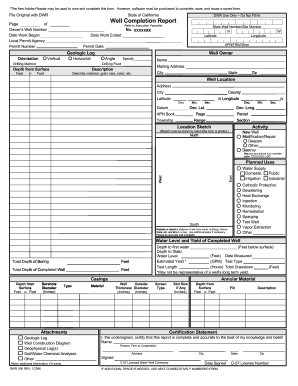
Well completion report
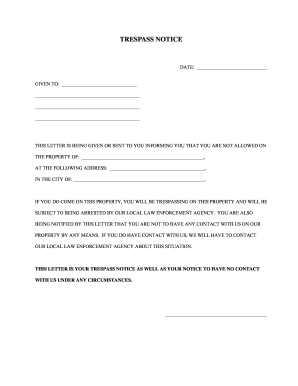
Trespass notice south carolina
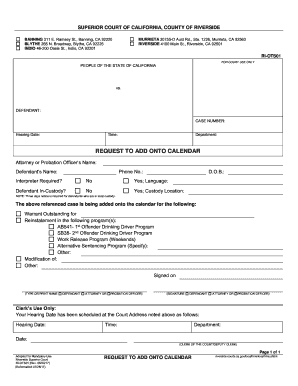
Riverside county onto

Tri bank form
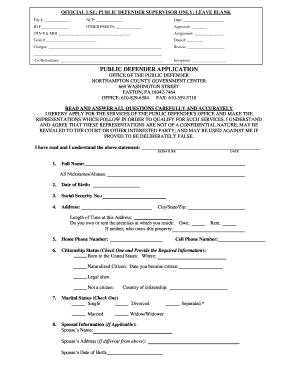
Northampton county public defender application

California grant deed county form

Illinois department of public health complaint
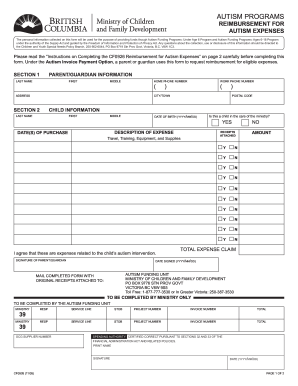
Ontario autism program
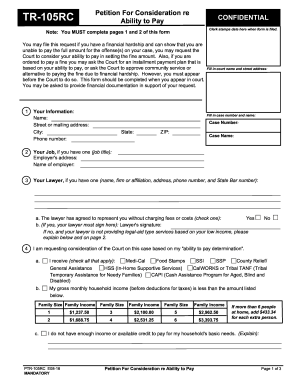
Forms - Fresno County Superior Court - fresno courts ca
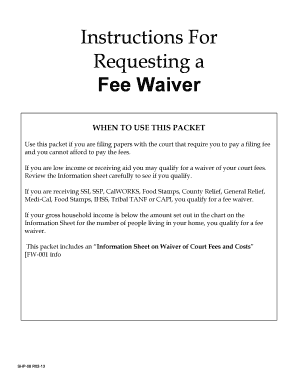
Fresno county divorce fee waiver

West valley college transcripts
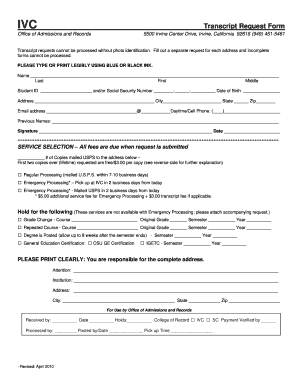
Transcript request ivc
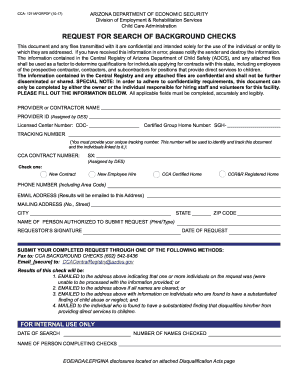
Az background checks form

California city fresno registration
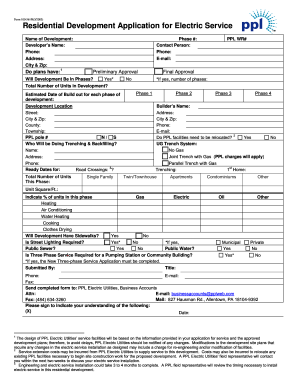
Application for Electric Service - PPL Electric Utilities
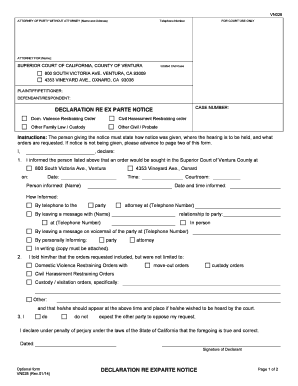
California parte ventura county

Physical Form - Central Valley Christian Schools - cvc

Bvn enrollment desktop application
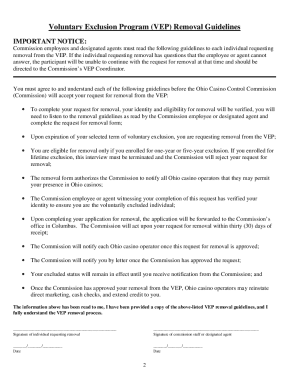
Application for Removal Voluntary Exclusion Program (Initial File) - codes ohio
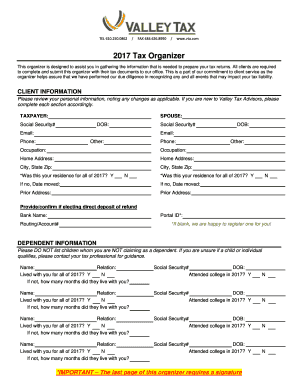
2017 tax organizer template
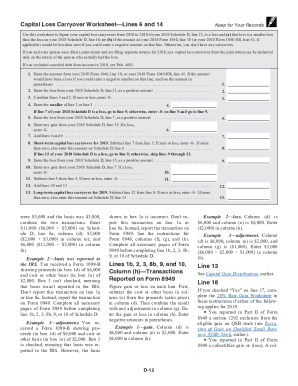
Irs 1040 schedule instructions

Tenant Registration Form - Dove Valley Ranch HOA Located in ...
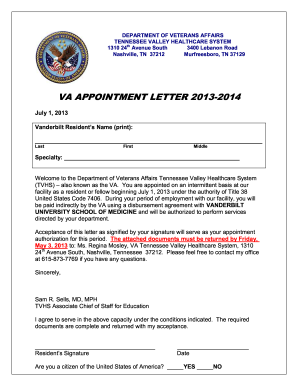
VA Appointment Letter Vanderbilt 2013. VA Appointment Letter for Vanderbilt - tennesseevalley va
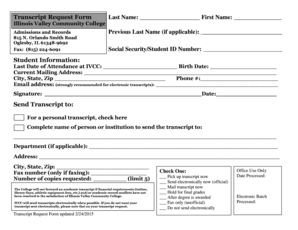
Ivcc transcript request
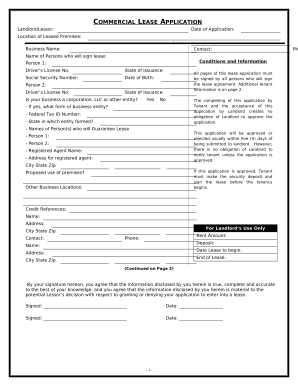
Commercial Rental Lease Application Questionnaire - Massachusetts
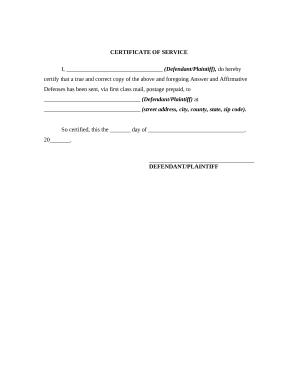
Certificate of Service
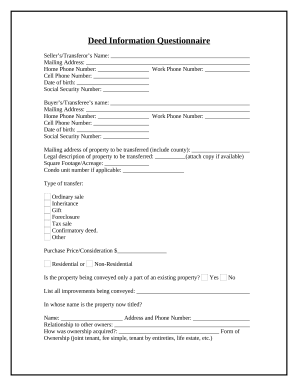
Deed transfer document

University csub enroll form
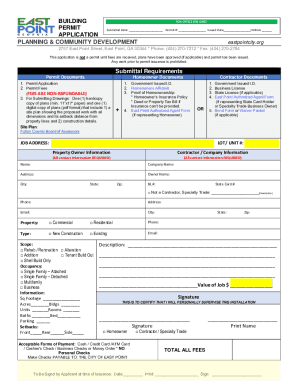
COUNTY OF SACRAMENTO DEPARTMENT OF COMMUNITY DEVELOPMENT BUILDING ...

Nyc doing business data form

San bernardino county recorder forms fillable
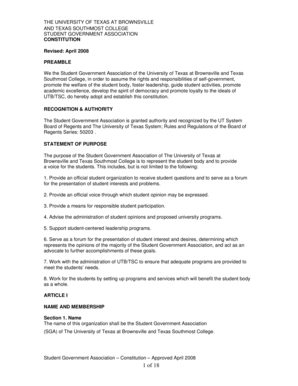
Brownsville sga
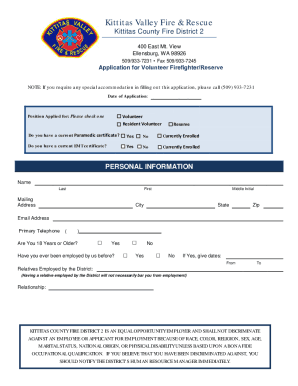
Kittitas Valley Fire & RescueFire & Rescue Department
Increase your output with Central valley Business Forms
Document administration takes up to half of your business hours. With DocHub, it is easy to reclaim your office time and increase your team's efficiency. Get Central valley Business Forms online library and investigate all document templates related to your everyday workflows.
The best way to use Central valley Business Forms:
- Open Central valley Business Forms and employ Preview to obtain the suitable form.
- Click Get Form to start working on it.
- Wait for your form to upload in the online editor and begin modifying it.
- Add new fillable fields, icons, and images, modify pages order, and many more.
- Fill out your form or set it for other contributors.
- Download or deliver the form by link, email attachment, or invite.
Speed up your everyday document administration with our Central valley Business Forms. Get your free DocHub profile today to explore all templates.
Video Guide on Central valley Business Forms management

Related Templates
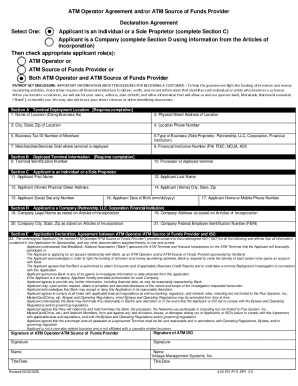
Atm operator agreement
The document is an ATM Operator Agreement and/or ATM Source of Funds Provider Declaration Agreement, outlining the appli ...

18005423590
The document provides instructions for requesting a refund or photocopy of a money order from MoneyGram. It outlines the ...

Legacy questionnaire
The document is a Legacy Planning Questionnaire designed to help individuals articulate their values, goals, and prefere ...

Business fense ProgramsMentor-Protege-ProgramMentor-Protg Program - U S Department of Defense
Business fense ProgramsMentor-Protege-ProgramMentor-Protg Program - U S Department of Defense
The document outlines the Mentor-Protégé Agreement between a small business (Protégé) and a larger corporation (Mentor) ...

IBTCI ApaL IE Midline 2 - FEB24 docx - pdf usaid
The document is the final report of the Year 2 (Midline 2) Impact Evaluation for the USAID/Aprender a Ler project in Moz ...

Ca evoke integrative patient form
The document is a comprehensive new patient intake form for Evoke Integrative Medicine, detailing personal information, ...
Employer guide to the CITB training model: everything you need to know
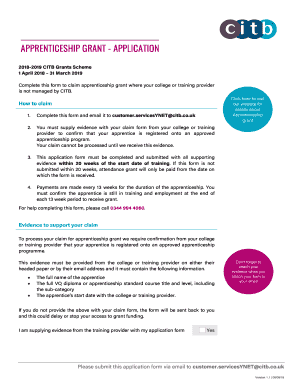
The document outlines the application process for claiming an apprenticeship grant under the 2018-2019 CITB Grants Schem ...

Strengthening mental health care systems for Syrian refugees
The March 2019 edition of The Bridge focuses on mental health interventions for children, particularly those affected by ...