
Carbon copy Order Forms
Streamline your document management with DocHub's Carbon copy Order Forms templates. Modify, distribute, and safely save your order documents hassle-free.

Create a new Carbon copy Order Form
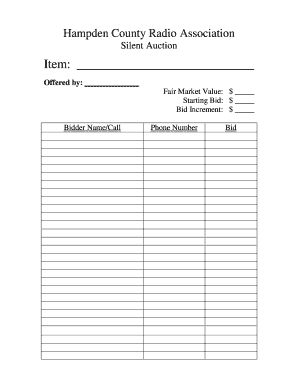
Silent auction bid sheets

Temporary restraining order form 2012
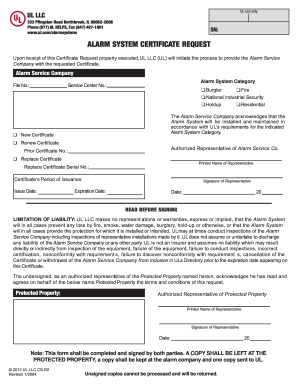
Alarm certificate for insurance
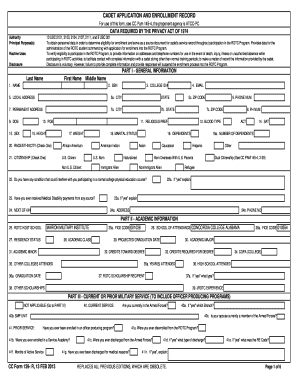
Cc form

Non dot breath alcohol form pdf
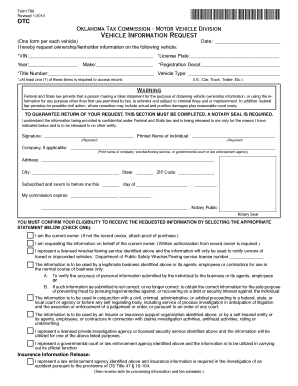
Oklahoma form 769
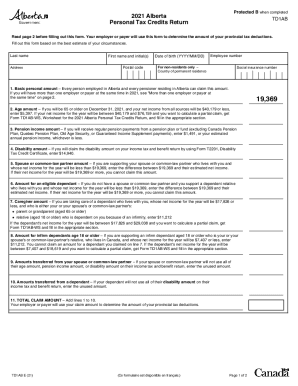
Alberta tax forms 2021
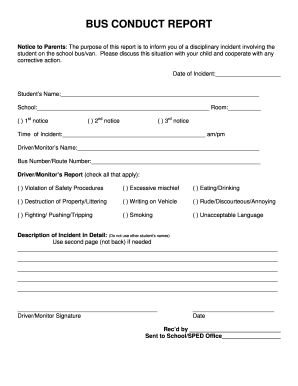
Bus conduct form

Silent Auction Bid Sheet - Mary Kay InTouch
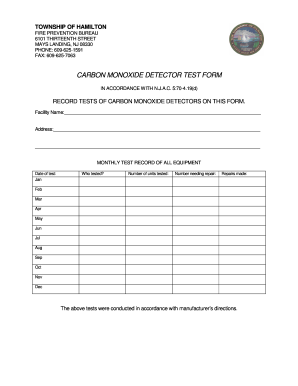
Co detector test form.doc
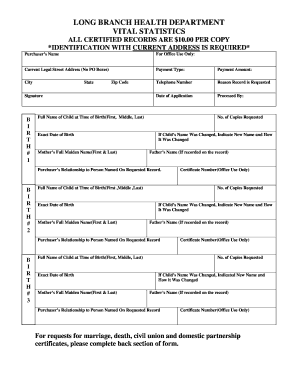
New jersey vital statistics
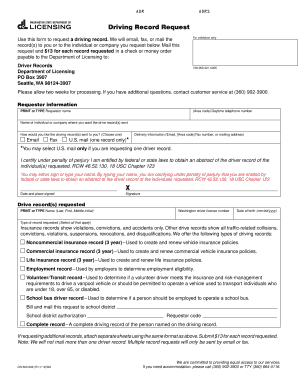
Driving record request form - Washington Department of Licensing - dol wa

FMCSA Intermodal Chassis Inspection Form Revised 2 August 2017
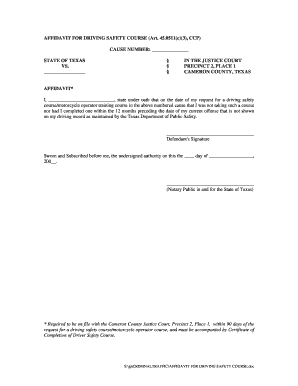
Affidavit for dsc cameron county form

Proliant direct deposit form

Wake county public school proof of residence
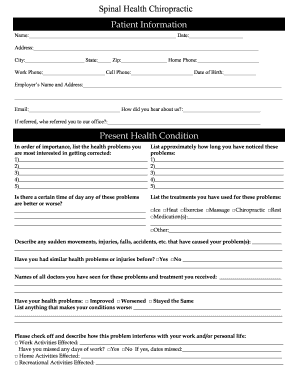
Patient intake form pdf

Land Disposal Notification & Certification Form - Calgon Carbon ...
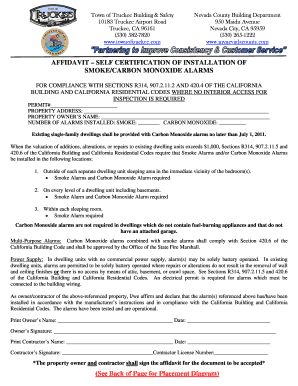
Smoke & Carbon Monoxide Affidavit - Nevada County Government
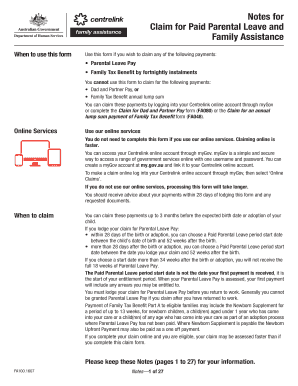
Fa100 form
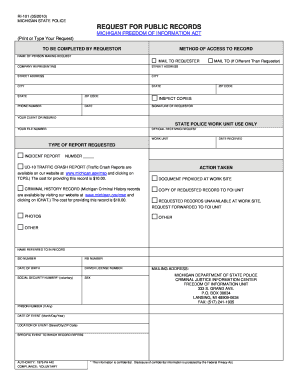
Michigan ri 101 public
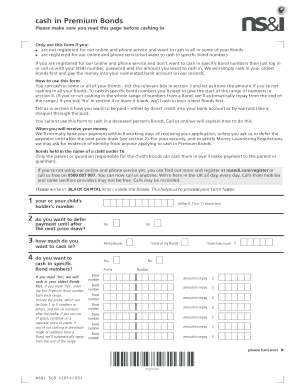
Download a Cash in Premium Bonds form
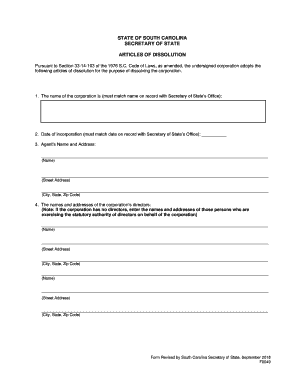
Sc dissolution
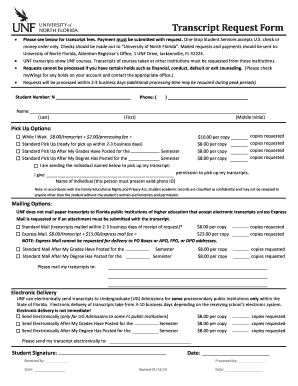
Unf transcript request
2014 540a form
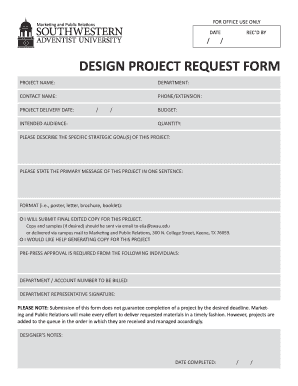
Design request form

Dr 2539a
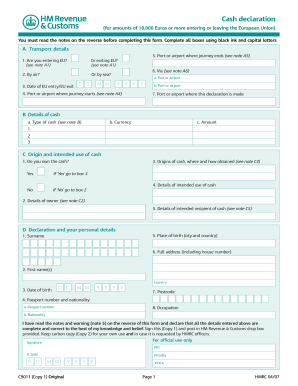
Cash declaration - HM Revenue & Customs - hmrc gov
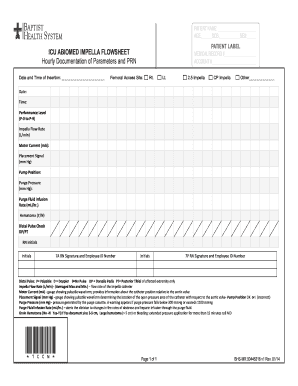
Impella flow sheet
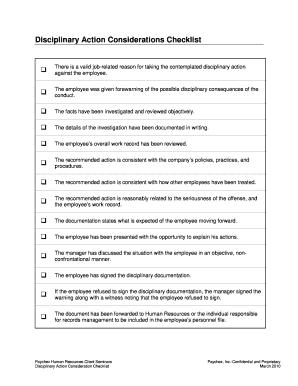
Carbon copy disiplinary slip
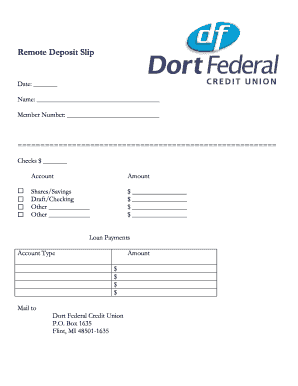
Remote Deposit Slip - Dort Federal Credit Union
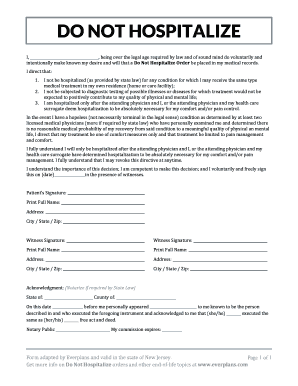
DO NOT HOSPITALIZE
1099 forms training 2020

QUESTIONNAIRE FOR GUBERNATORIAL APPOINTMENTS CARBONE 6-16
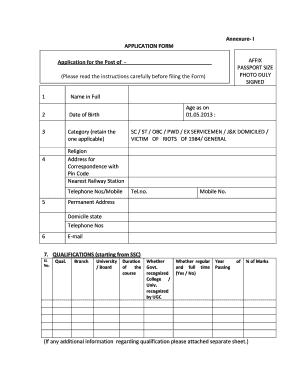
Duly filled application form
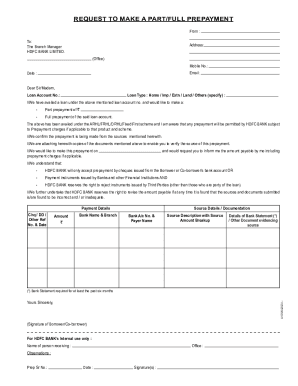
Prepayment Request Letter pmd
-
1
- 2
Manage Carbon copy Order Forms easily online
Document administration can stress you when you can’t discover all the forms you require. Fortunately, with DocHub's vast form categories, you can get everything you need and swiftly take care of it without the need of changing among applications. Get our Carbon copy Order Forms and begin working with them.
Using our Carbon copy Order Forms using these easy steps:
- Browse Carbon copy Order Forms and choose the form you require.
- Review the template and click on Get Form.
- Wait for it to upload in the online editor.
- Change your template: include new information and images, and fillable fields or blackout some parts if needed.
- Prepare your template, conserve alterations, and prepare it for sending.
- When all set, download your form or share it with other contributors.
Try out DocHub and browse our Carbon copy Order Forms category easily. Get your free account today!
Commonly Asked Questions about Carbon copy Order Forms
What is a carbon copy contract?
Generally, a carbon copy contract is a document that is duplicated for each party involved, so everyone has a copy of the same agreement.
How do carbonless forms work?
Carbonless receipt forms come with special coatings on the top and bottom of each page. When the pressure is applied on the receipt form, the tiny micro-capsules of ink break open. They combine with a clay layer on the below sheet and create a copy of the writing on the original top carbonless receipt paper.
What is no carbon required forms?
Carbonless forms are a standard practice across different industries. Both manufacturing and insurance companies use NCR (no carbon required) forms as multiple copies of important documents, personalized invoices, or invoice books for business.
What are two benefits of no carbon required stationery?
Here is a list of all the advantages of the carbonless copy paper. Cost Effective. Carbonless Copy paper doesnt cost much. Speed. Speed is a major advantage of the carbonless copy paper. Versatile. Security. No Curled Paper. Document Organisation. Eco Friendly.
What is an NCR form?
You may not recognize the term NCR forms as much as carbonless paper, but the terms hold the same meaning. The No Carbon Required forms, or NCR forms, use carbonless paper to allow the same information on carbon copies to be transferred, but with the exception being that there is no carbon on the material.
What are the disadvantages of NCR paper?
NCR paper does not work well with most inkjet printers or laser printers. Moreover, the correct print settings are difficult to configureand NCR paper can damage a printer if the settings are incorrect.
How do I print my own carbonless forms?
Carbonless Paper Forms in 4 Easy Steps Print on the Image Side Only. This paper will feed and print without difficulty in your inkjet or laser printer, but proper paper loading is critical. Print the Correct Number of Sheets. Verify the Sheet Order. Staple or Paper Clip Your Form.
Related Templates

British heart foundation donation form
The document is a sponsorship and donation form for the British Heart Foundation's Mending Broken Hearts Appeal. It prov ...
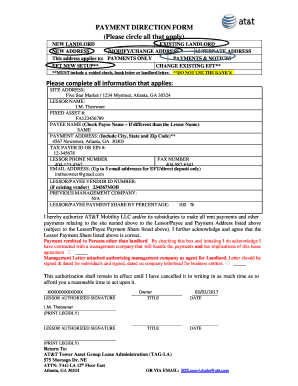
PAYMENT DIRECTION FORM (Please circle all that - ATT
The document is a Payment Direction Form used to authorize AT&T Mobility LLC to make rent and other payments to a specif ...

Dont miss out on the opportunity to be a part of
The document is a volunteer application form for the 20th Annual TD Markham Jazz Festival, taking place from August 17-2 ...

BORROWERS EXPENSE STATEMENT
The document is a Borrower's Expense Statement used for mortgage loan applications, detailing the borrower's and co-borr ...
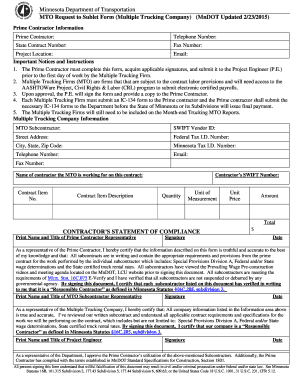
MTO Request to Sublet Form - Minnesota Department of - dot state mn
The document is a Minnesota Department of Transportation (MnDOT) form for Prime Contractors to request the subletting of ...
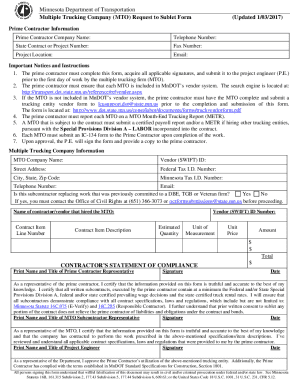
MnDOT MTO Request to Sublet Form - 9-16-2016 docx
The document is a form from the Minnesota Department of Transportation for prime contractors to request approval to subl ...
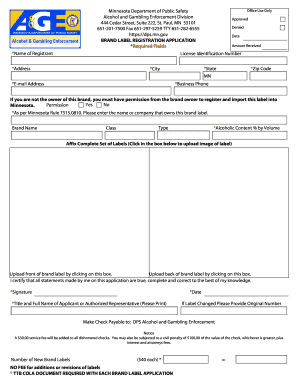
Minnesota department of public safety alcohol and gambling enforcement division brand label registra
Minnesota department of public safety alcohol and gambling enforcement division brand label registra
The document is a Brand Label Registration Application from the Minnesota Department of Public Safety's Alcohol and Gamb ...

Life 18484 Partial Request Form Variable Annuities Get - Fill
The document is a Periodic Partial Withdrawal/Partial Withdrawal Request Form for New York Life Variable Annuities. It o ...