
Tracking google sites Donation Forms
Obtain compliant and modifiable Tracking google sites Donation Forms. Locate and select the documents necessary to your daily document management workflows.

Create a new Tracking google sites Donation Form
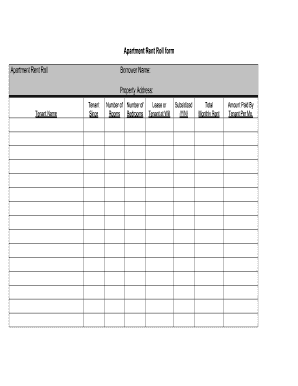
Rent roll template
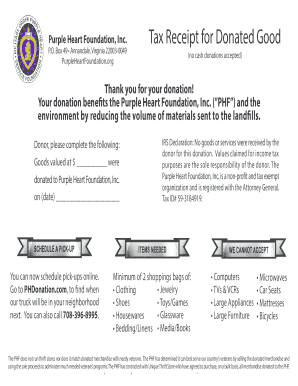
Purple heart donation receipt
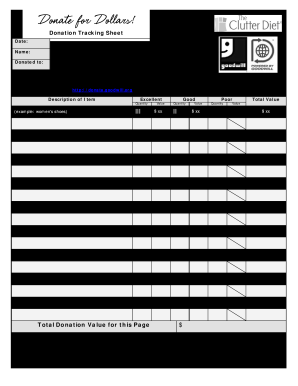
Printable donation form

Donor profile template
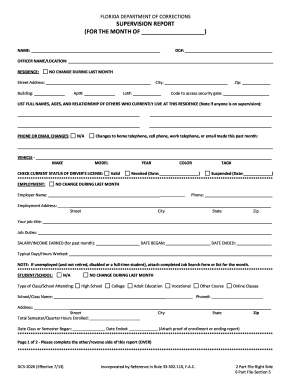
Florida department of corrections supervision report 2013 form

Community log form template
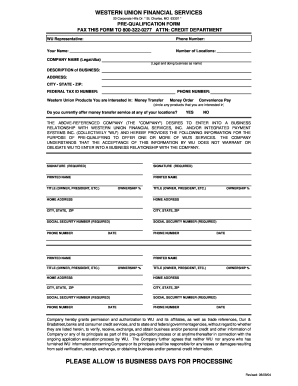
Western union agent application
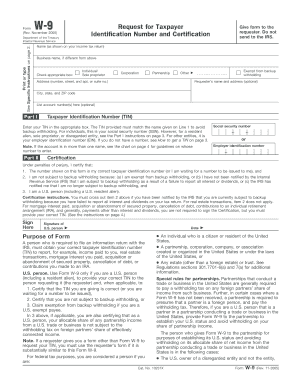
Sunteck transport co llc carrier setup
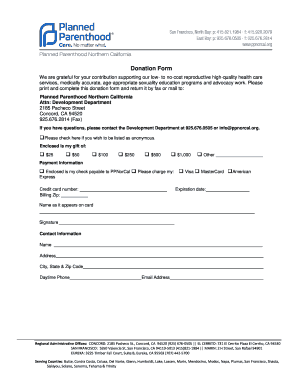
Donation Form - Planned Parenthood Official Site - plannedparenthood
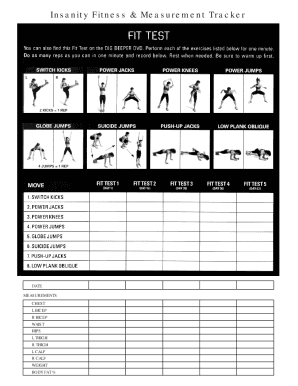
Online editable calendar for workouts
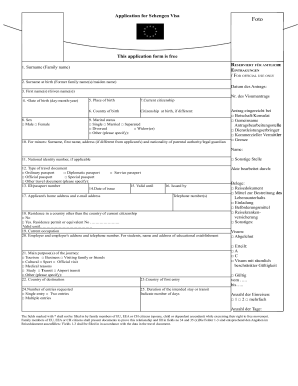
German family reunion visa application form pdf
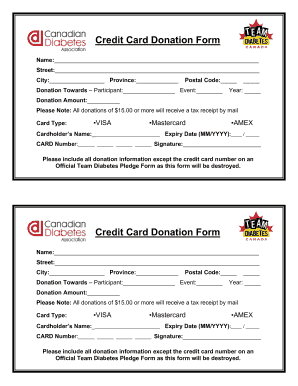
Donation card template
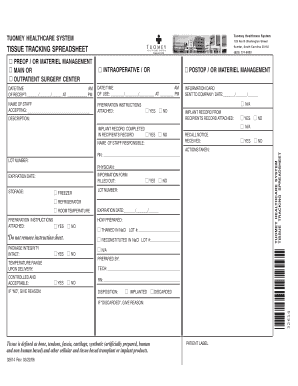
Tissue tracking log template
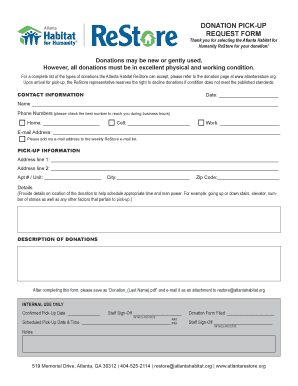
Habitat for humanity receipt

Coles donation request
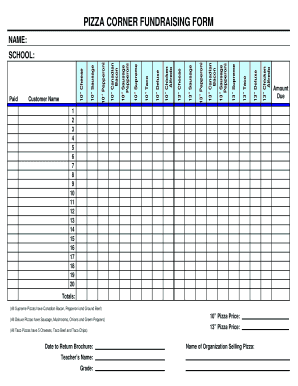
Fundraiser form
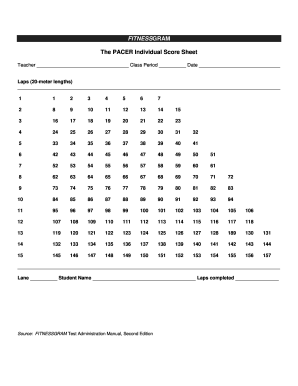
Pacer test worksheet
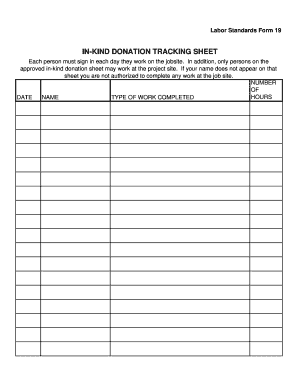
Labor Standards bForm 19b -In-Kind Tracking Sheet
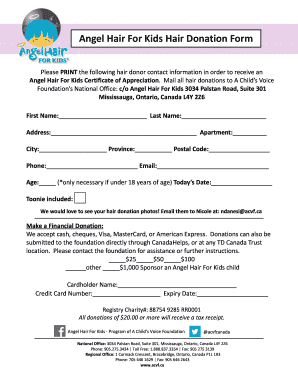
Hair donation form
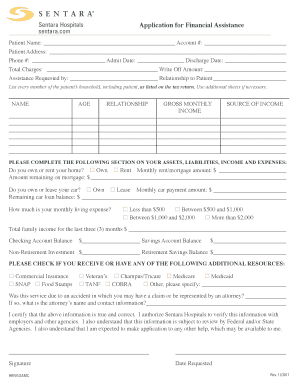
Sentara financial assistance
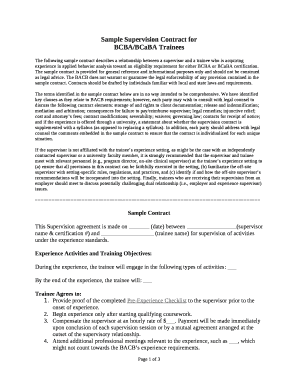
Bcba contract template

Nrc transaction report
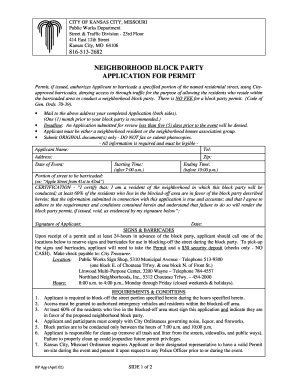
Block party permit kansas city
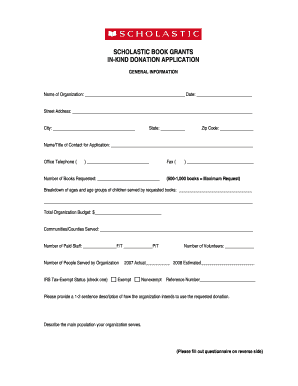
SCHOLASTIC BOOK GRANTS IN-KIND DONATION APPLICATION
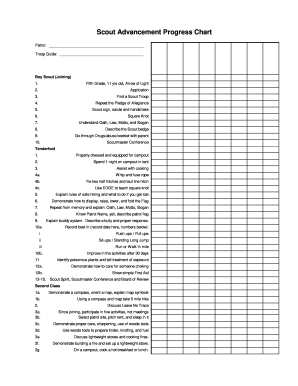
Boy scout advancement chart pdf

Survivors Invite - Relay For Life - relay acsevents

Church deposit form

Joan-garry-nonprofit-fundraising-plan.docx
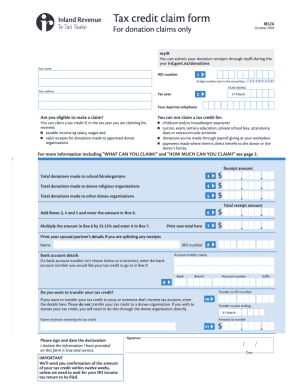
Ir526
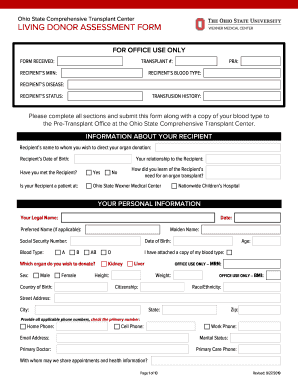
Download the Living Donor Assessment Form - Wexner ...
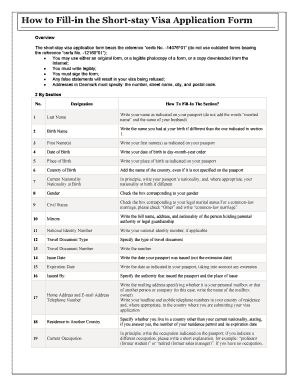
Sample schengen visa application form filled

Omaha zoo donation request

DONATION REQUEST FORM - New Jersey Motorsports Park
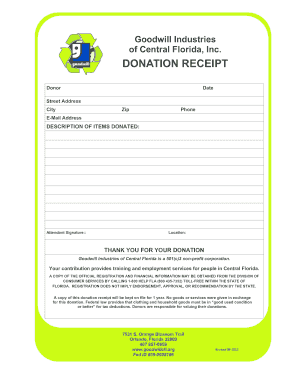
Donateorlando goodwill orlando
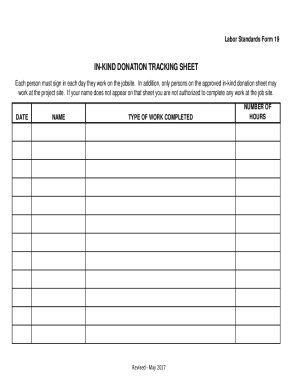
In kind donation sheet

March madness bracket fundraiser
-
1
- 2
Get and handle Tracking google sites Donation Forms online
Improve your form management using our Tracking google sites Donation Forms collection with ready-made form templates that suit your requirements. Get your document template, change it, complete it, and share it with your contributors without breaking a sweat. Begin working more efficiently with the forms.
The best way to use our Tracking google sites Donation Forms:
- Open our Tracking google sites Donation Forms and find the form you need.
- Preview your document to ensure it’s what you want, and click Get Form to begin working on it.
- Change, add new text, or highlight important information with DocHub features.
- Prepare your form and save the changes.
- Download or share your document with other people.
Discover all the opportunities for your online file administration with the Tracking google sites Donation Forms. Get your free free DocHub account today!
Video Guide on Tracking google sites Donation Forms management

Commonly Asked Questions about Tracking google sites Donation Forms
How do I create a tracking system in Google Sheets?
To use this feature, simply create a new sheet and enter the start and end times for each task in separate columns. Then, select Insert Timer from the menu bar. A clock icon will appear next to each task, and the total time will be tracked in the bottom corner of the sheet.
How to create an expense tracker in Google Sheets?
Can you create an expense report template using Google Sheets? Step 1: Open Google Sheets. Go to Google Sheets (sheets.google.com) and create a new spreadsheet. Step 2: Set up your headers. Step 3: Enter your expense data. Step 4: Add totals. Step 5: Customize your template. Step 6: Save your template.
How do I set up Google Pay for donations?
Get started with donations Open Google Pay . To donate to a charity or organization, tap Discovery Business. Donation section. Tap the charity or organization you want to donate to. Donate. Enter the amount you want to donate, then tap Done. Select your payment method . Tap Proceed to pay.
How to create a progress tracker in Google Sheets?
The simplest way to create a project tracker in Google Sheets is to use a project tracker plan template. Define the projects objectives and make sure that they are specific, measurable, achievable, relevant, and time-bound (SMART). Learn tips and tricks for writing SMART goals.
How to track donations on Google Sheets?
How to Make a Donation Tracker in Google Sheets WPForms. Activate the Google Sheets Integration. Activate the Stripe Addon. Create a Donation Form. Add a Stripe Field to Your Form. Enable the Google Sheets Integration. Publish the Form and View Entries in Spreadsheet.
How do I accept donations on Google Sites?
How to add Donation Forms to Google Sites Website After editing your Donation Forms template, sign in to your Elfsight account. Get the unique form code. Enter the form code into your HTML editor. Congrats! You have added the Donation Forms plugin to the Google Sites webpage successfully.
How do I track things on Google Sheets?
How to create a status column in your Google Sheet Then, from the menu at the top, click Data and then choose Data validation. Under Criteria select Dropdown. Then, you can add items that will act as your status types. Then, click Done at the bottom of the side bar.
How to track donations in Google Analytics?
Create a new tag in Google Tag Manager and call it GA4 donation click. You will find the MeasurementID in your GA4 property in Admin Data Streams Data Stream details. Name the event donationclick, use snake case for all event and parameter names.
Related Templates

Nlc application form
The document is an application form for employment at the National Land Commission (NLC) in Kenya. It requires applicant ...
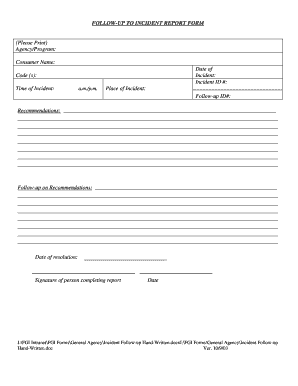
Sample printable forms for a incident follow up
The document is a follow-up form for reporting incidents within an agency or program. It includes sections for detailing ...
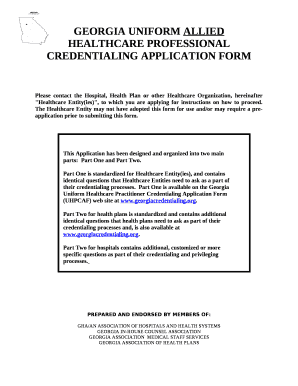
Georgia uniform allied healthcare professional credentialing
The document is the Georgia Uniform Allied Healthcare Professional Credentialing Application Form, which outlines the pr ...
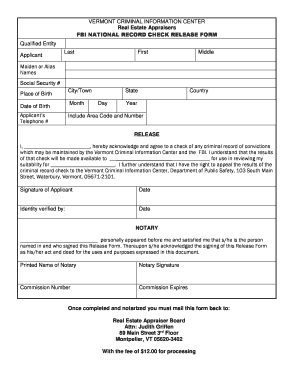
Fbi national record check release form
The document is a release form for a criminal record check conducted by the Vermont Criminal Information Center and the ...
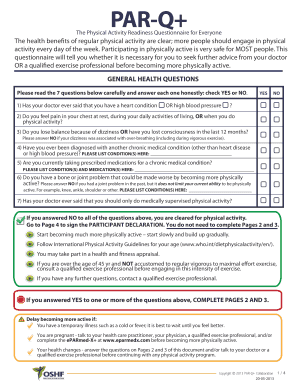
PAR-Q+
The PAR-Q+ (Physical Activity Readiness Questionnaire for Everyone) is a health screening tool designed to assess an ind ...
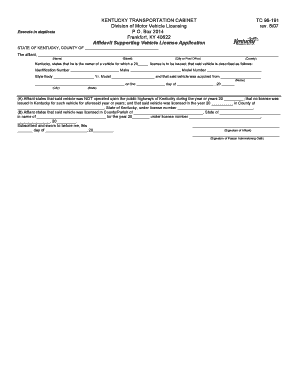
KENTUCKY TRANSPORTATION CABINET TC 96-191 Division of Motor
The document is an affidavit for a vehicle license application in Kentucky, requiring the owner to provide details about ...
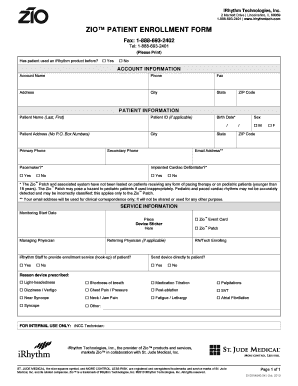
8886932401
The document is a patient enrollment form for iRhythm Technologies, Inc., specifically for their Zio™ monitoring product ...

Fishing Tournament Registration Form - Buncombe County - buncombecounty
The document is a form for parents or guardians to submit a $5 payment to Buncombe County Parks, Greenways & Recreation ...