
Expense report Canada Forms
Browse our extensive catalog of Expense report Canada Forms and find the document you require. Fill out and manage your documents easily with DocHub.

Create a new Expense report Canada Form
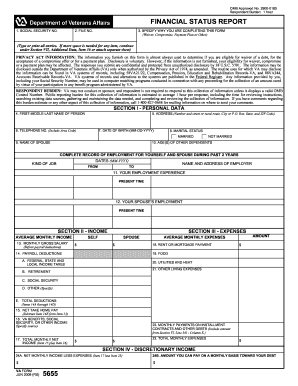
Va form 5655
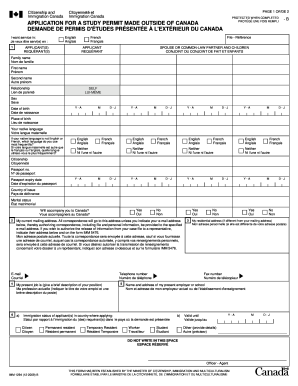
Imm1294b
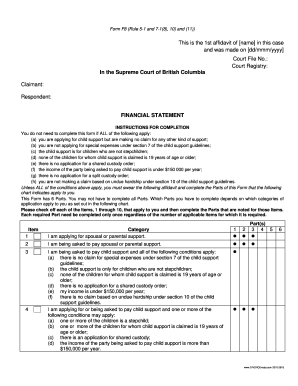
Form f8 financial statement fillable pdf
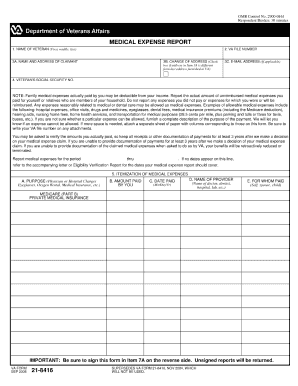
Va form 21 8416
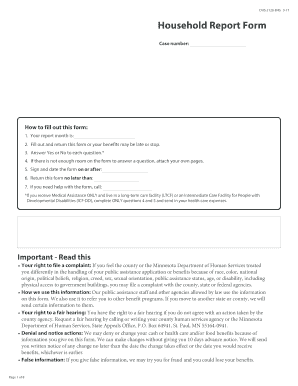
Household report form

Canada work permit application form pdf
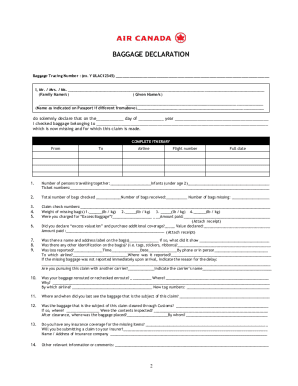
Air canada baggage claim
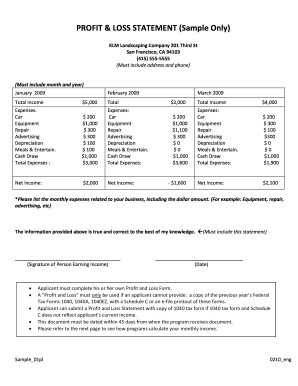
Lawn care business expenses spreadsheet

Alberta works medical form pdf
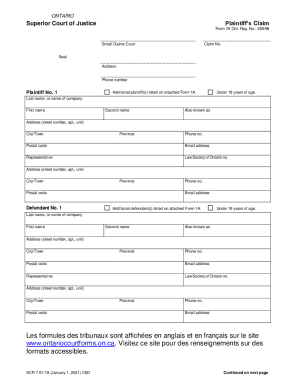
7a claim form download
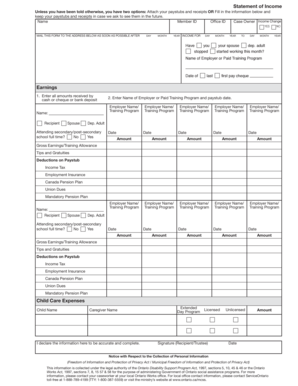
Ontario works income statement
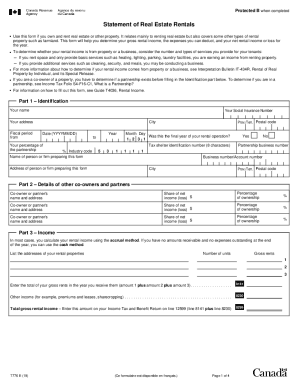
T776 form
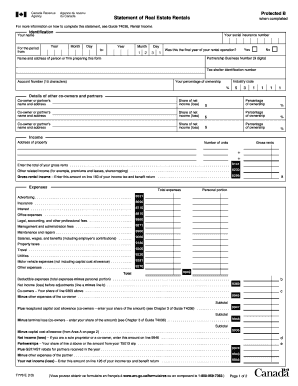
T776

Disability tax credit certificate 6729
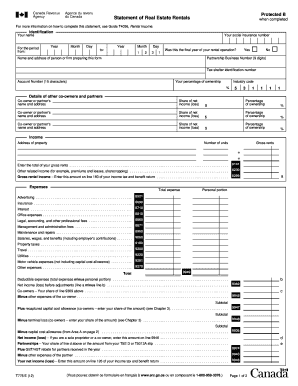
Statement of real estate rentals fillable 2012 form
Cl22 form
Form affidavit financial information
Boys town application
Tf725 cra
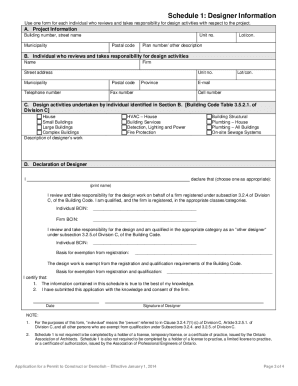
Schedule 1 writable print
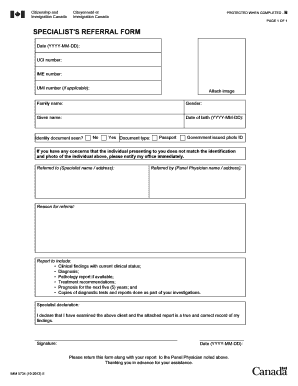
Canada visa application forms pdf
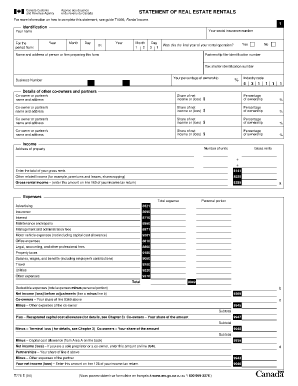
T776 form
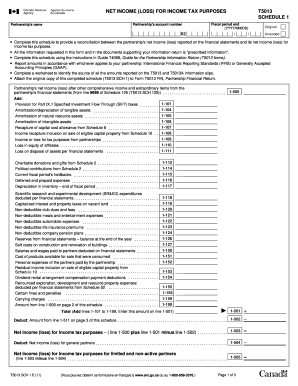
T5013 slip fillable
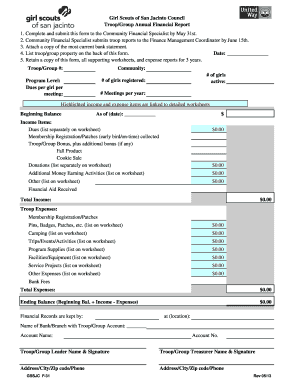
F-31 Troop Group Financial Report.pdf - Resources - Girl Scouts of ... - resources gssjc
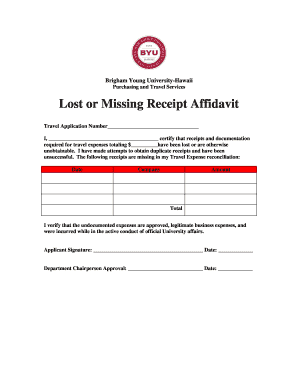
Printable lost receipt form
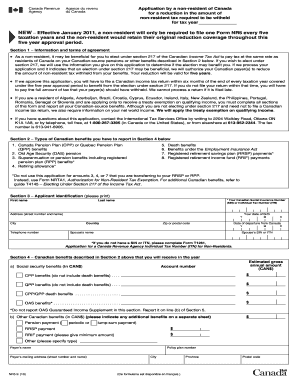
Nr5

Wsib exposure form
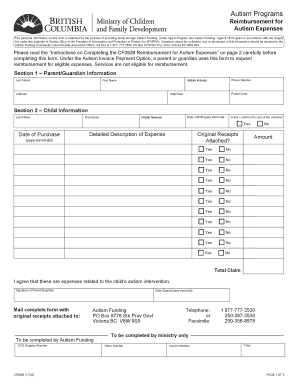
Autism expenses form

Sanford health financial assistance form
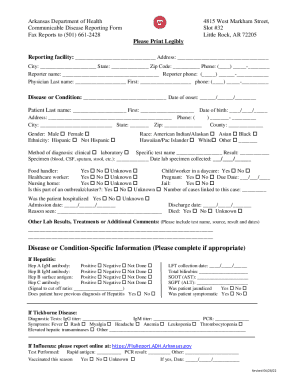
Communicable Disease Reporting Form
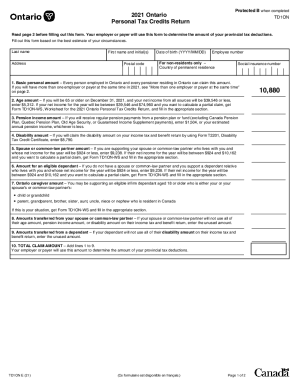
2021 tax forms ontario
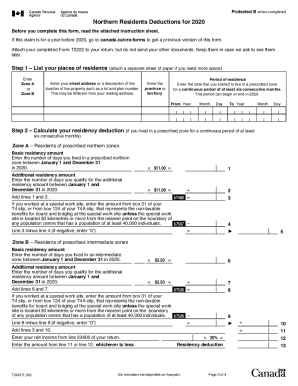
T2222
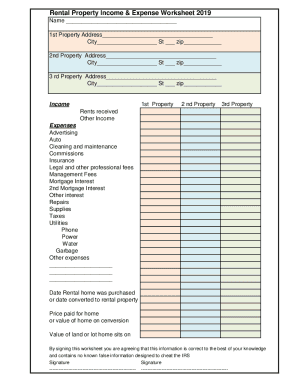
Rental income and expense worksheet pdf

Guide 5551

Claims - First Canadian Financial Group
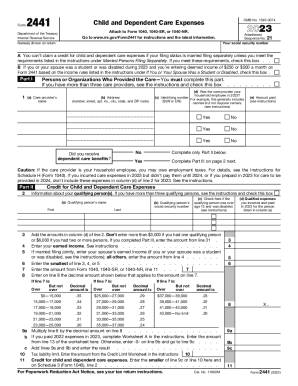
2023 Form 2441 Child and Dependent Care Expenses
-
1
- 2
Increase your output with Expense report Canada Forms
Record managing takes up to half of your office hours. With DocHub, it is possible to reclaim your time and increase your team's efficiency. Access Expense report Canada Forms category and explore all templates relevant to your daily workflows.
The best way to use Expense report Canada Forms:
- Open Expense report Canada Forms and use Preview to obtain the appropriate form.
- Click Get Form to begin working on it.
- Wait for your form to upload in the online editor and start editing it.
- Add new fillable fields, symbols, and pictures, change pages order, and many more.
- Fill out your template or prepare it for other contributors.
- Download or share the form by link, email attachment, or invite.
Speed up your daily file managing with the Expense report Canada Forms. Get your free DocHub account today to explore all forms.
Video Guide on Expense report Canada Forms management

Commonly Asked Questions about Expense report Canada Forms
How to file an expense report?
6 Steps To Create An Expense Report: A Guide For Small Businesses Select a Template or Use an Accounting Software. Add or Delete Columns. Report Expenses as a Different Line Item. Calculate the Total. Attach Associated Receipts. Print or Send the Report. Expense Report: Meaning, Need, and How to Create QuickBooks Expenses Category QuickBooks Expenses Category
What are T4 forms in Canada?
How to Fill Out an Expense Report Enter your name, department, and employee ID number. Date the employee expense report. Provide a brief description of the business purpose of the expenses submitted for reimbursement. Enter the date, type, and amount of each expense in the related column. What is an Expense Report + How to Fill One Out - Tipalti tipalti.com expenses-hub expense-report tipalti.com expenses-hub expense-report
What is a T2200 form in Canada?
Form T777, Statement of Employment Expenses. Use Form T777 to calculate your allowable employment expenses. Include Form T777 with your income tax and benefit return. Form T2200, Declaration of Conditions of Employment. If you are deducting employment expenses, your employer will have to complete Form T2200.
Format How to format an expense report?
A T4 slip identifies all of the remuneration paid by an employer to an employee during a calendar year. You can get a Form T4 slip in a PDF or PDF fillable/saveable format to file on paper.
What is the difference between T1 and T2125?
The T5013 Information slip for the authorized member of a partnership to report to each partner their share of income for the fiscal period that the partner has to report on the appropriate income tax return for the year. T5013 Statement of Partnership Income - Canada.ca canada.ca forms-publications forms canada.ca forms-publications forms
How to format an expense report?
How to Fill Out an Expense Report Enter your name, department, and employee ID number. Date the employee expense report. Provide a brief description of the business purpose of the expenses submitted for reimbursement. Enter the date, type, and amount of each expense in the related column. What is an Expense Report + How to Fill One Out - Tipalti Tipalti expenses-hub expense-report Tipalti expenses-hub expense-report
How do you organize expense reports?
How can you organize receipts and documentation for an expense report? Use a digital app. Follow your companys policy. Be the first to add your personal experience. Sort and group your receipts. Keep a log or a spreadsheet. Review and reconcile your report. Backup and archive your report. Heres what else to consider. 6 Tips to Organize Receipts for an Expense Report - LinkedIn LinkedIn advice how-can-you-organ LinkedIn advice how-can-you-organ
Does Excel have an expense report template?
The most effective way to create an expense report in Excel is to use a preexisting expense report template. Select an Excel expense report template from this page, and plug in your expenses for timely reimbursement from your employer. Free Excel Expense Report Templates - Smartsheet Smartsheet content excel-expense-r Smartsheet content excel-expense-r
Related Templates

M1 mn state tax form 2001
The document is a Minnesota Individual Income Tax form for the year 2005, detailing the information required for filing ...
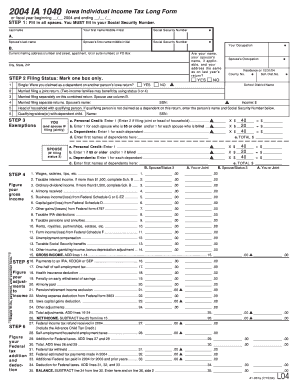
Iowa tax forms 2004
The document is the 2004 Iowa Individual Income Tax Long Form (IA 1040), which provides a structured format for Iowa res ...

Form ct 247 811 2011
The document is an application form (CT-247) from the New York State Department of Taxation and Finance for not-for-prof ...

Philhealth claim form 1 filler 2010
The document is a claim form (CF3) for PhilHealth, revised in February 2010, which must be filed within 60 days of patie ...

Vehicle Certificate of Ownership (Title) Application
The document is a Vehicle Certificate of Ownership (Title) Application form for Washington State, detailing the necessar ...
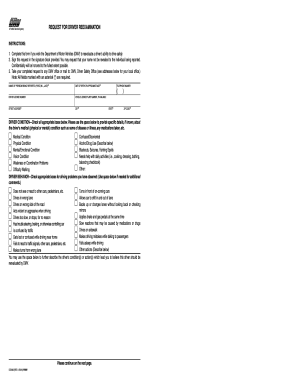
Ds 699 Request for Driver Re-examination - ocbike
The document is a Request for Driver Reexamination form from the California Department of Motor Vehicles (DMV). It allow ...
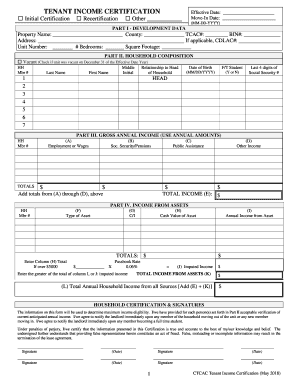
CTCAC Compliance Monitoring - State Treasurer's Office
The document is a Tenant Income Certification form used to assess the income eligibility of tenants for low-income housi ...

Teacher loan forgiveness application william d ford exp 2007 form
The document is a Teacher Loan Forgiveness Application form for the Federal Family Education Loan Program and the Willia ...