Google doc Balance Sheet Templates
Adjust and complete Google doc Balance Sheet Templates and safely send them online. Organize your assets and liabilities, fill out, sign, and store finished forms all in one location.

Create a new Google doc Balance Sheet Template

Personal financial statement template
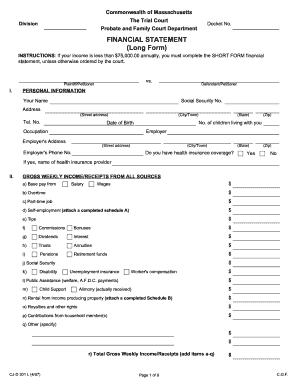
Financial statement long form
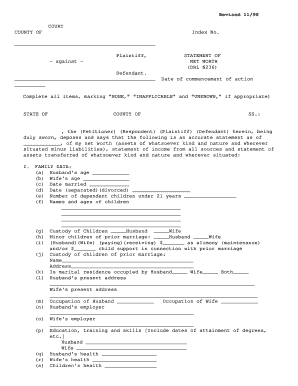
Net worth statement
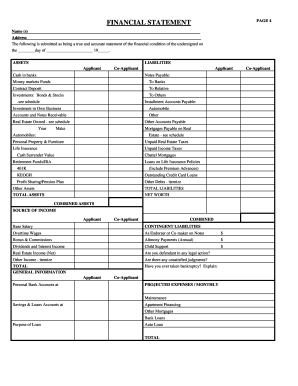
Rebny financial statement
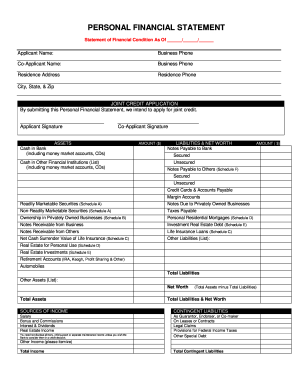
Personal financial statement

Ma statement short
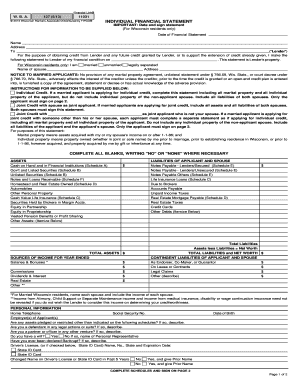
Individual financial statement
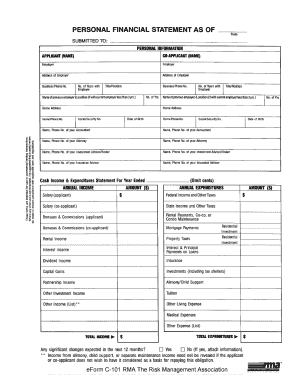
Rma personal financial statement pdf
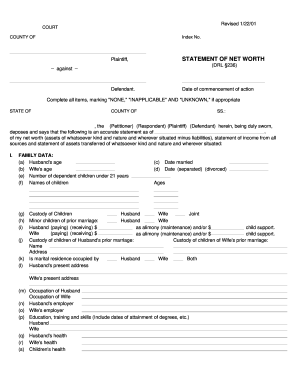
Net worth statement form

Form 13 financial statement

Financial statement farmers and ranchers
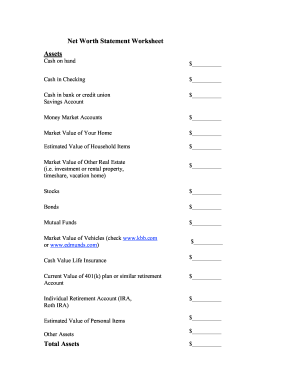
Net worth statement
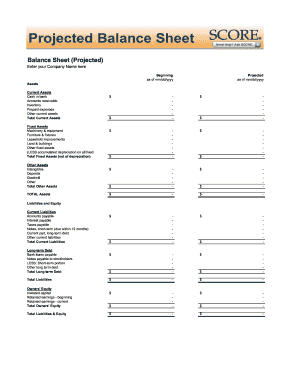
Balance sheet fill in the blank
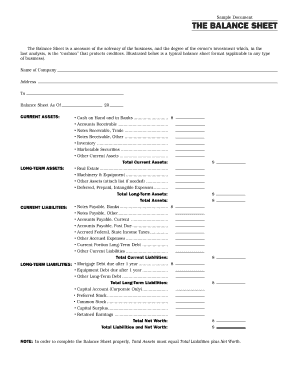
Interim ytd balance sheet pdf

Personal balance sheet pdf
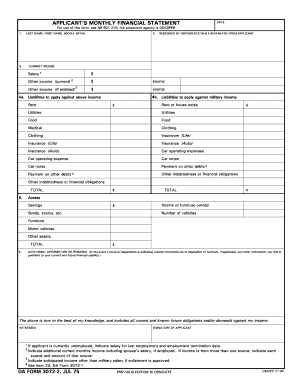
Monthly financial statements
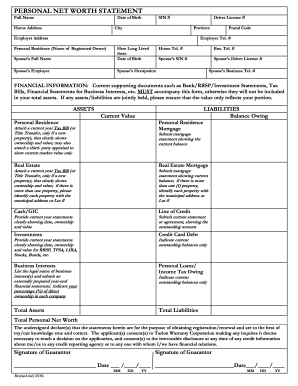
Net worth statement
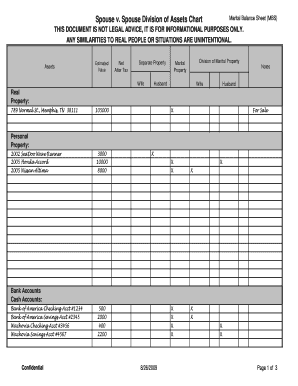
Marital balance sheet
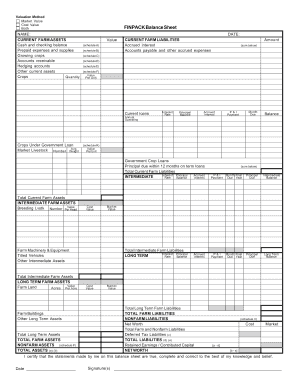
Finpack balance sheet
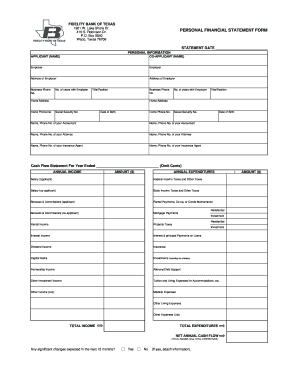
Personal financial statement form
Printable financial forms
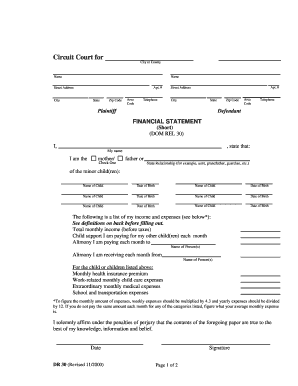
Financial statement short dr 30 form
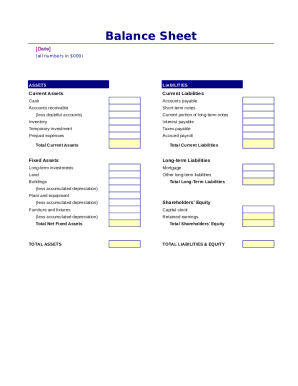
Simple balance sheet

Fillable personal financial statement form
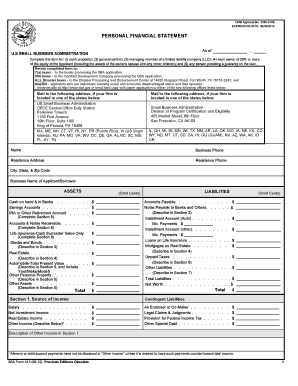
Sba personal financial statement form 5 12
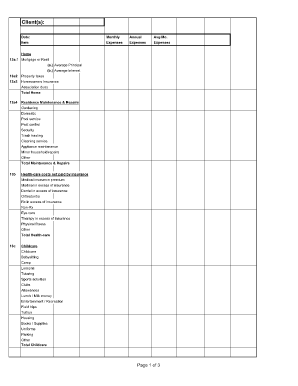
Divorce living expenses fillable worksheet form
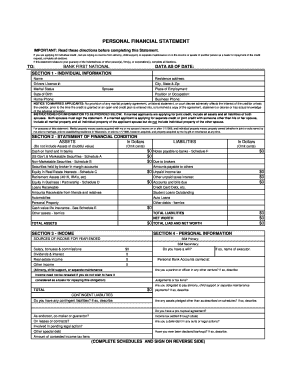
Personal Financial Statement (PDF) - Bank First National

Financial report template
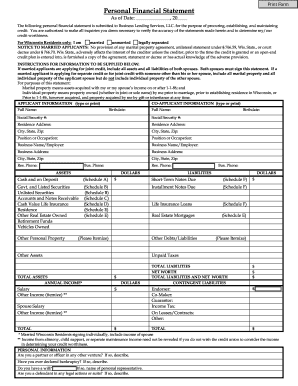
Personal Financial Statement - fortcommunitycom

Sworn financial statement colorado
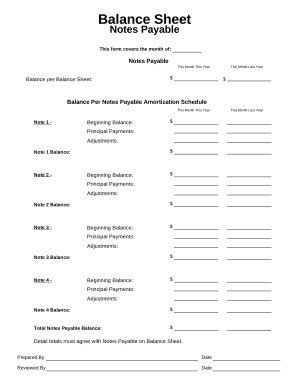
Balance sheet form
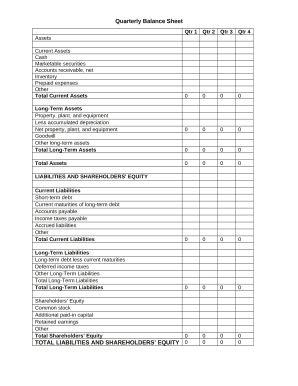
Quarterly Balance Sheet

Family Financial Statement
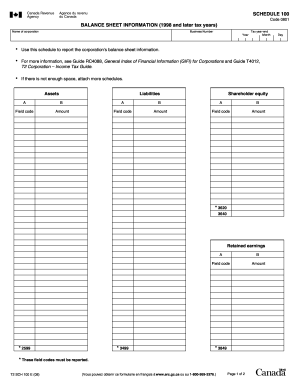
Balance sheet information schedule 100 2020
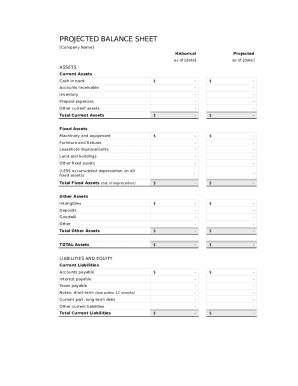
Balance sheet template fillable
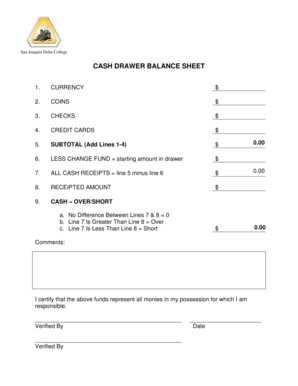
Cash drawer balance sheet
-
1
- 2
Handle Google doc Balance Sheet Templates easily online
Document management can overpower you when you can’t locate all the forms you require. Fortunately, with DocHub's substantial form collection, you can discover everything you need and promptly manage it without the need of changing between applications. Get our Google doc Balance Sheet Templates and begin working with them.
Using our Google doc Balance Sheet Templates using these simple steps:
- Browse Google doc Balance Sheet Templates and select the form you require.
- Review the template and then click Get Form.
- Wait for it to upload in the online editor.
- Alter your form: include new information and images, and fillable fields or blackout certain parts if necessary.
- Prepare your form, preserve adjustments, and prepare it for delivering.
- When ready, download your form or share it with your contributors.
Try out DocHub and browse our Google doc Balance Sheet Templates category without trouble. Get a free profile right now!
Video Guide on Google doc Balance Sheet Templates management

Commonly Asked Questions about Google doc Balance Sheet Templates
How to create a balance sheet template?
How to make a balance sheet Invest in accounting software. Create a heading. Use the basic accounting equation to separate each section. Include all of your assets. Create a section for liabilities. Create a section for owners equity. Add total liabilities to total owners equity.
Does Google Docs have a balance sheet?
Navigate to the Google Docs balance sheet template of your choice. Click Use This Template, and then enter your Google account credentials if you arent already logged in.
How to make a simple balance sheet on Google Sheets?
Creating a balance sheet on a spreadsheet involves: Setting up three main sections: Assets, Liabilities, and Shareholders Equity. Under each section, list the respective items and their values. Ensure that the equation Assets = Liabilities + Shareholders Equity holds true.
How do you make a small balance sheet?
How to make a balance sheet in 8 steps Step 1: Pick the balance sheet date. Step 2: List all of your assets. Step 3: Add up all of your assets. Step 4: Determine current liabilities. Step 5: Calculate long-term liabilities. Step 6: Add up liabilities. Step 7: Calculate owners equity.
Does Google have a balance sheet?
In terms of liquidity and solvency, Google has a higher debt-to-equity ratio than its peers, but it is able to cover its current liabilities using its current assets at 4.8:1. Overall, this comparison shows that Googles balance sheet appears within the industry standards.
How do I make a plain sheet in Google Sheets?
0:08 1:36 Dots. This is where all of your Google Apps live of which sheets is simply one weve got YouTubeMoreDots. This is where all of your Google Apps live of which sheets is simply one weve got YouTube Gmail calendar. The drive docs. And check it out sheets.
Does Google Docs have a spreadsheet template?
Use a Google template On your computer, go to Google Docs, Sheets, Slides, or Forms. At the top right , click Template Gallery. Click the template you want to use.
Related Templates
CAMIE S HOPE ADOPTION GRANT POLICIES - globalorphanfoundation
The document outlines the grant policies for Camie's Hope Adoption Assistance Grants provided by the Global Orphan Found ...
Expense Form - United States Pony Clubs, Inc - ponyclub
The document is a reimbursement form for the United States Pony Clubs, Inc. It outlines the process for requesting reimb ...

Colorado jdf 505
The document is a legal petition for kinship adoption filed in the District Court of Denver Juvenile Court, Colorado. It ...
Jdf913 appointment personal representative
The document is an order from the Denver Probate Court regarding the informal probate of a deceased individual's will an ...
Alternative of mandamus
The document is an Alternative Writ of Mandamus issued by the Supreme Court of Indiana, concerning an application by Rel ...
Sample letter requesting time served
The document is a Credit Time Served Application for individuals seeking credit for time served in jail or prison relate ...

Hawaii ejectment
The document is a legal complaint for ejectment and damages filed in the District Court of the Second Circuit, State of ...