
Diy bill pay Balance Sheet Templates
Collaborate and adjust Diy bill pay Balance Sheet Templates in real-time. Sign up for a free DocHub and manage your finances with accuracy, stay ahead your competition, and secure your data.

Create a new Diy bill pay Balance Sheet Template
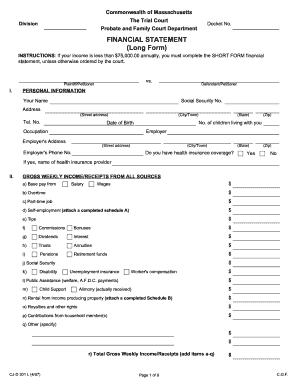
Financial statement long form
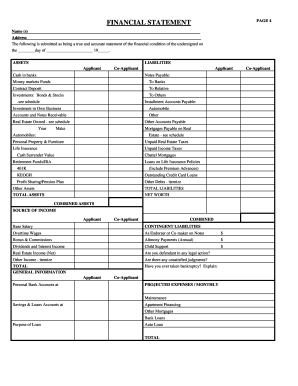
Rebny financial statement
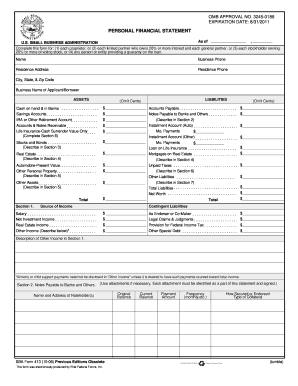
Personal financial statement template 2008 form
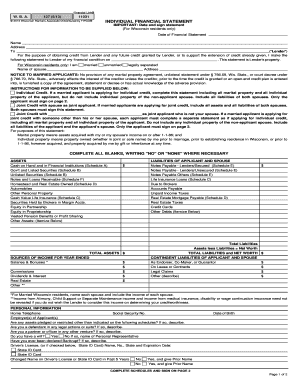
Individual financial statement
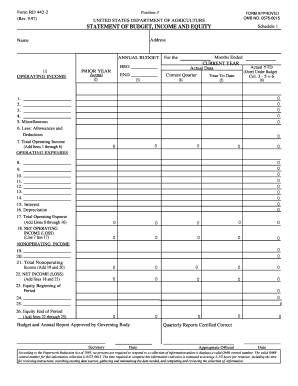
Form statement equity
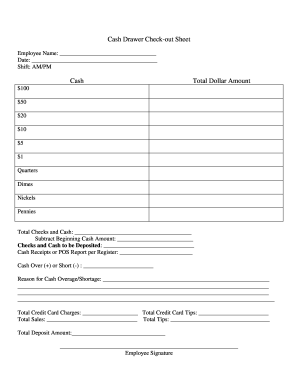
Cash drawer reconciliation template
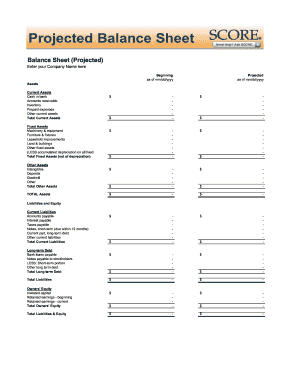
Balance sheet fill in the blank
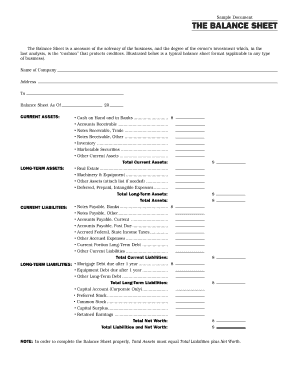
Interim ytd balance sheet pdf

Personal balance sheet pdf
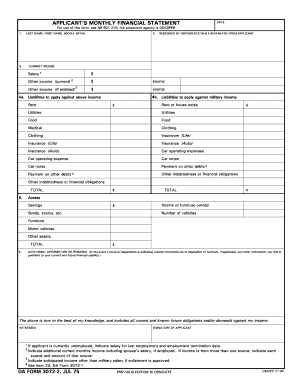
Monthly financial statements
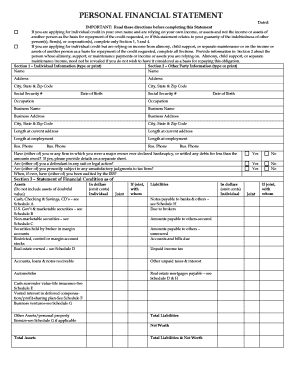
Personal financial statement form
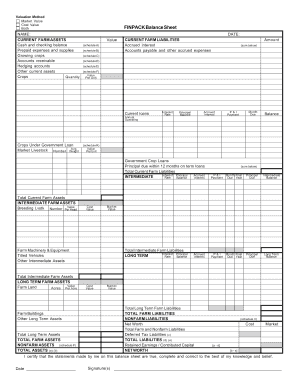
Finpack balance sheet
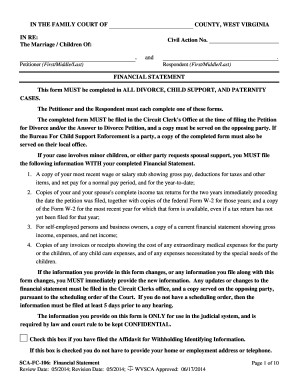
Wv financial statement
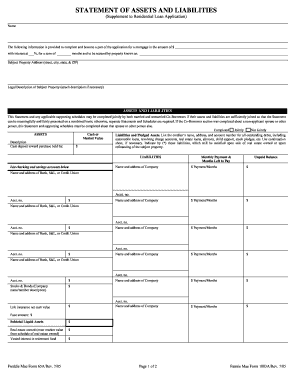
Form assets liabilities blank
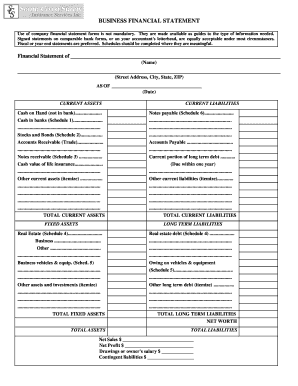
Business financial statement form

Financial statement of judgment debtor massachusetts form
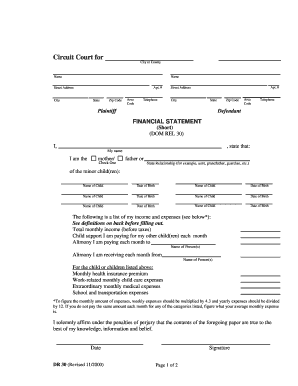
Financial statement short dr 30 form
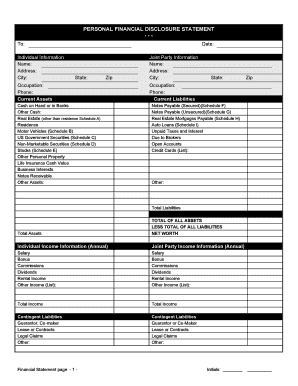
Financial statement form personal
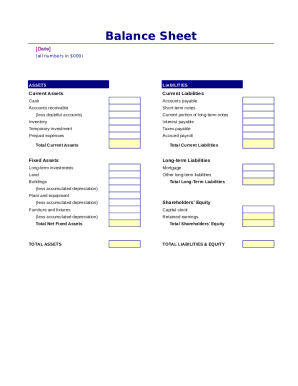
Simple balance sheet

Fillable personal financial statement form
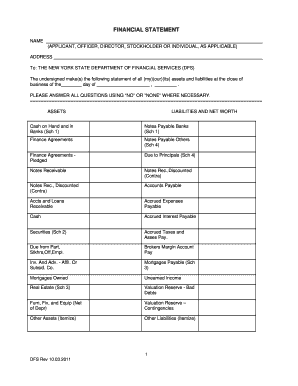
New york financial statement form
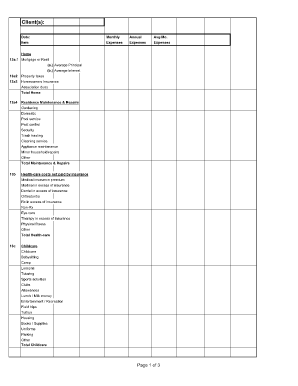
Divorce living expenses fillable worksheet form
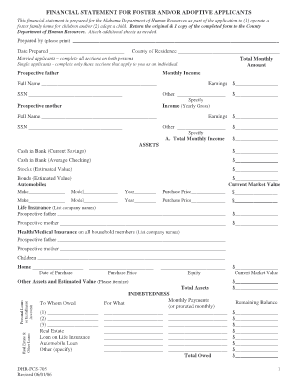
Financial statement for foster and/or adoptive applicants - Alabama ... - dhr alabama
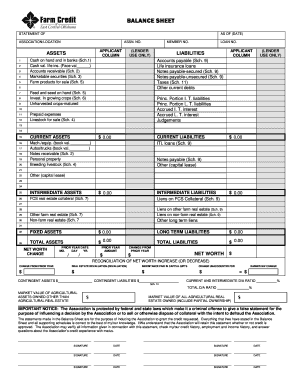
Download Financial Statement Form - Farm Credit

Financial report template
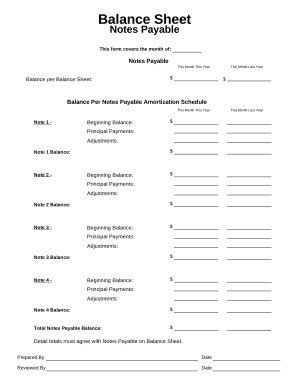
Balance sheet form
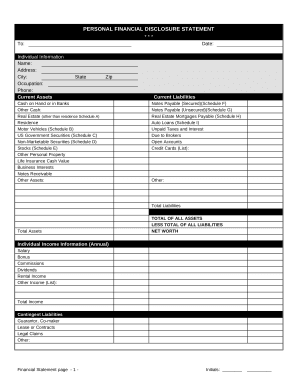
Financial statement form

Balance Sheet
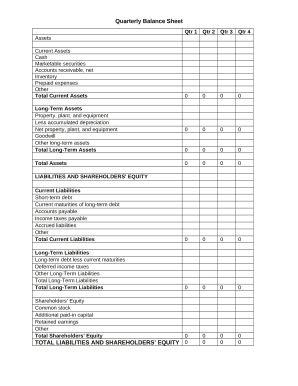
Quarterly Balance Sheet
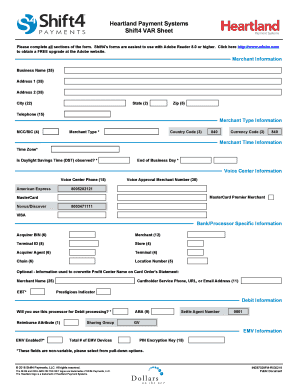
What is a var sheet
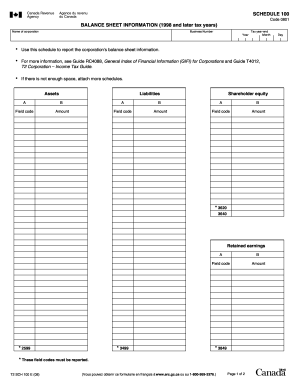
Balance sheet information schedule 100 2020

Sba form 413
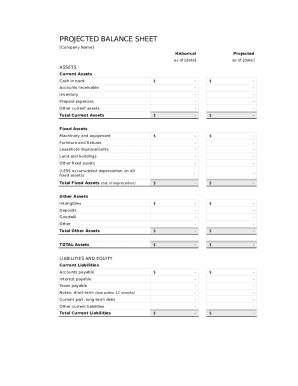
Balance sheet template fillable

Personal Financial Statement - Emprise Bank

CODE REVISER USE ONLY PROPOSED RULE MAKING - dshs wa
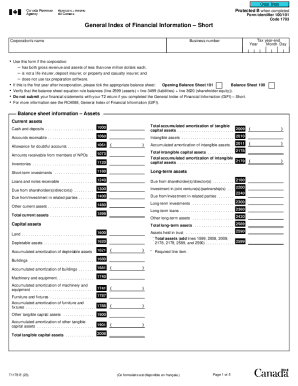
Guide to Form T1178, General Index of Financial Information
-
1
- 2
Get and handle Diy bill pay Balance Sheet Templates online
Boost your form operations with our Diy bill pay Balance Sheet Templates online library with ready-made templates that meet your requirements. Access your document template, alter it, complete it, and share it with your contributors without breaking a sweat. Start working more efficiently together with your forms.
How to use our Diy bill pay Balance Sheet Templates:
- Open our Diy bill pay Balance Sheet Templates and search for the form you require.
- Preview your document to ensure it’s what you want, and click Get Form to begin working on it.
- Change, add new text, or point out important information with DocHub tools.
- Complete your form and save the adjustments.
- Download or share your form template with other recipients.
Discover all the possibilities for your online file management with our Diy bill pay Balance Sheet Templates. Get your free free DocHub profile right now!
Video Guide on Diy bill pay Balance Sheet Templates management

Commonly Asked Questions about Diy bill pay Balance Sheet Templates
How do I make a balance sheet for myself?
Steps to Preparing a Simple Balance Sheet: Add the value of all assets. List total under assets. Add the total obligations owed. List total under liabilities. Subtract the liabilities from the total assets to determine net worth. List the amount under personal equity.
How to make a balance sheet for beginners?
How to make a balance sheet Invest in accounting software. Create a heading. Use the basic accounting equation to separate each section. Include all of your assets. Create a section for liabilities. Create a section for owners equity. Add total liabilities to total owners equity.
Do you need an income statement to make a balance sheet?
Net income is the final calculation included on the income statement, showing how much profit or loss the business generated during the reporting period. Once youve prepared your income statement, you can use the net income figure to start creating your balance sheet.
How to make a beginning balance sheet?
How to Prepare a Basic Balance Sheet Determine the Reporting Date and Period. Identify Your Assets. Identify Your Liabilities. Calculate Shareholders Equity. Add Total Liabilities to Total Shareholders Equity and Compare to Assets.
How to make your own balance sheet?
Heres one common example of how to structure your balance sheet: Assets section in the top left corner. Liabilities section in the top right corner. Owners equity section below liabilities. Total assets category at the bottom of the balance sheet. Combined total liabilities and owners equity category under total assets.
Does Excel have financial templates?
Creating a budgeting plan for your household can feel overwhelming and hard, but Excel can help you get organized and on track with a variety of free and premium budgeting templates.
Is there a balance sheet template in Excel?
The Balance Sheet Template for Excel is a pre-designed spreadsheet that allows users to enter their companys financial information, including assets, liabilities, and equity. This template is useful for businesses of all sizes, as it can be customized to fit each companys specific needs.
Can I create my own balance sheet?
Steps to Preparing a Personal Balance Sheet: Make a list of all assets and the value of each asset. Create categories and categorize your assets. Total all assets by adding all the individual values together.
Does Excel have a bookkeeping template?
Those who havent used Excel before or arent familiar with its features can download Excel bookkeeping templates online. Once you create or download templates, you can use them as a basis for more advanced account-related tasks like basic financial statements, forms, receipts, reports, etc.
Does Excel have a financial statement template?
A: Yes. Excel has a range of financial templates, including income statements, cash flow statements, and balance sheets.
Related Templates
Termination instructor
The document is a Notice of Termination for an instructor from a Driver Training School in Illinois, issued by the Offic ...

Illinois fire request form
The document is a request form for Municipal Fire License Plates issued by the Secretary of State's Vehicle Services Dep ...

Il license plates request
The document is a request form for U.S. Air Force License Plates issued by the Secretary of State in Illinois. It outlin ...

Organ donor personalized form
The document is a request form for Organ/Tissue Donor Vanity and Personalized License Plates in Illinois. It outlines th ...

Illinois cancellation plates
The document is a Request for Cancellation form for Illinois Apportioned (IRP) Plates, issued by the Secretary of State' ...

Il uis plates
The document outlines the process and requirements for obtaining personalized and collegiate license plates for vehicles ...

Connecticut gender change
The document is a Gender Designation Change Form from the Connecticut Department of Motor Vehicles, allowing individuals ...
Connecticut irp g
The document is a declaration form from the Connecticut Department of Motor Vehicles for the International Registration ...