
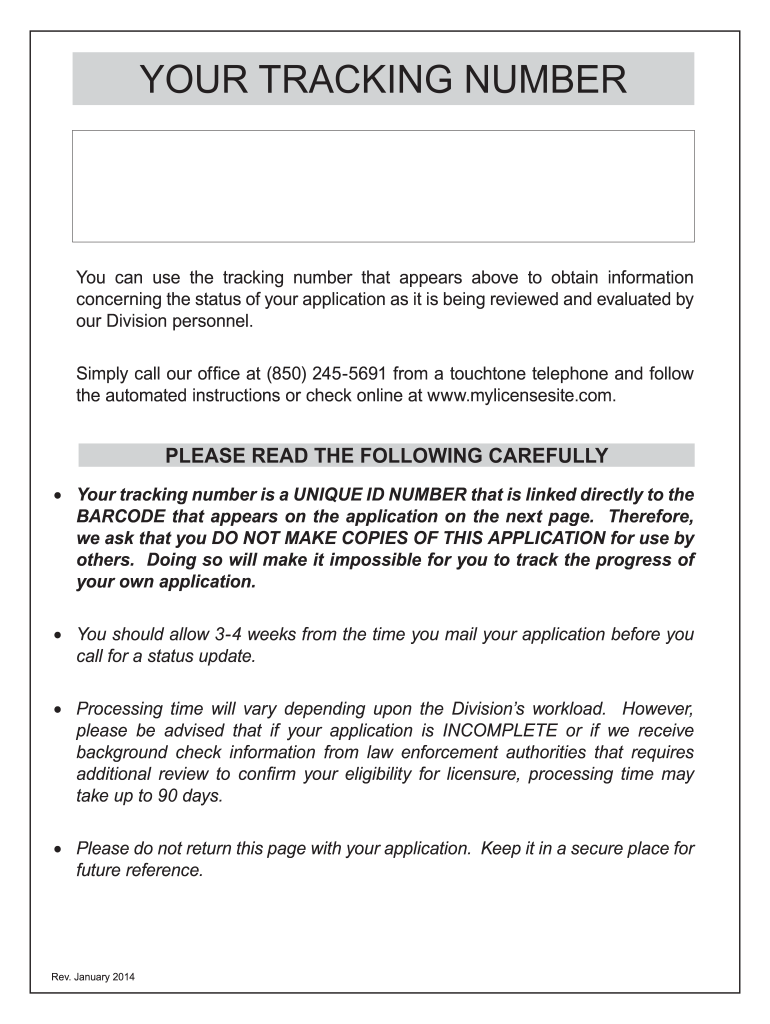







Definition and Meaning of Mylicensesite
The term "mylicensesite" refers to a unique platform or tool designed to manage and streamline the licensing process. It serves as a centralized hub where users can apply for, renew, and track various types of licenses, ranging from professional certifications to business operating permits. The primary function of the mylicensesite is to simplify and expedite the bureaucratic procedures associated with licensing, making it an invaluable resource for individuals and organizations alike.
Functionality Overview
- License Management: Users can manage all license-related tasks through a single interface, reducing the need to navigate multiple platforms or contact various agencies.
- Renewal Notifications: Automated alerts ensure that users are reminded of upcoming renewal dates, helping prevent lapses in certification.
- Status Tracking: The platform allows users to track the status of their applications in real-time, providing transparency and peace of mind.
How to Use Mylicensesite
Utilizing mylicensesite involves a few straightforward steps aimed at streamlining the application and management process for licenses. Users can quickly navigate through different features designed to enhance user experience.
Navigating the Platform
- Create an Account: Individuals need to first set up an account, providing basic personal or organizational details.
- Select License Type: Users are required to choose the specific type of license they are interested in managing.
- Follow Instructions: Detailed, step-by-step instructions guide users through the application or renewal process.
Efficient Features
- User Dashboard: An intuitive dashboard displays all current licenses, pending applications, and alerts for upcoming renewals.
- Help and Support: Integrated support options assist with any questions or issues encountered during use.
Steps to Complete the Mylicensesite Form
Completing a mylicensesite form is a structured process that guides users through necessary data entry and verification.
Detailed Completion Process
- Login and Access Form: Log into the account and navigate to the specific form that needs completion.
- Enter Personal Information: Fill in required fields with accurate personal or business information, ensuring accuracy to avoid processing delays.
- Upload Required Documents: Attach any necessary documents as specified in the application guidelines.
- Review and Submit: Double-check all entries for accuracy before submitting the form, utilizing the review feature provided on the platform.
Important Considerations
- Ensure all fields marked as required are completed to avoid submission errors.
- Utilize digital signatures, if applicable, to expedite the authorization process.
Legal Use of Mylicensesite
Mylicensesite is designed with compliance and legal considerations at the forefront. It ensures all licensing processes are conducted in accordance with legal regulations and standards, providing a secure and reliable service for users.
Compliance Features
- Data Security: Utilizes advanced encryption methods to protect user data and ensure privacy.
- Regulatory Adherence: Aligns with local, state, and federal laws, ensuring all licensing activities are legally sound.
Additional Legal Considerations
- Users are advised to maintain copies of all correspondence and submissions for legal verification purposes.
- Regular updates to the platform incorporate changes in legislation to maintain legal compliance.
Required Documents for Mylicensesite
Certain documents are typically necessary when applying for or renewing a license through mylicensesite. These documents help verify the applicant's identity and eligibility.
Commonly Required Documents
- Identification Proof: A government-issued ID or passport to confirm identity.
- Professional Certifications: Any certificates necessary for professional licenses, certifying qualification or expertise.
- Financial Statements: For business licenses, including tax returns and balance sheets.
Tips for Document Submission
- Ensure all documents are digitized in the right format for uploading.
- Use clear scans to avoid rejection due to poor legibility.
Who Typically Uses Mylicensesite
The mylicensesite platform caters to a diverse range of users, each with specific licensing needs, providing customized solutions for different user groups.
Primary User Groups
- Professionals: Including doctors, lawyers, and engineers who require specific licensures to practice.
- Businesses: Particularly startups and small businesses requiring operational permits.
- Students and Trainees: Engaged in educational programs necessitating temporary practice licenses or permits.
Benefits for Each User Type
- Professionals: Simplified renewal and compliance with ongoing career demands.
- Businesses: Streamlined acquisition and management of varied regulatory licenses essential for operation.
- Students: Access to quick application processes for temporary permits linked to educational programs.
State-Specific Rules for Mylicensesite
Licensing processes can vary significantly by state, and mylicensesite accommodates these differences by tailoring processes to meet specific regional requirements.
Regional Variations
- Different Requirements: Each state may have unique requirements for the same type of license.
- Adjusted Procedures: Mylicensesite adjusts application procedures based on state regulations to ensure compliance.
Example Scenarios
- Healthcare Licenses: Regulations in New York may differ from those in California, specifically concerning required clinical hours.
- Business Permits: State-specific tax documentation may be required, affecting the completeness of applications.
Application Process and Approval Time for Mylicensesite
Understanding the application process and potential timelines is crucial for effective license management through mylicensesite.
Step-by-step Application Process
- Application Form Completion: Users must fill out comprehensive online forms corresponding to the license type.
- Document Assessment: Uploaded documents undergo verification to ensure all legal and procedural requirements are met.
- Review by Authorities: Relevant authorities review the complete application package.
Expected Approval Timelines
- Standard Licenses: Typically processed within four to six weeks, though more complex cases may extend to two to three months.
- Expedited Options: Available for certain licenses, potentially halving standard processing times.
By following these structured guidelines, users can efficiently navigate the mylicensesite, ensuring successful and timely licensing management.




