
Get any PDF form from the DocHub library of ready-made templates - Page 2160

Symptom checklist 90 scl

Ct caseflow

Important Telephone Numbers and Emergency Response Information - dshs wa

Vhumc car
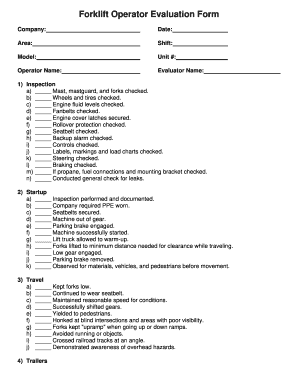
Forklift license template

Delegation of parental authority form

Swiss international inventory form online

Esdc sde 0100 part a
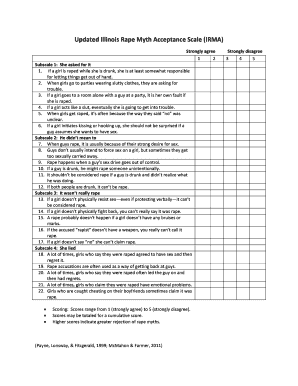
Illinois rape myth acceptance scale
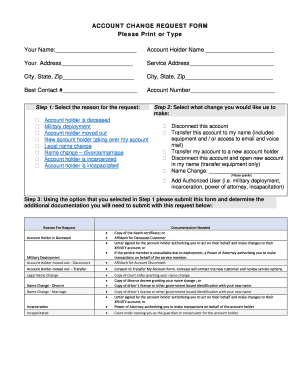
Xfinity account change request form

Mv912
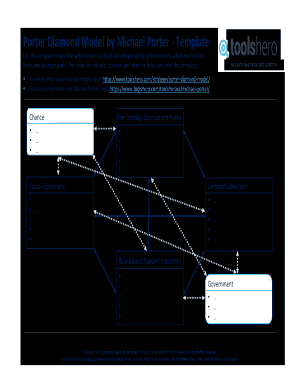
Porter's diamond model template
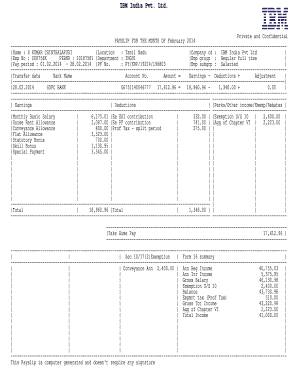
Ibm id salary slip
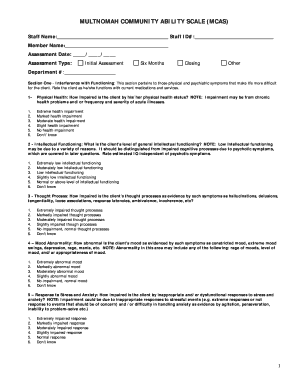
Multnomah community ability scale

Reliant energy bill template
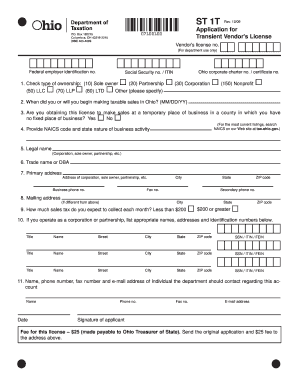
Transient vendors license ohio application
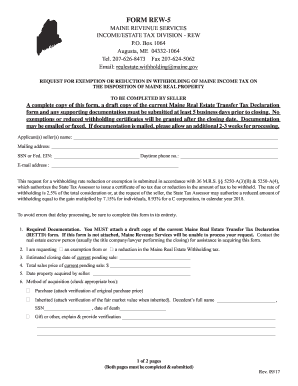
State of maine rew 5 form
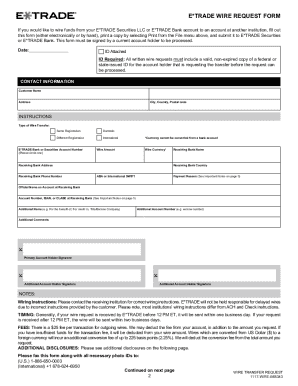
COMPLETE YOUR E*TRADE WIRE REQUEST FORM IN FOUR EASY

Hpd dismissal request form

Sprint com fraud
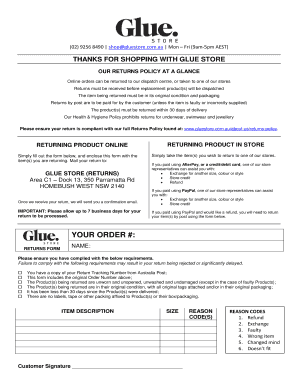
Glue store returns form

Form # MP2960LT
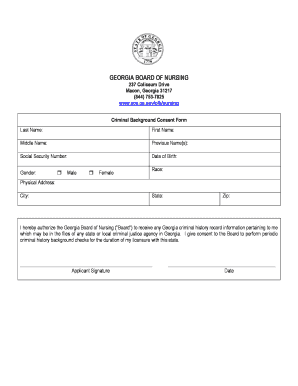
Gbon criminal background check release form

HEALTH CERTIFICATE TO EXPORT DOGS AND CATS FROM THE
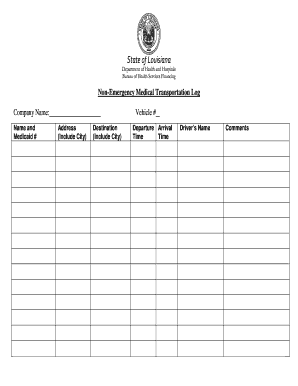
Non-Emergency Medical Transportation Log
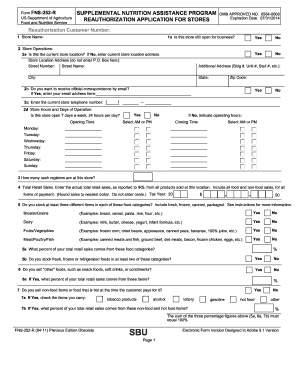
Fns 252 r form
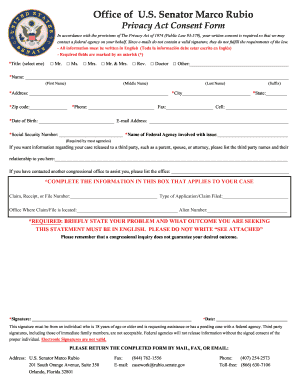
Office of U.S. Senator Marco Rubio

Usav medical release form 2019
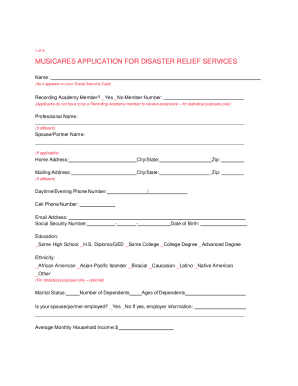
Musicares application
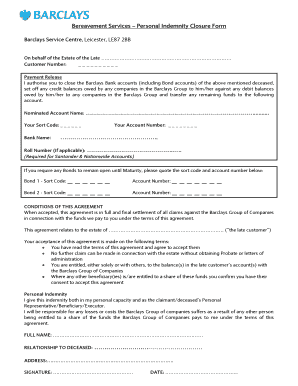
Barclays bereavement closure form
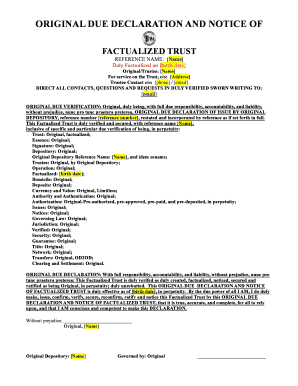
Factualized trust
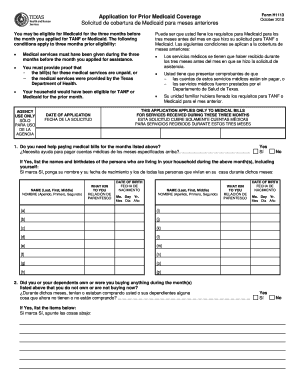
H1113 form
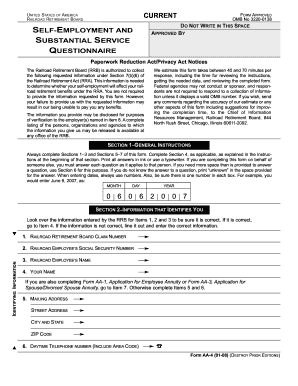
OMB No 3220-0138
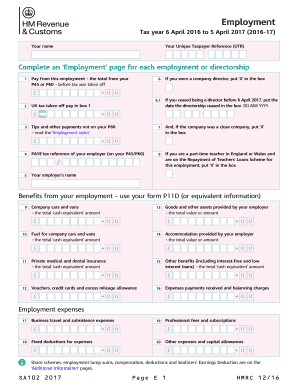
Employment (2017). Use the SA102(2017) supplementary pages to record your employment details when filing a tax return for the tax year ended 5 April 2017
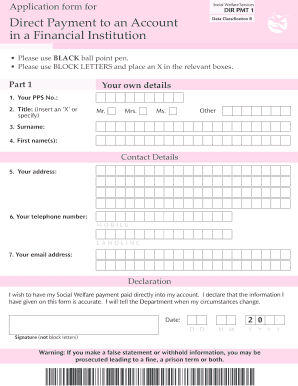
Dir pmt1 form

Incident report employee behavior sample
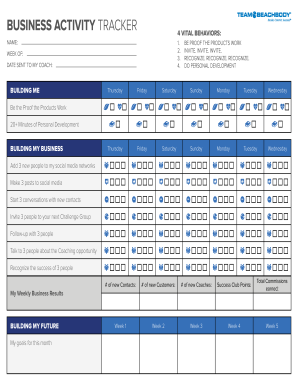
Beachbody tracker sheets

** For QPIRA Applicants Only
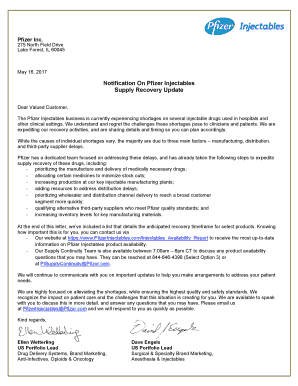
Pfizer letterhead
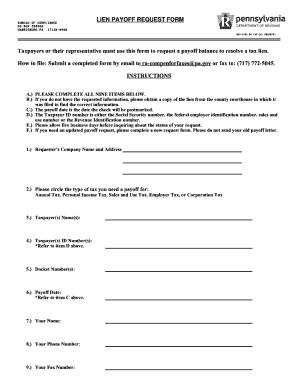
Lien Payoff Request Form (REV-1038)

Illinois boat registration form
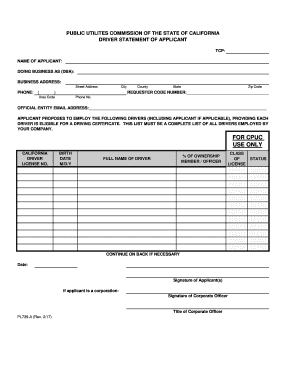
Pl739 a form
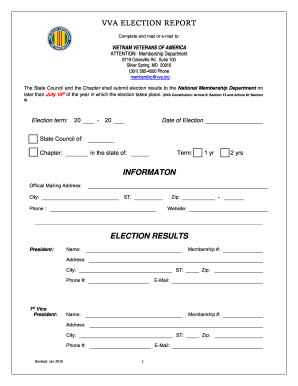
Vva election
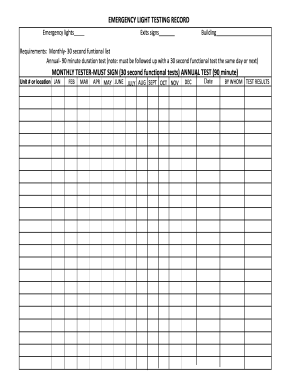
Emergency light record

Save affidavit atlanta
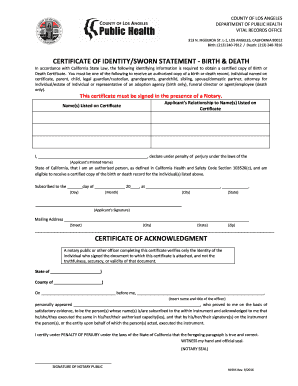
Certificate identity birth
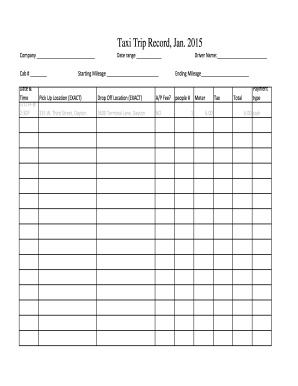
Trip sheet
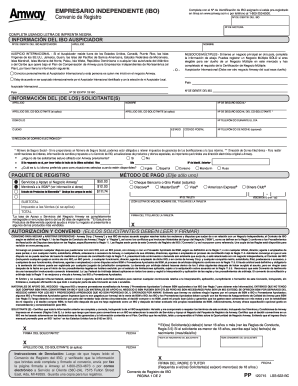
Formulario de registro amway

Mvt 10 1
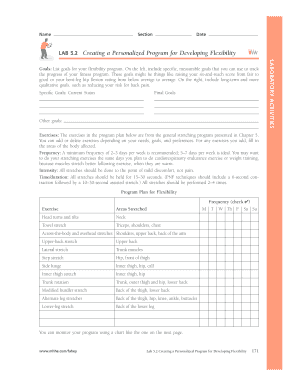
Lab 5 2 creating a personalized program for developing flexibility
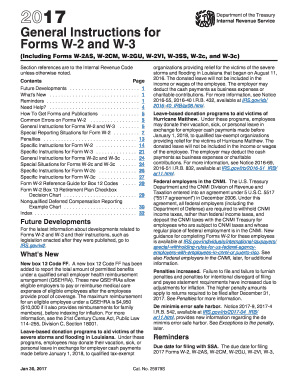
W2 instructions 2017 form
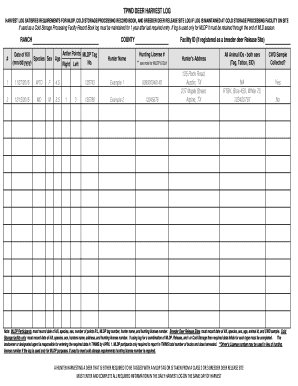
Tpwd deer harvest log
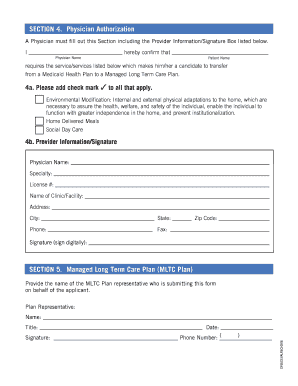
Cfeec form
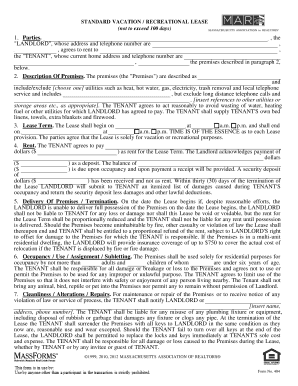
MA-Standard Vacation Recreational Lease
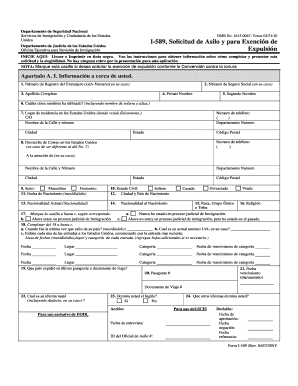
I 589 spanish pdf
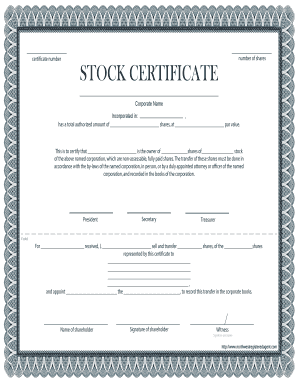
Stock Certificate. Stock Certificate

Medical document
Disability questionnaire activities of daily living
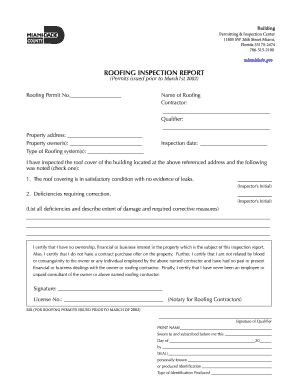
Roofing inspection report
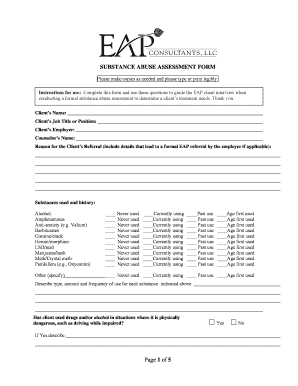
Substance abuse assessment form pdf
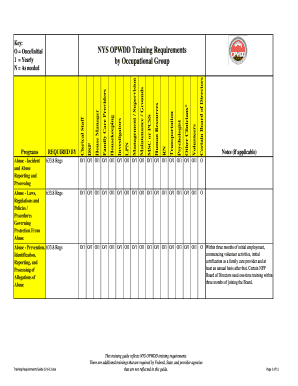
Opwdd training requirements guide
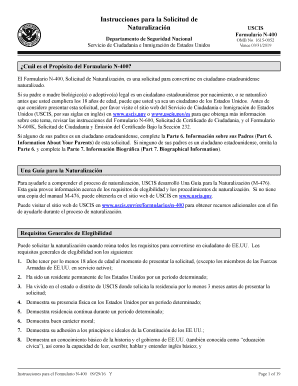
N 400 form in spanish pdf
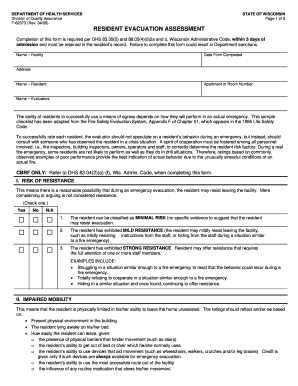
Resident evacuation assessment
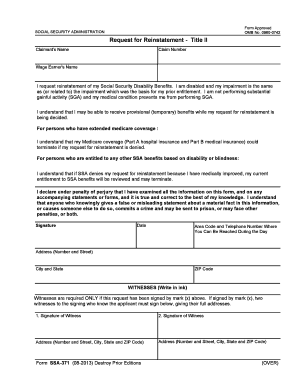
Ssa 371

Termination parental rights form
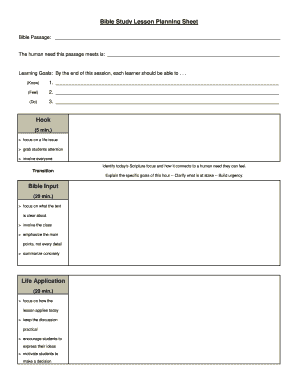
Bible study lesson planning sheet
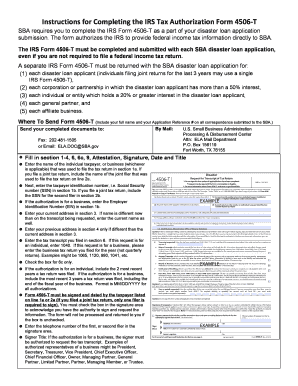
Sba 4506 t 2021
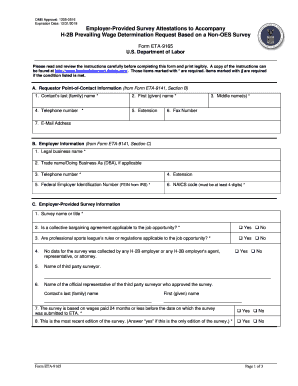
Eta 9165

Multi purpose dbs
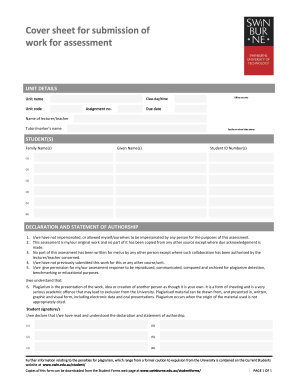
Swinburne cover sheet

Cacfp menu template

Current events extra extra tell us about it

Ir175
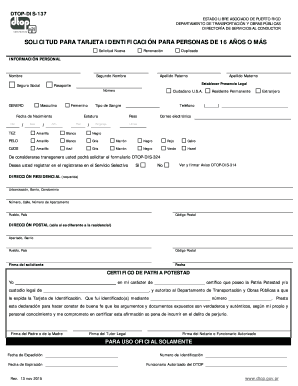
Dtop dis 137 pdf
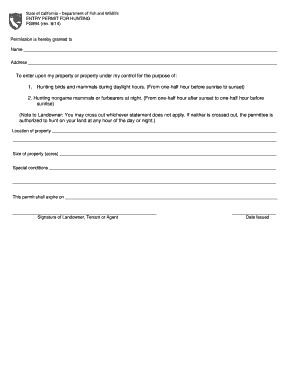
California hunting form
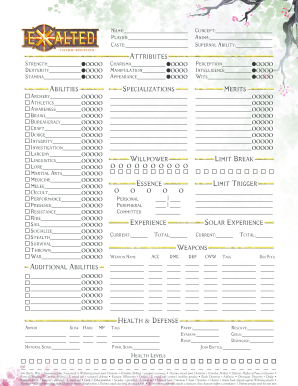
Exalted 3e character sheet
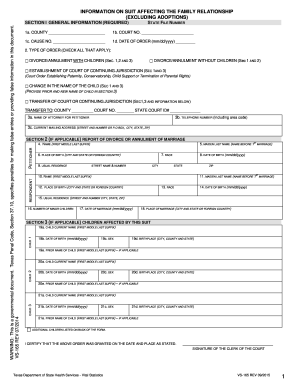
Form vs 165 2015

Orange registry 2004-2019 form
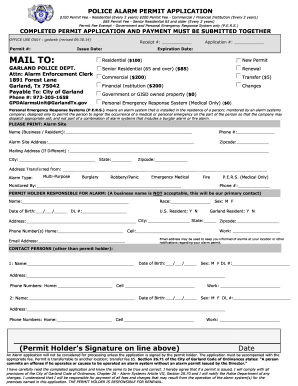
Tx alarm permit garland

Gad 7 spanish pdf
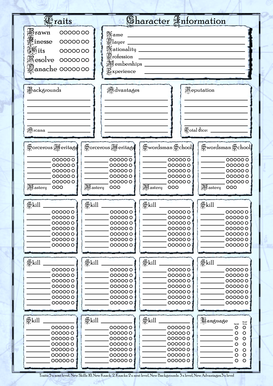
7th sea 1st edition character sheet fillable
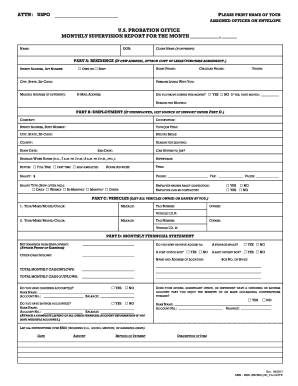
Probation office monthly report
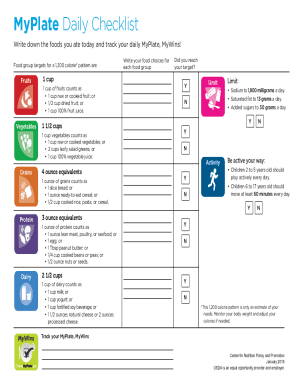
Myplate daily checklist
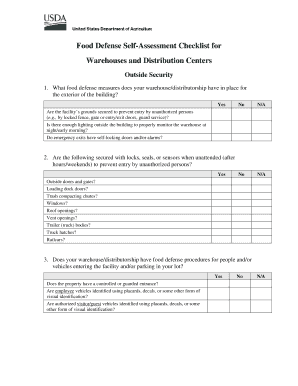
Food defense self assessment checklist
Alabama temporary
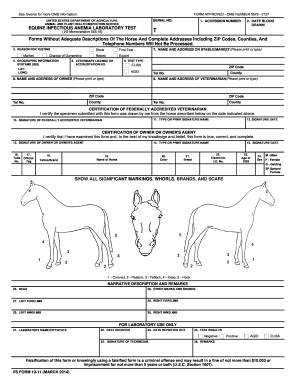
Usda vs 10 11
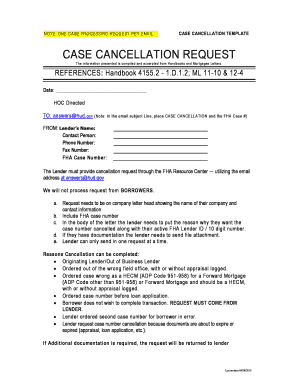
Fha cancellation form
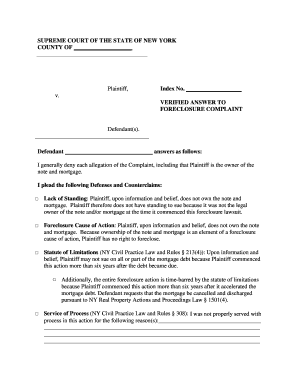
Nys answer to foreclosure form

Aphis 7006

Utility Statement Sample Utility Statement City of Rocky Mount 331 S - rockymountnc

Fbi pft self assessment evaluation form

After care plan
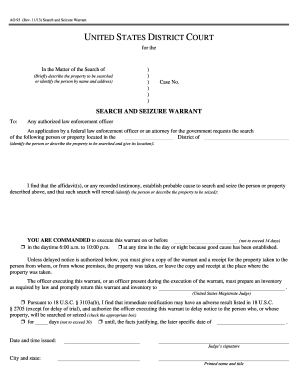
Ao 93
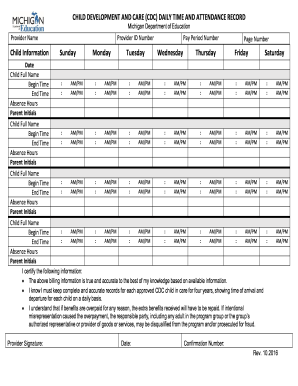
CDC Daily Time and Attendance Form CDC Provider Child Care TimeAttendance Record - michigan
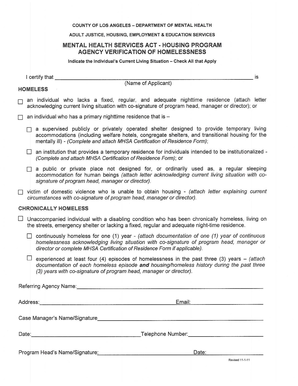
Homeless verification letter
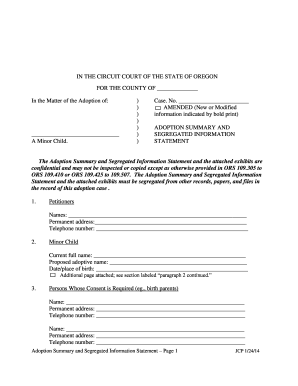
Oregon adoption summary form
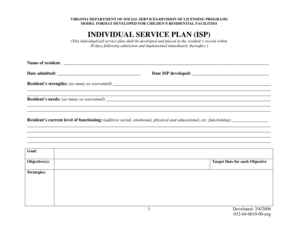
Individual plan for idd residential

Form 4a 2016
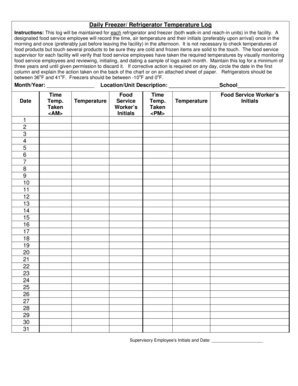
Daily zer refrigerator temperature
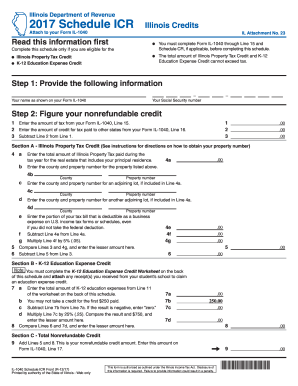
Department icr information
Benefit from the DocHub online library of fillable PDF forms
Searching the PDF forms doesn't have to be a tedious and time-consuming process. With the DocHub online library, it has become easier to find the fillable PDF forms and modify them in your browser. The service allows you to adjust the document to your needs using powerful editing tools.
You can use online document editing features to modify almost any type of document with ease. You just need to find the template of your choice, open it in the editor, and use the toolbar to make the necessary corrections.
Follow this guide to get your document done with DocHub:
- Find the PDF template you need.
- Click the Get Form button to open the file in the editor.
- Use the toolbar to fill out and edit the document.
- Easily add and highlight text, insert images, checkmarks, and symbols.
- Drop new fillable fields, and rearrange or delete pages from your file.
- Save changes and download your record.
DocHub empowers everyone to streamline document editing, signing, and distribution, and form completion. Create an account and benefit from our well-organized PDF Forms library and comprehensive editor.