




01. Edit your dtop dis 137 online
Type text, add images, blackout confidential details, add comments, highlights and more.

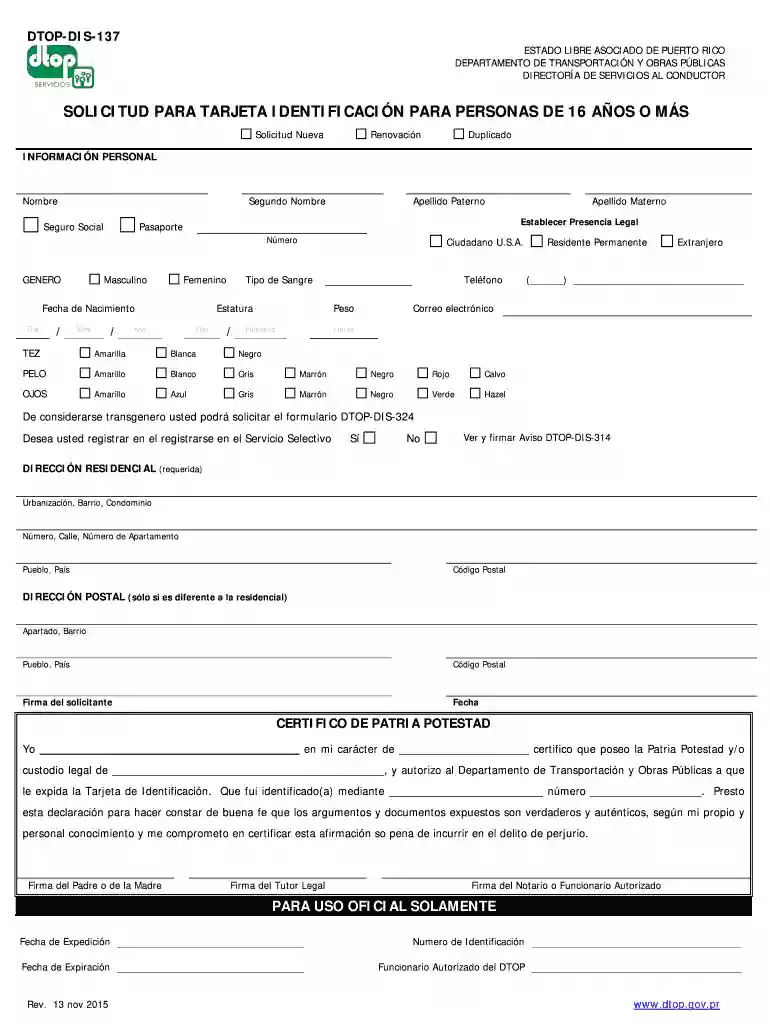
Type text, add images, blackout confidential details, add comments, highlights and more.

Draw your signature, type it, upload its image, or use your mobile device as a signature pad.

Send formulario dtop dis 137 via email, link, or fax. You can also download it, export it or print it out.

Start using our platform today to easily complete your DTOP-DIS-137 PDF for free!
We've got more versions of the dtop dis 137 form. Select the right dtop dis 137 version from the list and start editing it straight away!
Most eSignature solutions require users to have a paid subscription. With DocHub, there are two options for you to add an electronic signature to your dtop dis 137 pdf free of charge:
The second option, though, has limitations on the number of signatures, sign requests, emails, and documents for adjusting available per month. You can check for full information here.
In addition to an extensive toolset for editing PDFs on mobile devices, DocHub enables you to sign your dtop dis 137 descargar along the way. Open our editor in your browser, make modifications using DocHub’s toolset, and finish your editing by eSigning the finished form.
At DocHub, your data security is our priority. We follow HIPAA, SOC2, GDPR, and other standards, so you can work on your documents with confidence.
In this paper, we propose a systematic and automatic approach to technical pattern recognition using nonparametric kernel regression, and we apply this methodRead more
B. 03/2002 pdp-dk. Erluterungen zu den Positionieranweisungen eingefgt (Kap. 7.6.1 bis 7.6.5). Erweiterung der Funktionalitt fr die RD3A-Anweisung
Nov 18, 2019 Un documento que no deber tener ms de dos (2) meses de emitido que nos evidencie su direccin residencial permanente (Ejemplo: recibo de agua,Read more


