
Get any PDF form from the DocHub library of ready-made templates - Page 2007
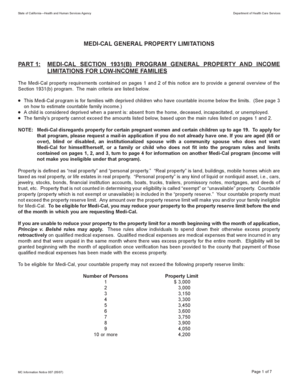
Mc 007
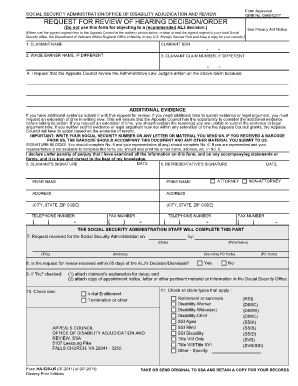
Ssa 520 pdf
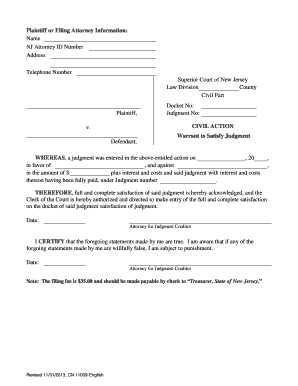
Warrant to Satisfy Judgment - New Jersey Courts - judiciary state nj

Heirship forms template
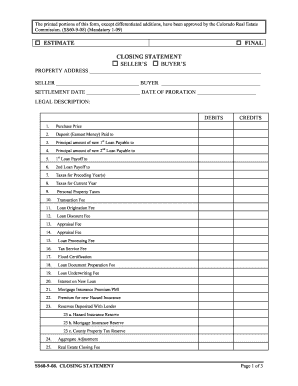
Ss60 gov
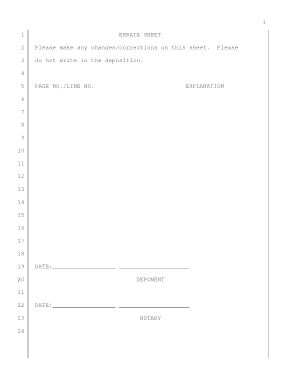
Errata sheet pdf
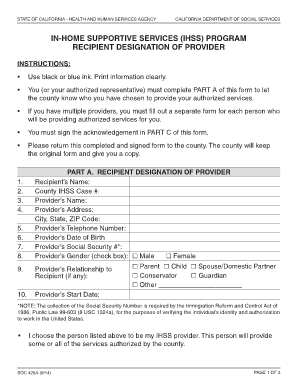
Recipient designation
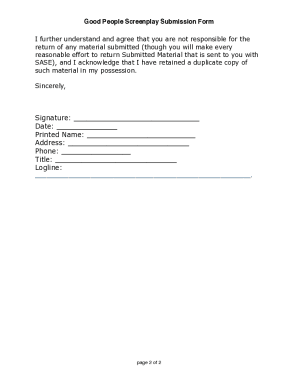
Screenplay submission release form
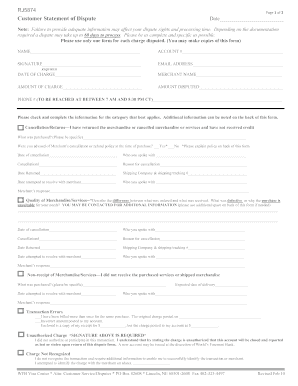
Cabelas club visa form
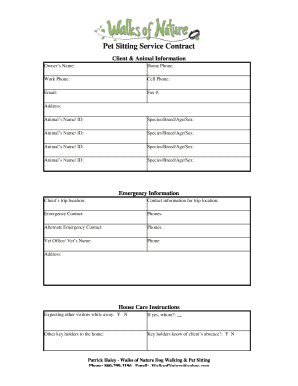
Pet sitting software
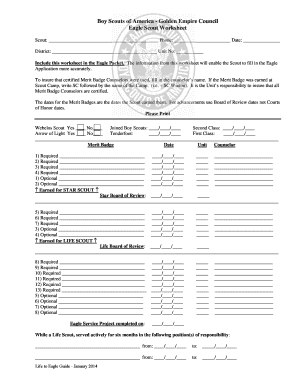
Life eagle guide scout
Texasoagchildsupport

First apartment checklist pdf 2021
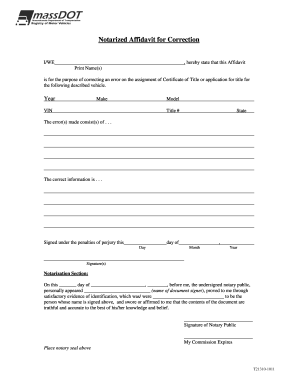
Ma correction form
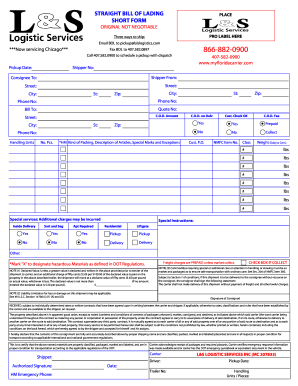
Logistic services bill form
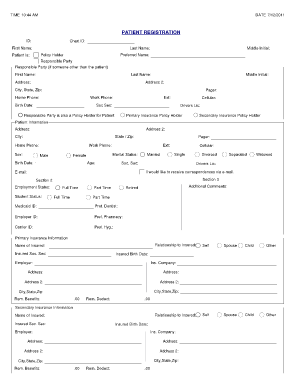
Eaglesoft faq
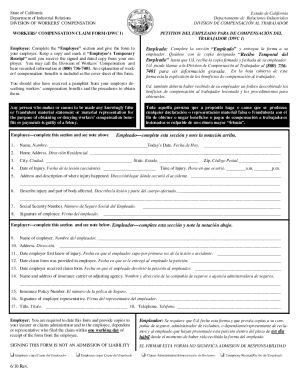
Workers' Compensation Claim Form (DWC 1) - California ... - dir ca
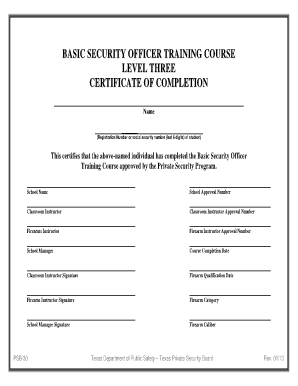
Basic security officer training course - Texas Department of Public ... - txdps state tx
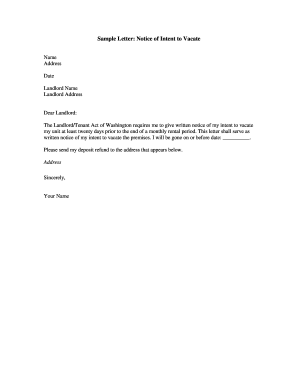
How to write a notice letter to a tenant
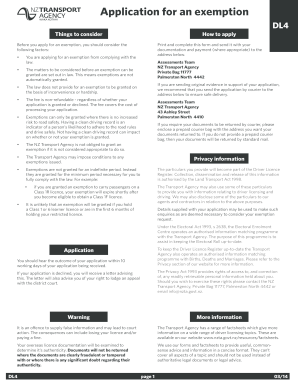
Dl4 form nz
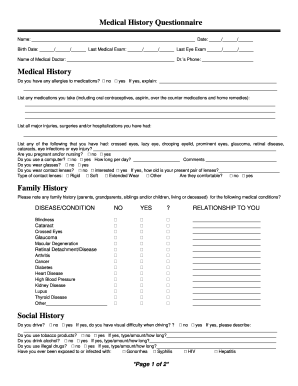
Social history questionnaire
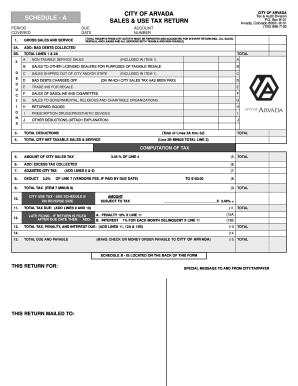
Sales use tax city arvada
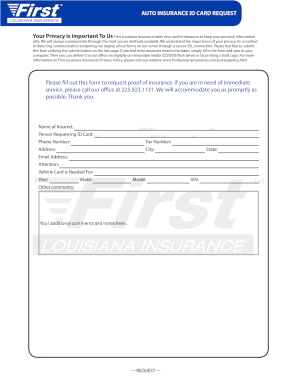
Louisiana insurance id card
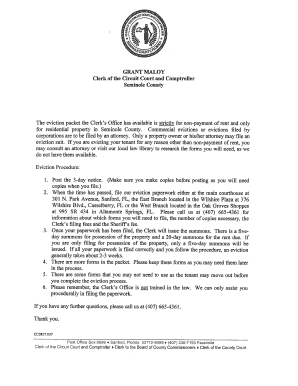
Seminole county eviction packet
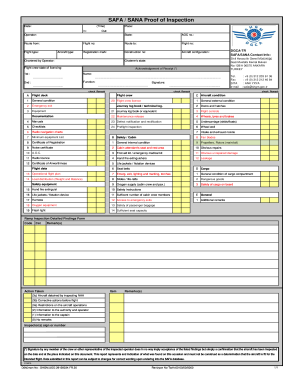
Safa checklist 2022
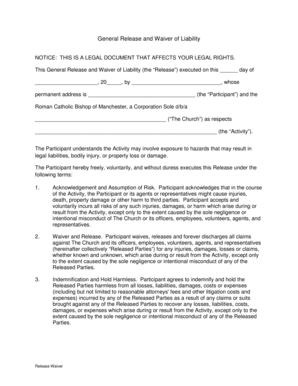
NOTICE THIS IS A LEGAL DOCUMENT THAT AFFECTS YOUR LEGAL RIGHTS - catholicnh
Land registration reform act
Hawaii dhs 8000k form
Ein application
Cook county mbe does personal net worth 2011 form

Alabama garage sale permit

Roster liability form

Progress payment form
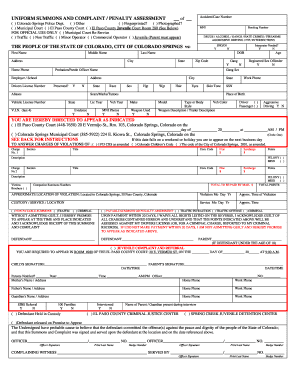
Uniform summons complaint assessment form

Bond reduction texas

Form 1015 2
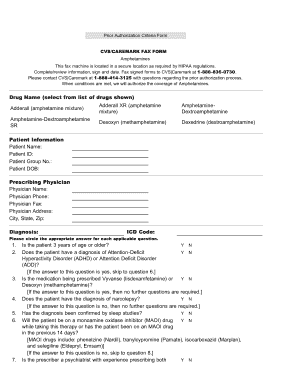
Cvs caremark prior authorization form for adderall

Usda form 17 129
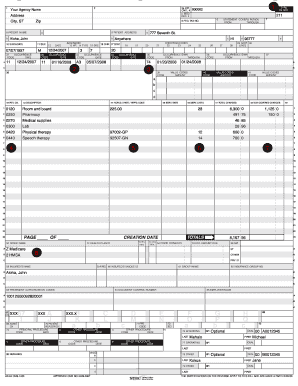
Ub 04 form

Casting registration form

St lucie county building department
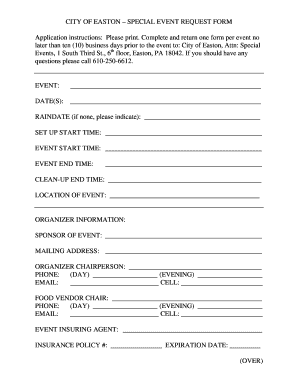
Event request form template
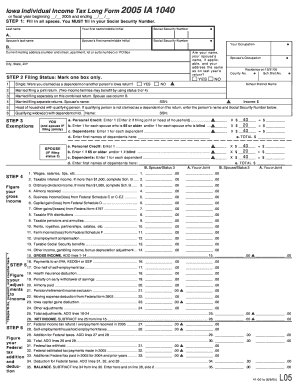
Iowa tax forms 2005
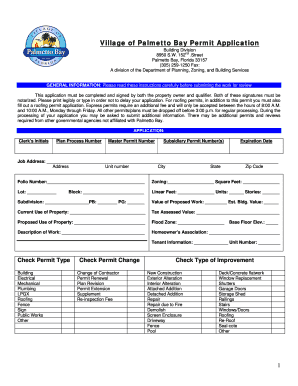
Palmetto bay permit application
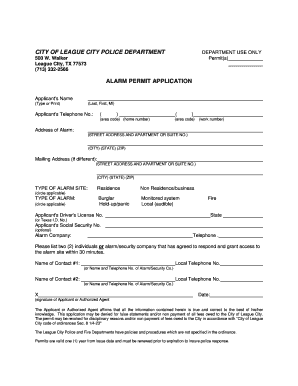
Alarm permit league city
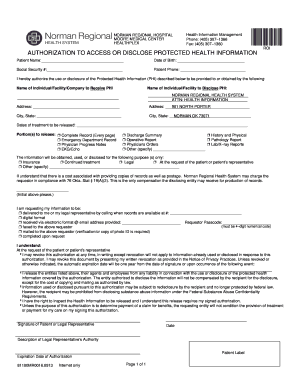
Healthplex authorization form sample
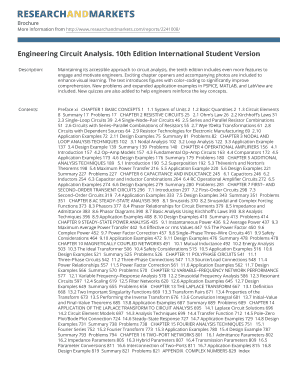
Engineering circuit analysis 11th edition international student version pdf
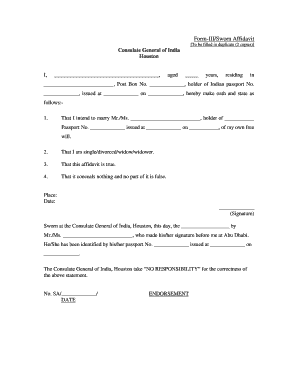
Self sworn affidavit for indian address
Appointment confirmation
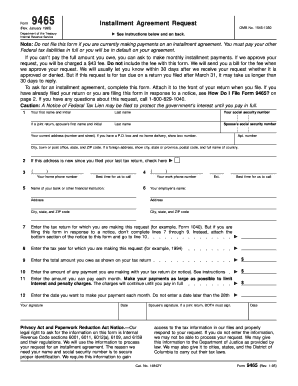
Form 9465. Installment Agreement Request

Form 9465 Installment Agreement Request
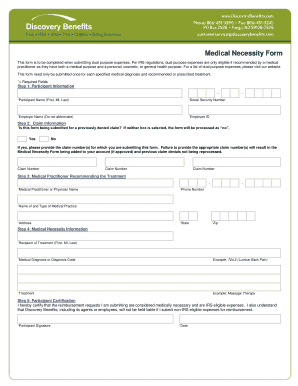
Discovery benefits medical necessity form
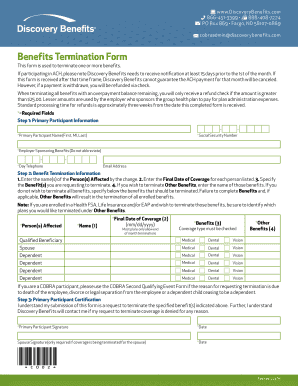
Discovery benefits cobra benefits termination form
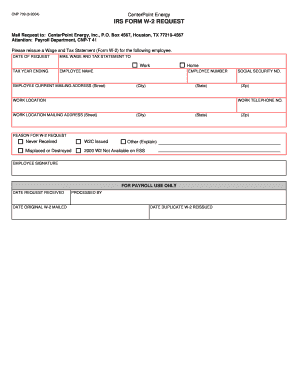
Cnp709 irs
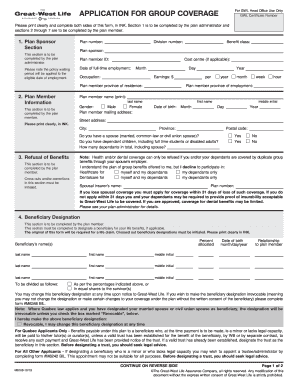
Great west life application for group coverage
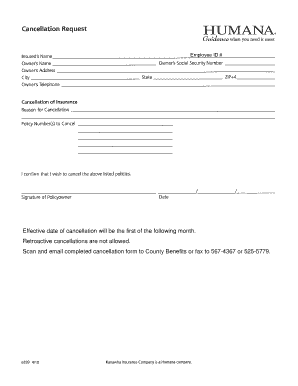
Humana cancellation
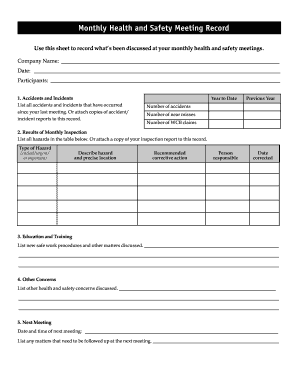
Health and safety records template
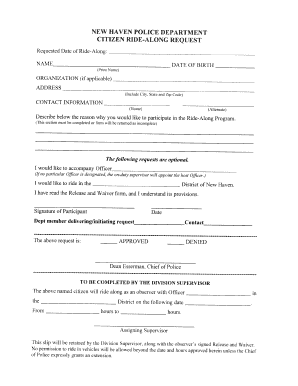
New haven along
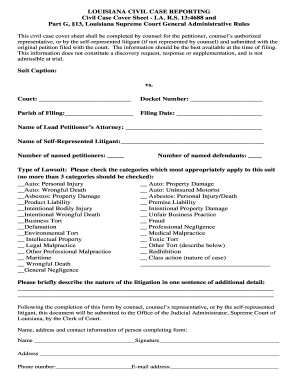
Louisiana civil case reporting form
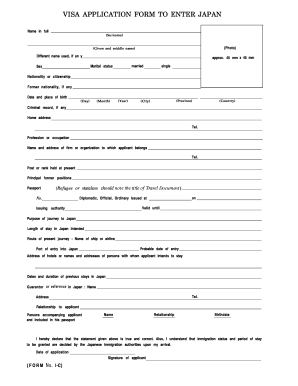
Visa application form to enter japan
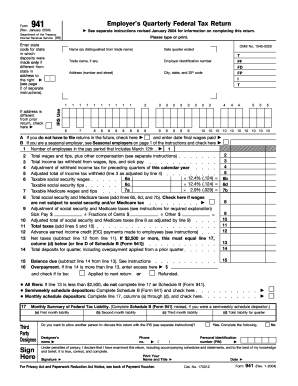
2004 941 form

Texas experience verification
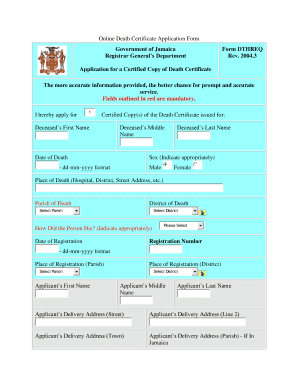
Jamaica death certificate sample
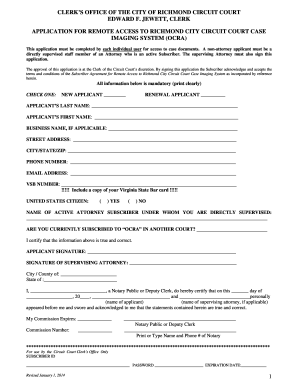
Richmond ocra
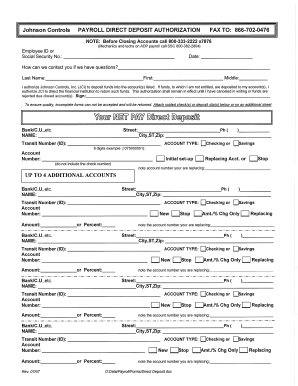
Johnson direct deposit

Flagler pointe purchaser online
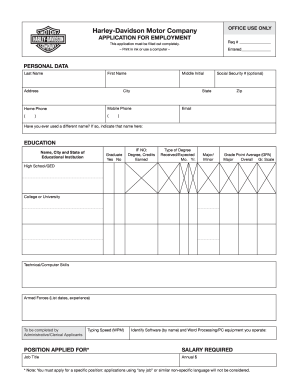
Employment Application form - Harley-Davidson
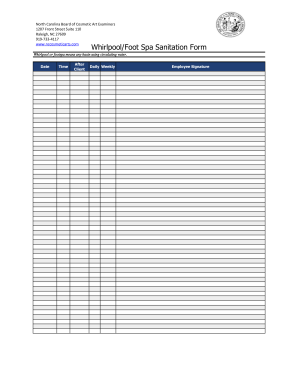
Sanitation form
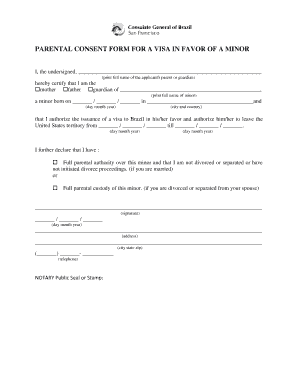
Parental consent letter for visa application
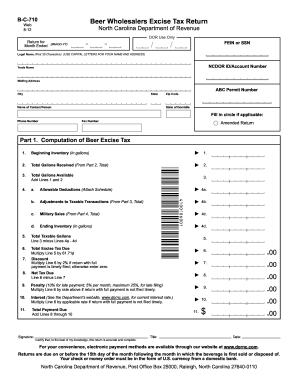
B c ncdor
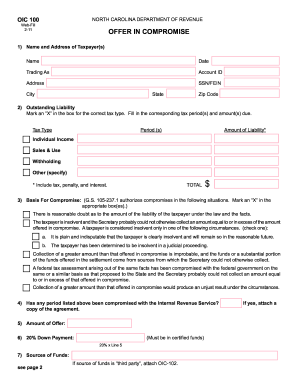
Form OIC 100
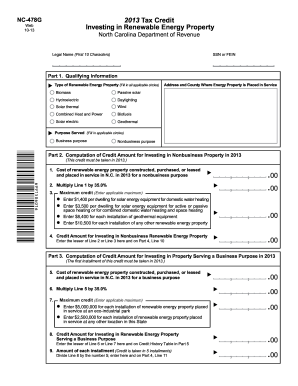
Nc form 478g 2013
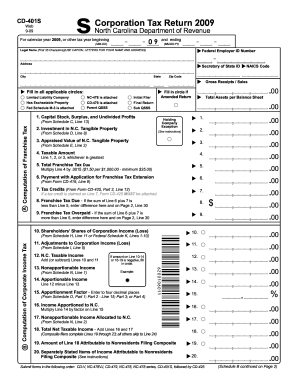
Cd 401s 2009 form

The Newport News Police Department Employment Application ...
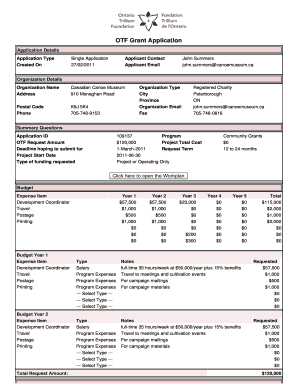
Trillium grant
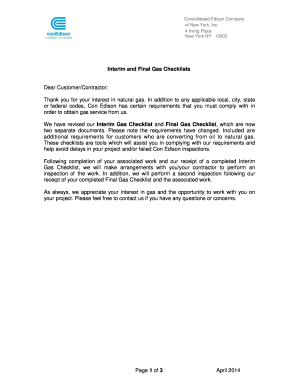
Con edison final checklist

Affidavit for termination of suspension how to fill it out form
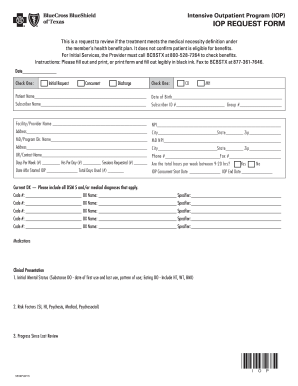
Bcbs tx iop form
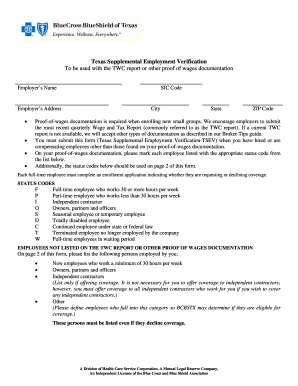
Texas blue form
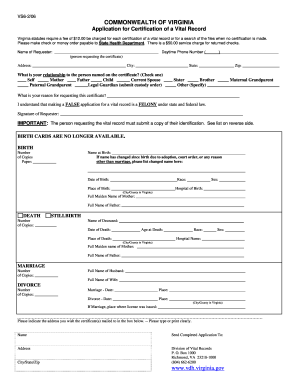
Vs6 6 16
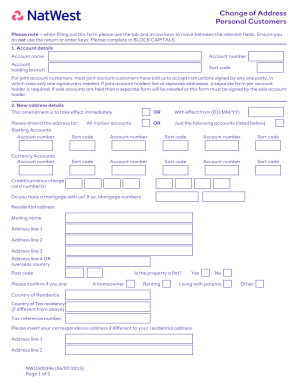
Natwest change address
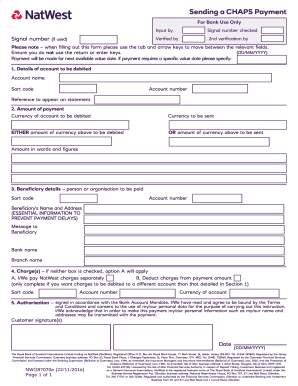
Nw087070e
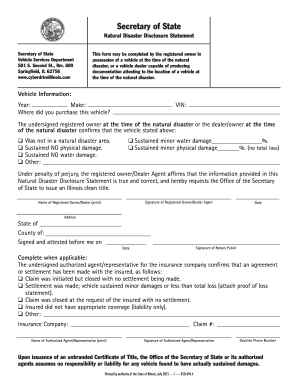
Il secretary of state natural disaster disclosure statement 2015 form
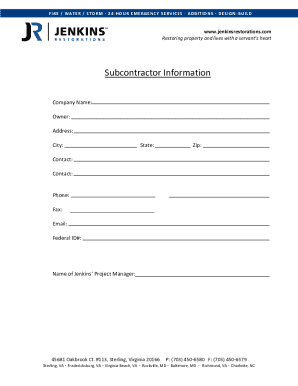
Jenkins restorations subcontractor packet form

Little league player verification form
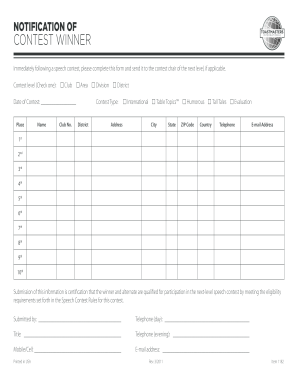
Notification of winners toastmasters
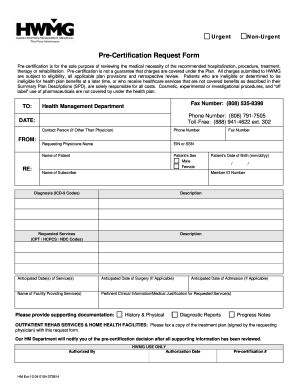
Hmaa prior authorization form
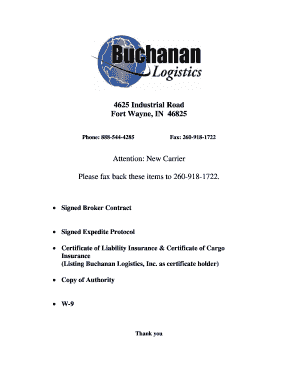
Buchanan hauling and rigging carrier setup
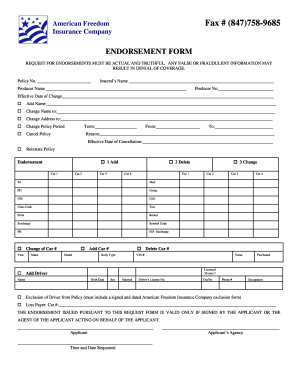
Insurance endorsement example
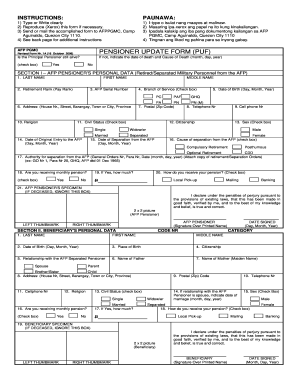
Afppgmcupdatingyahoocom 2006 form
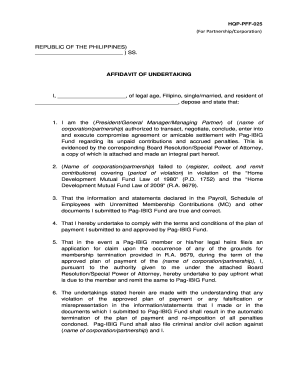
Affidavit of undertaking pag ibig
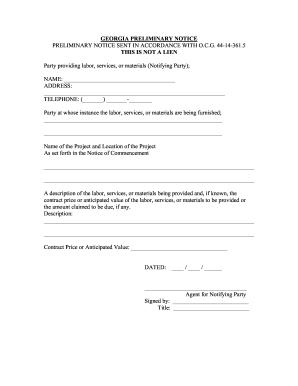
GEORGIA PRELIMINARY NOTICE
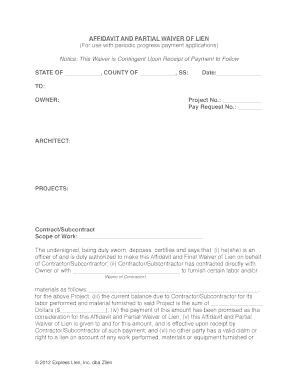
Partial release of liens
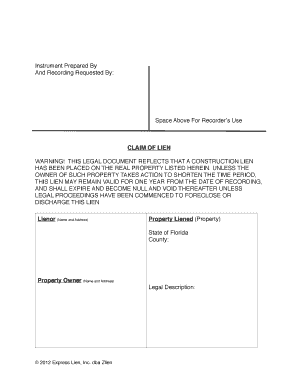
Lien to be placed example
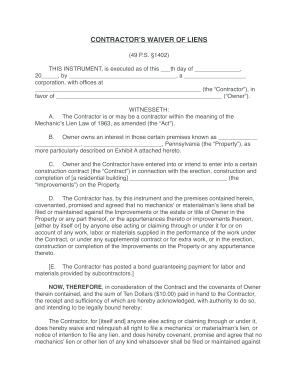
Pennsylvania lien waiver form

Pilot license template
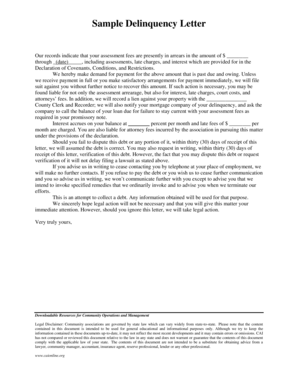
Sample Delinquency Letter - Property Manager Pages
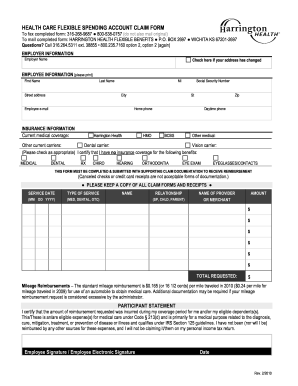
Harrington care flexible spending account
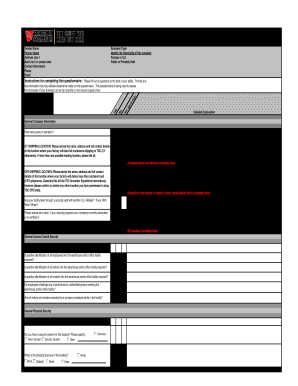
C tpat risk assessment checklist

Permit application form folsom
Benefit from the DocHub online library of fillable PDF forms
Searching the PDF forms doesn't have to be a tedious and time-consuming process. With the DocHub online library, it has become easier to find the fillable PDF forms and modify them in your browser. The service allows you to adjust the document to your needs using powerful editing tools.
You can use online document editing features to modify almost any type of document with ease. You just need to find the template of your choice, open it in the editor, and use the toolbar to make the necessary corrections.
Follow this guide to get your document done with DocHub:
- Find the PDF template you need.
- Click the Get Form button to open the file in the editor.
- Use the toolbar to fill out and edit the document.
- Easily add and highlight text, insert images, checkmarks, and symbols.
- Drop new fillable fields, and rearrange or delete pages from your file.
- Save changes and download your record.
DocHub empowers everyone to streamline document editing, signing, and distribution, and form completion. Create an account and benefit from our well-organized PDF Forms library and comprehensive editor.