
Get any PDF form from the DocHub library of ready-made templates - Page 2006
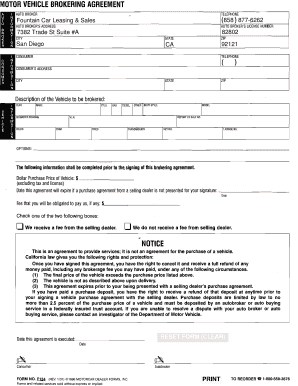
Agreement - Fountain Car Leasing & Sales

Form kyc version 3 2014 ioc bpc hpc

Modelo 950

Apla form
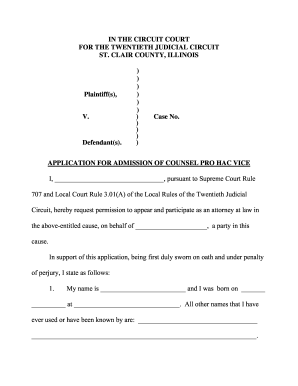
Clair hac vice

411007 pdf 2010 form
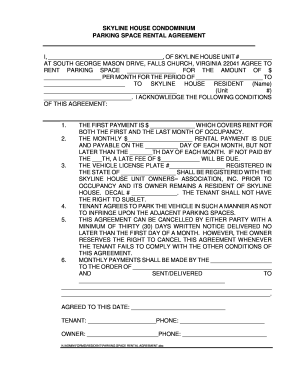
Parking space rental agreement philippines
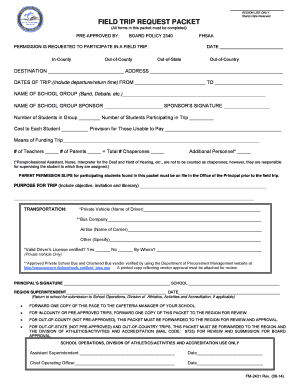
Miami dade field trip form

CS 4171 Certificate of Compliance

OBITUARY GUIDELINES AND FORMS Writing an obituary: First ...

Social Work Progress Report

Uk fire risk assessment sized sample

As is florida residential contract
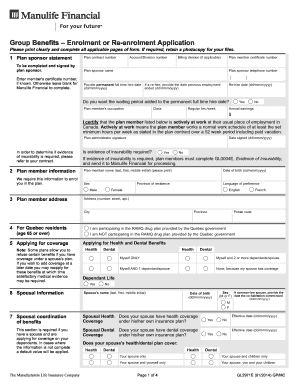
Manulife enrollment form

Blank payment form irs

Broker examination application

Addendum To Rental Or Lease Agreement (California Civil Code 1962(c)) - firsttuesday
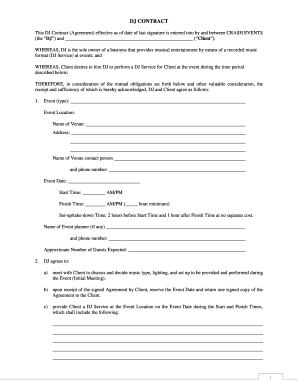
Dj contract
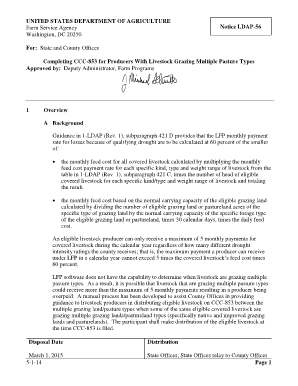
Ccc 853 form iowa

N10 form

Import declaration form
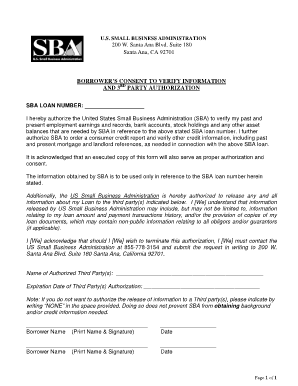
Repull credit authorization

Midland courier waybill
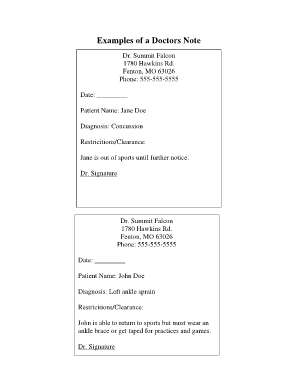
Examples of a Doctors Note.doc

Ngoh form 350 11 7
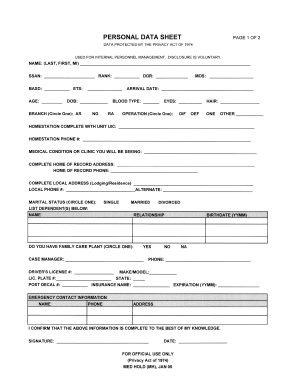
Personal data sheet sample with answer
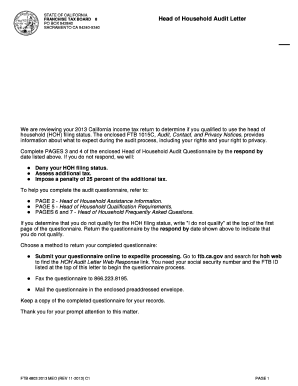
FTB 4803 2013 MEO - Head of Household Audit Letter - California ...
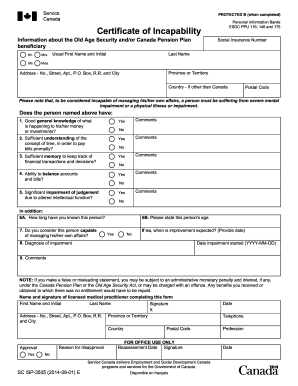
Alberta seniors benefit payment dates 2022

Kentucky search warrant form
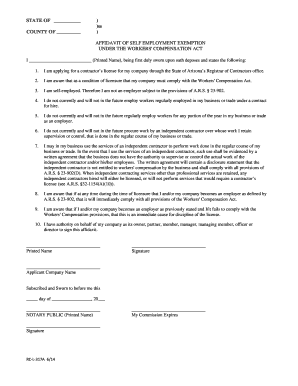
Self employed affidavit
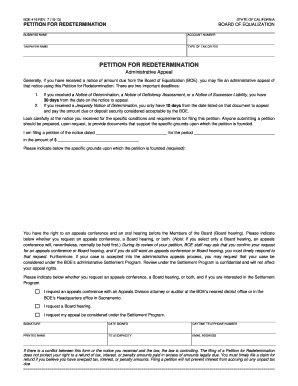
State of california boe
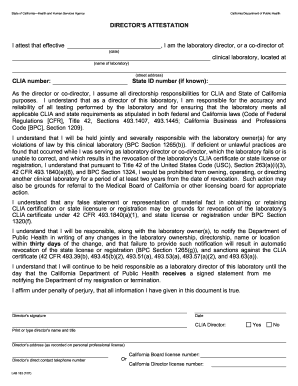
Lab 183 form

Printable w 9 form blank
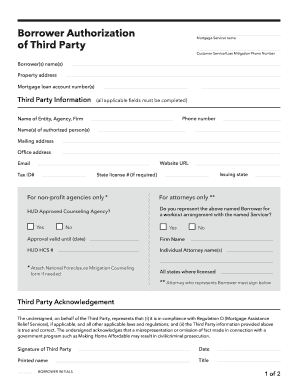
Blank borrower authorization form
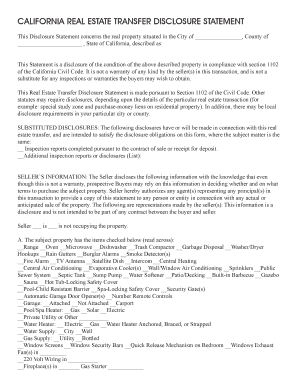
CALIFORNIA REAL ESTATE TRANSFER DISCLOSURE STATEMENT
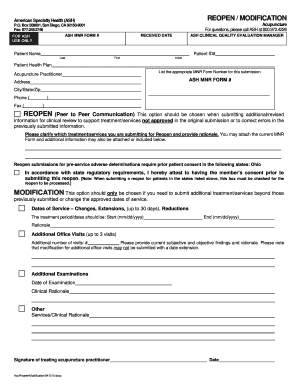
Ash modification forms
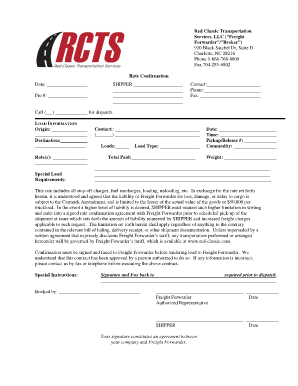
Rate confirmation

Chess score sheet
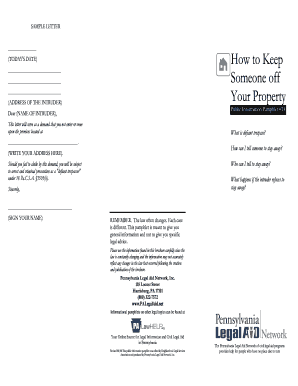
Letter to ban someone from property
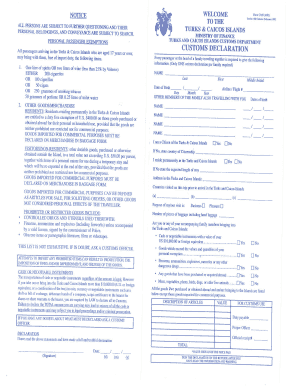
Form c105 declaration
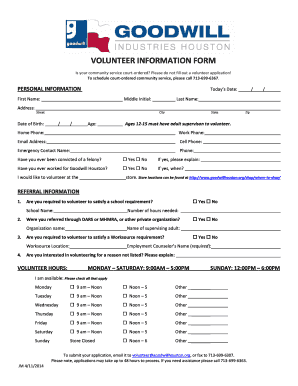
Goodwill community service

Ny term note issue

Nwcg strike task
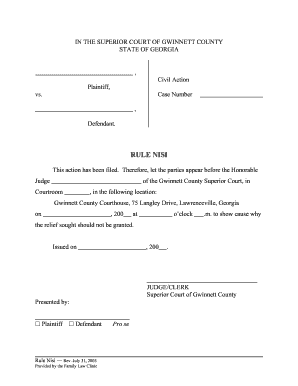
Rule nisi county
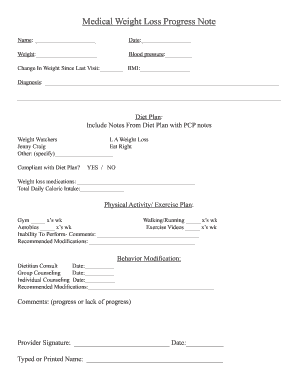
Weight loss progress note template
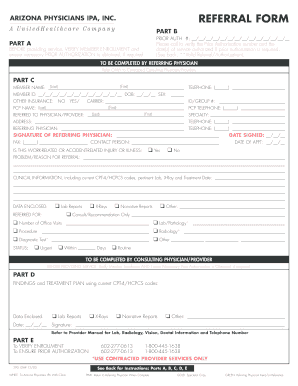
Uhc community plan referral form
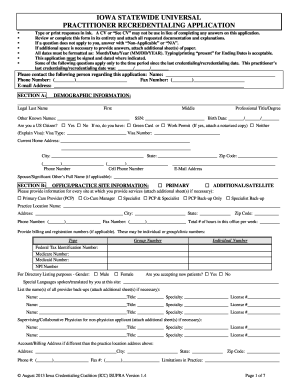
Iowa recredentialing
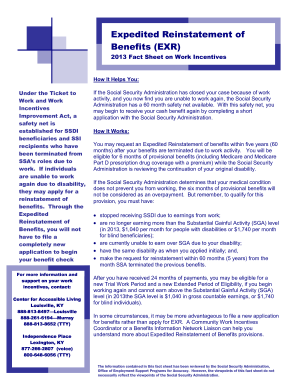
Expedited reinstatement
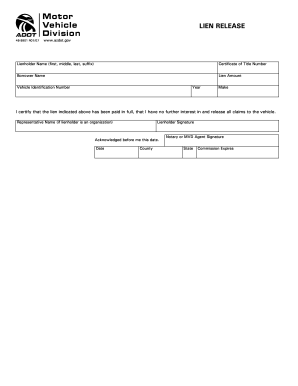
Arizona lien form
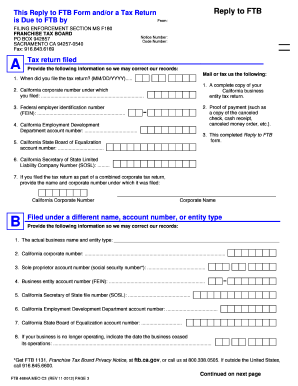
California form demand 2012
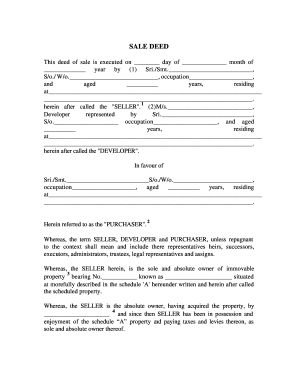
खरेदी खत नमुना pdf

Blank Weekly Time Management Schedule - student worldcampus psu

Ohio hunting permission slip

Kentucky driver license form
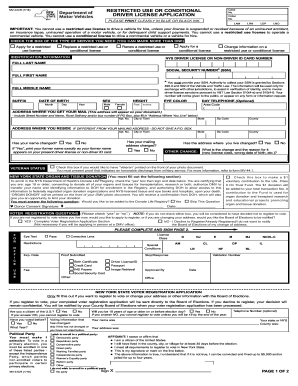
Mv 693 form 2013
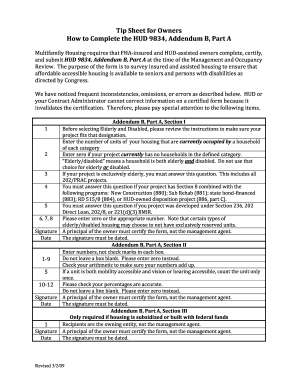
Hud 9834

Affidavit of parental consent for marriage philippines pdf
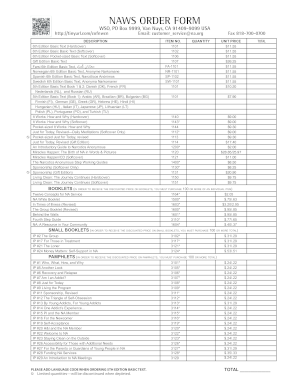
Tinyurlcomcofnwcn 2014 form

Pendente form support

Employee warning notice

470 0254 2014 form

De 401a

Cma cgm bill of lading 2012 form

California discovery request
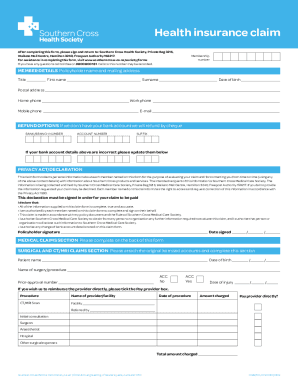
Southern cross claim form pdf

Iscrizione aire new york

Financial statement of judgment debtor massachusetts form

How to report identity theft to irs
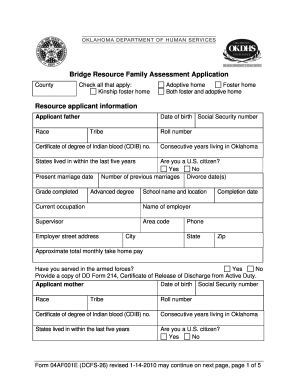
Form 04AF001E - Oklahoma Department of Human Services - okdhs

Generic request for live scan form 2007
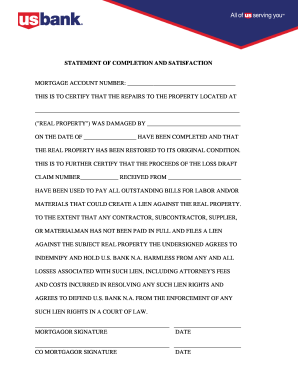
Statement satisfaction us

Maryland university transcript

Ssa form omb no 0960 0578
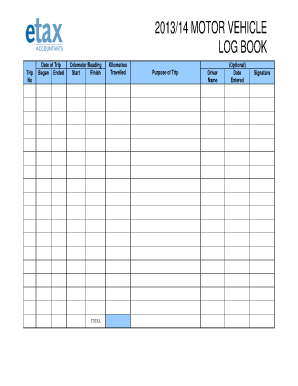
Vehicle log book pdf
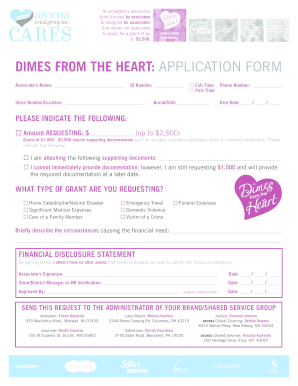
Dimes heart
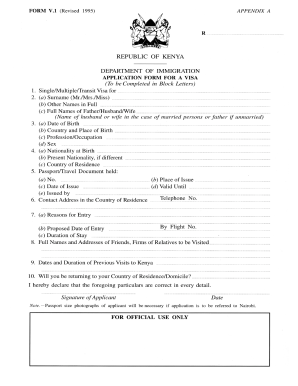
Kenya v visa
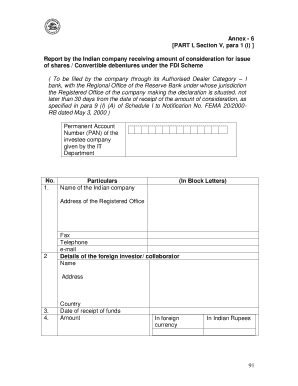
Online pdf editor
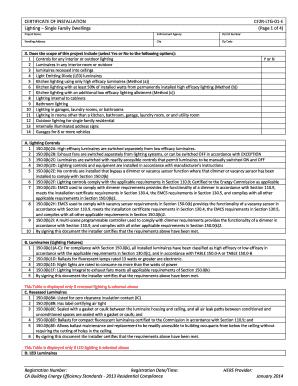
CERTIFICATE OF INSTALLATION CF2R-LTG-01-E Lighting ... - energy ca
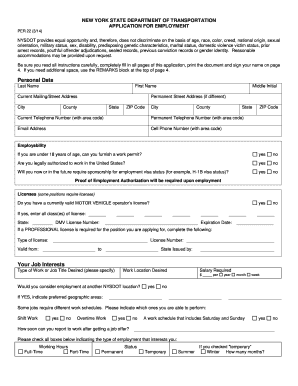
Form per 22 printable
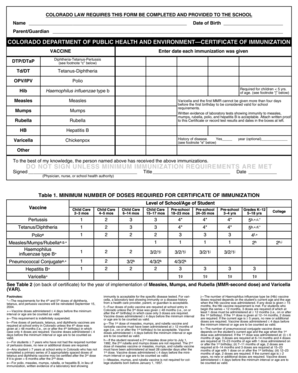
Colorado immunization records form

Printable welcome sign for new employee
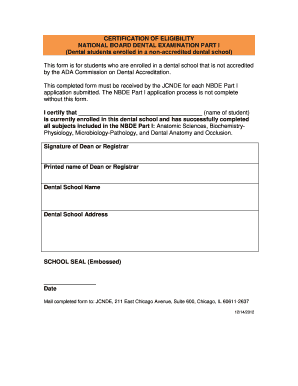
Jcnde eligibility form for nbde part1
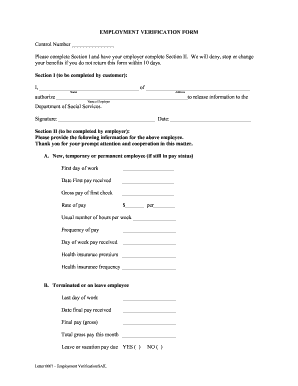
0007 employment verification
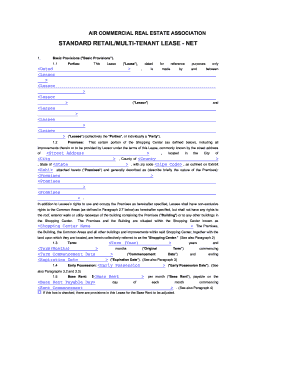
Standard retail/multi-tenant lease - net - AIR Commercial Real Estate ...
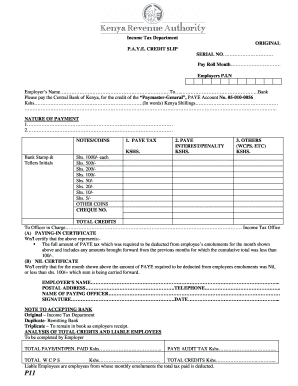
Paye slip
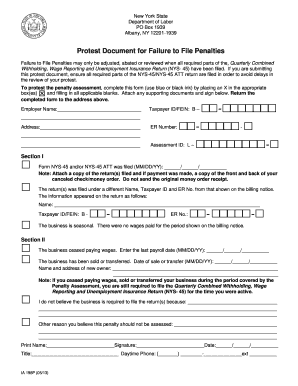
Nys form i 198p 2013
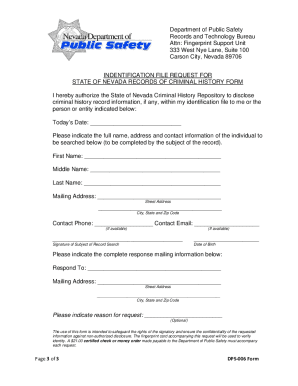
Dps 006 form

VACANT LAND DISCLOSURE REPORT
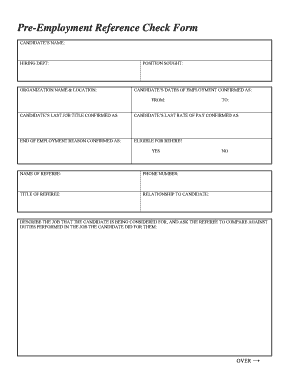
Pre-Employment Reference Check Form pdf - swarthmore

Schedule grid template
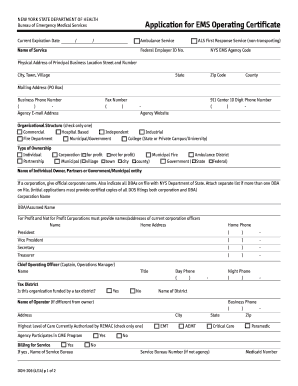
Ny operating certificate
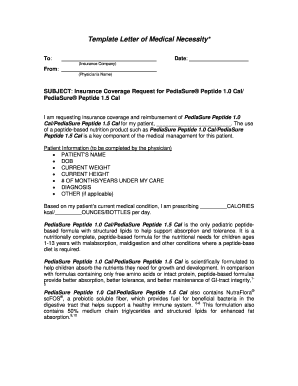
Sample letter of medical necessity for caregiver

Sss r5 form
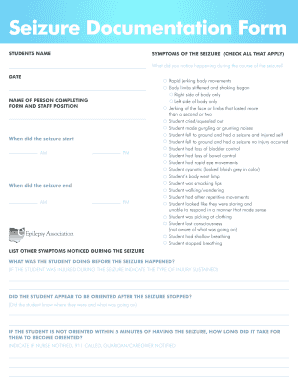
Seizure documentation sample
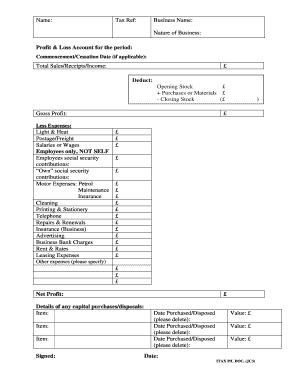
Profit Loss Statement Template
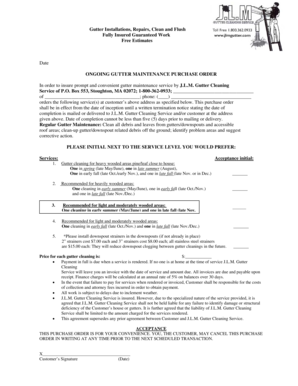
Gutter contract template
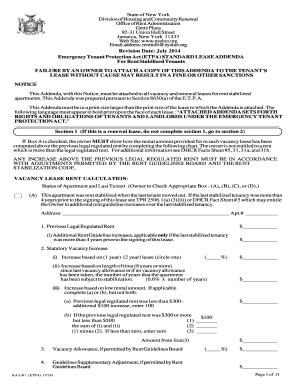
Ralr 1 rider 2014 form
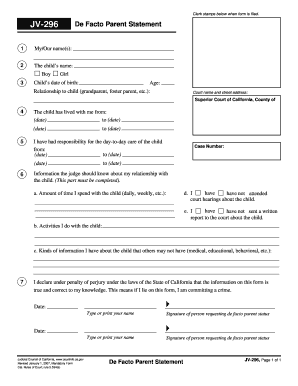
Jv 296
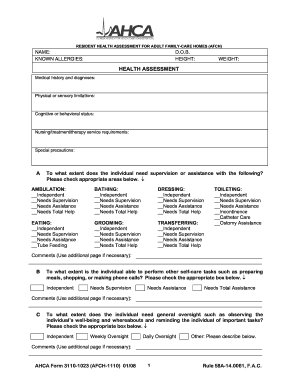
Ahca form 3110 1023
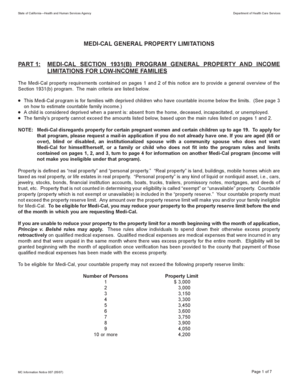
Mc 007
Benefit from the DocHub online library of fillable PDF forms
Searching the PDF forms doesn't have to be a tedious and time-consuming process. With the DocHub online library, it has become easier to find the fillable PDF forms and modify them in your browser. The service allows you to adjust the document to your needs using powerful editing tools.
You can use online document editing features to modify almost any type of document with ease. You just need to find the template of your choice, open it in the editor, and use the toolbar to make the necessary corrections.
Follow this guide to get your document done with DocHub:
- Find the PDF template you need.
- Click the Get Form button to open the file in the editor.
- Use the toolbar to fill out and edit the document.
- Easily add and highlight text, insert images, checkmarks, and symbols.
- Drop new fillable fields, and rearrange or delete pages from your file.
- Save changes and download your record.
DocHub empowers everyone to streamline document editing, signing, and distribution, and form completion. Create an account and benefit from our well-organized PDF Forms library and comprehensive editor.