
Get any PDF form from the DocHub library of ready-made templates - Page 965
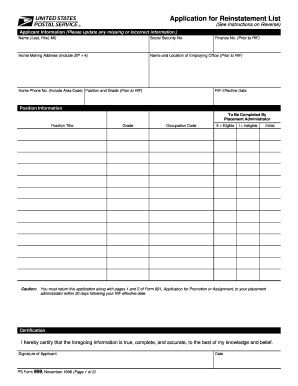
Benefits employment
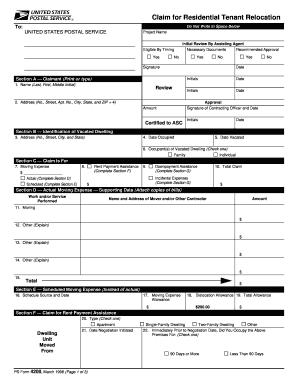
Form 4208
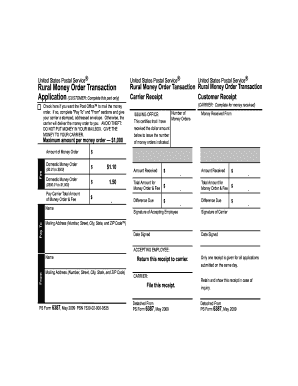
Form 6387 form
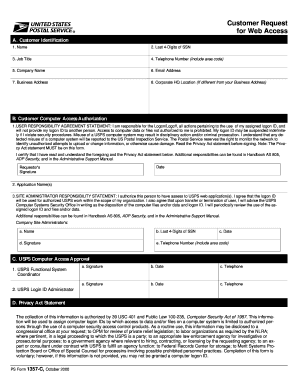
Usps ps customer web
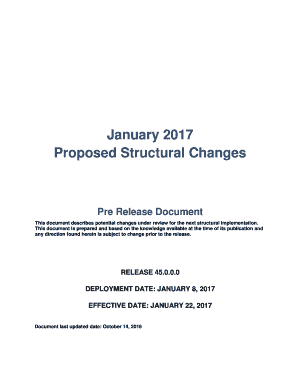
2017 structural changes form
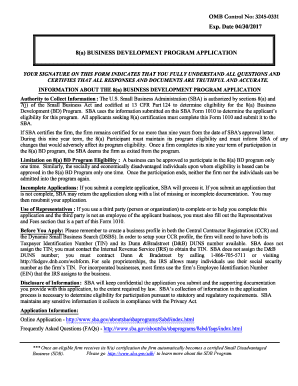
Disadvantaged Business Enterprise Program Final (Full)

Sba 888 form

Claim property
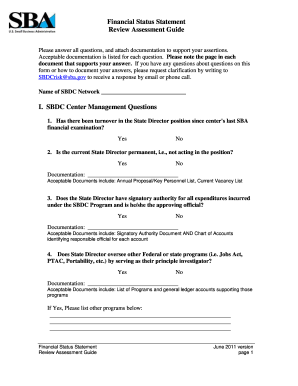
Sba status statement search
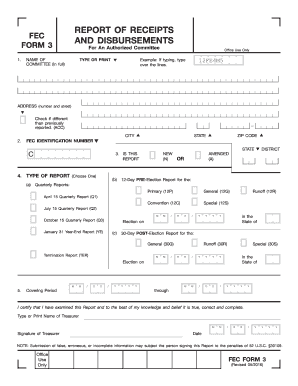
Report receipt form
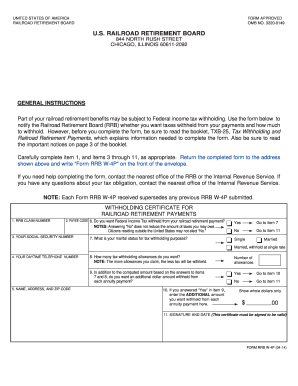
W4p railroad form
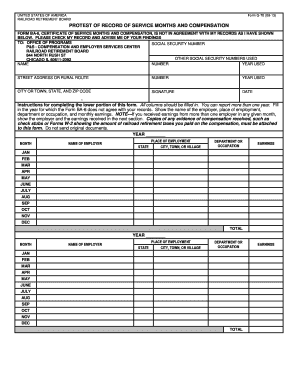
Form g70

Report specifications sheet template
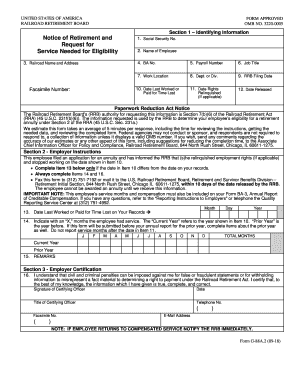
Rrb service needed eligibility
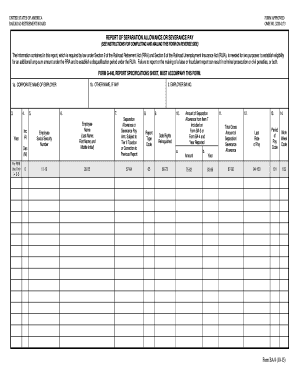
Rrb report separation allowance pay get
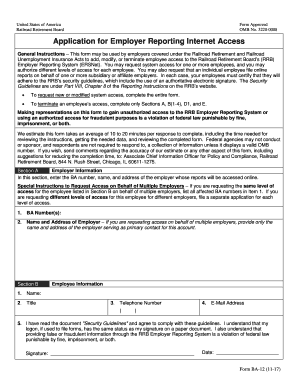
Rrb application employer internet
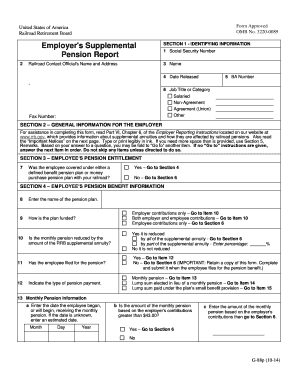
G 88p

G 88a1 form
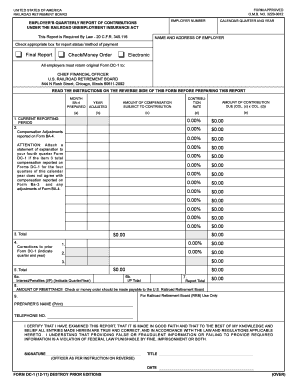
Dc 1 form
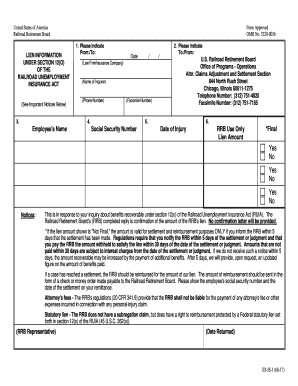
Rrb lien form

Suspicious reports form

Securities form 5

Fdic statement beneficial ownership
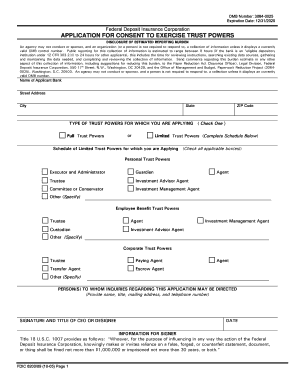
Fdic 6200 09

Fdic form 4

7200 proof claim form

031 family mortgage form
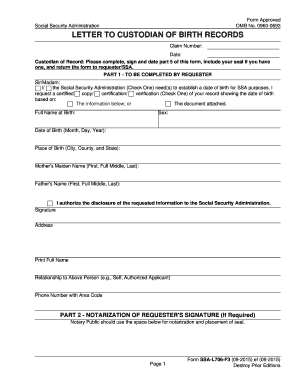
Form ssa l706
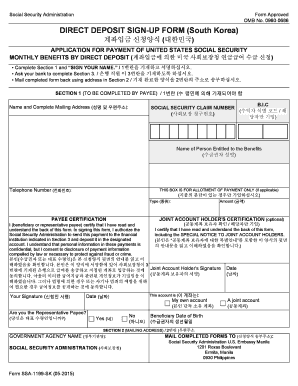
Dfas direct deposit forms
Dhhs form 3218

Representative payee report form 6232

Tennessee bureau compensation form

Employer verification of earnings form

Ok exempt status
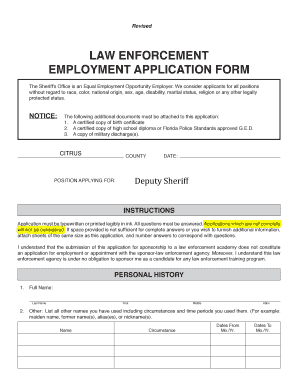
Law enforcement

Performance form
Tax virginia sitesdefaultInstructions for Completing FormRequest for Sales and Use
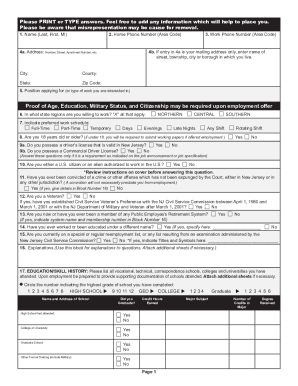
New jersey dpf 663
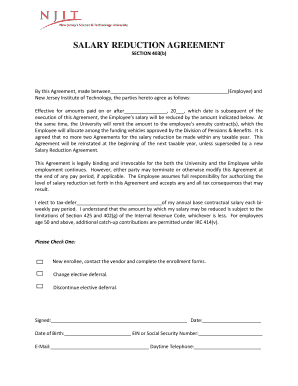
Salary agreement

Employer attorney

New jersey employers compensation

Atlantic probation job search log vop online
Claim petition
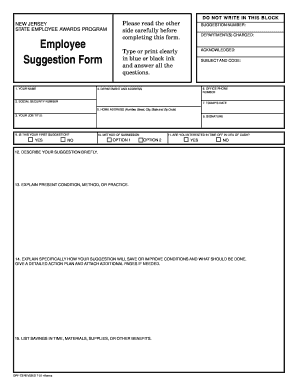
Dpf73 form
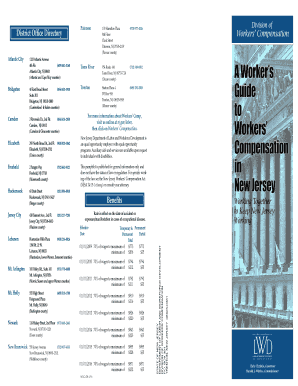
Nj g compensation

Waiver and release forms for employees back ground checks

Stanford Heights Fire Department2240 Central Avenue
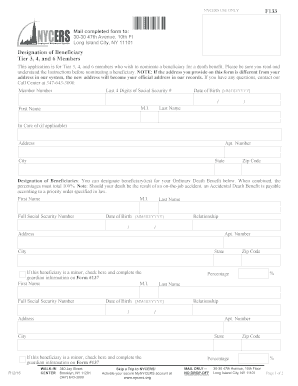
Comprehensive Annual Financial Report Comprehensive - nycers

Ny ls 55s
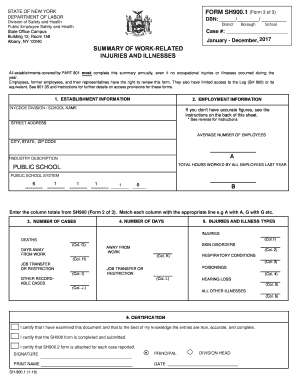
Sh900 1 form

Aerial lift form

Ny citizenship
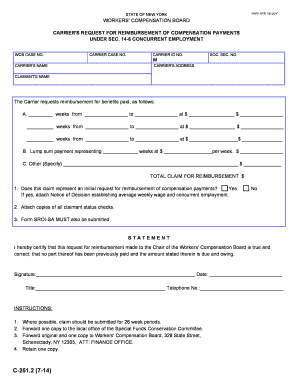
Ny c carrier request 6 form
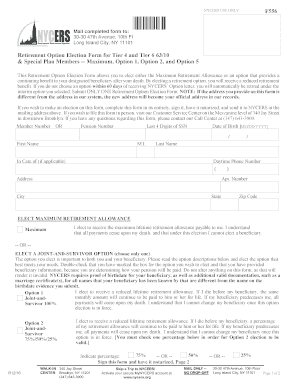
Nycers form f556

Liveabout sample-employment-verificationExample of a Request for Employment Verification
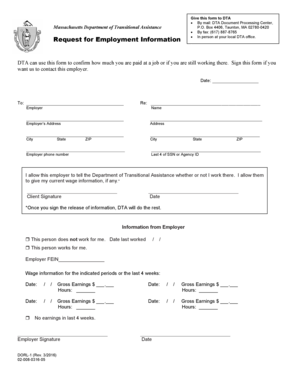
Dta form

Massachusetts dua certification

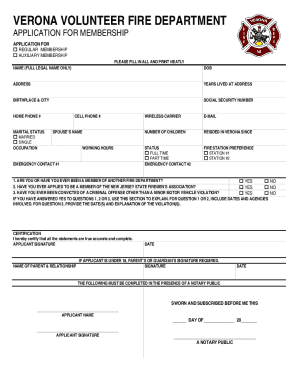
SELLERSVILLE FIRE DEPARTMENT APPLICATION FOR
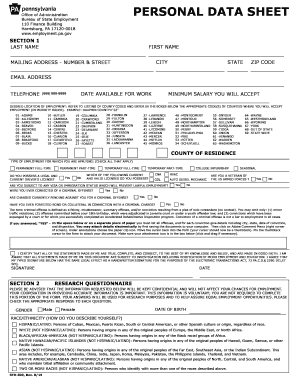
Pa personal data sheet
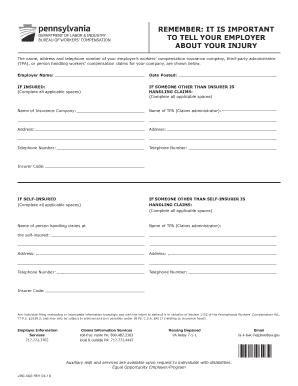
Libc 500
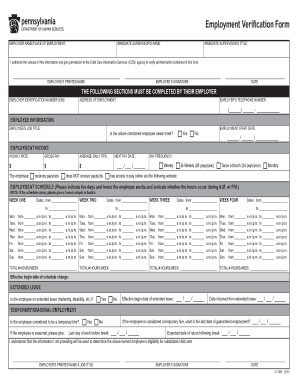
Apple inc employment verification
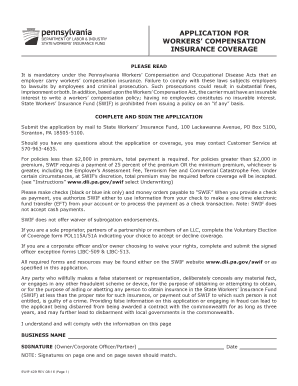
Pa workers coverage

Ucc 1a accessibility printable
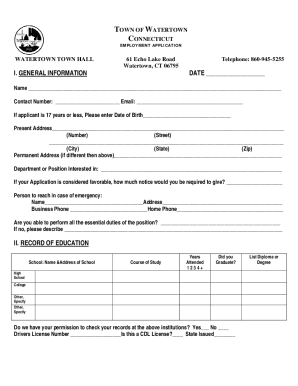
Watertownct qscend content3928Watertown, CT - Home
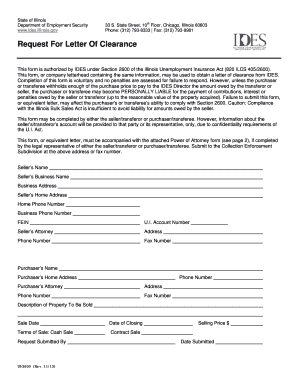
Request letter clearance
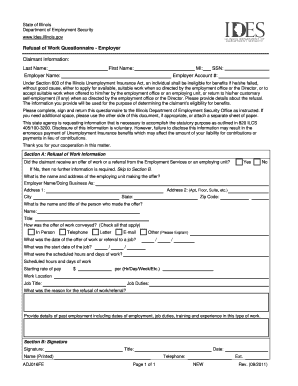
Form refusal work form

Arkansas rc ark

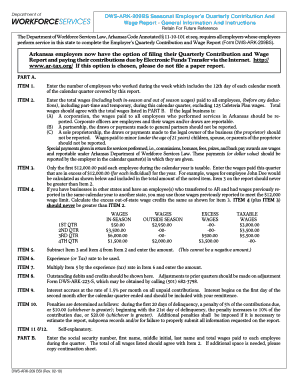
Dws ark209 dws ark
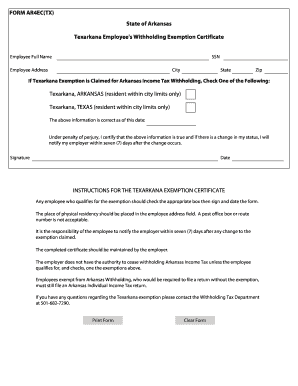
The ar4ec form
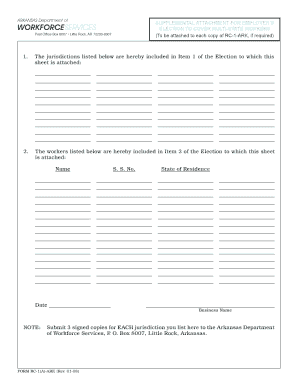
Garnishment of Supplemental Security Income Benefits Office of - arkansas
Ark encounter
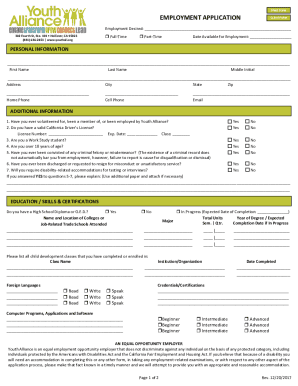
Hollister job applications
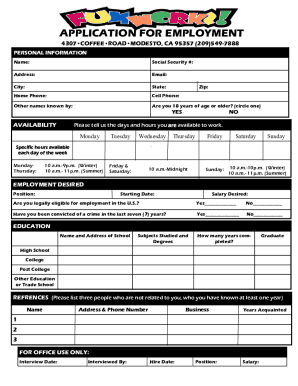
Instantcheckmate addresspo-box-578794Po Box 578794, Modesto, CA 95357 Owner InformationInstant

California workers compensation board

Hotel employment application

Vacation pay form
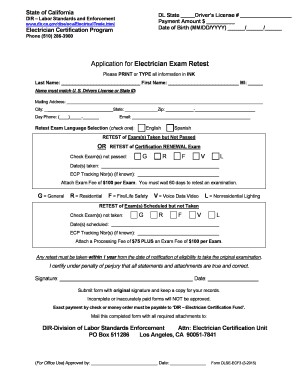
State license
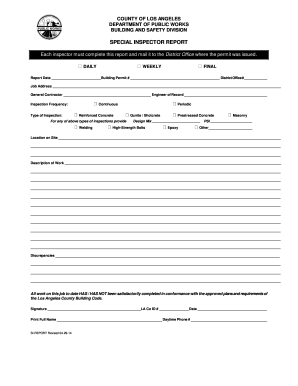
Form inspection county los angeles
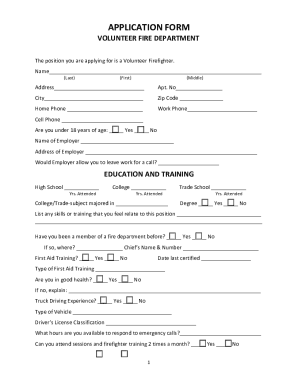
Volunteer Firefighter Application - Township of Champlain
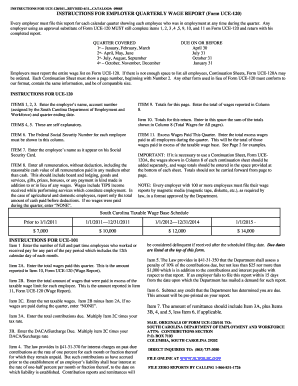
Uce instructions form
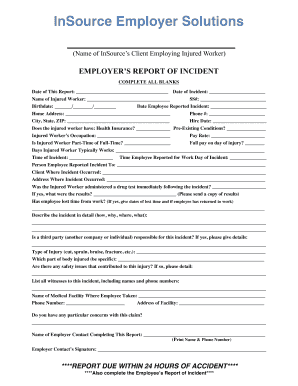
Agreement deere & company - US Department of Labor
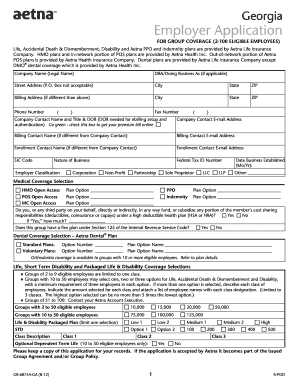
Aetna application form for group insurance employee georgia

Compensation controverted

Rotary enhistory-rotarian-magazineThe Rotarian magazineRotary International

Worldyouthday WorldYouthDay World Youth Day news, stories, and more
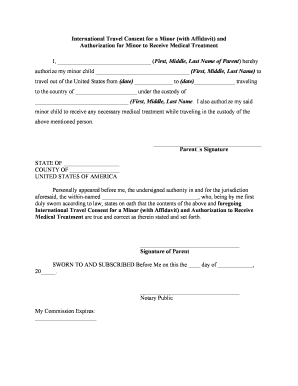
International travel consent child

Vehicle inspection form templates Business templates
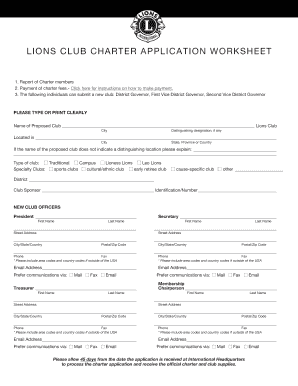
LIO NS CLUB CHA RT ER A P P L I C A T I O N W O R K S H EET
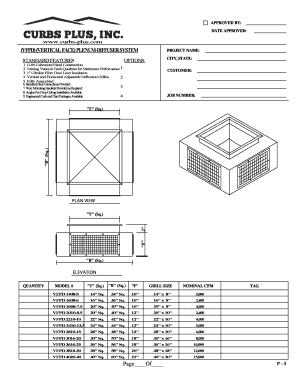
Curbs Plus, Inc Online Cataloge
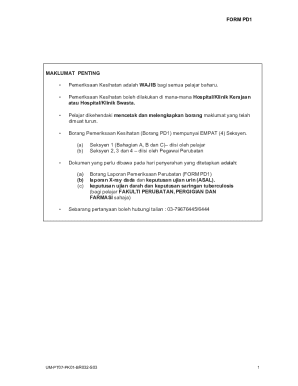
Um medical check up form
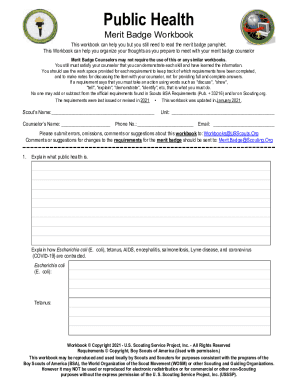
Docslib doc3119045Merit Badge Workbook This Workbook Can Help You but You Still

Medical certificate for sports pdf
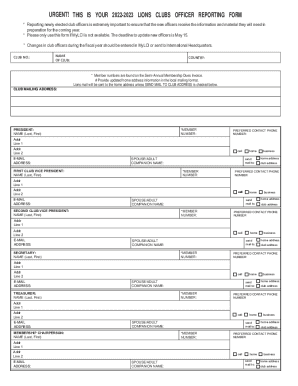
Lions clubs international form
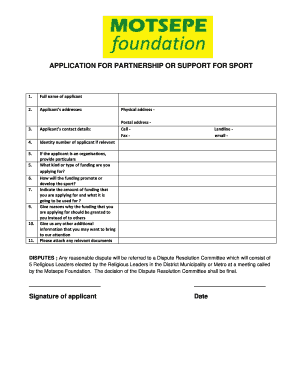
Apply for sports funding
Full legal name of Applicant (Applicant) (must be an organization):
Cfi form
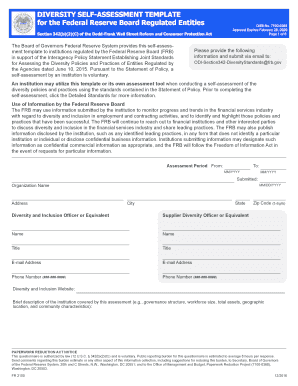
DIVERSITY SELF-ASSESSMENT TEMPLATE
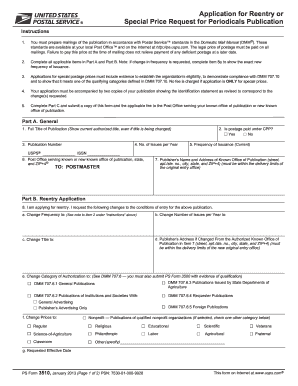
PS Form 3510 - Application for Reentry or Special Price Request for Periodicals Publication
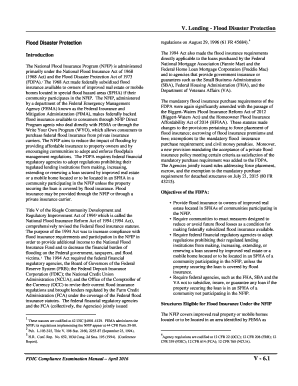
V Lending - Flood Disaster Protection - fdic
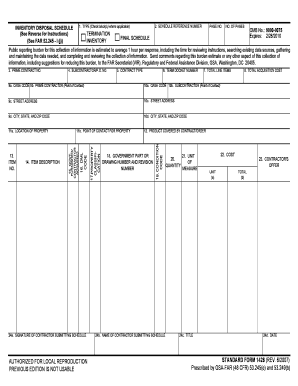
Printing C:FORMFLOWFORMSSFS14283 FRP - RegInfo - jpl nasa
Benefit from the DocHub online library of fillable PDF forms
Searching the PDF forms doesn't have to be a tedious and time-consuming process. With the DocHub online library, it has become easier to find the fillable PDF forms and modify them in your browser. The service allows you to adjust the document to your needs using powerful editing tools.
You can use online document editing features to modify almost any type of document with ease. You just need to find the template of your choice, open it in the editor, and use the toolbar to make the necessary corrections.
Follow this guide to get your document done with DocHub:
- Find the PDF template you need.
- Click the Get Form button to open the file in the editor.
- Use the toolbar to fill out and edit the document.
- Easily add and highlight text, insert images, checkmarks, and symbols.
- Drop new fillable fields, and rearrange or delete pages from your file.
- Save changes and download your record.
DocHub empowers everyone to streamline document editing, signing, and distribution, and form completion. Create an account and benefit from our well-organized PDF Forms library and comprehensive editor.