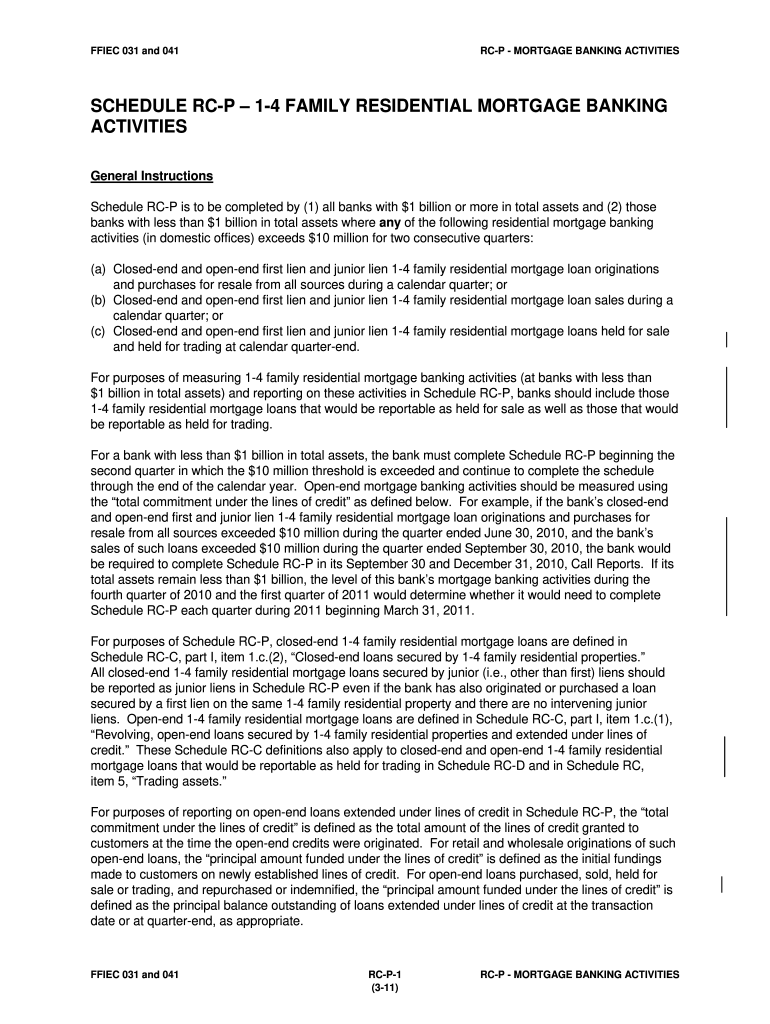
031 family mortgage form 2026

Get Form
family residential mortgage Preview on Page 1

Here's how it works

01. Edit your family residential mortgage online
Type text, add images, blackout confidential details, add comments, highlights and more.
02. Sign it in a few clicks
Draw your signature, type it, upload its image, or use your mobile device as a signature pad.
03. Share your form with others
Send family mortgage banking via email, link, or fax. You can also download it, export it or print it out.

How to use or fill out 031 family mortgage form with our platform

Form edit decoration
9.5
Ease of Setup
DocHub User Ratings on G2
9.0
Ease of Use
DocHub User Ratings on G2
  1. Click ‘Get Form’ to open the 031 family mortgage form in the editor.
  2. Begin by filling out Item 1, which requires reporting retail originations of closed-end and open-end 1-4 family residential mortgage loans for resale during the quarter. Ensure you include only those loans where your bank handled the origination process.
  3. Proceed to Item 2 for wholesale originations and purchases. Report similar details as in Item 1, but focus on loans processed by other parties, ensuring accurate categorization.
  4. In Item 3, report any sales of closed-end and open-end loans during the quarter. This includes transfers accounted for as sales according to relevant accounting standards.
  5. Complete Item 4 by detailing any loans held for sale or trading at quarter-end. Make sure to report these at their appropriate values.
  6. Finally, review all entries for accuracy before submitting your completed form through our platform.

Start using our platform today to fill out your forms online for free!

See more 031 family mortgage form versions

We've got more versions of the 031 family mortgage form form. Select the right 031 family mortgage form version from the list and start editing it straight away!
Versions Form popularity Fillable & printable
2011 4.8 Satisfied (201 Votes)
be ready to get more

Complete this form in 5 minutes or less

Get form

Got questions?

We have answers to the most popular questions from our customers. If you can't find an answer to your question, please contact us.
Contact us

You should use only trustworthy software solutions with strong data protection compliance to sign your documents electronically. DocHub is just the type of software you need! It stores data on Amazon Web Servers and complies with all necessary security standards and eSignature regulations, so it’s a trusted way to eSign your 031 family mortgage form or other forms with this tool.

In addition to an extensive toolset for editing PDFs on mobile devices, DocHub allows you to sign your 031 family mortgage form along the way. Open our editor in your internet browser, make modifications using DocHub’s toolset, and finish your editing by eSigning the completed form.

FFIEC 041. Consolidated Reports of Condition and Income for a Bank with Domestic Offices Only - replaces FFIEC 032, FFIEC 033, FFIEC 034.
Description: This report collects basic financial data from commercial banks in the form of a balance sheet, an income statement, and supporting schedules. The Report of Condition schedules provide details on assets, income, and expenses.
The amount of detail required to be reported varies between the three versions of the Call Report forms, with the report form for banks with foreign offices or with total consolidated assets of $100 billion or more (FFIEC 031) having more detail than the report form for banks with domestic offices only and total

People also ask

The FFIEC is responsible for creating standards and guidelines for financial institutions to adhere to federal laws and regulations, and for ensuring that these laws are enforced fairly and uniformly.

Related links