
Get any PDF form from the DocHub library of ready-made templates - Page 966

Form SSA-11-BK
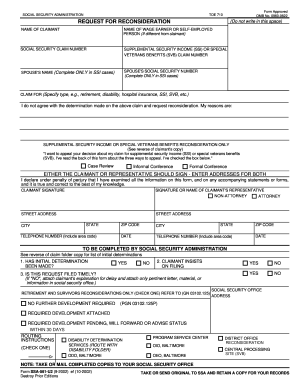
Request for reconsideration ssa 2002 form
Electronic w 2 filing users handbook 2011 form

2015 SSA Publication 05-10002
Ssa guidebook

Ssa 8001 bk 2012 form

Omb no 3206 0141 2011 form

Au student visa application

United kingdom revenue customs

Aedis application form download

Hospital saturday fund claim form

Ie health quality authority information

Aviva pension fund switch form

Mp2a form

Australia dom information access

Name of resident s:

Australia overseas health cover

Construction Permit Application - City of Kingston

Australia disabled parking permit

Educational application form
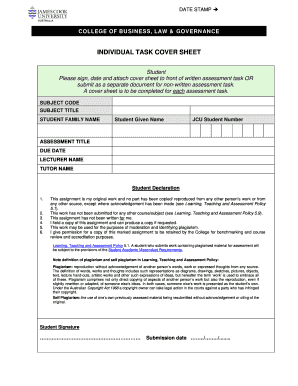
Jcu cover sheet

ANZ Business One Account Transfer Form
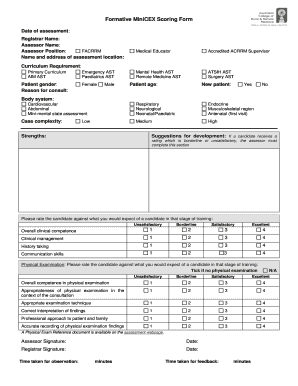
Minicex form
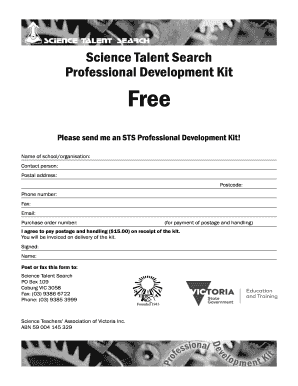
Science talent professional kit search
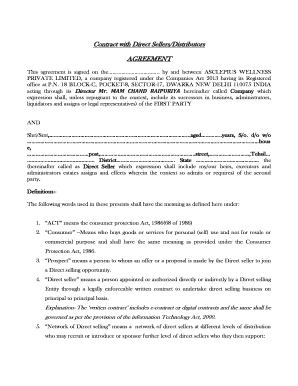
Contract with Direct Sellers Distributors
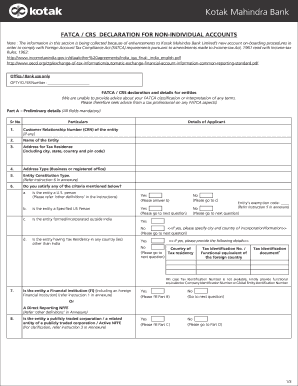
Kotak fatca form
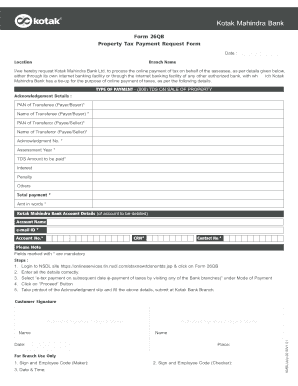
Kotak form tax

Kotak request form service
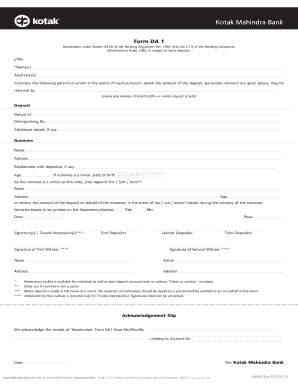
Kotak mahindra bank nominee online
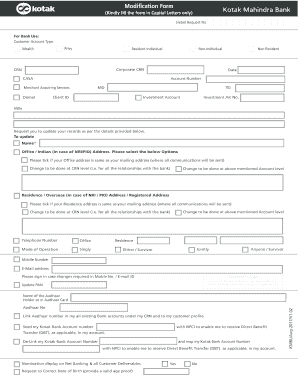
Kotak modification form

Bank sabka kyc online
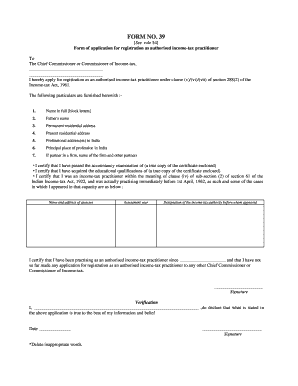
Form 39 rule 54 income tax form
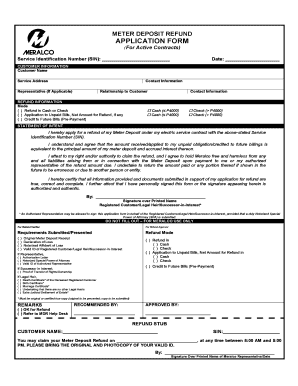
How much is meralco meter deposit
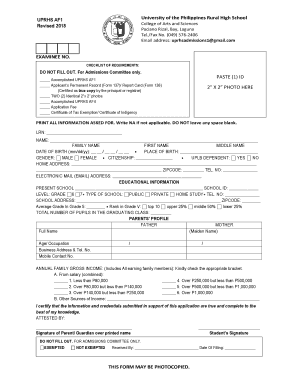
Up rural high school
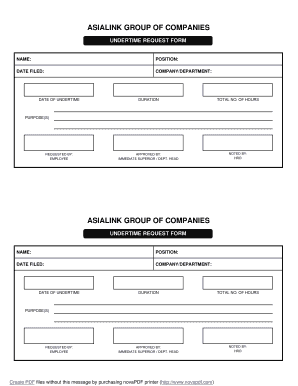
Undertime form
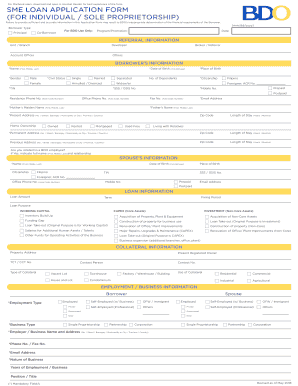
Sme loan application form pdf
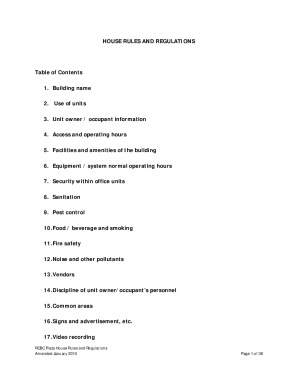
House rules and regulations
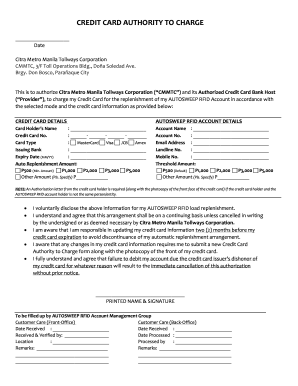
Citra metro manila tollways form download
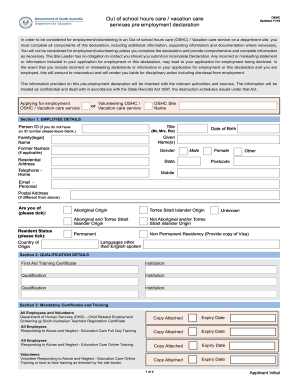
Out of School Hours Care & Vacation Care
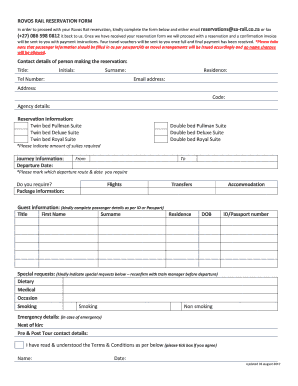
Form rovos rail

Elton amper famous april en juffrou brom
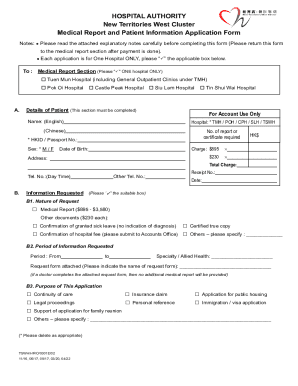
Hong kong west cluster
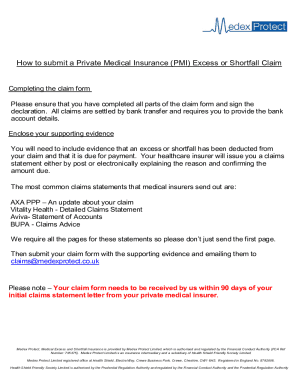
MedexProtect claim form Existing Customer 04 02 21 Final docx
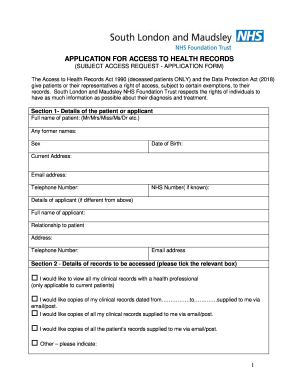
(SUBJECT ACCESS REQUEST - APPLICATION FORM)
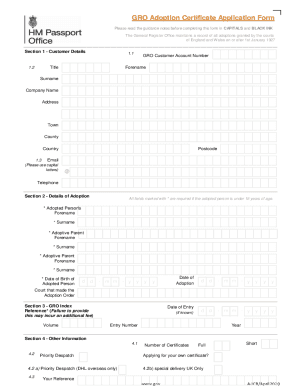
Adoption papers uk

Health SciencesCorporate & Foundation Relations

United kingdom document
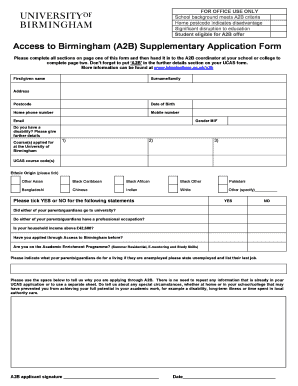
A2b form online
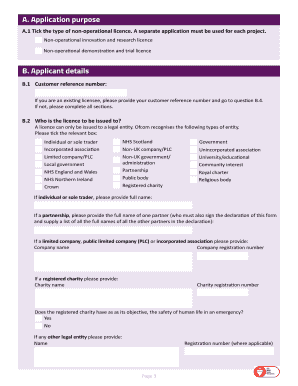
Ofw225
Contact Information - Notary PublicCalifornia Secretary of State

Trec forms
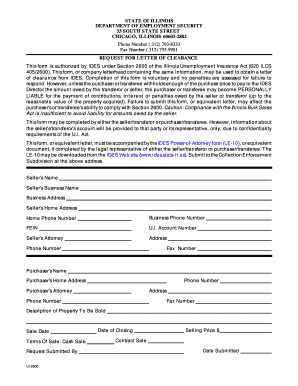
Illinois ides letter
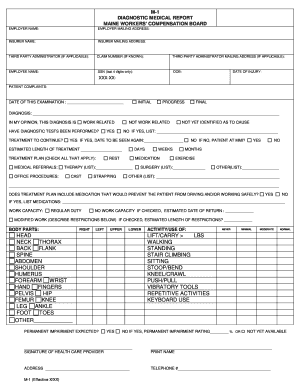
M1 workers compensation form
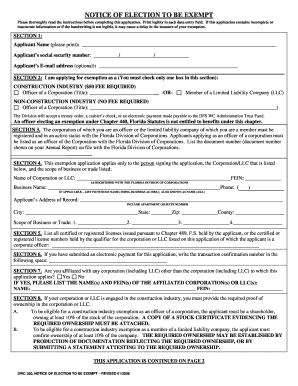
Dwc 250 form 2008
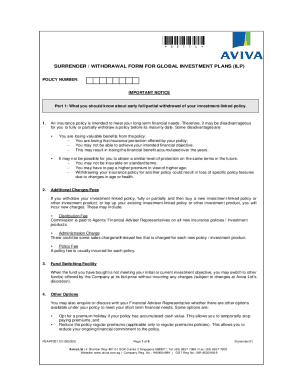
Aviva bond withdrawal form

Dbs form standing
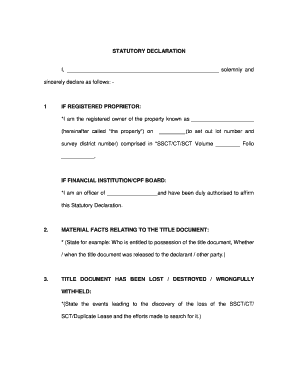
Singapore statutory declaration ssct ct

Applicable Law Checklist - Brant

Please return completed form to facilities vaniercollege
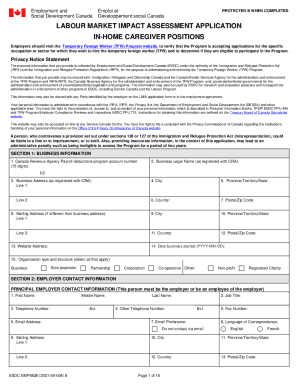
Esdc emp5628

Consent Form For Research - US Legal Forms

STATUTORY DECLARATION - Royal Canadian Mounted Police Superannuation Act - Supporting Statement CF-F

Nova scotia community college

Canada covid 19 test
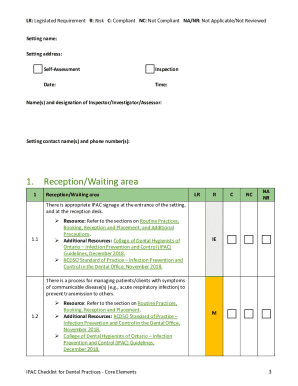
Ipac dental
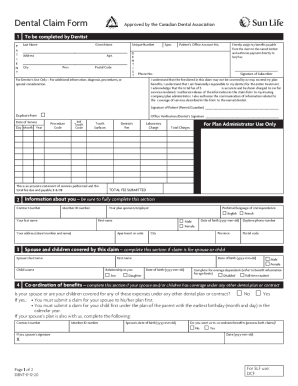
Sunlife claim form
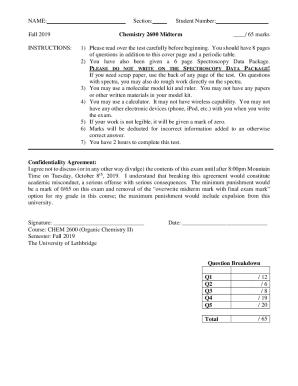
Canada University of Lethbridge Chemistry 2600 Midterm
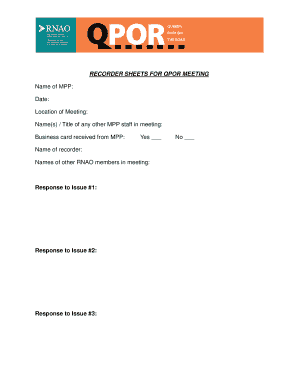
Mpp meeting
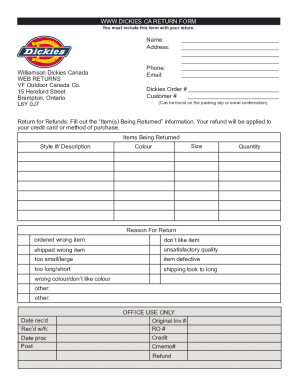
Dickies canada
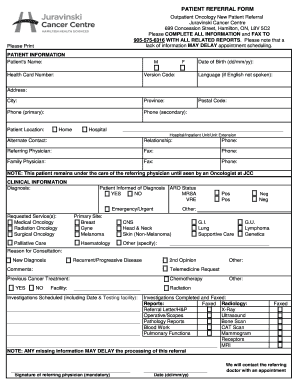
Hamilton referral form
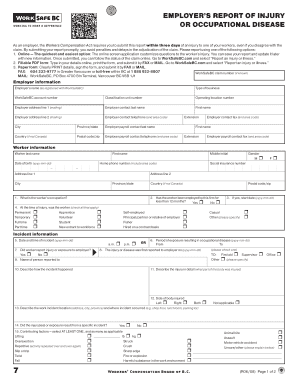
Report form 7
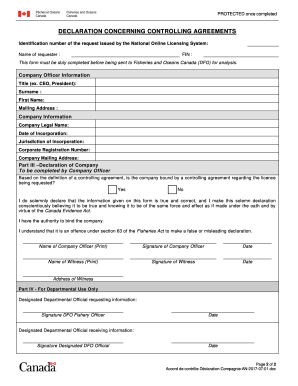
DECLARATION CONCERNING CONTROLLING AGREEMENTS
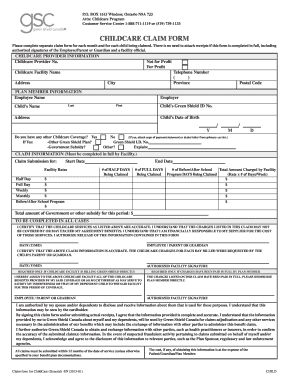
Childcare claim form - providerConnect
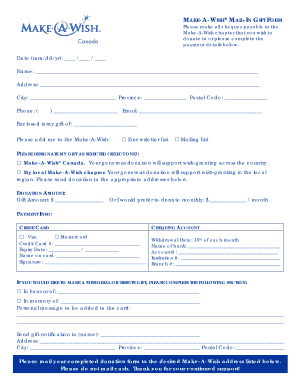
Make a wish form

Fillable Online You will be receiving an honorarium from the

Cdmv form

Trade record deal sheet

Ontario standard form residential tenancy agreement 2021

Canada world level issue 7

Worksafebc worker claim form
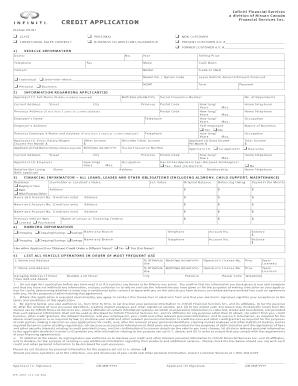
Ifs 2007 credit application form template
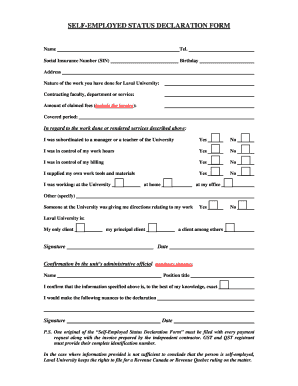
Self employed status declaration form

Ontario Heritage Act - Chatham-Kent - chatham-kent

Beneficiary co operators form
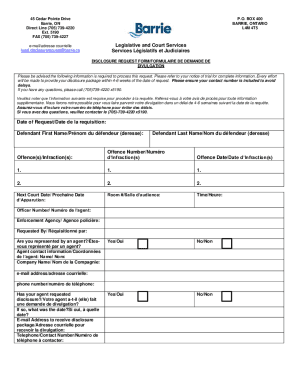
Disclosure request barrie
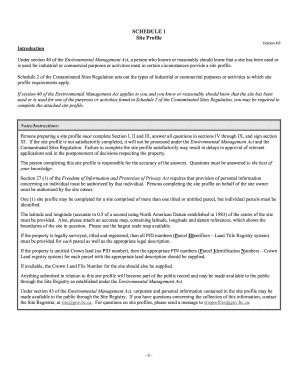
Schedule 1 profile
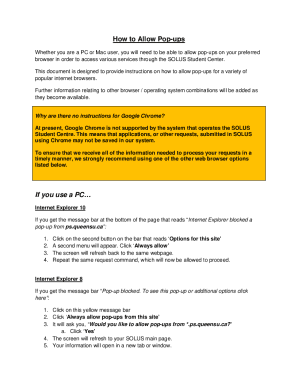
Canada SOLUS Student Center How to Allow Pop-Ups

Communications standards nursing
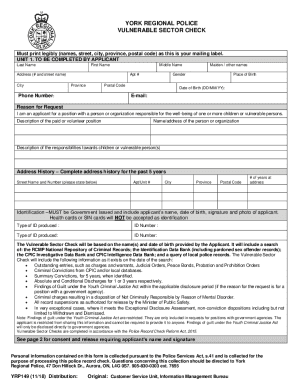
Yrp149
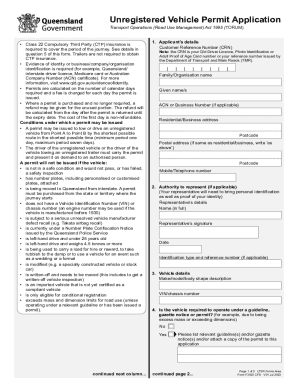
F3712 - Medical Certificate for Motor Vehicle Driver
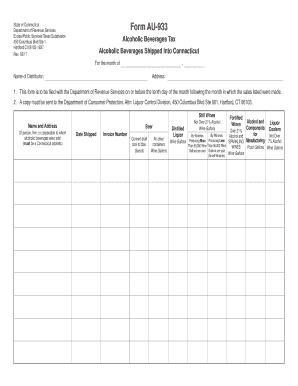
AU-933,Alcoholic Beverages Tax, Alcoholic Beverages Shipped Into Connecticut Alcoholic Beverages Tax
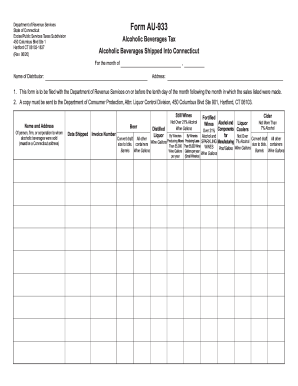
Form AU-933 - portal ct
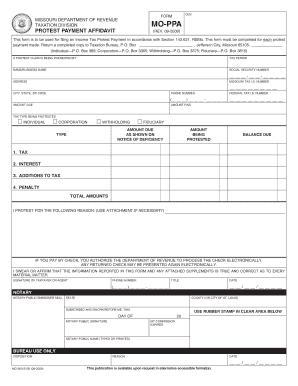
MO-PPA Protest Payment Affidavit

Missouri Form MO-3NR (Partnership S Corporation Withholding Exemption
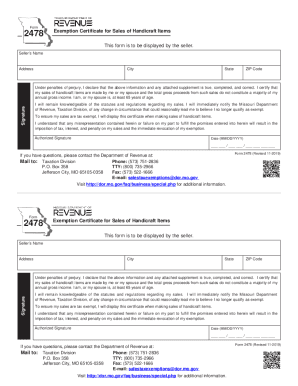
Form 2478 - Missouri Department of Revenue
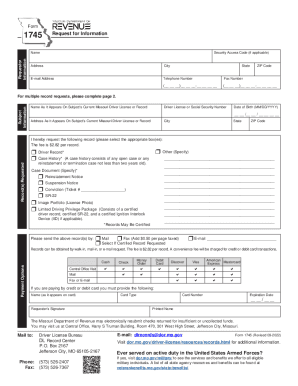
1745 - Request for Information
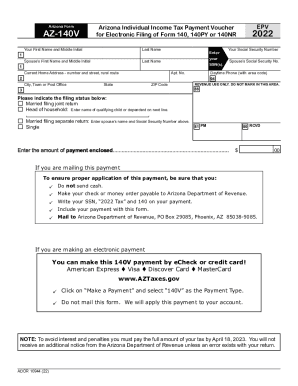
How do I complete Step 1: Basic Information?
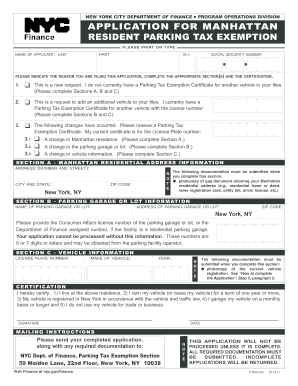
Dofmanhattanresidentparkingtaxexemption form
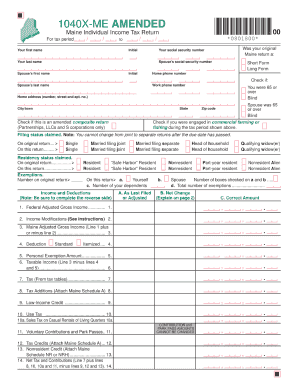
1040x form
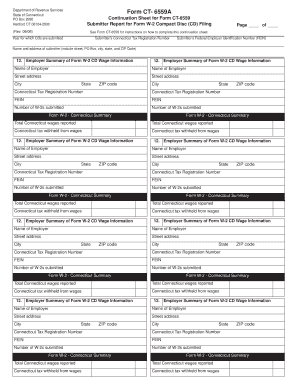
Continuation sheets for ct form 706nt
Benefit from the DocHub online library of fillable PDF forms
Searching the PDF forms doesn't have to be a tedious and time-consuming process. With the DocHub online library, it has become easier to find the fillable PDF forms and modify them in your browser. The service allows you to adjust the document to your needs using powerful editing tools.
You can use online document editing features to modify almost any type of document with ease. You just need to find the template of your choice, open it in the editor, and use the toolbar to make the necessary corrections.
Follow this guide to get your document done with DocHub:
- Find the PDF template you need.
- Click the Get Form button to open the file in the editor.
- Use the toolbar to fill out and edit the document.
- Easily add and highlight text, insert images, checkmarks, and symbols.
- Drop new fillable fields, and rearrange or delete pages from your file.
- Save changes and download your record.
DocHub empowers everyone to streamline document editing, signing, and distribution, and form completion. Create an account and benefit from our well-organized PDF Forms library and comprehensive editor.