
Get any PDF form from the DocHub library of ready-made templates - Page 472

AIRLINE ACCLIMATION CERTIFICATE

Sarasota County Contractor Licensing
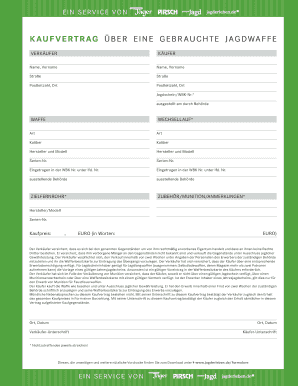
Kaufvertrag jagdwaffe
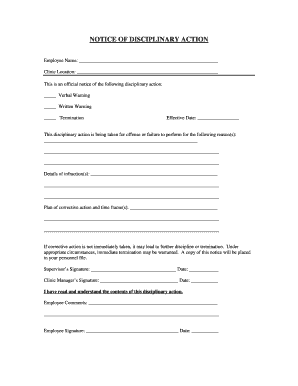
Disciplinary notice

Kentucky Residential Rental Lease Agreement

Certificate of Appropriateness App doc Form 1950 (Rev 08 12) - monroela
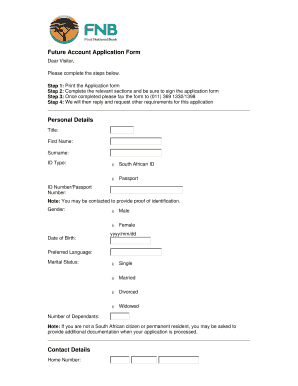
Future Account Application Form Personal Details Contact - FNB - fnb co

Line of Credit Agreement - LeapLaw

NOTICE OF REMOVAL
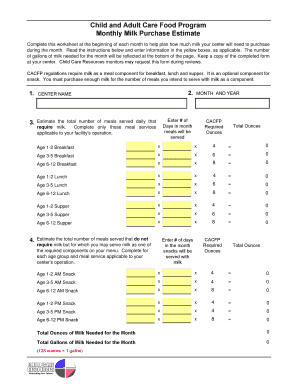
Child and Adult Care Food Program Monthly Milk Purchase Estimate - ccresourcesinc

Nebraska Concealed Handgun Permit Application Form

Indiana request for a child protection services (cps) history check

The SCOFF Questionnaire to Screen for Eating Disorders

DECLARATION OF CANDIDACY - okgov

Safety Observation Form
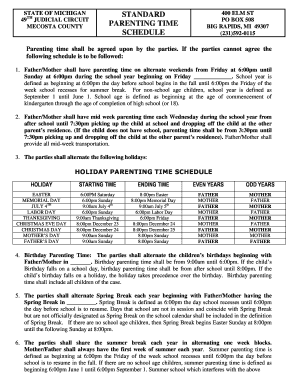
Standard holiday visitation schedule

MADISON COLLEGE Health Screening Form
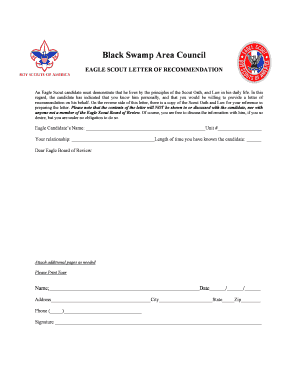
BSAC Eagle Recommendation Letter - Black Swamp Area Council

Drinking Water Complaints Recommended Form Drinking Water Form
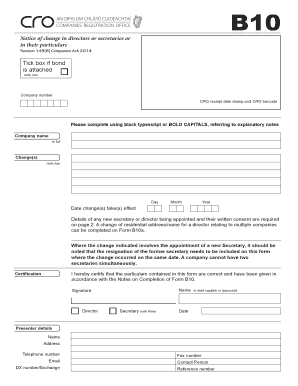
B10 form pdf

Non-Profit Abuse Complaint Form

Automic standard transfer form
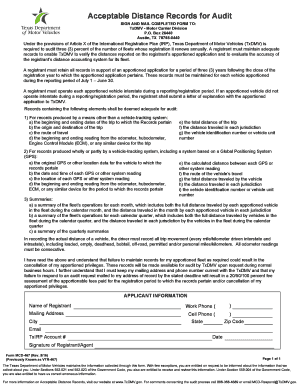
Form mcd 467
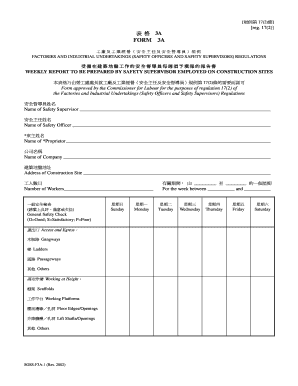
Form 3a safety supervisor
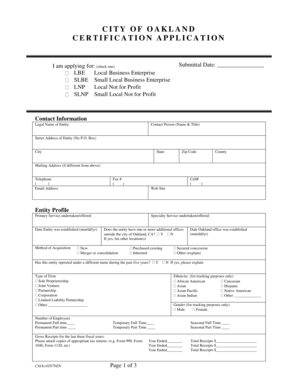
City of oakland certification application

Homebase Advance Assignment Program (HAAP) Statement
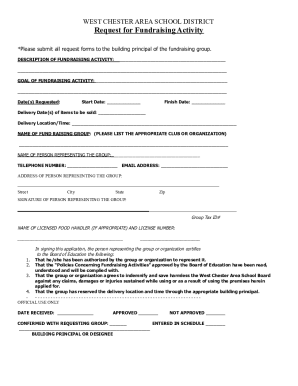
Fundraiser Approval Form

Personal Property Foreclosure - Fulton County Magistrate Court of
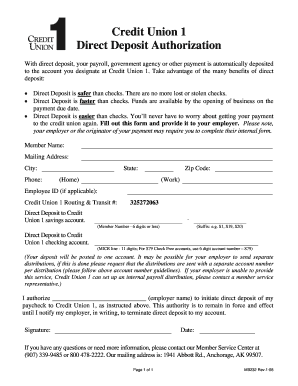
Complete this authorization form - Credit Union 1 - cu1

LESION TUMOR EXCISION and WOUND REPAIR CPT GUIDELINES

Consent to dental photography

FSADirect ENROLLMENT FORM - Human Resources - hr lr

Declaration of domicile polk county

Proof of legal guardianship

U-M NEUROSURGERY CONSULT FORM - Michigan Medicine

REIQ Contract for Residential Houses and Land (18th ed)

Tax preparation contract template

OFI FORM 86C - Special Agreement Checks (SAC)
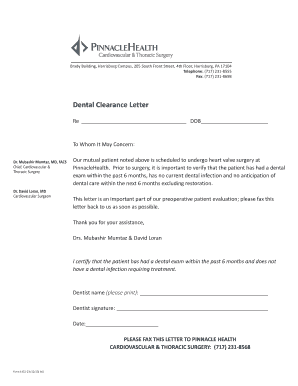
Dental clearance letter

Employer Identification Number(EIN):
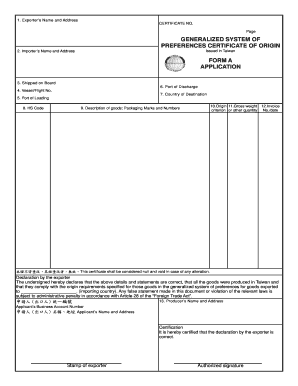
Certificate of origin taiwan pdf

The CRAFFT Screening Questionnaire

Blue badge isle of man

Rtmnu migration certificate online application

Key issuance form
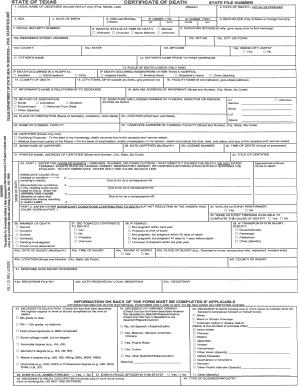
STATE OF TEXAS CERTIFICATE OF DEATH

Blank job applications printable pdf australia

SHELTER INCIDENT REPORT

Roommate questionnaire for adults pdf

Fillable Online housing iastate Iowa State University

Free Colorado Power of Attorney Template

Mv3598

OCCUPATIONAL THERAPY CLASSROOM QUESTIONNAIRE

Informed consent for - baysidemedical co

TOT Reporting Form - sdttc TOT Reporting Form - sdttc Transient Occupancy Tax - Treasurer-Tax Collec
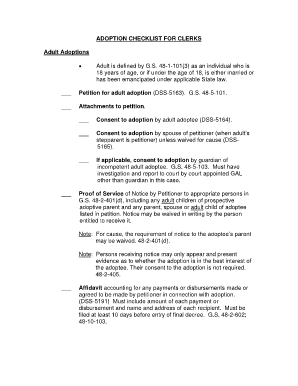
Dss 5166

Musc kidney transplant referral form

Answer to Custody Complaint (pdf) - Family Law Self-Help Center

Wheelchair Assessment - Physical Assessment

Parent-Teen Driving Contract - Teen Driving Online

Guarantor Rental Application Form - Skyline Realty LLC II

Starting a Business - County Government of Laikipia

PERSONAL REFERENCE FORM CHI ST ALEXIUS HEALTHUNIVERSITY
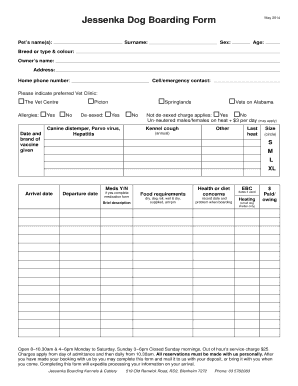
Printable dog boarding forms
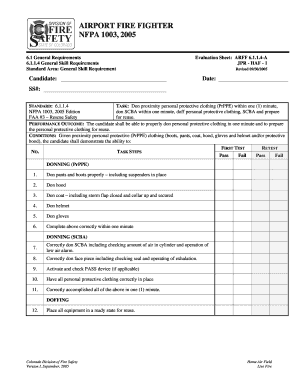
Firefighter jpr template

Halifax tax residency letter

Application for Benefits, DSHS 14-001(X) - dshs wa
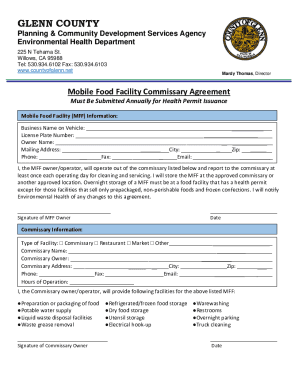
Mobile Food Facility Commissary Agreement

Lagos homes application form

Section 8 application printable
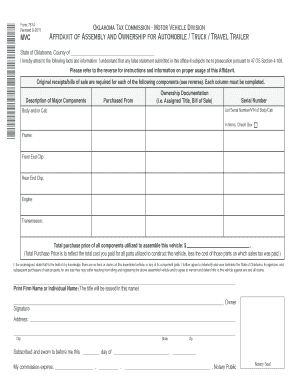
Oklahoma dmv forms
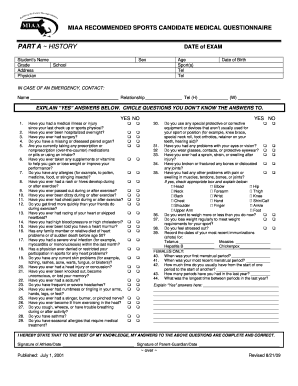
Sport medical questionnaire

Autism Social Skills Profile-2

Db4e form

CUSTODY EVALUATIONS - Dr James Bow

Multifamily inspection checklist
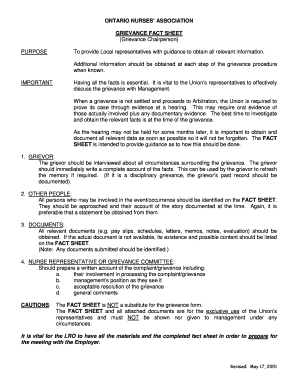
Ona grievance form

Adopt-a-Family Application Form
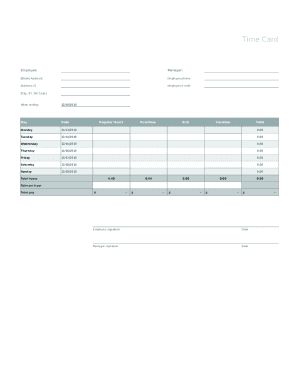
Form employee printable template

TRANSCRIPT REQUEST - ehove
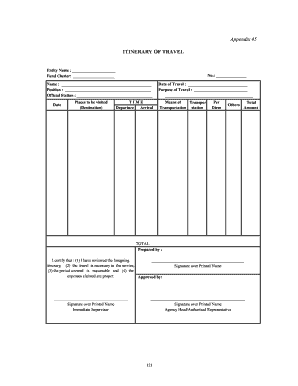
Sample itinerary of travel deped

Editable blank north carolina drivers license template
Frontier com 911
Chinhoyi university programmes pdf download

Room data sheet template word
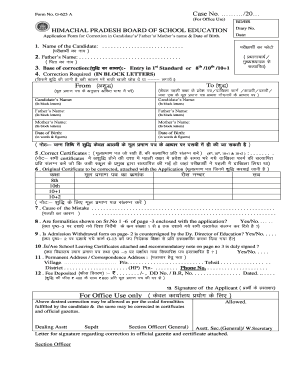
Hp board name correction online

Jharpds
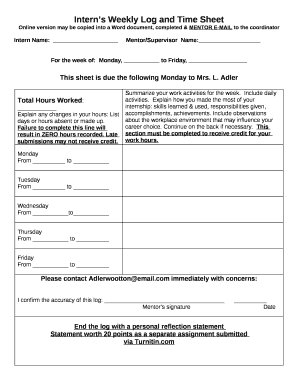
Internship log example

Twice Daily Vaccine Fridge Temperature Chart
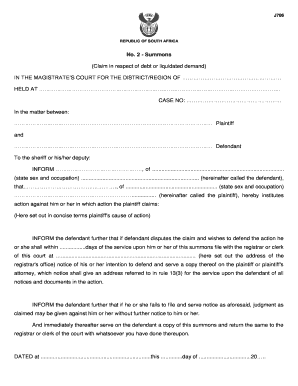
Court summons template

Record of Temporary Tags Form - mvdb virginia

WilsonJones CaptureCard Template

Milk assignment form

CONFIRMATION OF BALANCES

Transactional error reimbursement and transfer form

Virginia Form 760-PMT 2024 Tax Payment Coupon

Virginia Fiduciary Income Tax Return 2024

Virginia Corporation Schedule 500FED

Virginia Resident Form Individual Income Tax Return
Virginia 2024 Form 760 Instructions
Benefit from the DocHub online library of fillable PDF forms
Searching the PDF forms doesn't have to be a tedious and time-consuming process. With the DocHub online library, it has become easier to find the fillable PDF forms and modify them in your browser. The service allows you to adjust the document to your needs using powerful editing tools.
You can use online document editing features to modify almost any type of document with ease. You just need to find the template of your choice, open it in the editor, and use the toolbar to make the necessary corrections.
Follow this guide to get your document done with DocHub:
- Find the PDF template you need.
- Click the Get Form button to open the file in the editor.
- Use the toolbar to fill out and edit the document.
- Easily add and highlight text, insert images, checkmarks, and symbols.
- Drop new fillable fields, and rearrange or delete pages from your file.
- Save changes and download your record.
DocHub empowers everyone to streamline document editing, signing, and distribution, and form completion. Create an account and benefit from our well-organized PDF Forms library and comprehensive editor.