01. Edit your form online
Type text, add images, blackout confidential details, add comments, highlights and more.

Type text, add images, blackout confidential details, add comments, highlights and more.

Draw your signature, type it, upload its image, or use your mobile device as a signature pad.

Send it via email, link, or fax. You can also download it, export it or print it out.
"Form online" can refer to various forms used for a multitude of purposes, including tax submissions, legal agreements, or business transactions that are completed and submitted via the internet. The digital availability of forms has transformed how organizations and individuals handle paperwork. With an online format, forms can be accessed from any location and completed without physical presence. This convenience enhances efficiency and reduces time spent on administrative tasks.
Using a form online generally involves several straightforward steps:
Online platforms like DocHub provide tools to facilitate this process, enabling you to add text, signatures, and even attach additional documents if needed.
Opting to fill out forms online offers several advantages:
Completing an online form often requires supporting documentation. Necessary documents may include:
Ensure all attachments are in a compatible format, like PDF or DOC, for seamless integration.
Online forms hold the same legal weight as their paper counterparts when completed and signed correctly. In the U.S., electronic signatures are recognized under the ESIGN Act, confirming their authenticity in legal contexts. Ensuring compliance with relevant regulations is crucial in maintaining the validity of these forms.
Understanding certain terms can aid in navigating online forms:
Using compatible software is vital for smooth processing of forms online. Programs like DocHub support various file formats such as PDF, DOC, and TXT, providing versatility in form handling. Ensure your chosen platform integrates well with common applications like Microsoft Office and Google Workspace for hassle-free operations.
Financial and legal forms often have strict submission deadlines. Missing these can lead to penalties, additional fees, or processing delays. Mark important dates in a calendar to guarantee timely submission and keep abreast of any revisions. Online platforms may offer scheduling features to help manage timelines effectively.
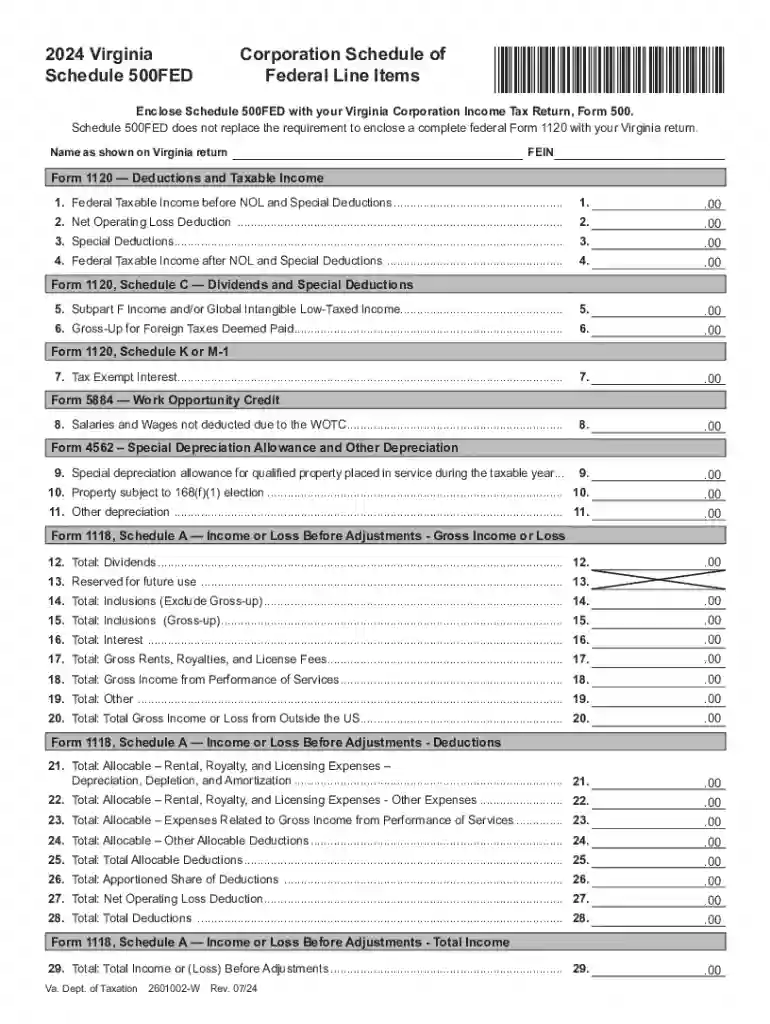
We've got more versions of the Virginia Corporation Schedule 500FED form. Select the right Virginia Corporation Schedule 500FED version from the list and start editing it straight away!
At DocHub, your data security is our priority. We follow HIPAA, SOC2, GDPR, and other standards, so you can work on your documents with confidence.