
Get any PDF form from the DocHub library of ready-made templates - Page 439

Chevron Notice of Motion NY Final - Electronic Frontier

Disability Retirement Initial Information Certification - PERSI - Idaho - persi idaho
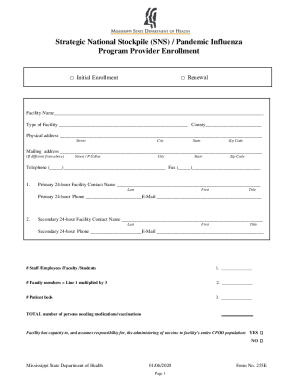
National Strategy for Pandemic Influenza - George W Bush

Creating forms that can be filled out by clients

Request to Subcontract Form C-220 docx - modot

Name Reservation Request Form - CACorporateFiling

Name-reservation-request-form

Name, complete the enclosed Name Reservation Request Form, attach a check in the

Subaward agreement gates foundation form

Does the organization maintain records to substantiate the amount of its grants and

Form 4684, Casualties and Thefts

Schedule O (Form 990) (Rev December 2024) Supplemental Information to Form 990 or 990-EZ

Form 990: A Practical Review

Schedule K (Form 990) (Rev December 2024) Supplemental Information on Tax-Exempt Bonds

Application to Set Aside a Conviction An Affidavit that is filed in Provincial Court, by a committed

Trade reference request template
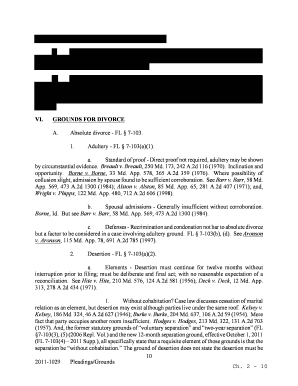
Maryland divorce papers

Commercial Warrant of Removal Orden de desalojo de una

Student Shadow Request Form

Application for prelicense post license instructor

Dairyland insurance app

Get the free ACCEPTANCE OF RISKS INDEMNIFICATION AGREEMENT

Valley Oaks Elementary Transportation Change Request Valley

Manual check request form template

Rockwood Public Safety Facility - Police Department

Written request for gun release form

What are some sample letters requesting an ADA

Maple shade opra request form

Brick township opra request

Please wait

Request for replacement certification card - California Department of

Request for Replacement Certification Card OR Report of Address Change

Electrician certification replacement applic form

OSHA CONSULTATION REQUEST FORM - OK gov - ok

Vehicle Request Use Form
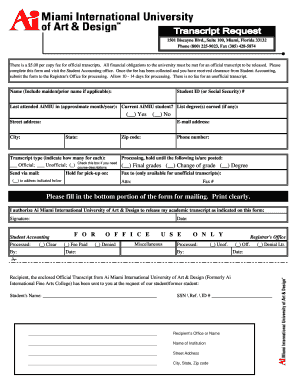
Myaicampus
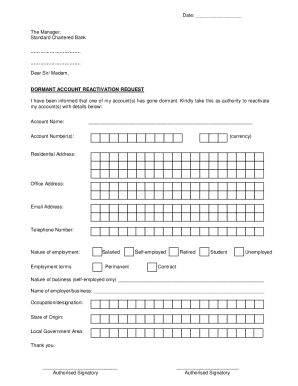
How to reactivate standard chartered bank account

Request For Re-Activation of A Dormant Account: Branch
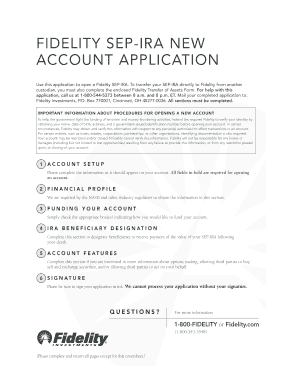
Fidelity sep ira application form

Open records act georgia request forms
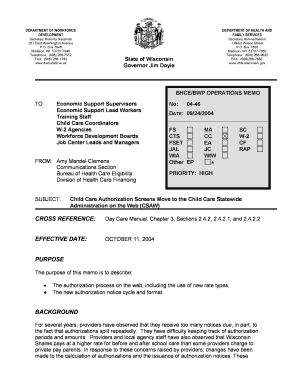
Child care authorization letter
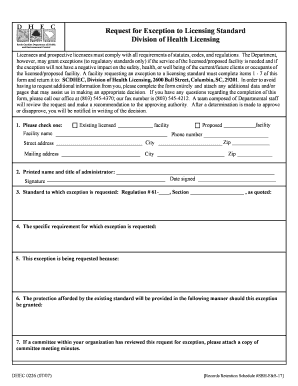
Scdhec queuing form

GLOBAL HEALTH CHECKLIST The Partners Center of Expertise in - partners
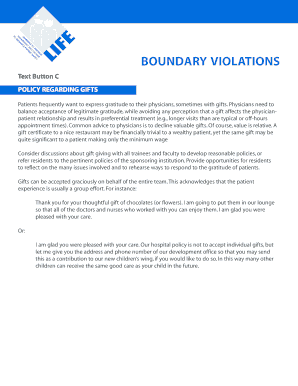
Patient doctor guidelines for giving receiving gifts of gratitude
Form 4136, Credit for Federal Tax Paid on Fuels - irs

Arizona Bulk Use Fuel Log

This Household Goods Tender of Service (HTOS) is used to publish the performance requirements and pr

US Household Goods Tender of Service

Benefit Coverage Request Form

T: DEPENDENTS' REQUEST FOR CHANGE OF PROGRAM OR PLACE OF TRAINING (Under Provisions of Chapters 33 a

VA Form 22-1995 REQUEST FOR CHANGE OF PROGRAM OR PLACE OF TRAINING
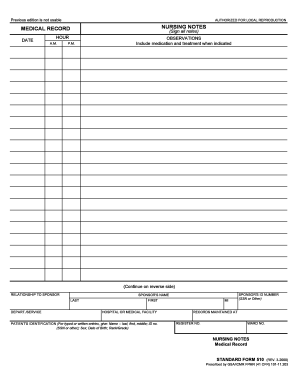
MEDICAL RECORD NURSING NOTES - gsa

SP-27 Disabled Persons License Plate-Placard Application 2 23

Nz Tenancy Agreement - Fill Online, Printable, Fillable, Blank

About VA Form 10-3542 Veterans Affairs

Archery Cross Country Athlete Docs - Navajo Technical University - navajotech

Bill of Sale Vessel Trailer (English) - Lee County Tax Collector

Generic Application Form for Canada (IMM 0008) - Canada ca

2019-2025 Form SC DMV RG-007A Fill Online, Printable

Application for issue or renewal of driver licence (DL1)

Florida family law financial affidavit excel

Form 712 (Rev December 2024) Life Insurance Statement

About Form 8827, Credit for Prior Year Minimum Tax

2024 Form 2220 Underpayment of Estimated Tax by Corporations

Form CT-1 Employer's Annual Railroad Retirement Tax
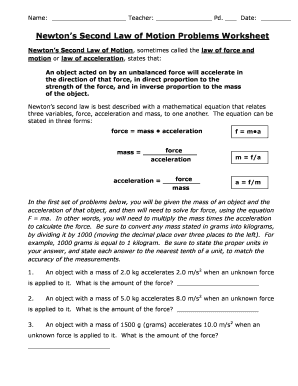
Newton's second law of motion problems worksheet answers

APPLICATION FOR WAIVER OF THE CHAPTER 7 FILING FEE FOR

AM Best Removes From Under Review With Developing

Retirement Advantage Designation of Beneficiary Form
Email Signature Template

Agent of record change for allstate

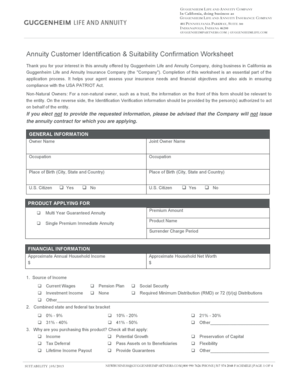
Annuity Customer Profile and Identification Worksheet

Box 4511
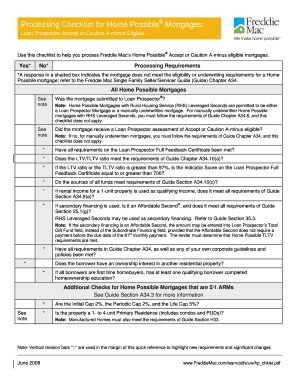
Mortgage processing checklist form

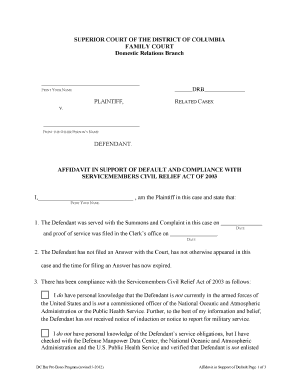
Affidavit in Support of Default and SCRA Compliance
Printable sc divorce papers

Discount Card Order Form Final docx - Watson Elementary School
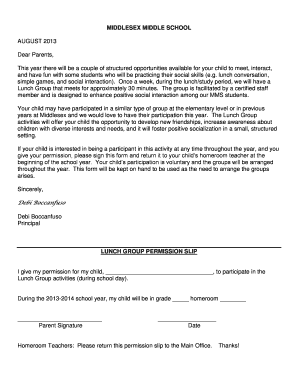
Lunch bunch permission slip

OVI Golf Tournament 2008 - Arkansas State Golf Association - archives asga

Warranty Replacement Products - Atrium

Approved supplier list template
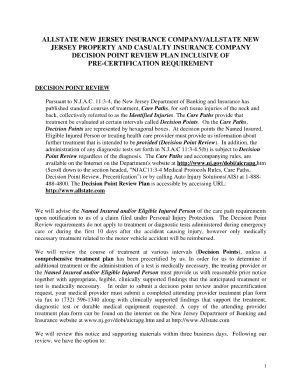
Pip application form online

Michigan Quitclaim Deed

STATE PEF GRIEVANCE FORM PROFESSIONAL, SCIENTIFIC - pef

State PEF Grievance Form

Photography judging sheet

Application for Forsenic Nurse-Certified Sexual Assualt

Social Security sent me a form (SSA-8240) Authorization to

A-5786 doc - montgomerycountymd

This comprehensive 2 day seminar will help you understand: - mdmildep

Brunswick Line Schedule Change Customer Feedback Form - mta maryland

Walker, Chairman

A Consumer Guide To Auto INSuRaNCE - Maryland Insurance - mdinsurance state md

IN THE MATTER OF THE * BEFORE THE STATE OF MARYLAND * MARYLAND INSURANCE COMMISSIONER v - mdinsuranc

BEFORE THE MARYLAND INSURANCE ADMINISTRATION MARYLAND INSURANCE ADMINISTRATION Ex Rel - mdinsurance

ULLICO 010709 doc - mdinsurance state md

Section 1 - Maryland Insurance Administration - mdinsurance state md

United states fidelity and guaranty company examination - Maryland - mdinsurance state md

MIA-2005 - Maryland Insurance Administration - mdinsurance state md

Jai medical systems managed care organization, inc examination - mdinsurance state md
Benefit from the DocHub online library of fillable PDF forms
Searching the PDF forms doesn't have to be a tedious and time-consuming process. With the DocHub online library, it has become easier to find the fillable PDF forms and modify them in your browser. The service allows you to adjust the document to your needs using powerful editing tools.
You can use online document editing features to modify almost any type of document with ease. You just need to find the template of your choice, open it in the editor, and use the toolbar to make the necessary corrections.
Follow this guide to get your document done with DocHub:
- Find the PDF template you need.
- Click the Get Form button to open the file in the editor.
- Use the toolbar to fill out and edit the document.
- Easily add and highlight text, insert images, checkmarks, and symbols.
- Drop new fillable fields, and rearrange or delete pages from your file.
- Save changes and download your record.
DocHub empowers everyone to streamline document editing, signing, and distribution, and form completion. Create an account and benefit from our well-organized PDF Forms library and comprehensive editor.