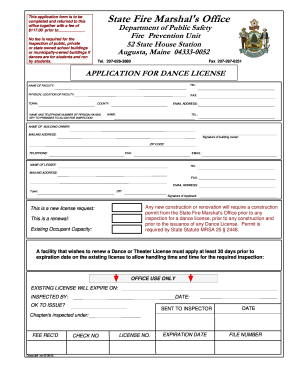
Definition and Meaning of Form Online
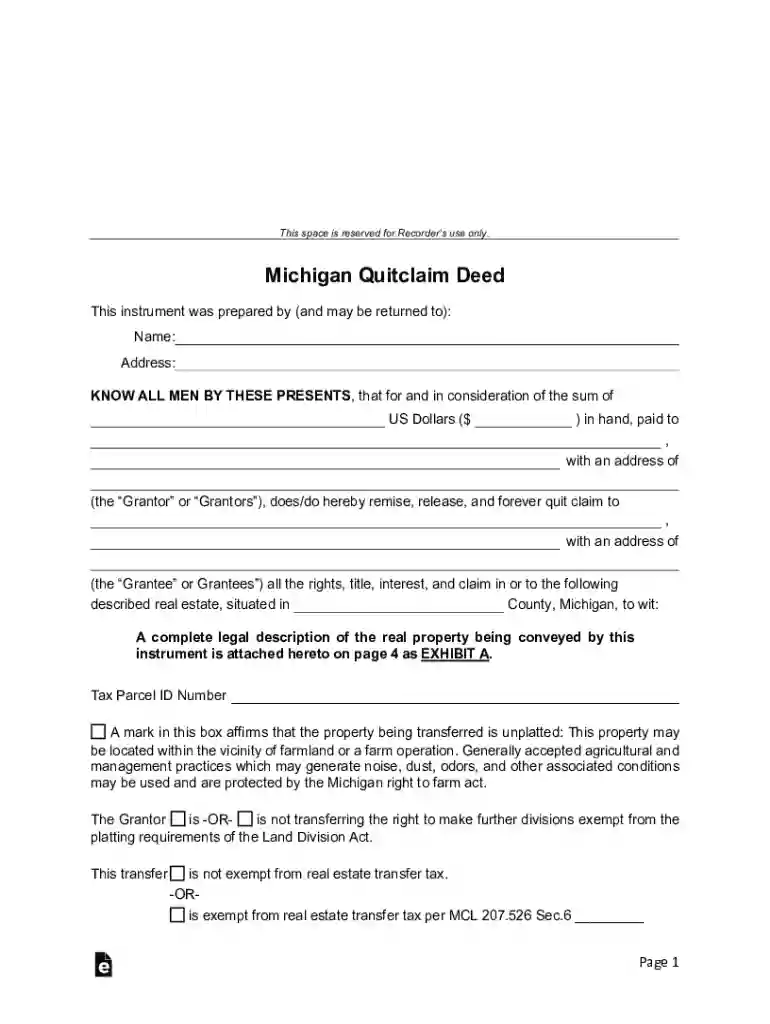
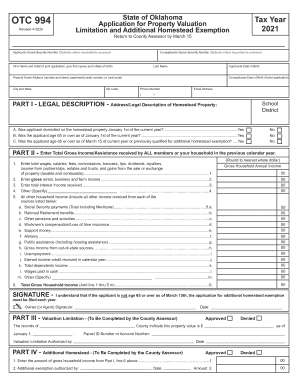
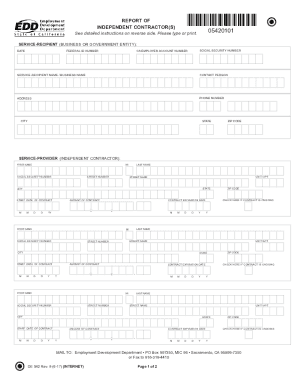
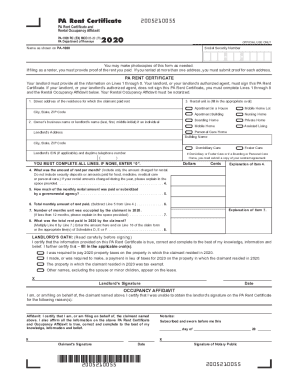
"Form online" refers to the digital process of accessing, completing, and submitting various types of forms through the internet. This method replaces traditional paper-based forms, offering enhanced convenience, efficiency, and accessibility. Forms online can range from tax forms and legal documents to surveys and applications, allowing users to fill out necessary information electronically from any device with internet access. They may include interactive elements such as fillable fields, dropdown menus, and electronic signature capabilities, ensuring precise and structured data collection.
Key Features of Online Forms
- Interactive Fields: Incorporate text boxes, radio buttons, and checkboxes.
- Electronic Signatures: Legally binding options to sign forms digitally.
- Data Validation: Ensures users input data in the correct format.
- Immediate Feedback: Real-time validation for errors or missing information.
- Security Measures: SSL encryption protects sensitive information.
How to Use the Form Online
Using forms online involves a few straightforward steps to access and complete them effectively on platforms such as DocHub. Typically, users must follow these general procedures:
- Access the Form: Locate the required form on the relevant website or platform.
- Download or Open: Depending on the platform, either download the form or open it directly in an online editor.
- Fill Out Information: Use provided fields to enter necessary data. Include details such as personal, financial, or business information, depending on the form type.
- Review and Validate: Check for errors and confirm that all required fields are completed correctly.
- Sign Electronically: If needed, use provided tools to add an electronic signature.
- Submit or Save: Submit the form through the platform, or save it for later submission.
Practical Tips for Completing Online Forms
- Ensure Browser Compatibility: Use updated browsers for optimal performance.
- Have Required Information Ready: Gather all necessary documents beforehand for quick access.
- Secure Your Connection: Use a secure internet connection to protect your data.
How to Obtain Forms Online
Obtaining forms online is streamlined and accessible through a variety of platforms and government websites. Forms can be downloaded directly, or they may be filled out online using integrated document editors like DocHub.
Methods to Locate and Access Online Forms
- Official Websites: Government or institutional sites often host the most up-to-date forms.
- Document Management Platforms: Services like DocHub provide access to a range of forms tailored for specific needs.
- Search Engines: Conduct modified searches using the form name or number to find reliable sources.
Steps to Complete the Form Online
Successfully completing an online form requires attention to detail and a systematic approach. Follow this step-by-step process to ensure accuracy and compliance:
- Import or Access the Form: Obtain the form from a trusted source.
- Read Instructions Thoroughly: Understand any specific guidelines provided with the form.
- Input Data Carefully: Double-check entries for accuracy.
- Add Necessary Attachments: If required, attach additional documents.
- Review for Completeness: Ensure no field is left unfilled if mandatory.
- Submit the Form: Follow submission guidelines to send the form to the appropriate recipient.
Considerations for Accurate Completion
- Use Autofill with Caution: Verify that pre-filled information is still current.
- Take Breaks: Revisit complex forms to view with a fresh perspective.
Why Use Forms Online
The transition to online forms offers numerous advantages over traditional methods:
- Efficiency: Reduces time spent on handling and processing paperwork.
- Accessibility: Allows users to fill out forms from anywhere at any time.
- Accuracy: Automated checks and validations minimize errors.
- Eco-friendliness: Decreases paper usage and storage requirements.
Benefits in Different Contexts
- For Individuals: Simplifies tasks like tax filing or application processes.
- For Businesses: Streamlines administrative tasks and data collection.
- For Institutions: Facilitates faster service delivery and response times.
Who Typically Uses Forms Online
A wide range of users benefit from online forms, depending on their needs and industry sectors:
Common User Groups
- Individuals: For personal tasks like tax submissions or loan applications.
- Businesses: For operations including HR forms, invoicing, and compliance documents.
- Educational Institutions: For student forms, applications, and surveys.
- Government Agencies: For various citizen services and regulatory compliance.
Important Terms Related to Form Online
Understanding specific terminology enhances the use of online forms, ensuring clarity and proper functionality:
- Digital Signature: An electronic form of a handwritten signature.
- Fillable Fields: Interactive sections where users input data.
- Validation: The process of automatically checking entered data against set rules.
- Encryption: A method to protect data by converting it into codes.
- Interactive Elements: Features such as buttons or dropdown lists to enhance user interaction.
Legal Use of Forms Online
Compliance with legal standards is crucial when using forms online, particularly when they involve signatures and sensitive data. Legal provisions often cover:
- Electronic Signatures: Legally recognized equivalent of handwritten signatures governed by laws like the ESIGN Act in the U.S.
- Data Privacy: Ensures that user information is handled according to privacy laws such as GDPR or CCPA.
- Compliance Standards: Adhering to industry-specific regulations like HIPAA for health-related forms.
Ensuring Legal Compliance
- Verify Platform Security: Use platforms that comply with encryption and authentication protocols.
- Understand Legal Obligations: Familiarize oneself with laws applicable to digital transactions.
Key Elements of the Form Online
While specifics can vary substantially between forms, several key elements are generally present:
Core Components
- Title and Instructions: Clear title and guidelines for completion.
- Input Fields: Sections for personal or business information.
- Checkboxes and Buttons: To indicate choices or consent.
- Signature Area: Space for electronic or digital signatures.
- Submission Option: Mechanism to send the completed form online.
By understanding these elements, users can effectively navigate and utilize online forms for their intended purposes, ensuring efficiency and accuracy in data handling and submission.