
Get any PDF form from the DocHub library of ready-made templates - Page 371

Contractor's final payment affidavit pdf

Oregon rn test observer agreementform 1505or

Iod form in railway pdf

Prescription Form Growth Hormone
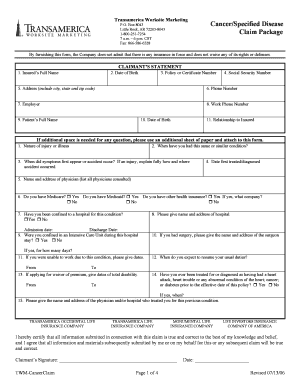
Tebcs com forms

1 PUBLIC PROCUREMENT COMMISSION

Application for Breast Prosthesis Grant Application for Breast Prosthesis Grant

Breast Prosthesis Grant Information Sheet

Pro Se Complaint for Illinois Administrative Review

Ccl 0093 how to fill out form

Reflection form

Dgsn cameroon passport

DXCC Application Process

Vaccination record: equine influenza and equine herpes - USEF

Litany for the dead pdf

ESTATE FIRE INSURANCE PROPOSAL FORM CORPORATE

Authorization for International Wire Transfer

Ecn format in excel

Usef vaccination form

Hackmaster character sheet

Scheda individuazione passeggeri ryanair

Permission to work and volunteering for asylum seekers
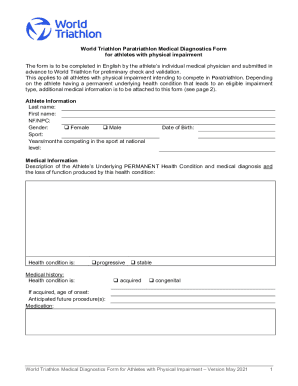
World Triathlon Classification PI Medical Diagnostics Form

Small Construction Project Contract
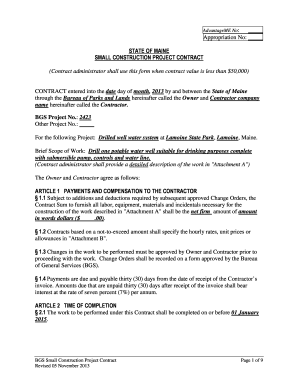
Small Construction Project Contract - maine
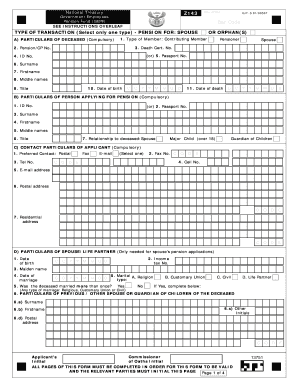
Gepf forms z143

Z143 form

Circular 74 of 2007
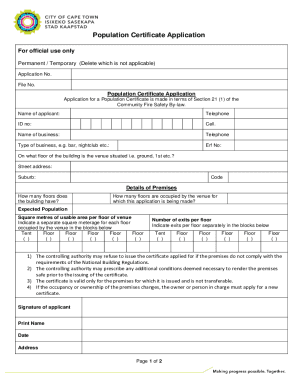
Population certificate format
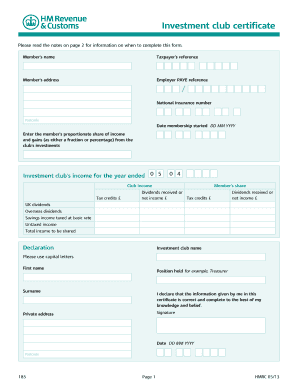
Form 185 hmrc form

Gov uk eu settlement scheme application form template

Cpcs validator

INNOVATE! COMPETITION CONSENT FORM - mycpf cpf gov

Singapore citizenship article 123

Nz maritime declaration health

Application Form-Birth Orderv25 0 25112015

India TR 7 - West Bengal
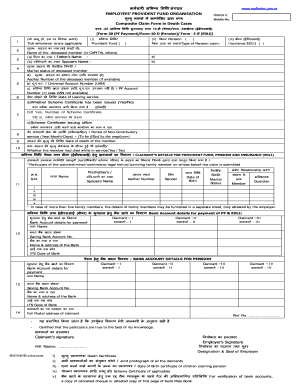
Epf composite claim form in death cases word format

No 40c application fill

Authority of india
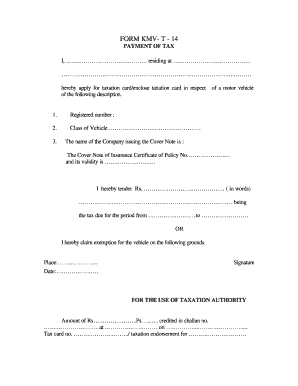
Form 14 rto

Pdf file copy and paste

FORM I PART C6 APPLICATION FOR OBTAINING NOC FROM - aponline gov
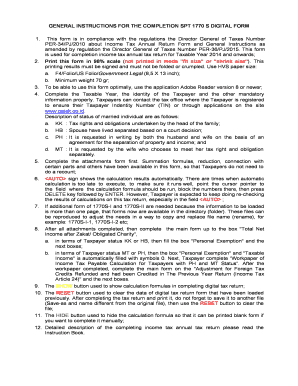
GENERAL INSTRUCTIONS FOR THE COMPLETION SPT 1770 S DIGITAL FORM

Rc4424

T2202a scolarite protege b

Canada rc4424 form

Attestation of Qu bec Resident Status for Canadian Citizens and Permanent Residents of Canada - Form

Northwest workplace safety quiz

Manitoba pnp pdf fillable kit 2011 form
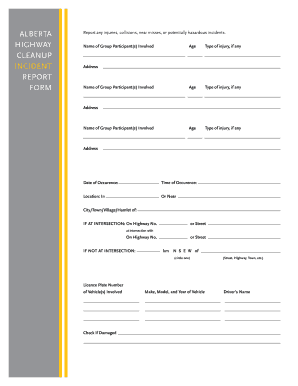
Cleanup incident report
History canadian residency

Policy review checklist doc

IMM 5853 E - cicgcca - cic gc

Disabled Parking Permit Application Form
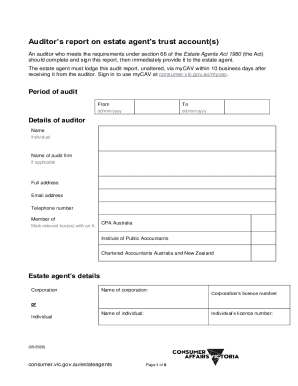
Auditors report on estate agent's trust account(s)

Commonwealth Bank of Australia - fdic

Apc f012

Form 388 Certificate of Airworthiness Checklist 07 Airworthiness Directive Aircraft - casa gov

Au form 79

SD 80 01 - Incapacity Retirements - Submission of Forms AW33(Cert) and AW33(Claim)

Cto2 form

Uk association emergency sheet template

Db1 roads service scheme form

Raibn1 form reporting blank

Drivers clandestine form template

Application doeni online
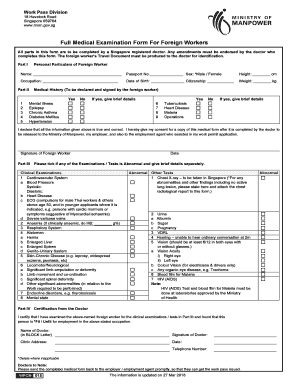
Full medical examination form

Initial environmental examination iee checklist form

Philgeps sworn statement word file
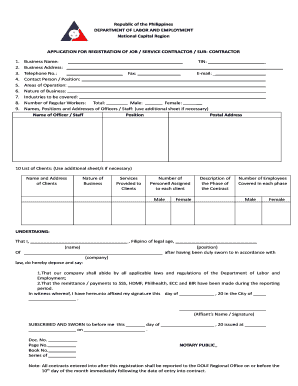
Application registration job service sub contractor
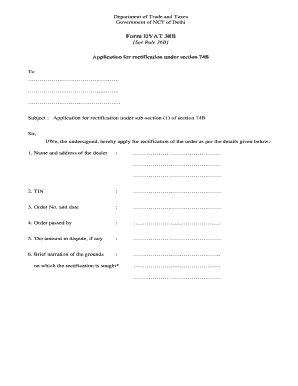
Dvat

How to write application for batch change in aakash institute

C4 registration firms online

Gst34 2
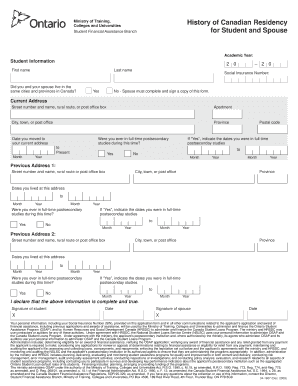
History of Canadian Residency for Student and Spouse

Requteef en form

Form 388Certificate of AirworthinessChecklist 07 Airworthiness DirectiveAircraft
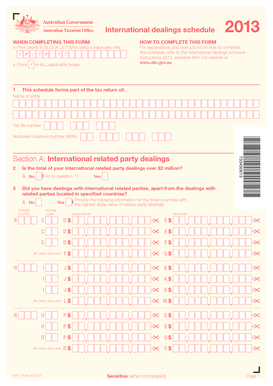
International dealings schedule

Pbs form medicine

Ef059 c nomination
2013 australia 03 visa

Motion for Continuance

LLC Capital Contribution Agreement

Identity form application

Milan Eye Center Referral Form

Application for Disabled Parking Placard plate

53-111-a

Change of owner C3A form

California Residential Lease Agreement

Identity theft victim s complaint and affidavit
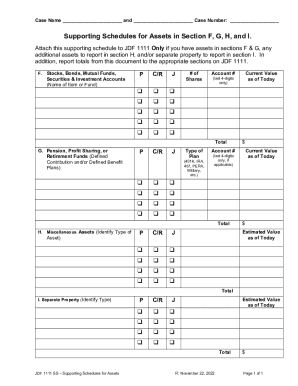
JDF1111SS

Placer County ODS Contract - Department of Health Care

Request

SSA-820-BK

Residential contract (revised 03 15 18)

PRC-PRC Program Application - - - - PRC, (000-00-0000) - 3 7 2024
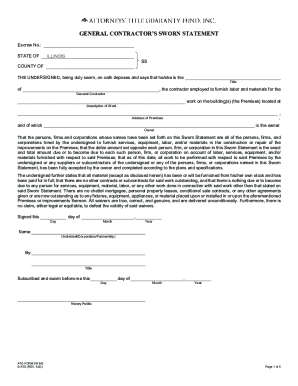
General Contractor s Sworn Statement

2006 Publication 678-W
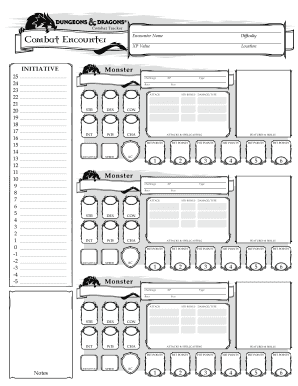
Dnd encounter sheet pdf
Benefit from the DocHub online library of fillable PDF forms
Searching the PDF forms doesn't have to be a tedious and time-consuming process. With the DocHub online library, it has become easier to find the fillable PDF forms and modify them in your browser. The service allows you to adjust the document to your needs using powerful editing tools.
You can use online document editing features to modify almost any type of document with ease. You just need to find the template of your choice, open it in the editor, and use the toolbar to make the necessary corrections.
Follow this guide to get your document done with DocHub:
- Find the PDF template you need.
- Click the Get Form button to open the file in the editor.
- Use the toolbar to fill out and edit the document.
- Easily add and highlight text, insert images, checkmarks, and symbols.
- Drop new fillable fields, and rearrange or delete pages from your file.
- Save changes and download your record.
DocHub empowers everyone to streamline document editing, signing, and distribution, and form completion. Create an account and benefit from our well-organized PDF Forms library and comprehensive editor.