



01. Edit your form online
Type text, add images, blackout confidential details, add comments, highlights and more.

Type text, add images, blackout confidential details, add comments, highlights and more.

Draw your signature, type it, upload its image, or use your mobile device as a signature pad.

Send it via email, link, or fax. You can also download it, export it or print it out.
Form online refers to digital documents that users can complete and submit through the internet. These forms are designed to simplify data collection and streamline processes by eliminating the need for physical paperwork. They can encompass a variety of uses, including applications, registrations, surveys, and legal agreements. Online forms often include interactive fields such as text boxes, checkboxes, and dropdown menus, allowing users to input information conveniently from anywhere with an internet connection.
The versatility of online forms makes them applicable across various sectors, from business to education. They can be used in scenarios like submitting job applications, enrolling in educational courses, or completing government paperwork. This digital approach not only improves efficiency but also reduces errors typically associated with manual data entry.
Online forms are especially popular due to their accessibility on multiple devices, including smartphones and tablets, ensuring that users can fill them out at their convenience. They often integrate with databases and other systems, allowing instant data processing and analysis.
Filling out a form online involves a series of straightforward steps designed to ensure accuracy and completeness:
Access the Form: Navigate to the website or platform where the form is hosted. This could be an organization's official site, cloud storage service, or sent via email as a link.
Read Instructions: Before starting, read any instructions provided to understand the requirements and any specific guidelines for form completion.
Input Information: Fill in the required fields. Online forms typically guide users by highlighting mandatory fields and offering drop-down menus for standardized data input.
Review Details: After completing the form, review all entered information for accuracy. Pay special attention to details like spellings, numbers, and selected options.
Submit the Form: Once satisfied with the information, submit the form by clicking the designated button. Confirmation messages often appear to indicate successful submission.
Save a Copy: If possible, download or save a copy of the completed form for personal records and future reference.
Completing an online form is generally quick and user-friendly, providing immediate feedback in the case of errors or omissions.
Accessing forms online can be done through several methods, each offering convenience and efficiency:
Official Websites: Many organizations host their forms on their official websites. Users can navigate to the appropriate section to find and download the forms they need.
Email Links: Forms may be shared via email, providing direct links to the form. This is common for concerted efforts like event registrations or surveys.
Cloud Platforms: Services like Google Drive or Dropbox often house forms, giving users the ability to access them through shared links.
Mobile Applications: Some organizations provide mobile applications that include access to forms, allowing users to download and fill them directly on their devices.
The method of obtaining a form online usually depends on the provider and the intended use of the form.
Choosing to complete forms online presents several advantages across different contexts:
Efficiency: Online forms save time by reducing the steps involved in traditional paper-processing methods. Data entered digitally can be processed instantly.
Environmental Impact: Reduces paper usage, contributing to environmental sustainability.
Convenience: Users can fill out forms from any location with internet access, fitting the task into their schedule without needing to physically visit an office or mail documents.
Error Reduction: Online forms often include validation tools to check for errors, reducing the likelihood of mistakes that could delay processing.
Accessibility: Allows individuals with mobility challenges to access and complete forms without needing transportation.
Online forms align well with modern communication practices, making them a preferred choice for individuals and organizations alike.
Online forms consist of several critical components designed to facilitate effective data collection and processing:
Interactive Fields: Include text boxes, radios buttons, checkboxes, and drop-down lists to capture a wide range of information.
Navigation Tools: Features such as progress indicators help users understand how much of the form remains to be completed.
Submit Button: Allows users to send their inputted data once they have finished filling out the form.
Confirmation Messages: Alerts users to the successful submission of their form and often provide a reference number or email confirmation.
These elements are crafted to ensure ease of use and efficient data capture, providing both users and organizations with reliable outcomes.
Online forms can fulfill legal functions, particularly when equipped with authentication features and secure data handling:
Digital Signatures: Legally binding digital signatures allow users to sign documents electronically, complying with regulations like the ESIGN Act in the United States.
Secure Transactions: SSL encryption and authentication protocols ensure that sensitive information is transmitted and stored securely.
Compliance with Regulations: Many online forms comply with data protection regulations, ensuring legal use and storage of personal data.
The ability to handle legally compliant transactions online is a significant advantage and broadens the scope of forms that can be processed through digital means.
Online forms are prevalent in various industries due to their adaptability and efficiency:
Healthcare: Patients can fill out pre-appointment health questionnaires or insurance forms digitally.
Education: Schools use online forms for student registration, permission slips, or feedback surveys.
Human Resources: Companies utilize forms for job applications, performance reviews, and employee onboarding processes.
These examples underscore the versatility of online forms across diverse applications, highlighting their integral role in modern administrative processes.
When using online forms, compatibility with other software systems enhances their functionality and user experience:
Office Suites: Integration with tools like Microsoft Office and Google Workspace allows seamless import and export of form data.
Accounting Tools: Software like QuickBooks can interact with forms to automate invoice processing and financial reporting.
Databases: Online forms can transmit data directly into databases, minimizing manual entry and reducing errors.
Compatibility ensures that using online forms bolsters productivity and reduces repetitive tasks, providing a streamlined approach to data management.
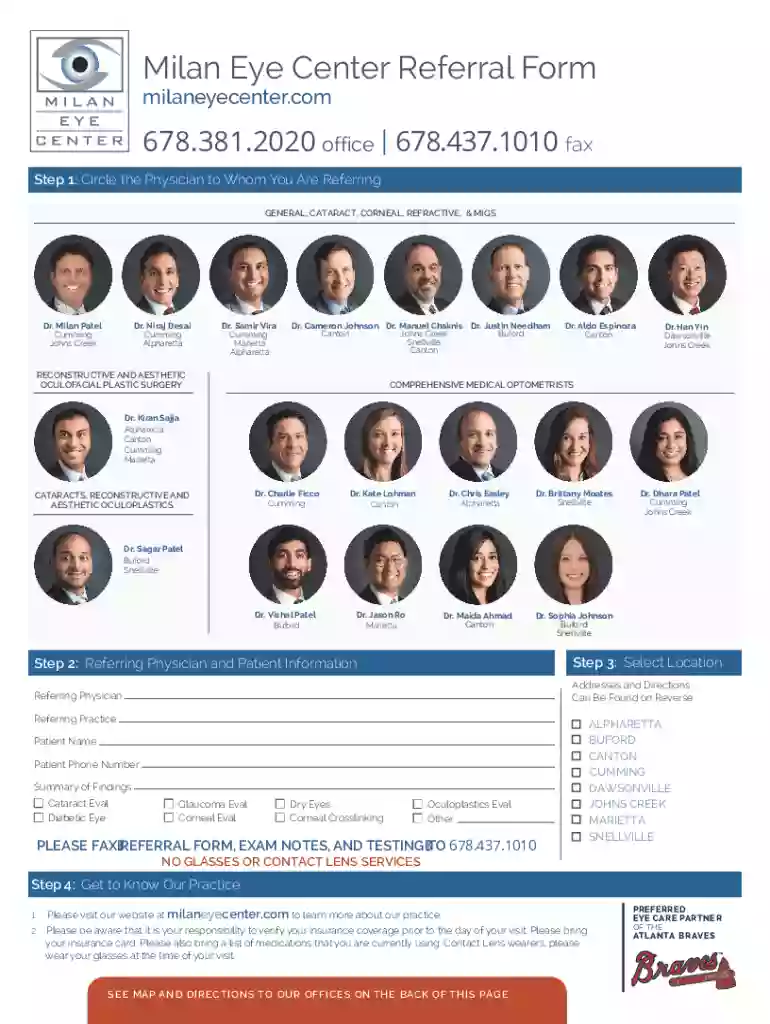
We've got more versions of the Milan Eye Center Referral Form form. Select the right Milan Eye Center Referral Form version from the list and start editing it straight away!
At DocHub, your data security is our priority. We follow HIPAA, SOC2, GDPR, and other standards, so you can work on your documents with confidence.


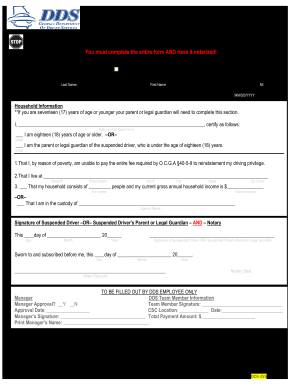

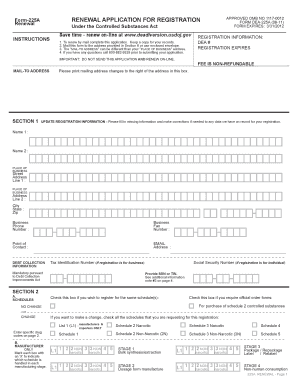
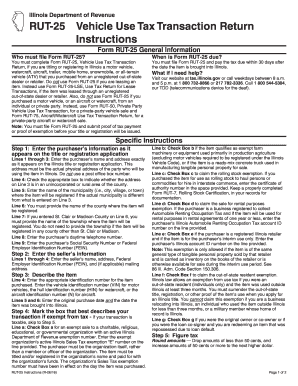
Establishing referral programs will further incentivize vision centers to recommend ENERGEM, creating a mutually beneficial partnership. Milan Eye Center, 19
Milan Eye Center is a multi-office, referral center, either in written or oral form.
by E Borrelli 2020 Cited by 67 Here we document the measures approved at our referral medical retinal practice at the San Raffaele Hospital in the metropolitan area of Milan, Italy.


