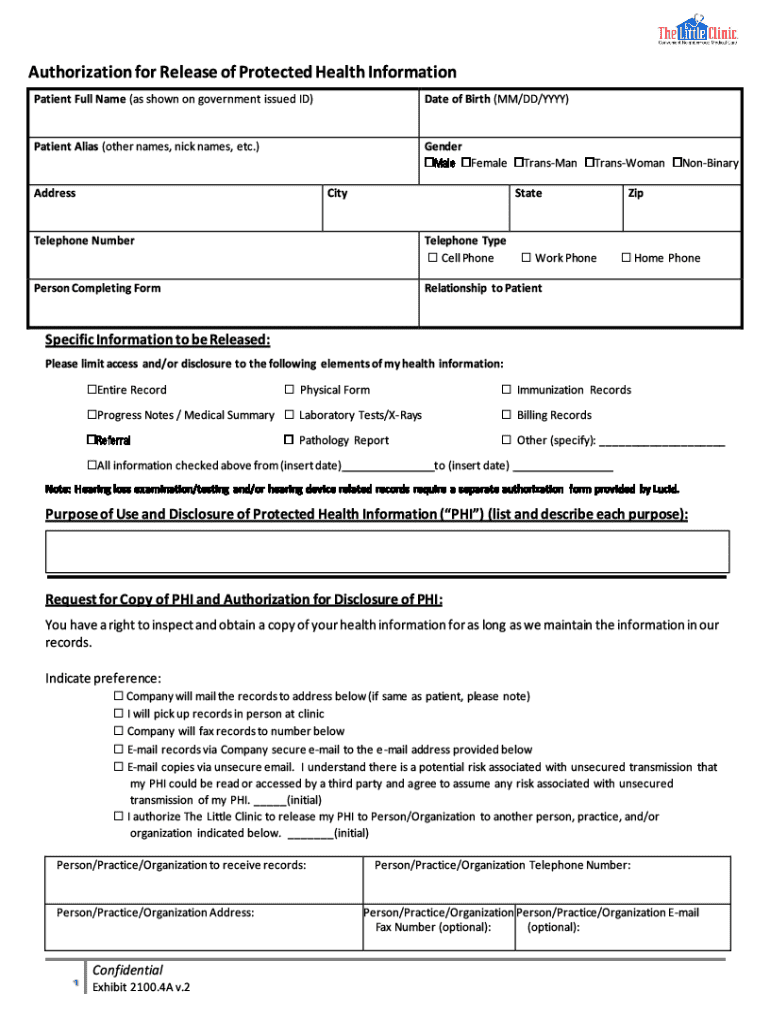







Understanding the Definition & Meaning of a Request
In the context of document workflow management, a request refers to the process of formally asking for a document edit, signature, or approval from one or multiple parties. The term is broad and can apply to various activities such as text edits, adding annotations, requesting signatures, or collaborating on document creation. By simplifying these actions into request processes, platforms like DocHub streamline document handling and enhance productivity.
- Request Types: Common requests include editing a section of a document, annotating for clarity, or obtaining legally binding signatures.
- Usage Contexts: Requests are often used in legal, business, or academic environments where documents require multiple inputs or confirmations.
How to Use the Request Functionality
Using the request function in DocHub is designed to be intuitive, allowing users to easily send requests for document actions. Here’s a guide to navigate these features effectively:
- Starting a Request: Users can initiate requests directly from the document they are working on, selecting specific tasks such as edits, reviews, or signatures.
- Tracking Progress: DocHub offers real-time tracking of requests, enabling users to monitor who has opened, reviewed, or completed their part.
- Reminders and Notifications: Automated notifications ensure that all parties stay informed and that requests are completed on time.
Steps to Complete a Request
Successfully completing a request involves several streamlined steps within DocHub's platform:
- Initiate the Request: Identify the document needing attention and specify the type of request (e.g., edit, sign).
- Specify Participants: Select all necessary parties involved in the process and assign roles (editor, commenter, signer).
- Set Permissions and Order: Define who can view, edit, or sign, and establish an order for completion if necessary.
- Monitor Status: Use the platform to check progress and identify any pending actions.
- Finalize and Archive: Once all steps are completed, review the document for finalization and archive it securely within the system or your preferred storage.
Key Elements of the Request Function
DocHub's request feature is packed with elements that support efficient and secure document processing:
- Permissions Management: Granting specific levels of access ensures that users can only perform tasks relevant to their role.
- Security Protocols: SSL encryption and password protection add layers of security to sensitive requests.
- Audit Trails: Complete records of who accessed and modified the document promote accountability and transparency.
Legal Use of Requests: Ensuring Compliance
When using requests for document approval and signatures, understanding legal implications is crucial:
- Electronic Signatures: DocHub’s signatures comply with the ESIGN Act, ensuring that requests for signatures are legally recognized.
- Data Protection: Adhering to data protection laws safeguards personal information during request processing.
Who Typically Uses the Request Feature?
The request capability in DocHub is utilized by a wide range of users, catering especially to:
- Legal Professionals: Law firms require document edits and client signatures.
- Business Teams: Corporations often need document approval and collaborative input.
- Educational Institutions: Schools and universities utilize requests for student and faculty agreements.


Examples of Using the Request in Practice
Real-world applications of the request feature illustrate its versatility and usefulness:
- Contract Approvals: Business contracts can be sent for review and digital signing through requests, speeding up the approval process.
- Academic Paper Annotations: Professors can request peer reviews on scholarly articles, enhancing academic collaboration.
- Legal Filings: Attorneys can manage client documents, requesting necessary amendments and confirmations efficiently.
Digital vs. Paper Version of Requests
Transitioning from paper to digital requests offers numerous advantages for efficiency and security:
- Environmental Impact: Reduces paper usage and waste, promoting sustainable practices.
- Speed and Accuracy: Digital requests mean faster processing and fewer errors compared to manual input.
- Convenience and Accessibility: Documents are accessible from anywhere, ensuring flexibility and ease of use.
By leveraging the comprehensive features of DocHub's request processes, users streamline document workflows, improve collaboration, and ensure compliance, ultimately leading to time savings and enhanced productivity.