
Get any PDF form from the DocHub library of ready-made templates - Page 34

ONA Grievance Fact Sheets
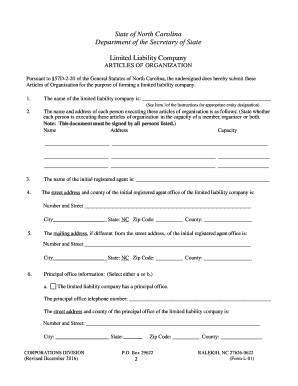
North Carolina LLC Articles of Organization
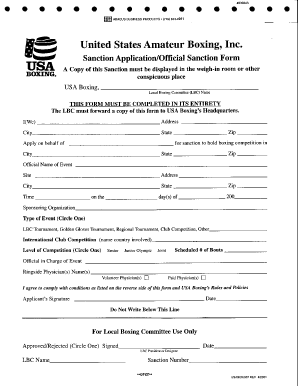
Boxing application
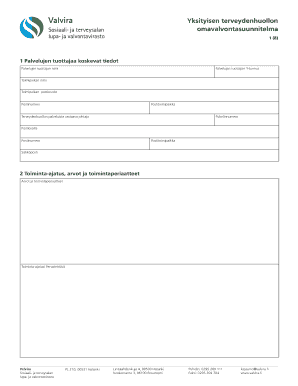
Finnish Healthcare Self-Monitoring Plan

Florida Parent Consent for Minor Driver Application

Florida Flood Disclosure Form

Co-Signer Agreement Addendum

Tesco Bank Additional Cardholder Request Form
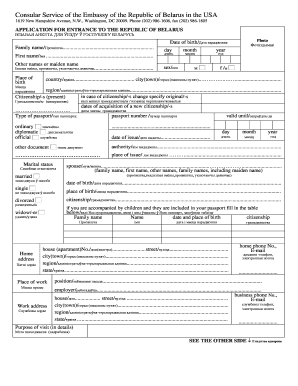
Belarus Visa Application Form
Form I-751, Petition to Remove Conditions on Residence

HSBC Job Application Form
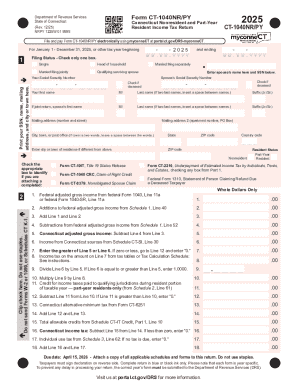
Connecticut Nonresident and Part-Year Resident Income Tax Return
Connecticut Form CT-1096 ATHEN
PIT-CFR
Delaware Individual Resident Income Tax Return
Delaware Underpayment of Estimated Taxes Form
Connecticut Motor Vehicle Fuels Tax Refund Claim
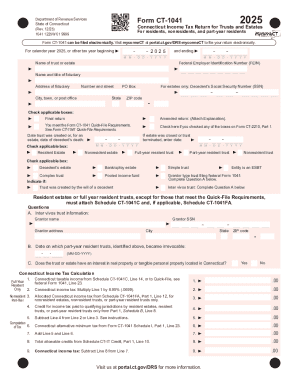
Connecticut Income Tax Return for Trusts and Estates
Form CT-1040 Connecticut Resident Income Tax Return
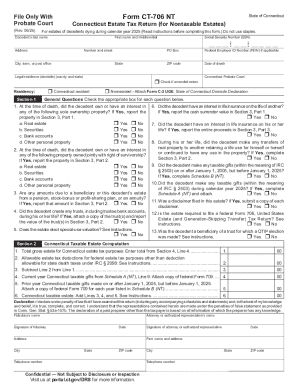
Connecticut Estate Tax Return for Nontaxable Estates

City of Independence Sign Application
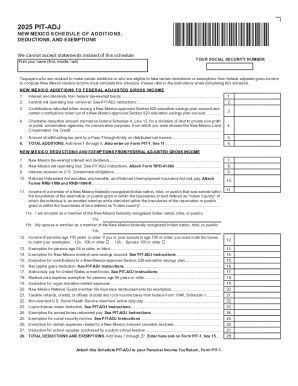
SCHEDULE OF ADDITIONS, DEDUCTIONS, AND
2024 Form 8453-C California e-file Return Authorization for Corporations
2026 Form 592-V, Payment Voucher for Resident or Nonresident Withholding
California Depreciation and Amortization Form 3885L
San Francisco Transfer Tax Affidavit
California Low-Income Housing Credit Form 3521
2025 Form 3502 Nonprofit Corporation Request for Pre-Dissolution Tax Abatement
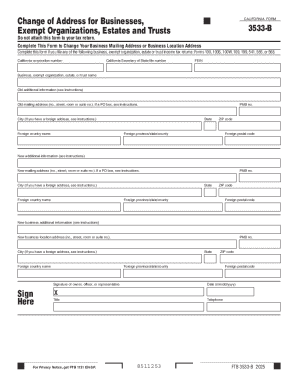
California Form 3533-B
2025 Form 3805P Additional Taxes on Qualified Plans (Including IRAs) and Other Tax-Favored Accounts
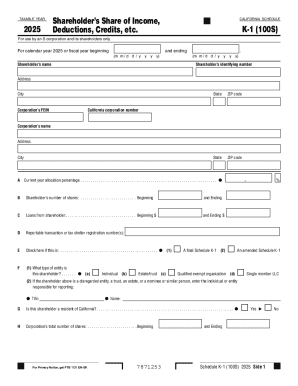
California Schedule K-1 (100S) 2025
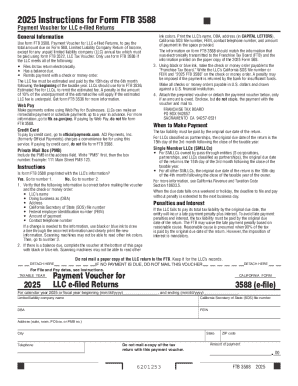
Form FTB 3588 Payment Voucher for LLC e-filed Returns
2024 FORM 8453-LLC California e-file Return Authorization for
2022 Form FTB 3805Z, Enterprise Zone Deduction and Credit Summary
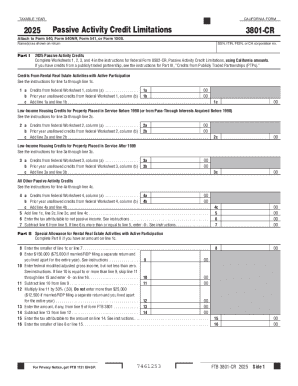
California Form 3801-CR 2025 Passive Activity Credit Limitations
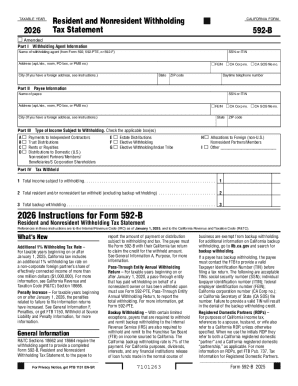
California Form 592-B 2026 Tax Statement
2025 Form 592-A Payment Voucher for Foreign Partner or Member Withholding
2024 CALIFORNIA 540NR Forms and Instructions Nonresident or Part-Year Resident Booklet
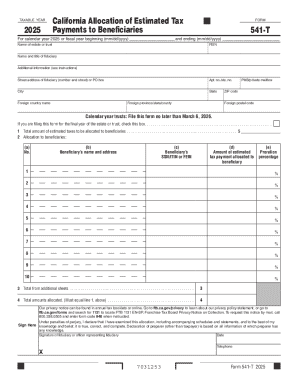
California Form 541-T 2025
2025 California Earned Income Tax Credit Booklet FTB 3514 California Forms and Instructions 2025, Ca
Los Angeles AB63 Alternative Form
2025 Form 540NR California Nonresident or Part-Year Resident Income Tax Return
2025 Schedule X California Explanation of Amended Return Changes 2025,Schedule X, California Explana
2024 Form 3885A Depreciation and Amortization Adjustments
2025 525 Payment Voucher and Instruction
2024 FTB Publication 1005 Pension and Annuity Guidelines
2025 California Form Schedule 540 D California Capital Gain or Loss Adjustment
Miscellaneous Sales Event
Georgia Form 600S Corporation Tax Return
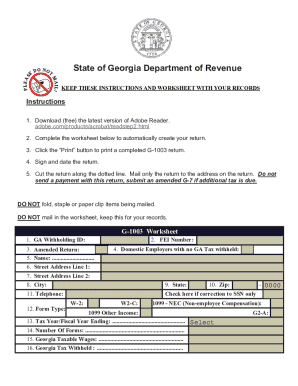
CORP-2004

California Form FTB 3538
2026 FTB 3536 Estimated Fee for LLCs
2026 Form 590 Withholding Exemption Certificate
2025 Schedule CA (540NR) California Adjustments - Nonresidents or Part-Year Residents 2025, Schedule
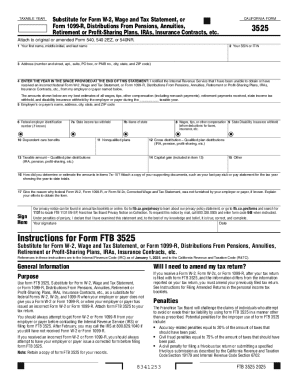
California Form FTB 3525
2026 California Form 589 Nonresident Reduced Withholding Request

California Exempt Organization Business Income Tax Return
CDTFA-106, Vehicle Vessel Use Tax Clearance Request
2024 Form 3533 Change of Address for Individuals
2024 CALIFORNIA 540 Forms and Instructions Personal Income Tax Booklet
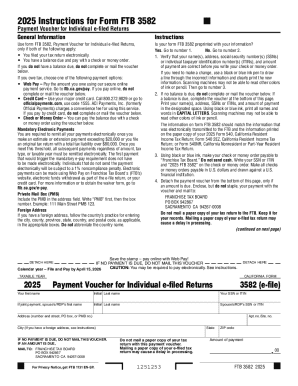
California Form FTB 3582 Payment Voucher
2024 FORM 3596 Paid Preparer's Due Diligence Checklist for California Earned Income Tax Credit
2025 CALIFORNIA 540NR Forms and Instructions Nonresident or Part-Year Resident Booklet 2025 CALIFORN
2024 FORM 3805V Net Operating Loss (NOL) Computation and NOL and Disaster Loss Limitations Individua
2026, Form 588 Nonresident Withholding Waiver Request
2025 California Forms and Instructions 100S S Corporation Tax Booklet
Identity Theft Affidavit
2025 Form 3895 California Health Insurance Marketplace Statement
2025 FORM 568 Limited Liability Company Return of Income 2025, FORM 568, Limited Liability Company R
Spanish Indefinite Employment Contract

Zechariah's 8 Visions

Transcript Release Form
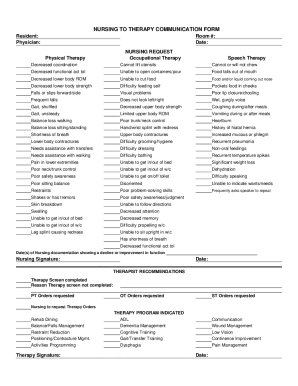
Nursing to Therapy Communication Form

Kingdom Protista and Fungi Lab Worksheet

Victim Impact Statement Form

Baylor University Health Center Privacy Notice and Consent

Prescription Order Form for Synclara System

AIA Document G710 Construction Change Order

Cardiac Catheterization Data Form

UK Temporary Event Notice Form

Beneficiary Change Form
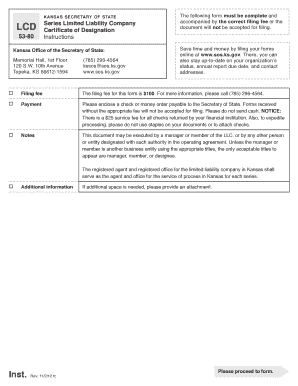
Kansas LLC Certificate of Designation

Michigan School District Unprofessional Conduct Disclosure Form

Release and Waiver of Liability Agreement

Smoking Incident Report Form

Nevada Placer Certificate of Location
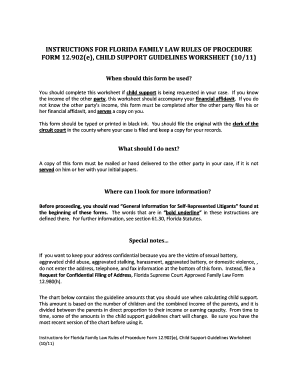
Florida Child Support Guidelines Worksheet
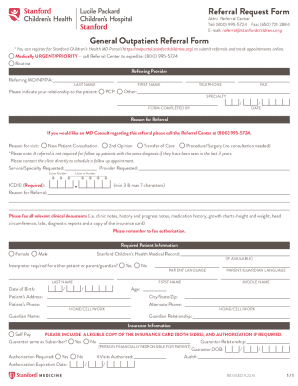
Stanford Children's Health Referral Request Form
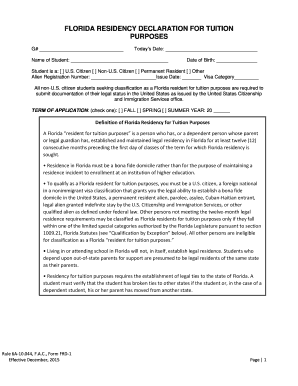
Florida Residency Declaration for Tuition Purposes

Australian Air Force Cadets Activity Consent Form

Michigan Child Care Staffing Plan Form
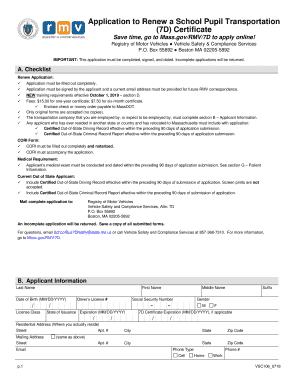
Application to Renew a School Pupil Transportation (7D) Certificate
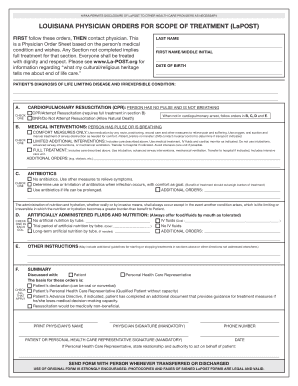
Louisiana Physician Orders for Scope of Treatment (LaPOST)
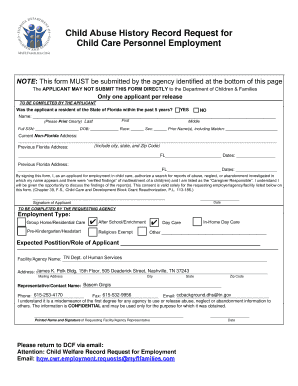
Child Abuse History Record Request for Child Care Personnel Employment

FL401 Non-Molestation Order Application Template

Florida 4-H Horse Project Record Book
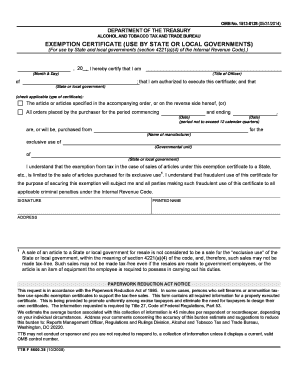
US Federal Alcohol and Tobacco Tax Exemption Certificate

BrokerCheck Dispute Form
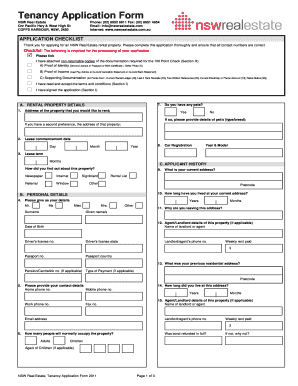
NSW Real Estate Tenancy Application Form

Home Health Face-to-Face Encounter Certification
Benefit from the DocHub online library of fillable PDF forms
Searching the PDF forms doesn't have to be a tedious and time-consuming process. With the DocHub online library, it has become easier to find the fillable PDF forms and modify them in your browser. The service allows you to adjust the document to your needs using powerful editing tools.
You can use online document editing features to modify almost any type of document with ease. You just need to find the template of your choice, open it in the editor, and use the toolbar to make the necessary corrections.
Follow this guide to get your document done with DocHub:
- Find the PDF template you need.
- Click the Get Form button to open the file in the editor.
- Use the toolbar to fill out and edit the document.
- Easily add and highlight text, insert images, checkmarks, and symbols.
- Drop new fillable fields, and rearrange or delete pages from your file.
- Save changes and download your record.
DocHub empowers everyone to streamline document editing, signing, and distribution, and form completion. Create an account and benefit from our well-organized PDF Forms library and comprehensive editor.