
Get any PDF form from the DocHub library of ready-made templates - Page 35

EFT Authorization Agreement

Hot-Work Permit

Nonprofit Business Plan Template

Virginia CACFP Meal Benefit Income Eligibility Form

Move-Out Cleaning Checklist
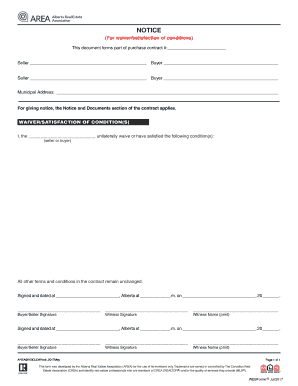
Alberta Waiver Satisfaction of Conditions Notice
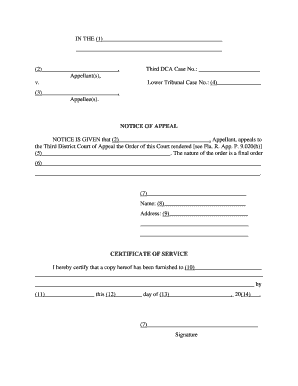
Florida Notice of Appeal Form
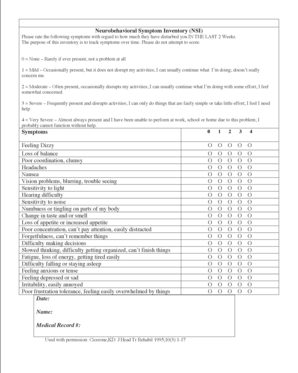
Neurobehavioral Symptom Inventory Form

WES Additional Report Request Form

Admiral Insurance Renewal Proposal Form
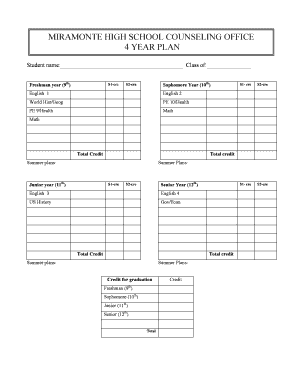
High School 4 Year Plan
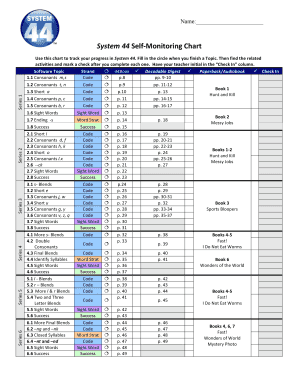
System 44 Self-Monitoring Chart

Chore Chart Template
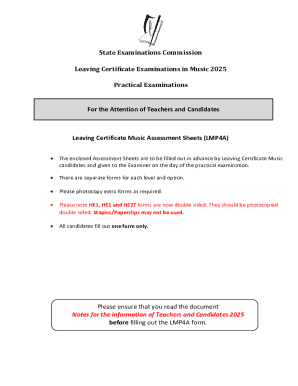
Leaving Certificate Music Assessment Form

NASA Direct Deposit Form

2014 Woodcock-Johnson IV Order Form
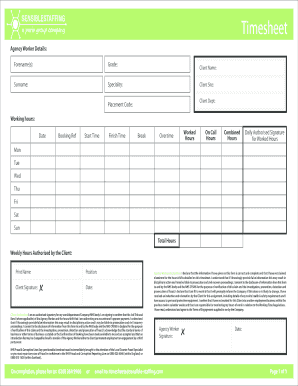
SensibleStaffing Timesheet

VA Form 21P-0969
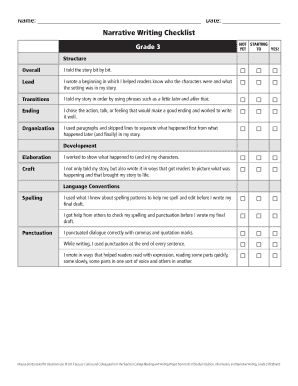
Grade 3 Narrative Writing Checklist
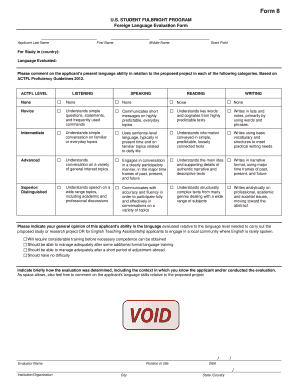
Fulbright Foreign Language Evaluation Form

Arizona State Retirement System (ASRS) Application for Retirement Benefit
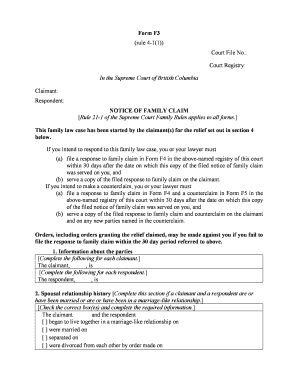
Notice of Family Claim Form F3
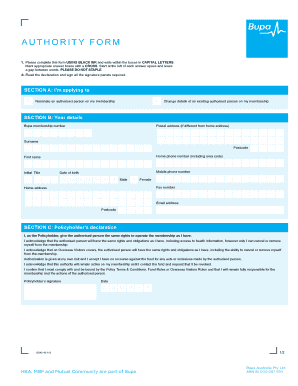
Bupa Australia Authorised Person Form

ICAEW IPD Declaration and Sign Off Form
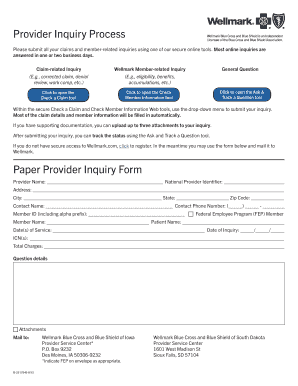
Wellmark Provider Inquiry Form
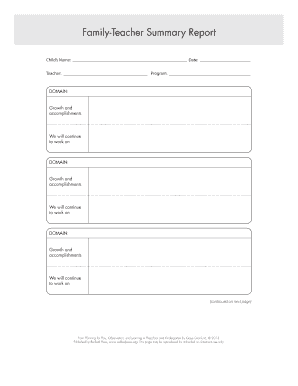
Family-Teacher Summary Report
US Affidavit Regarding Change of Name
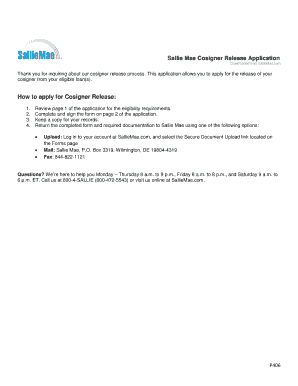
Sallie Mae Cosigner Release Application

Florida Affidavit for Sealing Expungement of Criminal History Record

Affidavit for Judgment by Confession
Virginia Notice Regarding Estate

DHEC Form 0267 Staff Orientation and In-Service Records

German Social Welfare Application Form

Iowa Mechanic's Lien Form
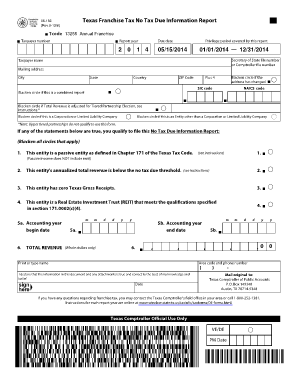
Texas Franchise Tax No Tax Due Information Report
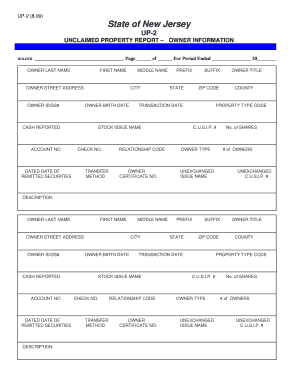
New Jersey Unclaimed Property Report

VFS Visa Application Authorization Form
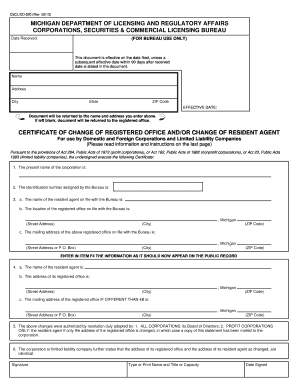
Michigan Certificate of Change of Registered Office and or Resident Agent

Maryland Developmental Disabilities Licensure Addendum Application

CDPHP Embrace Health Claim Form

Pennsylvania Non-Commercial Learner's Permit Application
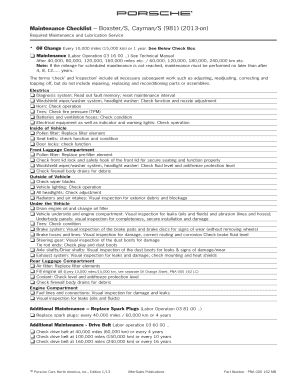
Porsche Maintenance Checklist

Employee Key Agreement Form
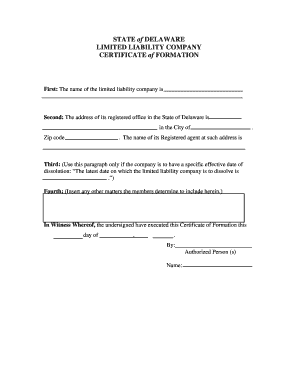
Delaware LLC Certificate of Formation

New Jersey Business Registration Application
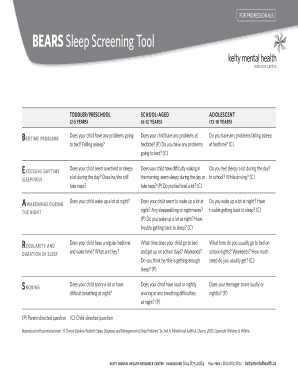
BEARS Sleep Screening Tool

Nassau County License Disclosure Form

Nursing Assessment Form

Event Risk Assessment Checklist
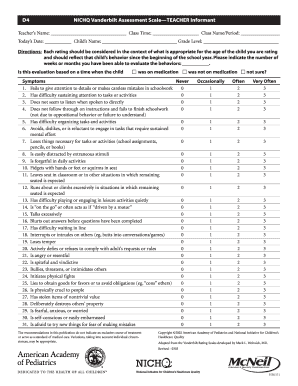
NICHQ Vanderbilt Assessment Scale Teacher Informant

US Federal Direct Deposit Sign-Up Form

New Zealand Real Estate Sale and Purchase Agreement
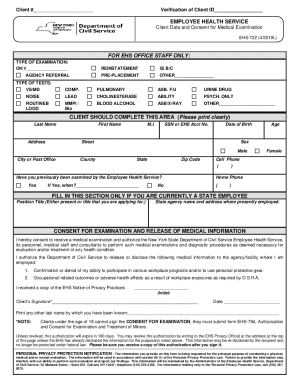
New York State Employee Health Service Form EHS-722
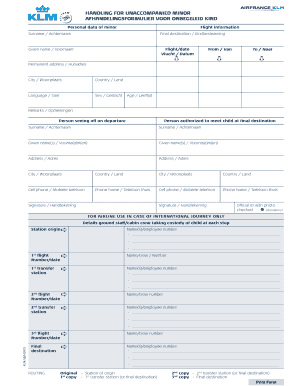
Unaccompanied Minor Form
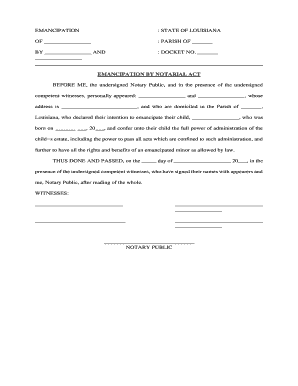
Louisiana Emancipation Form
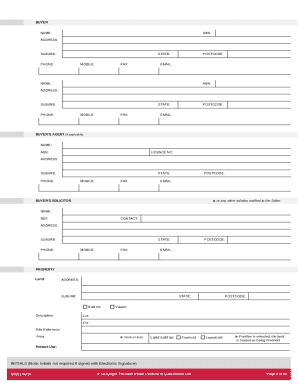
Queensland Residential Property Contract
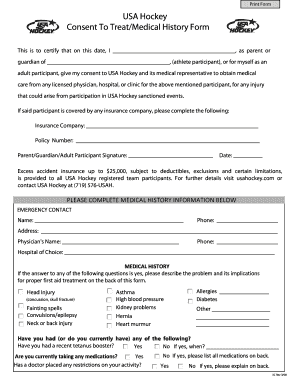
USA Hockey Consent to Treat Form

Food Employee Reporting Agreement
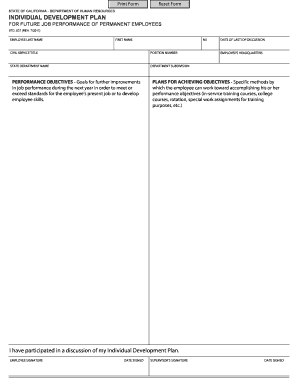
California Individual Development Plan
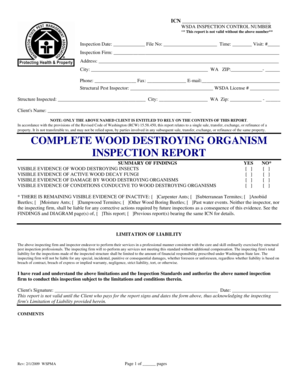
Washington WDO Inspection Report
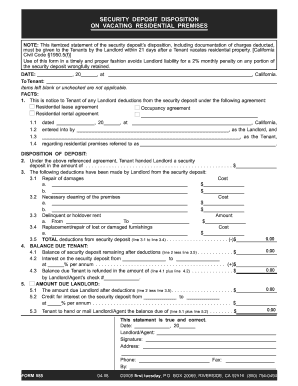
California Security Deposit Disposition Form
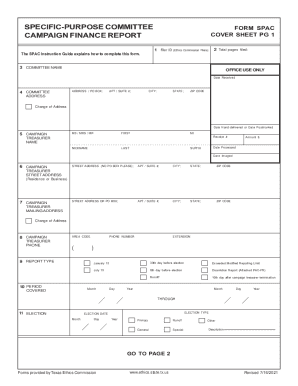
Texas Campaign Finance Report Form SPAC

Sale and Settlement of Other Property Contingency Addendum
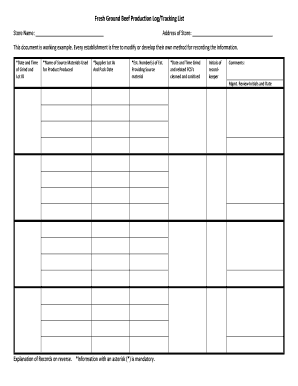
Fresh Ground Beef Production Log
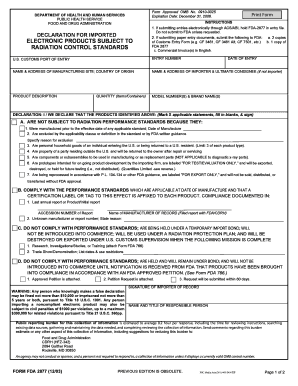
FDA 2877 Form for Electronic Products
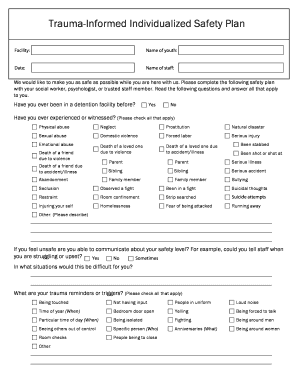
Trauma-Informed Individualized Safety Plan
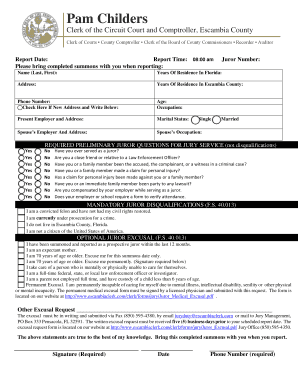
Florida Jury Summons Form

Acupuncture New Patient Intake Form

GM Customer Incentive Acknowledgement Form

Committee Report Form

Missouri 472S Seller s Claim for Sales or Use Tax Refund or Credit
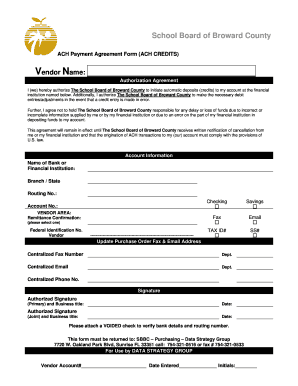
ACH Payment Agreement Form

Texas Residential or Rental Lease Extension Agreement

Veterans Application for Home Improvement Assistance
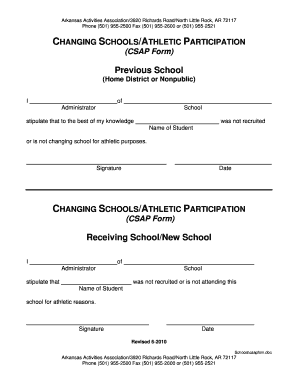
Arkansas CSAP Form

Dominican Republic Visa Application Form

California Electrician Trainee Renewal Application
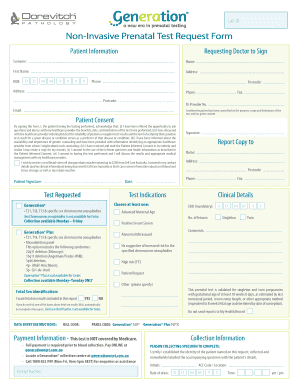
Non-Invasive Prenatal Test Request Form
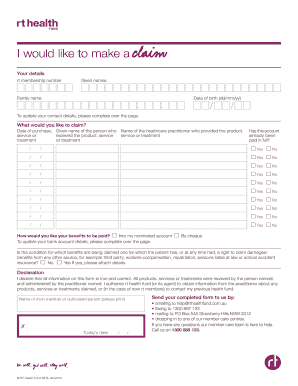
RT Health Fund Claim Form
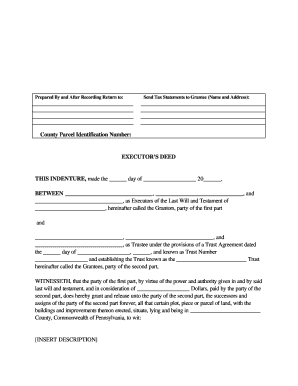
Executor's Deed
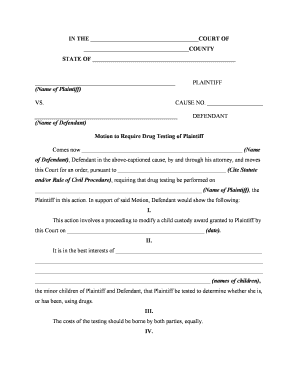
Motion to Require Drug Testing of Plaintiff

Printable Lien Release Form
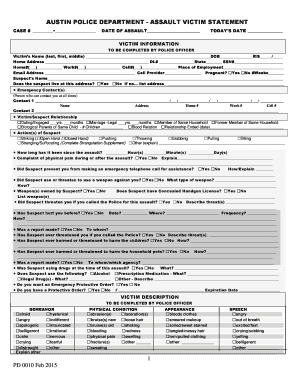
Austin Police Department Assault Victim Statement
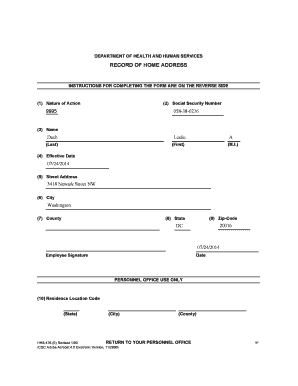
HHS-476 Home Address Record Form

Ohio Donor Registry Enrollment Form

Letter of Medical Necessity for Breastfeeding Products
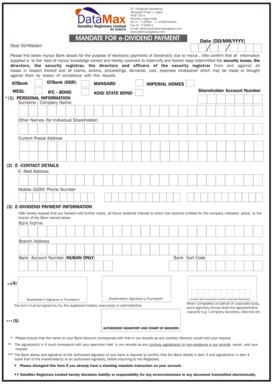
Mandate for e-Dividend Payment
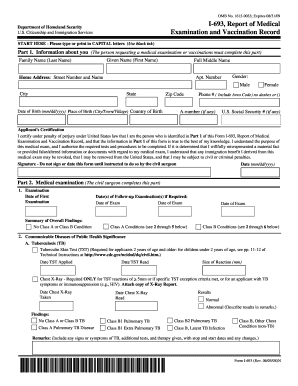
USCIS Form I-693, Report of Medical Examination and Vaccination Record

Maryland Corrected Title Application

HOA Approval Form
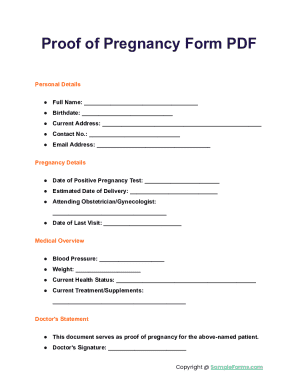
Proof of Pregnancy Form

Florida Realtors Lease Agreement

USC Initial I-20 Request Form
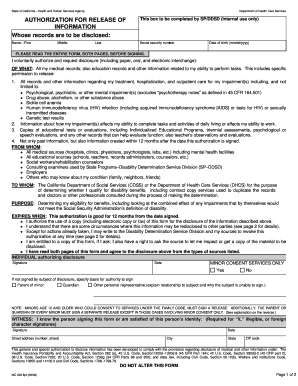
California Authorization for Release of Information

Seasonal Influenza Vaccine Consent Form

MEDIF Medical Information Form
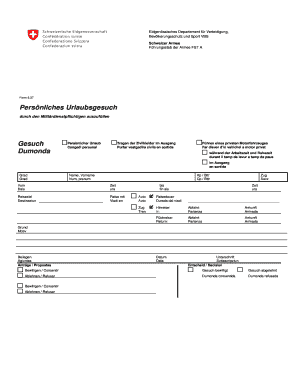
Swiss Army Personal Leave Request Form 6 37

General Journal Template
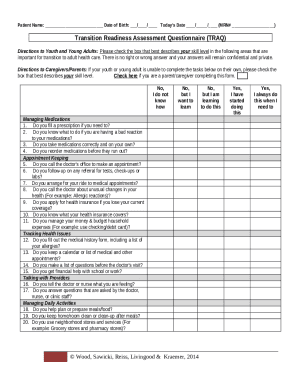
Transition Readiness Assessment Questionnaire (TRAQ)

Youth Camp and Exchange Program Waiver
Benefit from the DocHub online library of fillable PDF forms
Searching the PDF forms doesn't have to be a tedious and time-consuming process. With the DocHub online library, it has become easier to find the fillable PDF forms and modify them in your browser. The service allows you to adjust the document to your needs using powerful editing tools.
You can use online document editing features to modify almost any type of document with ease. You just need to find the template of your choice, open it in the editor, and use the toolbar to make the necessary corrections.
Follow this guide to get your document done with DocHub:
- Find the PDF template you need.
- Click the Get Form button to open the file in the editor.
- Use the toolbar to fill out and edit the document.
- Easily add and highlight text, insert images, checkmarks, and symbols.
- Drop new fillable fields, and rearrange or delete pages from your file.
- Save changes and download your record.
DocHub empowers everyone to streamline document editing, signing, and distribution, and form completion. Create an account and benefit from our well-organized PDF Forms library and comprehensive editor.