
Get any PDF form from the DocHub library of ready-made templates - Page 33
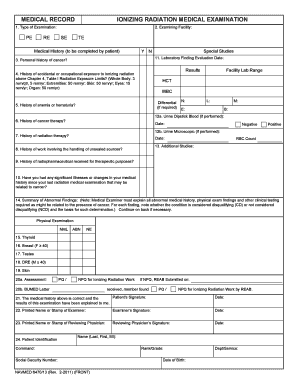
NAVMED 6470 13 Ionizing Radiation Medical Examination
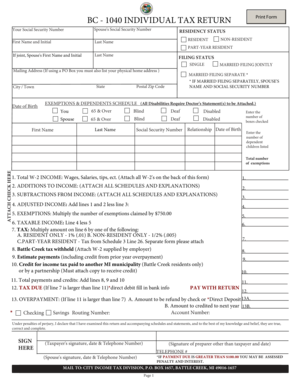
BC 1040 Individual Tax Return
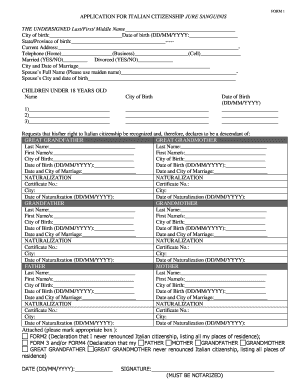
Italian Citizenship Jure Sanguinis Application

Sandoz One Source Enrollment Form
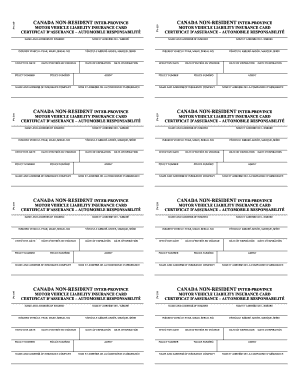
Canada Non-Resident Inter-Province Motor Vehicle Liability Insurance Card

Wellness Recovery Action Plan Template

VA Form 3-3036c Travel Authority

Bank of America Deposit Account Signature Card
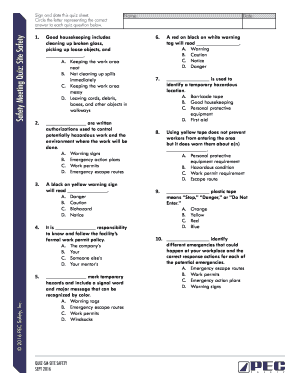
Site Safety Quiz Form
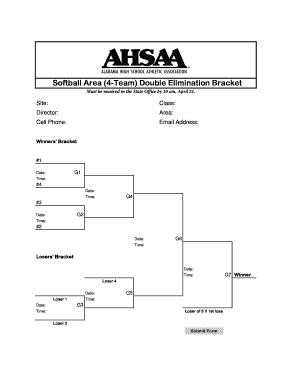
Softball Area Double Elimination Bracket

Texas Sales and Use Tax Exemption Certification

Sponsorship Form for Yorkshire Cancer Research
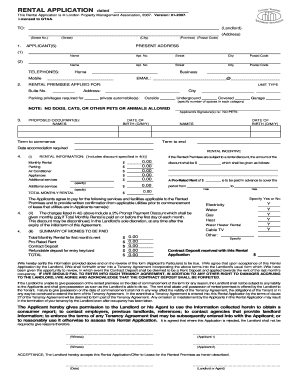
Rental Application Form

Letter of Authorization Appointing a Representative in my Absence

Cat Ownership Release Form
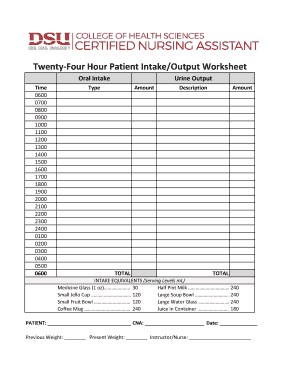
Patient Intake Output Worksheet

California Family Child Care Home Floor Plan Form

Caries Risk Assessment Form
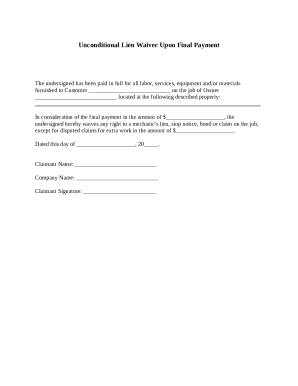
Unconditional Lien Waiver Upon Final Payment

Subcontractor Supplier Prequalification Form

South Dakota Exemption Certificate
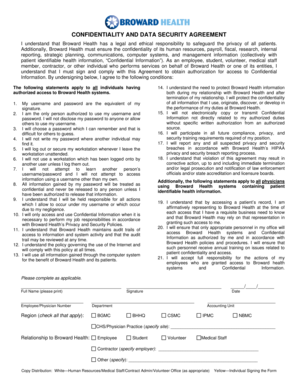
Broward Health Confidentiality Agreement
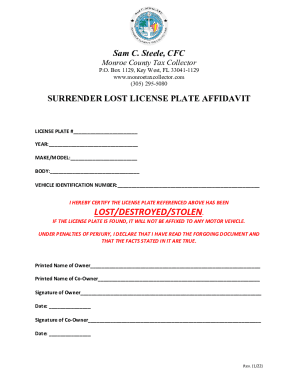
Florida Lost License Plate Affidavit
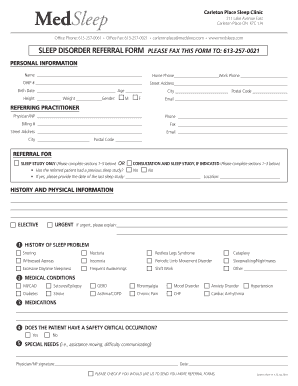
Sleep Disorder Referral Form
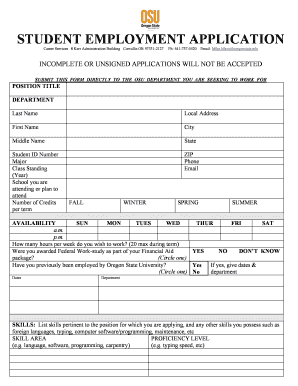
Student Employment Application
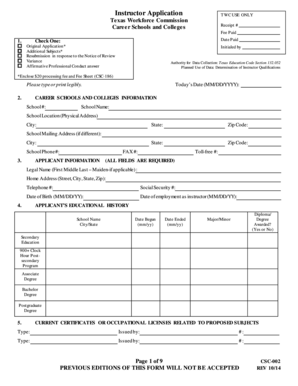
Texas Instructor Application Form
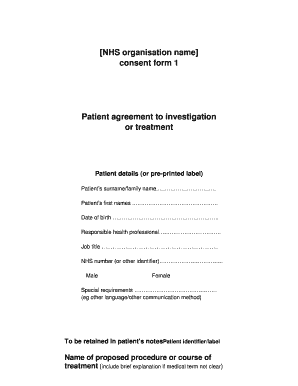
NHS Patient Consent Form
Notice of Appearance Form 38A
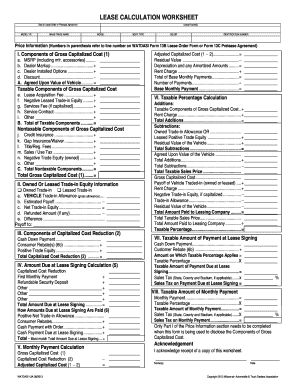
Lease Calculation Worksheet
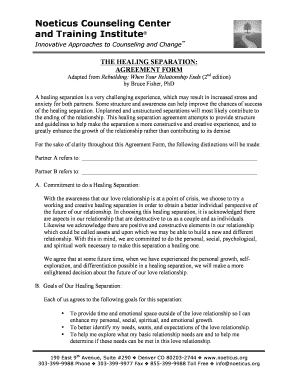
Healing Separation Agreement Form
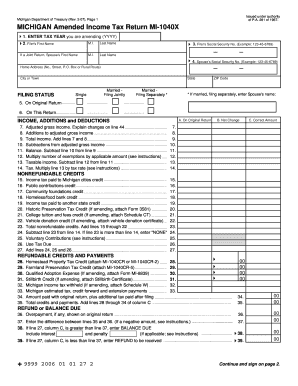
Michigan Amended Income Tax Return MI-1040X

Rental Unit Business Tax Exemption Form
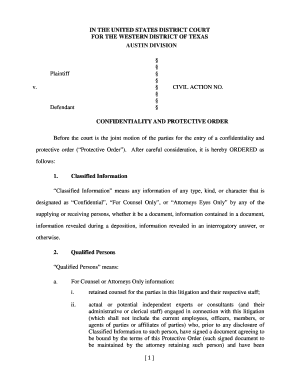
Protective order example
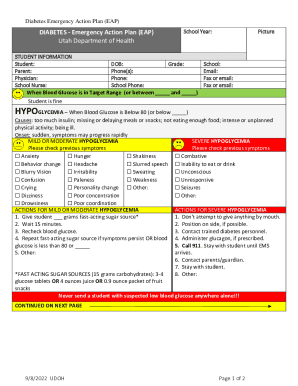
Diabetes Emergency Action Plan
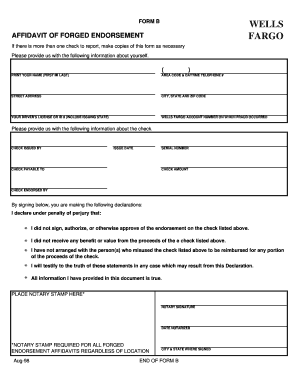
Wells Fargo Forged Endorsement Affidavit
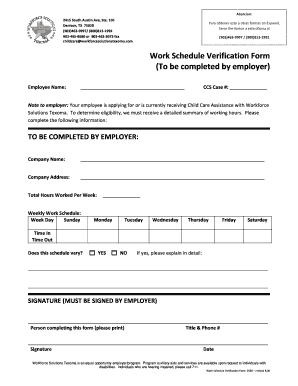
Work Schedule Verification Form
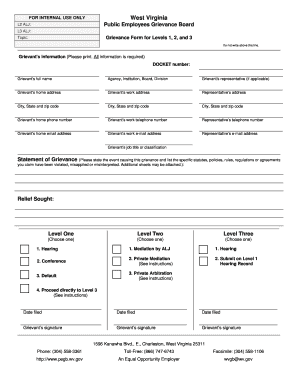
West Virginia Grievance Form
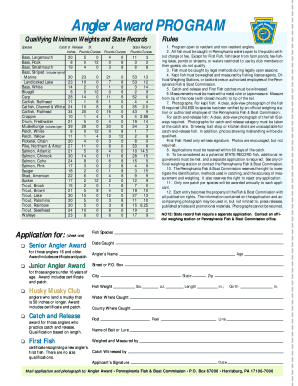
Pennsylvania Angler Award Application
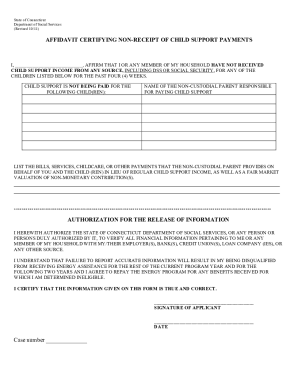
Connecticut Affidavit Certifying Non-Receipt of Child Support Payments

SHRM Certification Refund Request Form
US Federal Air Force Form 2096

ACC 5937 Authority to Act Form

ACC5937 Authority to Act

Military Discharge Form DD-214 Application

Guest Vehicle Preference Sheet
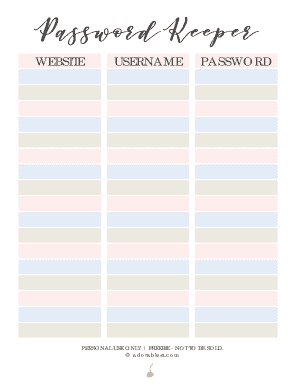
Password Keeper Template

Horse Boarding Agreement

Washington Youth Soccer Consent and Medical Release Form

ISA CEU Post-Approval Request Form
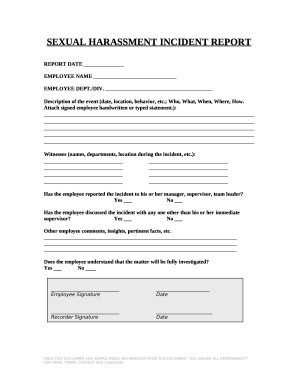
Sexual Harassment Incident Report
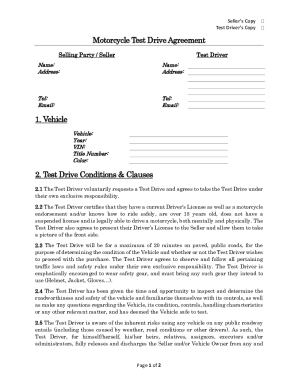
Motorcycle Test Drive Agreement
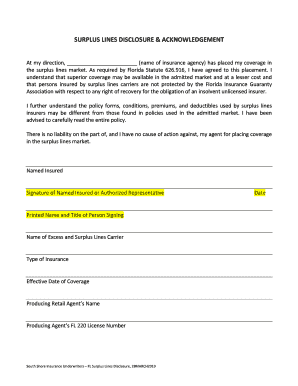
Florida Surplus Lines Disclosure and Acknowledgement
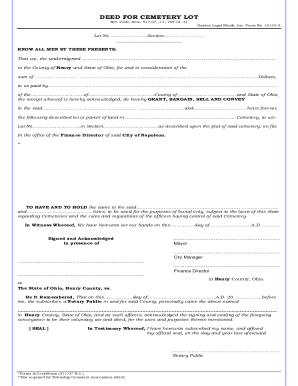
Cemetery Deed Form

Gun inventory spreadsheet with pictures

Malta Informal Education Course Declaration Form
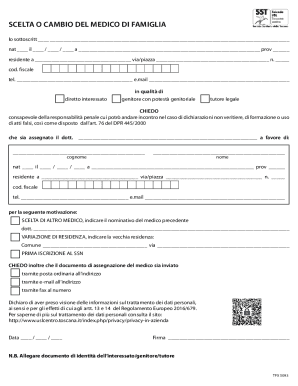
Family Doctor Change Form
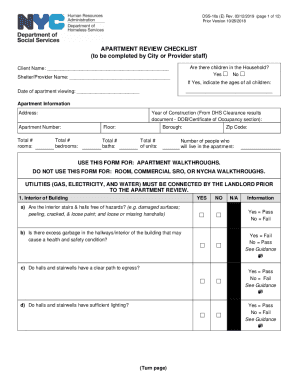
Apartment Review Checklist

Declaration of Ultimate Beneficial Ownership (UBO)
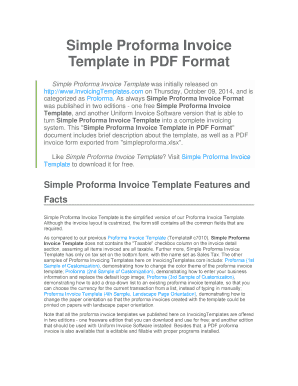
Simple Proforma Invoice Template
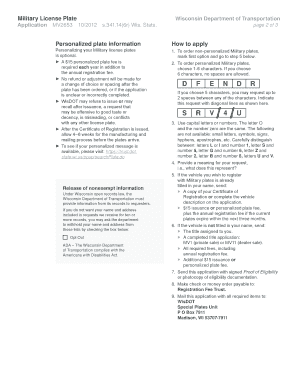
Wisconsin Military License Plate Application

California Non-Compete Agreement

Orthodontic Assessment and Treatment Referral Form
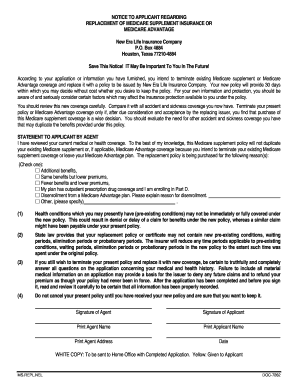
Medicare Supplement Insurance Replacement Notice

Professional Development Documentation Cover Sheet

DeVry University Transcript Request Form
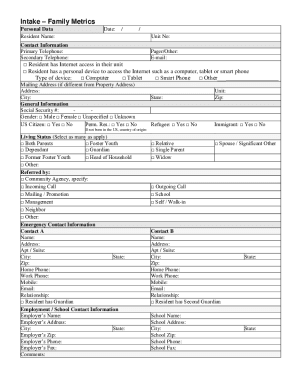
Family Metrics Intake Form
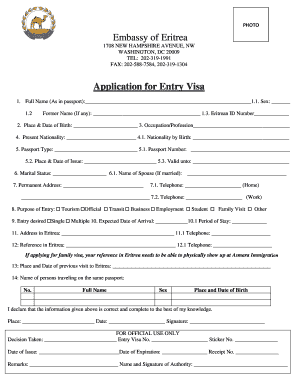
Eritrea Entry Visa Application
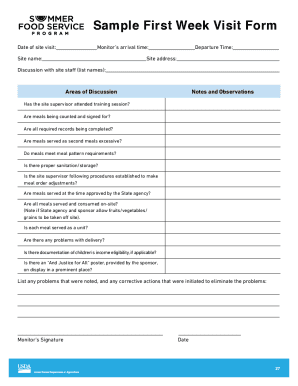
First Week Visit Form
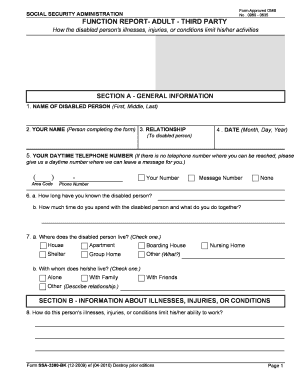
Function Report - Adult - Third Party Form SSA-3380-BK
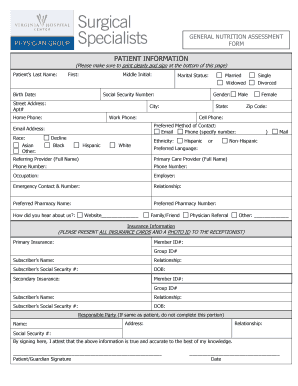
General Nutrition Assessment Form
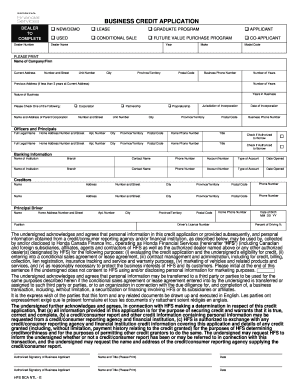
Business Credit Application

Request for Program Information

Release of Lien Form
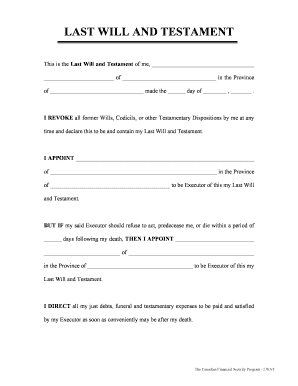
Canadian Last Will and Testament
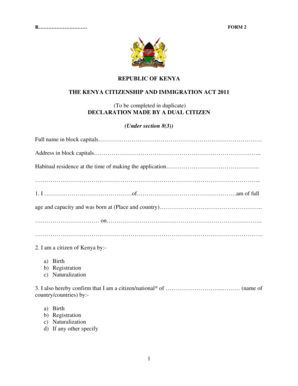
Kenya Dual Citizenship Declaration Form
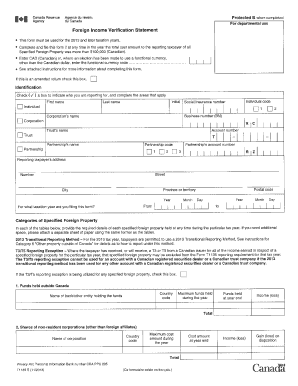
Canada t1135 form
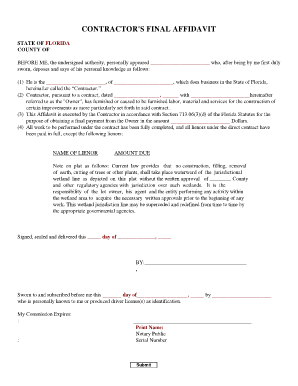
Contractor's Final Affidavit

Combat Pistol Qualification Scorecard
USDA Rural Assistance Application
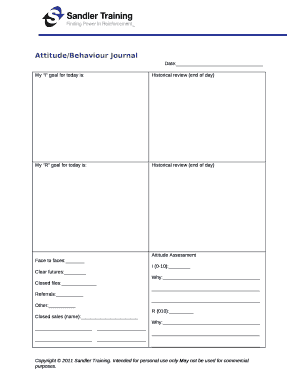
Attitude Behaviour Journal Template
HSBC Bank Statement Template

Authorization for Release and Disclosure of Medical Information

FERPA Authorization Form
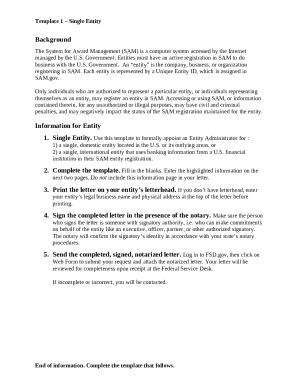
SAM Entity Administrator Appointment Letter
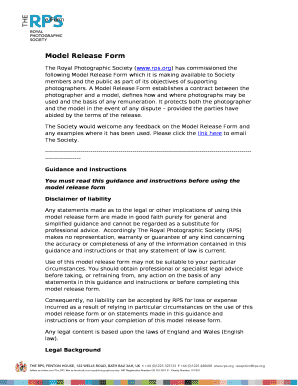
Model Release Form
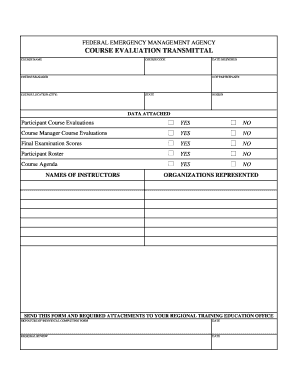
FEMA Course Evaluation Transmittal Form

Meadows Valley Youth Sports 2016 Bike-A-Thon Form

Colorado Protection Order Information Sheet

Texas Oath of Office Form 2204
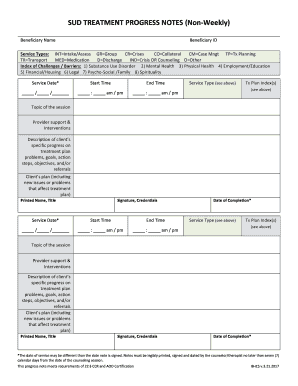
SUD Treatment Progress Notes

ACC5937 Authority to Act

DD Form 1387-2
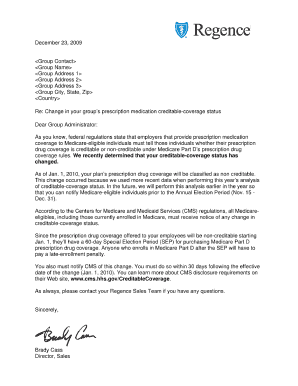
Loss of coverage letter
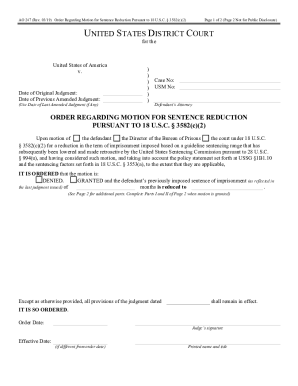
US District Court Sentencing Reduction Directive

RCW 59 18 365 Unlawful detainer action Summons Form
Ameriprise Financial Planning Service Checklist

Dependents' Application for VA Education Benefits

Da form 3508

New Mexico Road Test Score Record
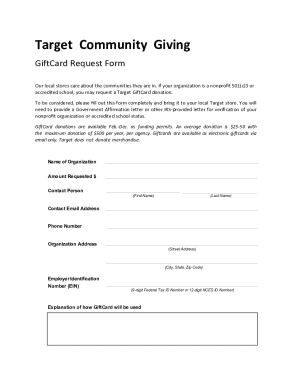
Target GiftCard Request Form
Benefit from the DocHub online library of fillable PDF forms
Searching the PDF forms doesn't have to be a tedious and time-consuming process. With the DocHub online library, it has become easier to find the fillable PDF forms and modify them in your browser. The service allows you to adjust the document to your needs using powerful editing tools.
You can use online document editing features to modify almost any type of document with ease. You just need to find the template of your choice, open it in the editor, and use the toolbar to make the necessary corrections.
Follow this guide to get your document done with DocHub:
- Find the PDF template you need.
- Click the Get Form button to open the file in the editor.
- Use the toolbar to fill out and edit the document.
- Easily add and highlight text, insert images, checkmarks, and symbols.
- Drop new fillable fields, and rearrange or delete pages from your file.
- Save changes and download your record.
DocHub empowers everyone to streamline document editing, signing, and distribution, and form completion. Create an account and benefit from our well-organized PDF Forms library and comprehensive editor.