
Get any PDF form from the DocHub library of ready-made templates - Page 2290
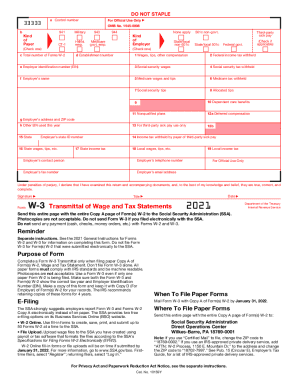
W3 form
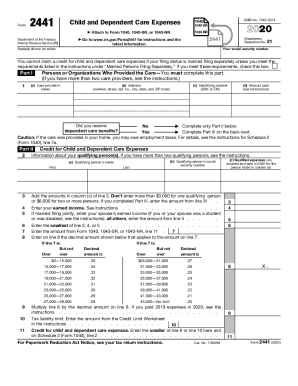
Form 2441
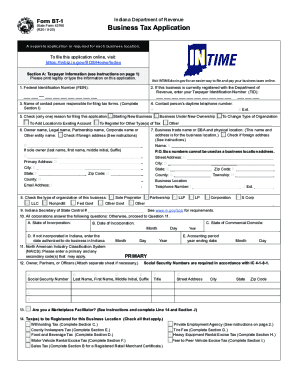
Bt 1 indiana
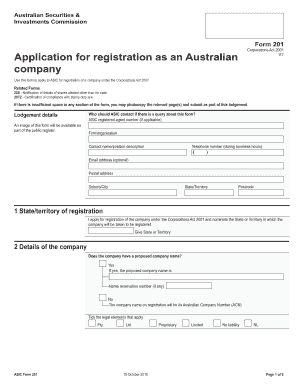
Asic form 201
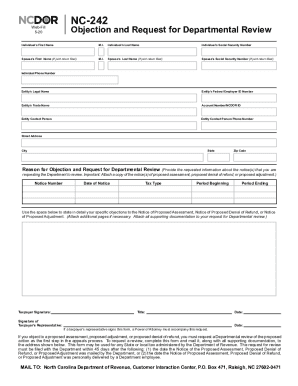
Ncdor forms
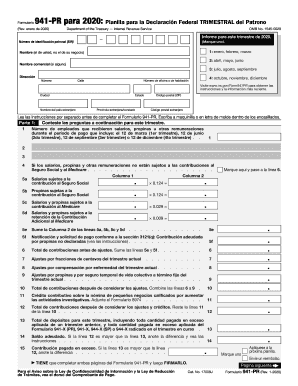
941 for 2020

Form 1160

Va form 28 1905
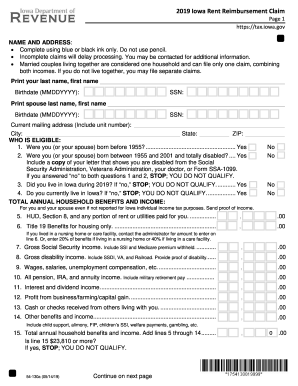
Rent reimbursement
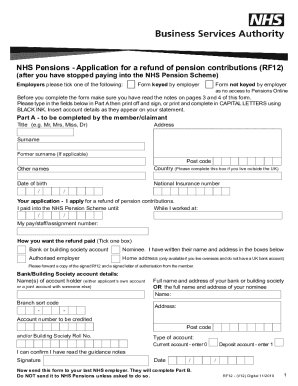
Rf12 form
Char500
Bir form 1904

Tc201
1120 c tax form
2019 kansas tax form
Virginia dl

Dwc 73

Irs form 656

Proof of residency
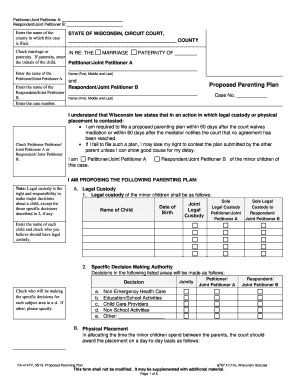
Plan parenting follows

Ri tr018
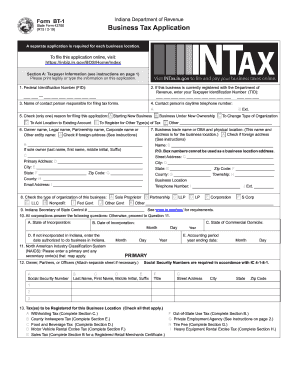
Bt 1

C060 form
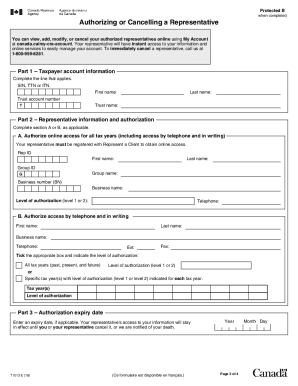
Cra form t1013e
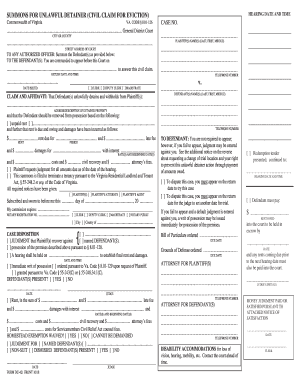
How to form dc 421

Wisconsin pr 1801
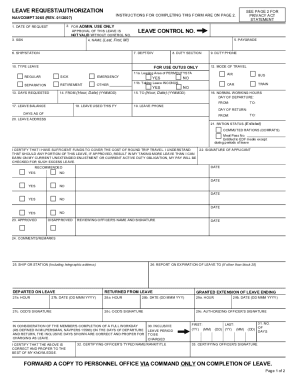
Navcompt 3065
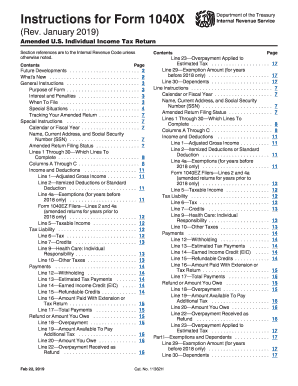
1040x instructions 2018
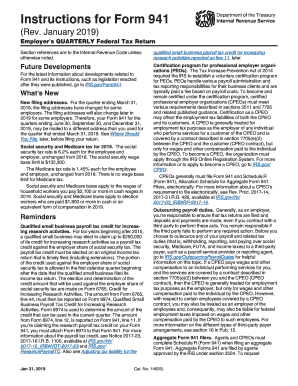
2016 form 941
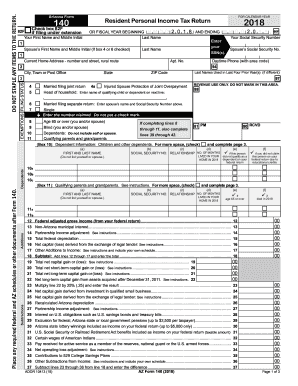
Az form 140 2018 printable

Pa 1000 form
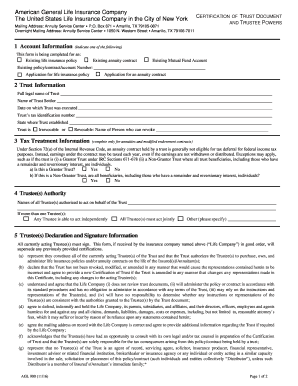
Aig certification of trust
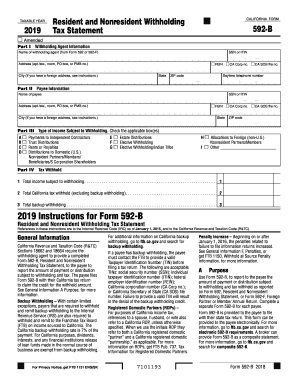
2019 form 592 b
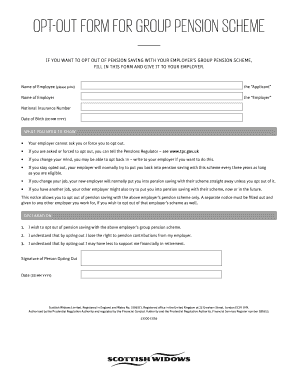
Scottish widows opt out form pdf
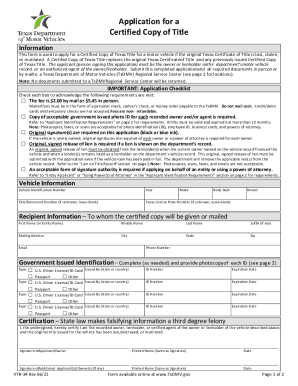
Vtr 34
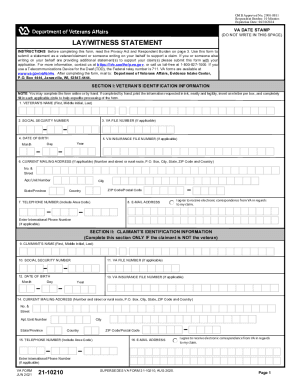
Va witness statement
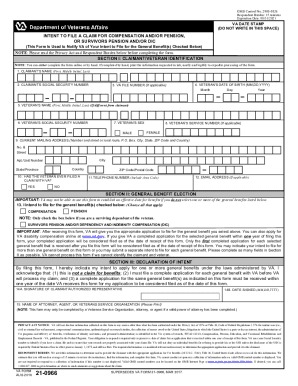
Va form 21 0966

Esa50 form
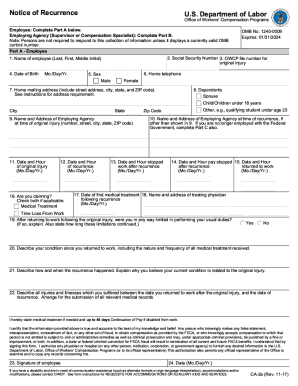
Ca 2a
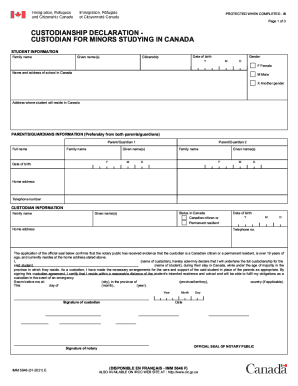
Imm 5646
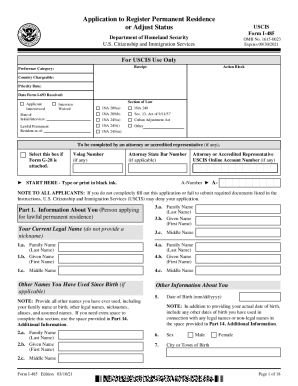
I 485 form 2021
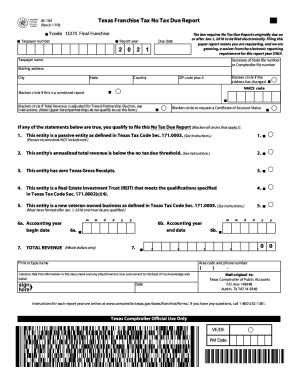
05 163
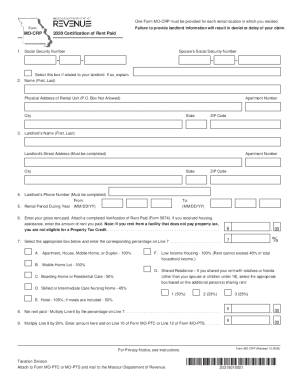
Missouri rent rebate 2020 form

Oil change receipt
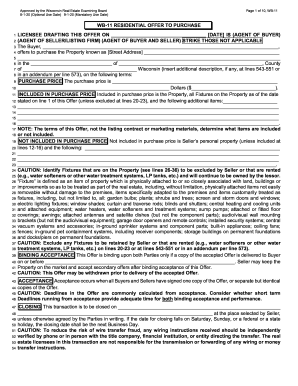
Wisconsin offer to purchase

Live scan form
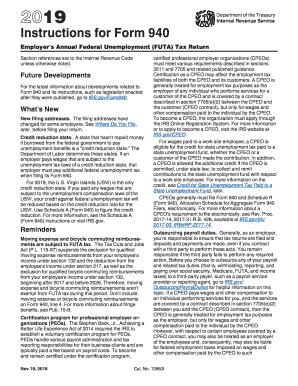
Form 940
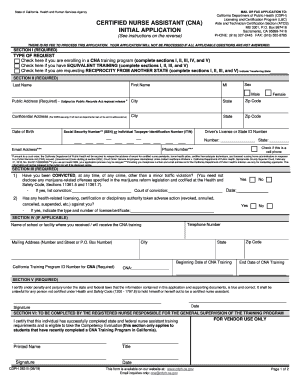
Cdph 283b
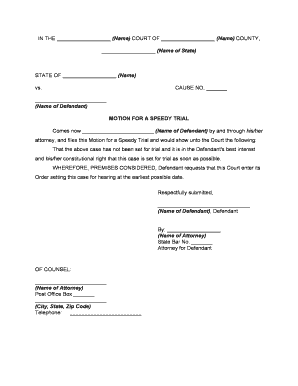
Motion speedy trial form

Maryland cc dr 50

State form 55582
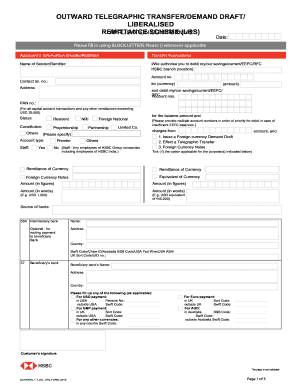
Hsbc telegraphic transfer
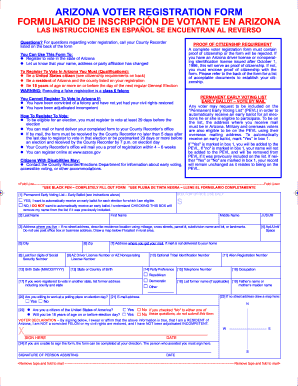
Arizona voter registration form

Cf1r form 2022
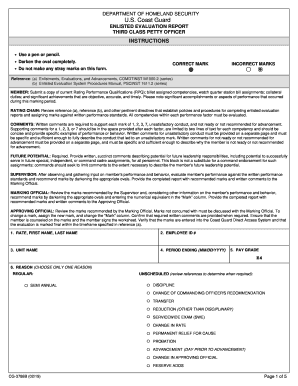
Enlisted petty officer
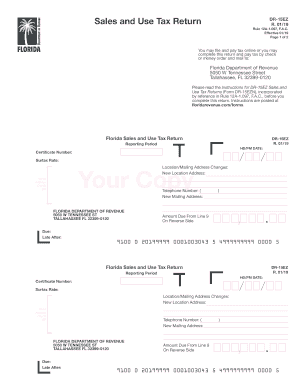
Dr 15ez
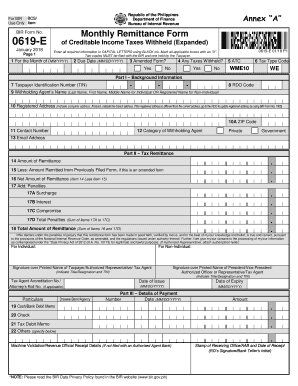
0619e form pdf
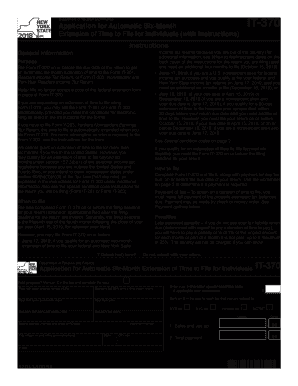
It 370
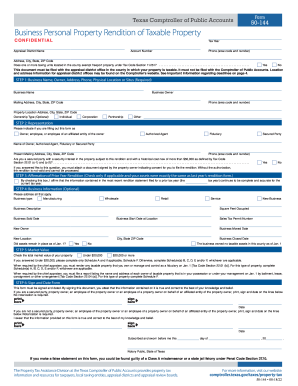
Texas form ta 144

Fillable ct income tax forms
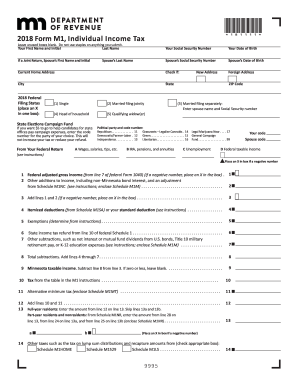
Mn tax forms 2016 printable
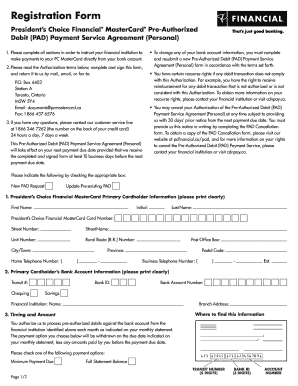
Pc financial pad form
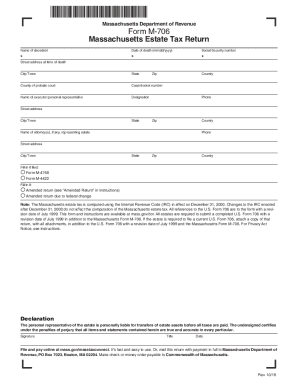
Massachusetts form m 706
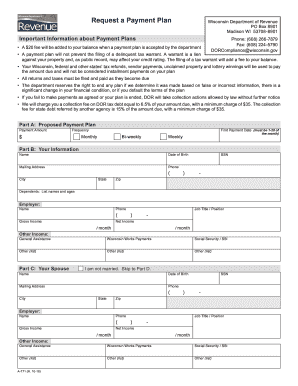
Wisconsin dept of revenue
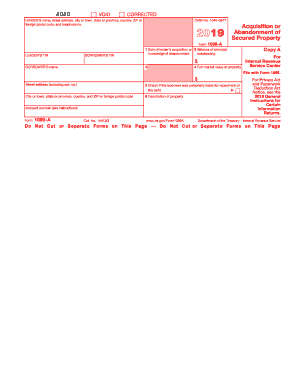
1099 form 2020
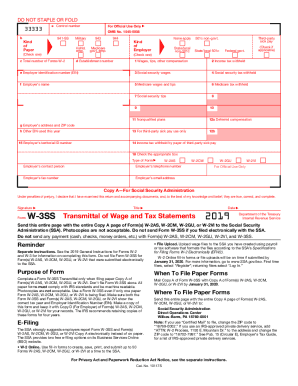
Form w ss
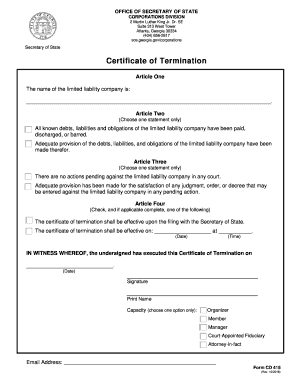
Cd 415
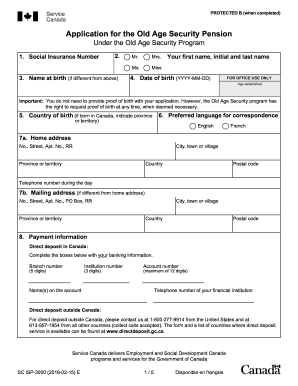
Sc isp 3033 2018 12 12 e
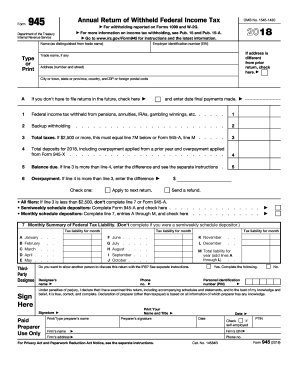
2016 945 tax form
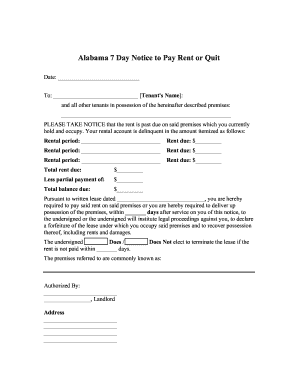
Eviction notice template alabama
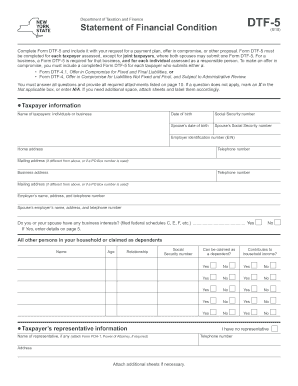
Dtf 5
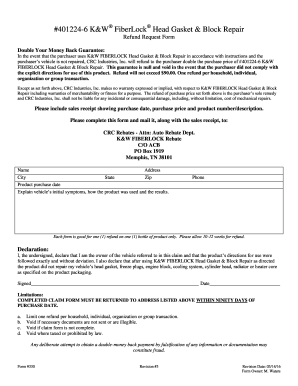
Form fiberlock search
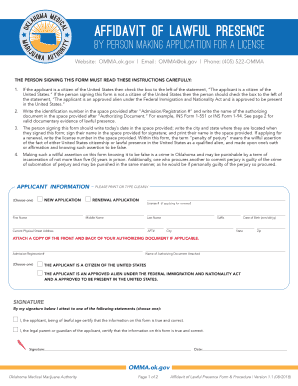
Omma affidavit of lawful presence

Form application army
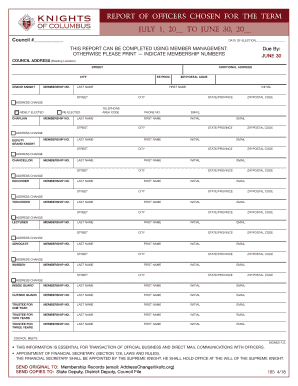
Form 185

Dshs mid certification review online
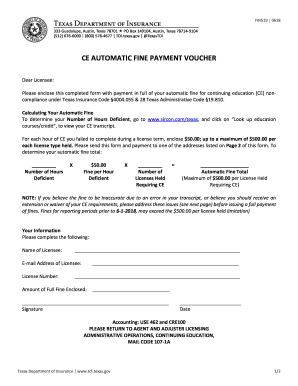
Texasfin519

Ilr application form 2021 pdf
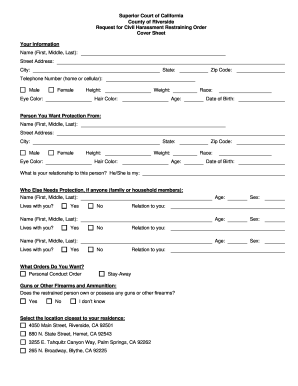
Riverside county restraining order
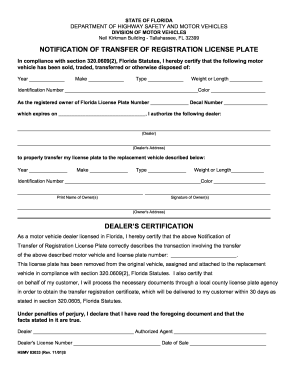
Florida transfer registration
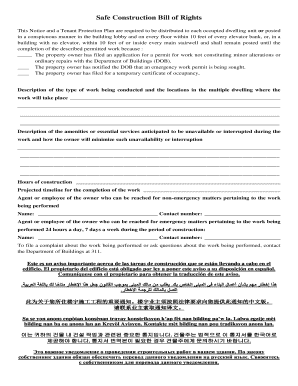
Safe construction bill of rights
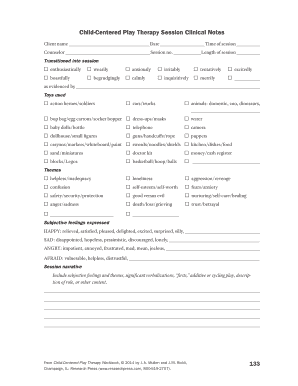
Play therapy progress note pdf

Irs 1040 tax table
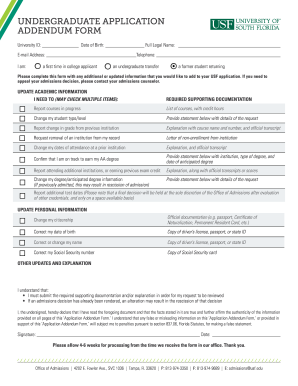
Usf application

IRS Form 8825
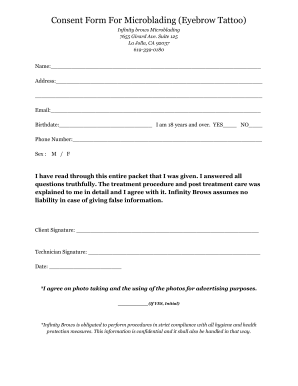
Microblading consultation form
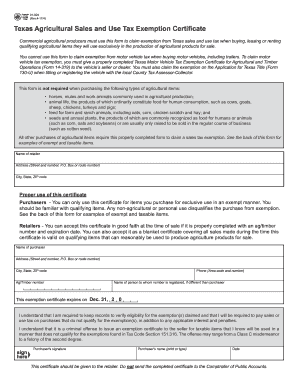
Texas ag exemption form
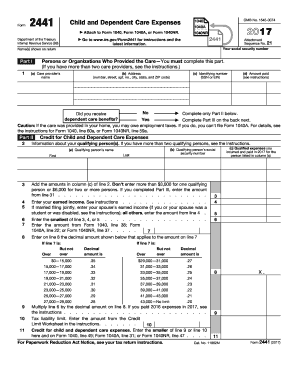
Form 2441 2017

593 e 2018 form

Payslip generator
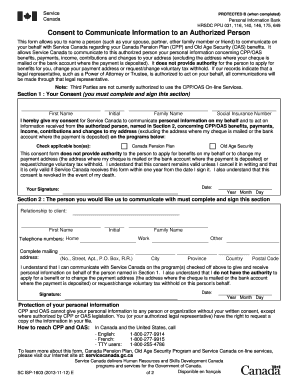
Isp 1603

Fire incident report sample doc

Nfl playoff bracket maker

Universal fingerprint form nj
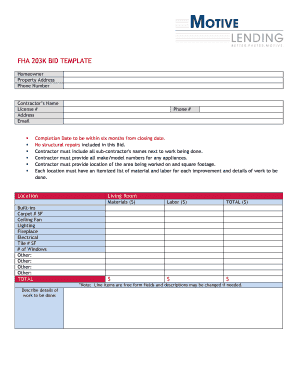
Fha 203kbid
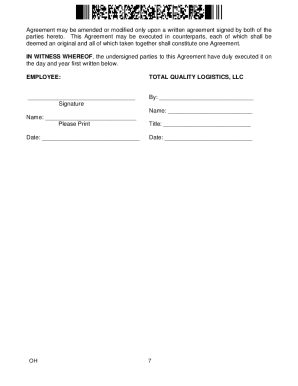
Tql non compete
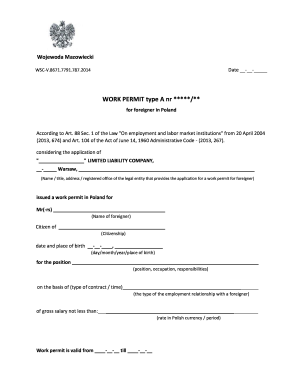
Poland work permit offer letter
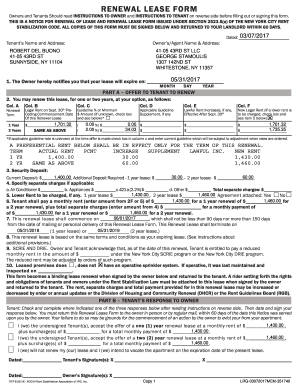
Renewal lease form

Darden dimes

Fin 357
Benefit from the DocHub online library of fillable PDF forms
Searching the PDF forms doesn't have to be a tedious and time-consuming process. With the DocHub online library, it has become easier to find the fillable PDF forms and modify them in your browser. The service allows you to adjust the document to your needs using powerful editing tools.
You can use online document editing features to modify almost any type of document with ease. You just need to find the template of your choice, open it in the editor, and use the toolbar to make the necessary corrections.
Follow this guide to get your document done with DocHub:
- Find the PDF template you need.
- Click the Get Form button to open the file in the editor.
- Use the toolbar to fill out and edit the document.
- Easily add and highlight text, insert images, checkmarks, and symbols.
- Drop new fillable fields, and rearrange or delete pages from your file.
- Save changes and download your record.
DocHub empowers everyone to streamline document editing, signing, and distribution, and form completion. Create an account and benefit from our well-organized PDF Forms library and comprehensive editor.