
Get any PDF form from the DocHub library of ready-made templates - Page 2268
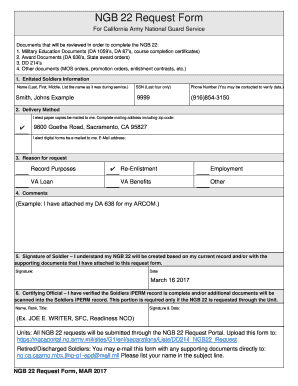
Form national guard form
Dmas 98r
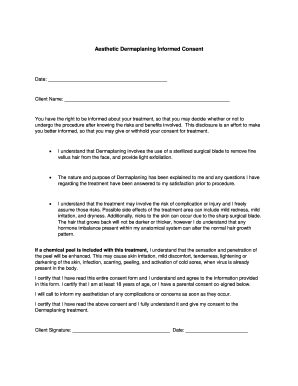
Dermaplaning consent form
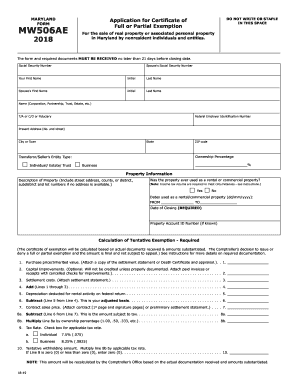
Mw506ae 2018 form
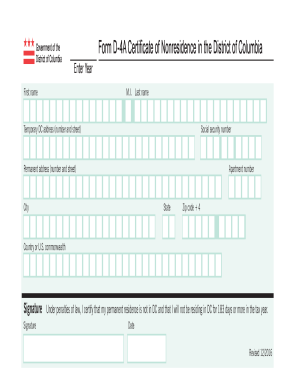
Dc d 4a form
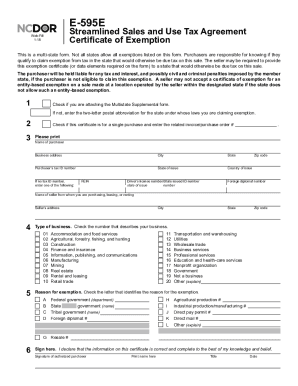
E595 web fill
Maryland state tax form 502 2017
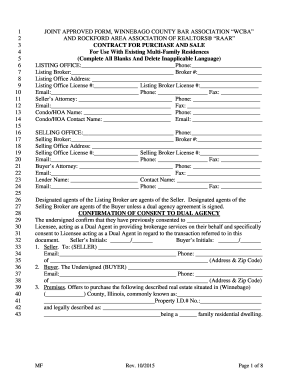
Wcba raar
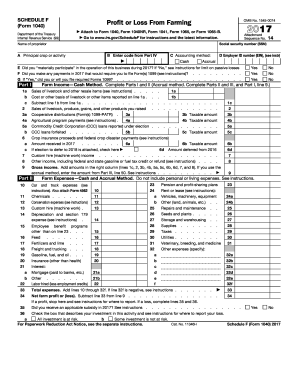
Schedule f form 2017
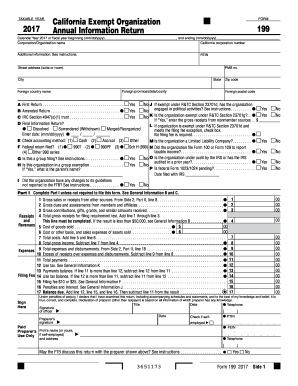
Form 199 2017

Form 8938 2017

Overhead squat assessment chart
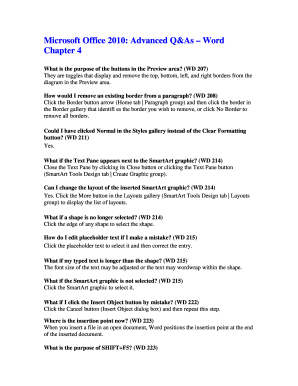
Install microsoft word 2010
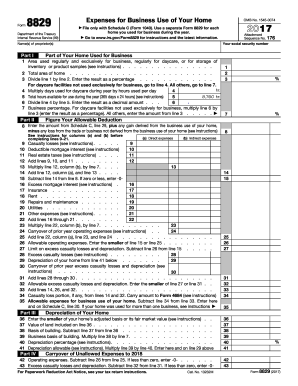
Form 8829 2017

Il financial form

Michigan affidavit of parentage form

Form ssa 89 2017

Food temperature recording log
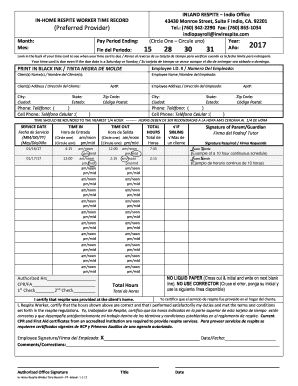
Inland respite inc

Applying for a ri handicap placard
Fnb requesting tax information

Mbti chart maker
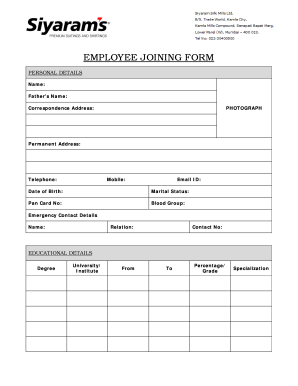
Employee joining form
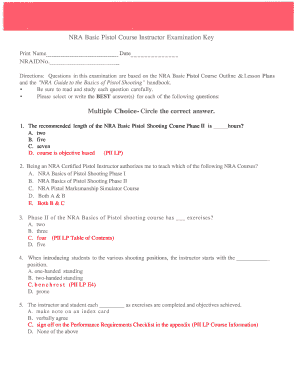
Nra basic pistol course instructor examination
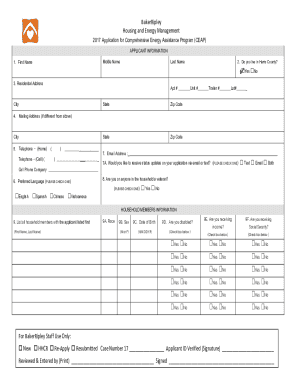
Bakerripley application

Ri snap recertification online
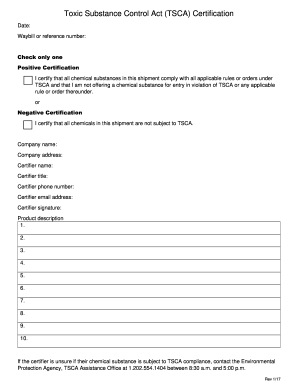
Tsca form
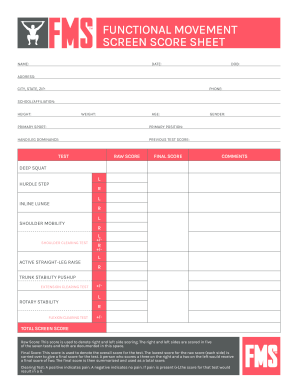
Fms score sheet
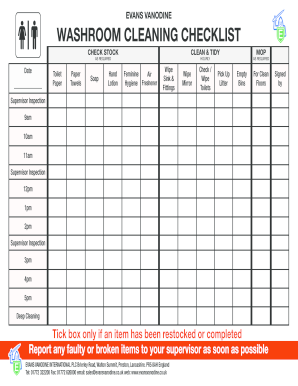
Daily toilet cleaning checklist excel
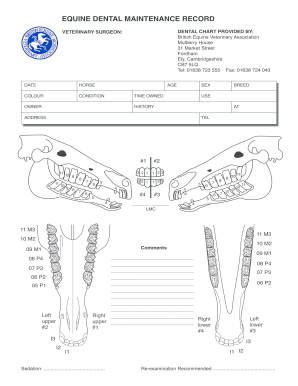
Beva dental chart
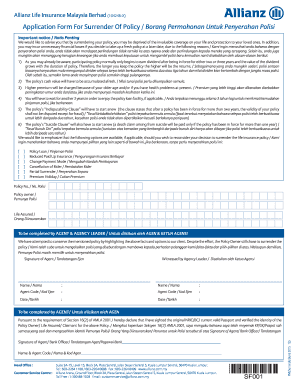
Allianz surrender form
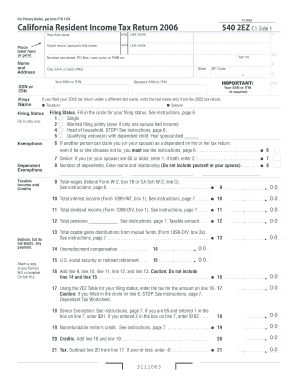
2006 California Resident Income Tax Return. 2006 Form 540 2EZ
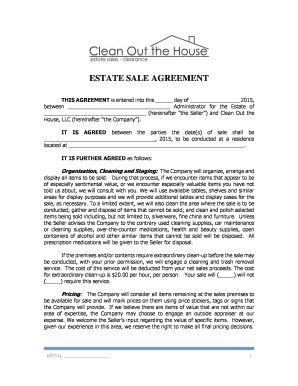
Estate sale contract pdf

Bor286

Nj tax exempt form st 5
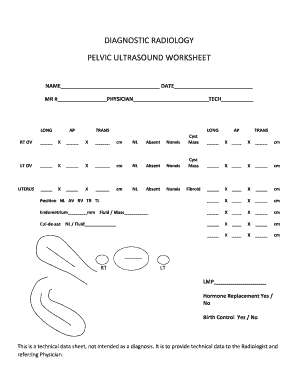
Ultrasound worksheets templates
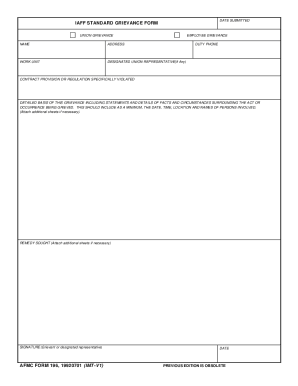
Iaff grievance form
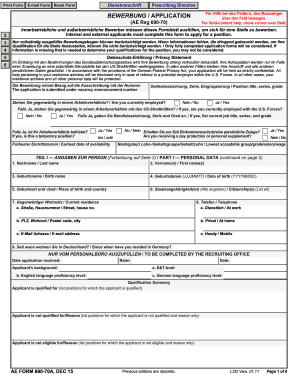
Aef690 70a
Uk pctr online
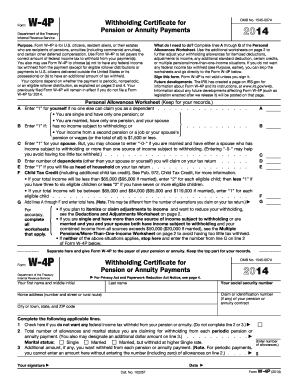
2014 w 4p form
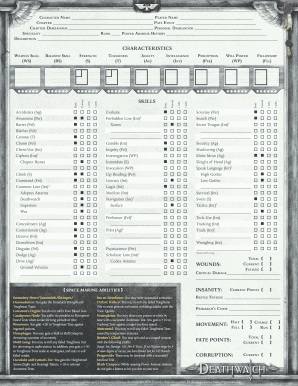
Deathwatch character sheet
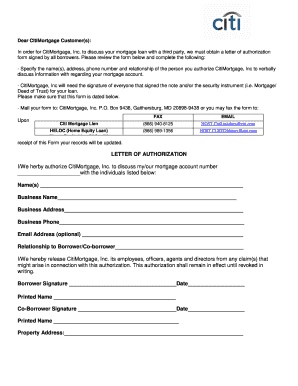
Citi authorization
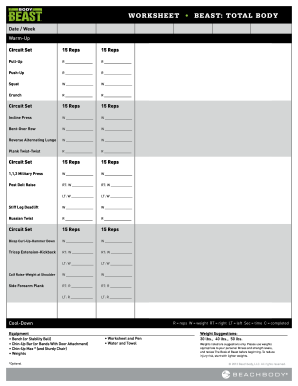
Body beast workout sheets
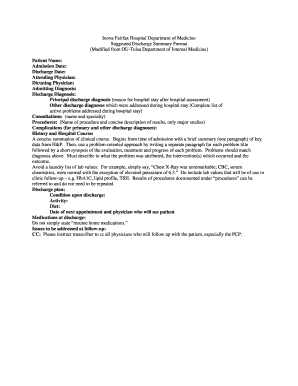
Miscarriage paperwork

S unlawful detainer
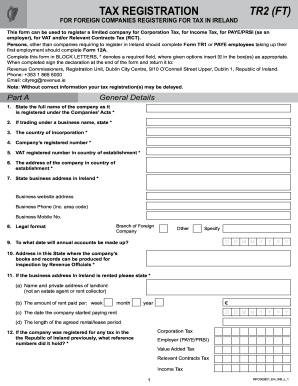
Tr2 ft
Works counseling form

Tsa minor travel consent form
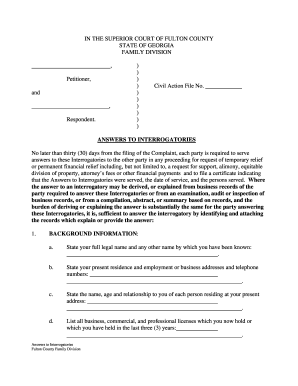
Form answers to interrogatories
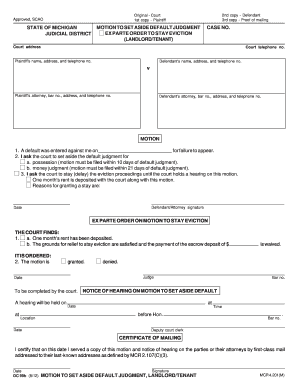
Scao michigan aside
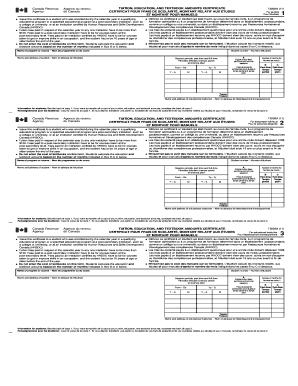
T2202A Form - Agence du revenu du Canada - cra-arc gc

Universal claim form for a compounded medication
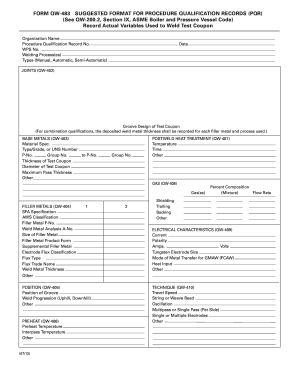
Qw 483

Illinois title application pdf

Transfer of land alberta
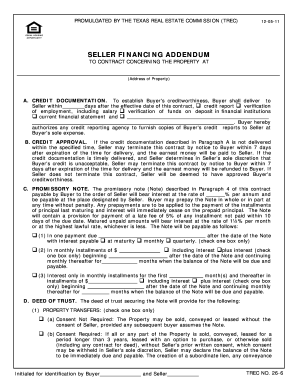
Form financing addendum

Fl department of motor vehicles
Charlotte russe application pdf
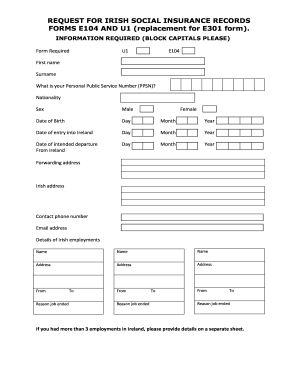
U1 form pdf
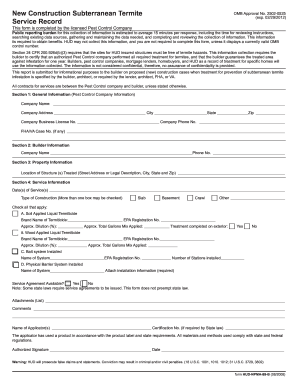
Hud npma 99 b 2008 form

Mo findings
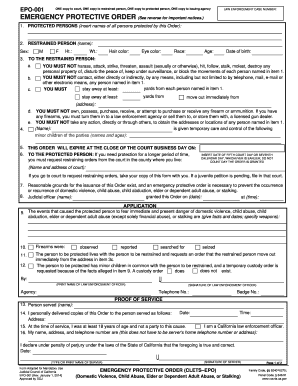
Ca emergency protective order
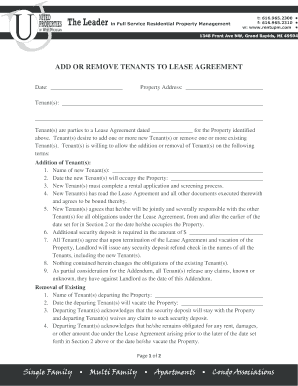
Sample letter to remove name from lease

D777b form
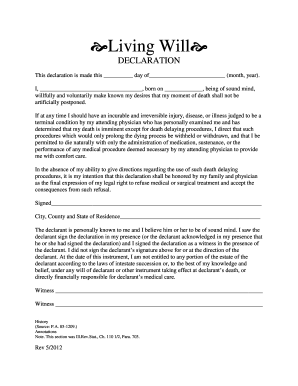
Printable blank living will form

Chase direct deposit authorization form
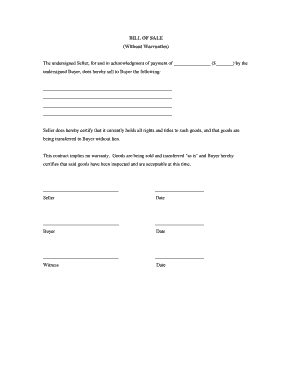
Without warranties
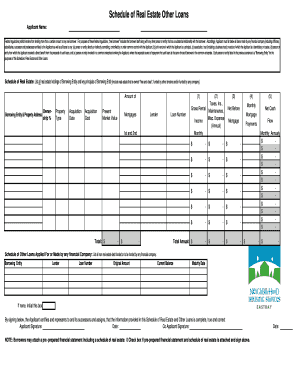
Reo schedule template
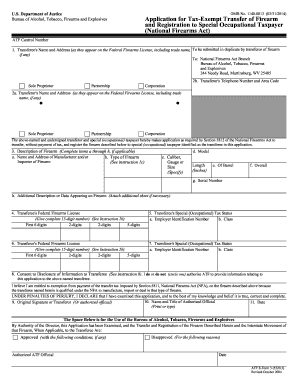
Of firearm firearms
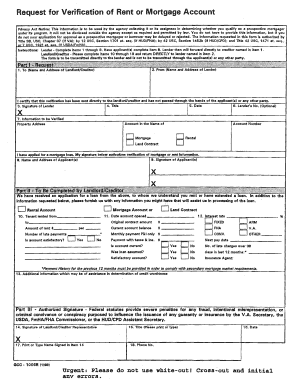
2096mort verifymycoverage com
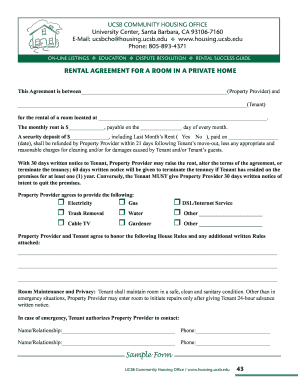
Room rental agreement

Nfpa 13 above ground test certificate form

Form verification crime
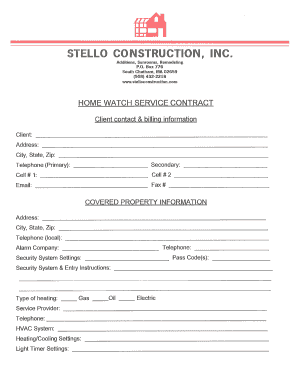
Home watch checklist template
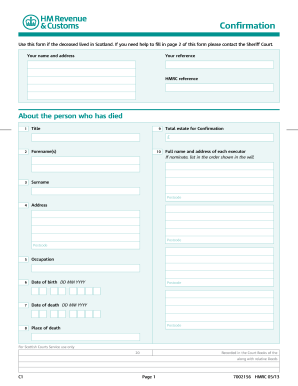
Example of a completed c1 confirmation form scotland
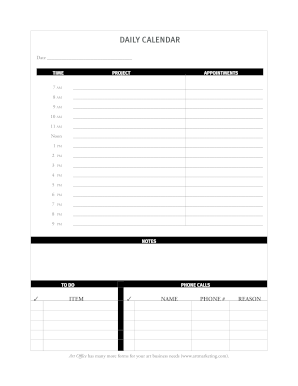
Typable calendar
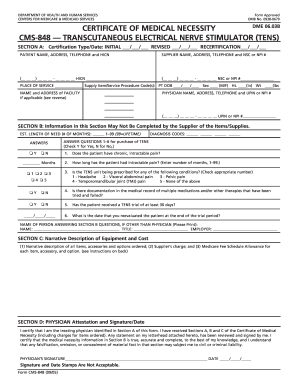
Ten certificate

Vacation request forms
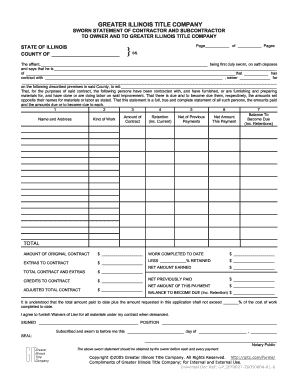
General contractor sworn statement
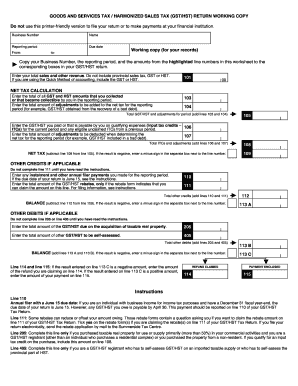
Tax gst return
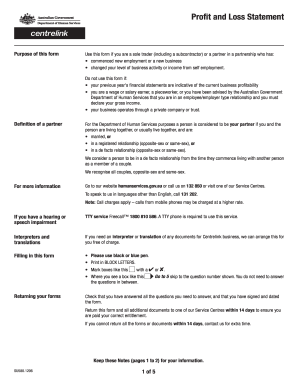
Human services profit and loss statement 2012 form
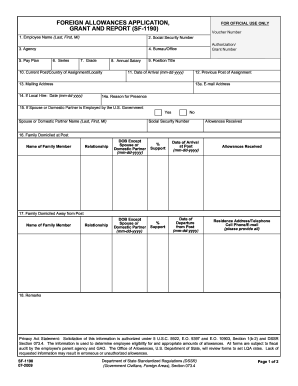
1190 form
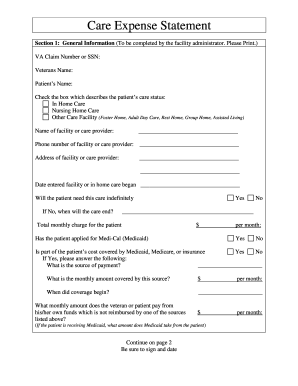
Va child care expense statement
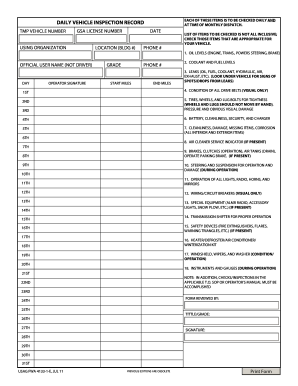
Army vehicle inspection form
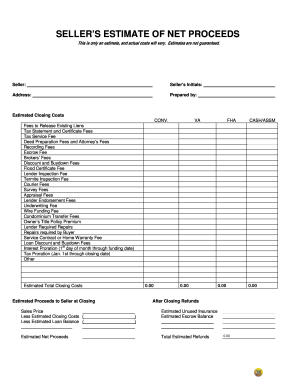
Seller net proceeds sheet
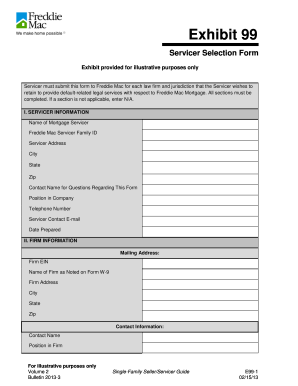
Form servicer

Form t1 adj
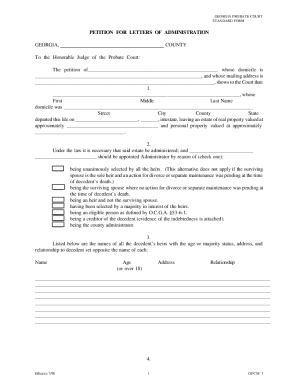
Letter of administration form
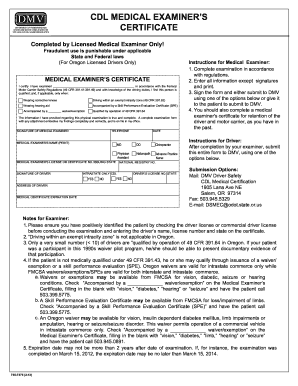
Oregon cdl physical form
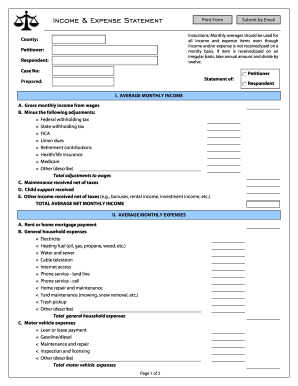
Income and expense form pdf
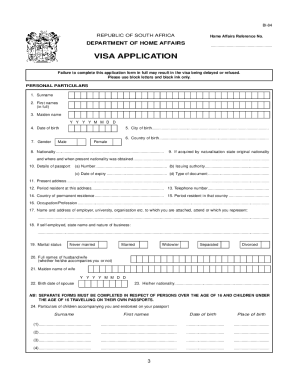
Sample filled south africa visa application form
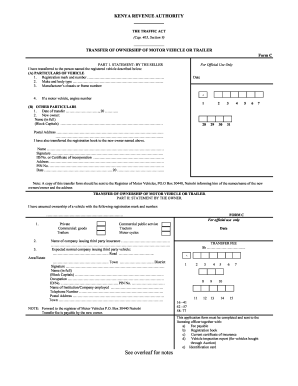
Vehicle transfer form

Rescinding broker of record letter
Fill in venn diagram
New bookkeeping client intake form pdf

Form partial payment
Forscom form 285 r
North carolina form deed trust
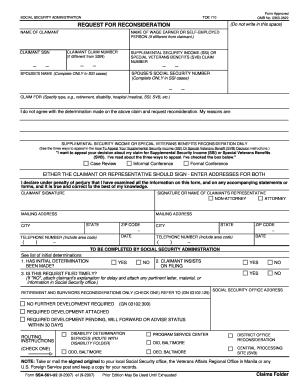
Ssa 561 u2 formDocHubcom 2007

Va amendatory clause form 2021 pdf
Benefit from the DocHub online library of fillable PDF forms
Searching the PDF forms doesn't have to be a tedious and time-consuming process. With the DocHub online library, it has become easier to find the fillable PDF forms and modify them in your browser. The service allows you to adjust the document to your needs using powerful editing tools.
You can use online document editing features to modify almost any type of document with ease. You just need to find the template of your choice, open it in the editor, and use the toolbar to make the necessary corrections.
Follow this guide to get your document done with DocHub:
- Find the PDF template you need.
- Click the Get Form button to open the file in the editor.
- Use the toolbar to fill out and edit the document.
- Easily add and highlight text, insert images, checkmarks, and symbols.
- Drop new fillable fields, and rearrange or delete pages from your file.
- Save changes and download your record.
DocHub empowers everyone to streamline document editing, signing, and distribution, and form completion. Create an account and benefit from our well-organized PDF Forms library and comprehensive editor.