



Here's how it works
How to use or fill out form SSA 89 2017 with our platform

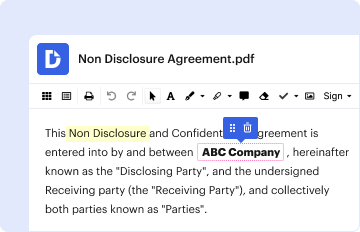
- Click ‘Get Form’ to open it in the editor.
- Begin by entering your printed name in the designated field, followed by your date of birth and Social Security Number (SSN).
- Select the reason for using CBSV from the provided options, such as Mortgage Service or Background Check. You can choose multiple reasons if applicable.
- Fill in the company name and address where you want the information sent. If there is an agent involved, provide their name and address as well.
- Review the declaration statement carefully. Ensure that you are either the individual whose SSN is being verified or a legal guardian.
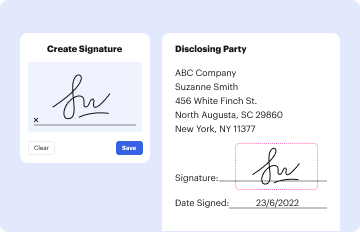
- Sign and date the form at the bottom. If you are not the individual named, indicate your relationship.
- Provide your contact information including address, city/state/zip, and phone number.
Start filling out your SSA 89 form online for free today!
It's free
See more form ssa 89 2017 versions
Got questions?
How do I sign my form ssa 89 2017 without printing?
eSignatures are a great replacement for traditional signing, as they save time, effort, and costs people spend on printing, scanning, and paper delivery. You can eSign your form ssa 89 2017 utilizing a reliable and powerful online document processing services like DocHub. It complies with main eSignature regulations (ESIGN and UETA), so all forms approved there are legally binding and have the same validity as physically signed ones.
How to manage my form ssa 89 2017 from Gmail?
In case your go-to electronic mail service is Gmail, you can easily integrate your DocHub editor into your work. Edit your form ssa 89 2017 with DocHub tools and connect it to your drafts in Gmail. See how straightforward it is to exchange documents and collaborate with a swift PDF editing solution at hand.
Why is a SSA 89 needed?
Why would someone need to fill out a SSA 89?
Where do I get form 89 SSA?
Security and compliance
At DocHub, your data security is our priority. We follow HIPAA, SOC2, GDPR, and other standards, so you can work on your documents with confidence.
Learn more