




Here's how it works

01. Edit your h1010 rev 04 2026 1 eng online
Type text, add images, blackout confidential details, add comments, highlights and more.

02. Sign it in a few clicks
Draw your signature, type it, upload its image, or use your mobile device as a signature pad.

03. Share your form with others
Send h1010 pdf texas works application for assistance via email, link, or fax. You can also download it, export it or print it out.
How to use or fill out h1010 with our platform

- Click 'Get Form' to open the h1010 document in the editor.
- Begin by filling out Section A, which includes your personal information such as name, address, and Social Security number. Ensure you use dark ink and print clearly.
- Proceed to Section B for SNAP food benefits if applicable. Mark the benefits you are applying for by filling in the circles provided.
- In Section C, provide details about any pregnant women in your household. Include due dates and names as required.
- Continue through each section, ensuring all relevant fields are completed accurately. Use the helpful tips on the left side of each page for guidance.
- Once all sections are filled out, sign and date pages 1 and 18 before submitting your application via fax or mail as instructed on page A.
Start using our platform today to simplify your form completion process for free!
Fill out h1010 online
It's free
See more h1010 versions
We've got more versions of the h1010 form. Select the right h1010 version from the list and start editing it straight away!
Security and compliance
At DocHub, your data security is our priority. We follow HIPAA, SOC2, GDPR, and other standards, so you can work on your documents with confidence.
Learn more


Related forms
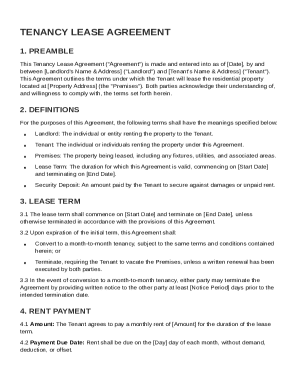
Tenancy Lease Agreement Template
The Tenancy Lease Agreement outlines the terms and conditions under which a Tenant leases a residential property from a ...
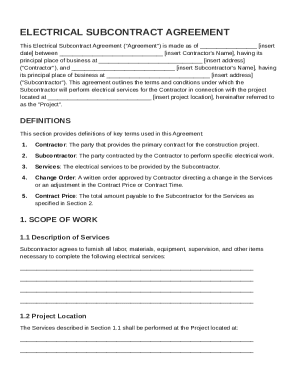
Electrical Subor Contract Template
The Electrical Subcontract Agreement outlines the terms and conditions between a Contractor and a Subcontractor for the ...
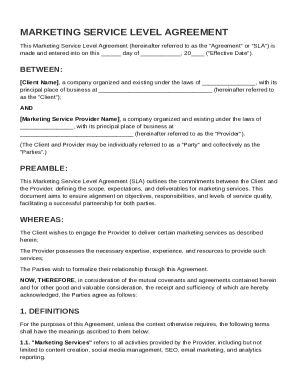
Marketing Service Level Agreement Template
The Marketing Service Level Agreement (SLA) formalizes the relationship between a Client and a Marketing Service Provide ...
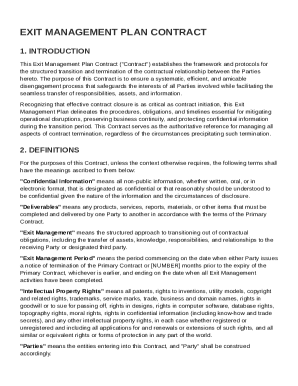
Exit Management Plan Contract Template
The Exit Management Plan Contract outlines the procedures and protocols for the structured transition and termination of ...
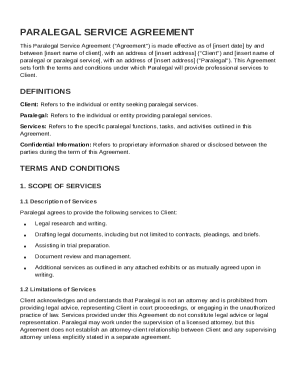
Paralegal Service Contract Template
The Paralegal Service Agreement outlines the terms and conditions under which a paralegal will provide professional serv ...
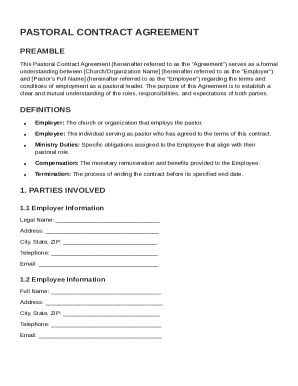
Pastoral Contract Template
The Pastoral Contract Agreement outlines the terms of employment between a church and a pastor, detailing roles, respons ...
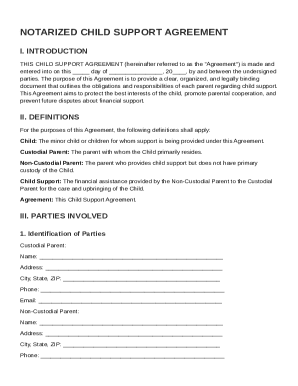
Notarized Child Support Agreement Template
The document is a Notarized Child Support Agreement outlining the financial responsibilities of both parents regarding c ...
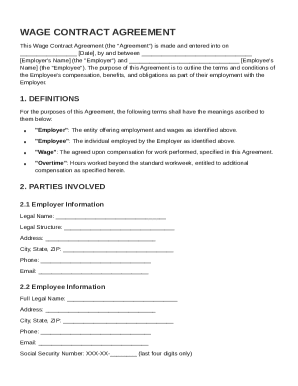
Wage Contract Template
The Wage Contract Agreement outlines the terms of employment between an Employer and an Employee, detailing compensation ...