



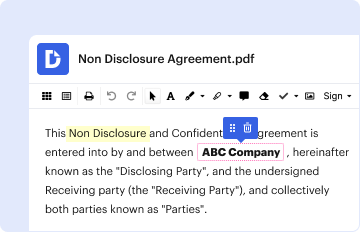
01. Edit your texas workforce log in online
Type text, add images, blackout confidential details, add comments, highlights and more.

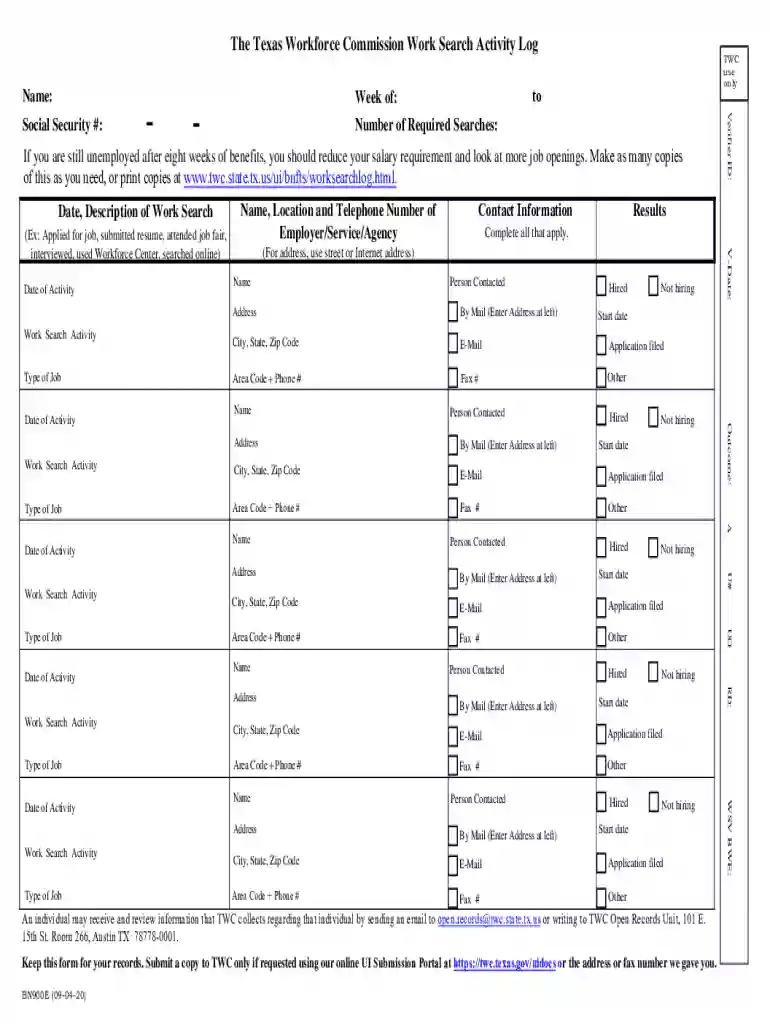
Type text, add images, blackout confidential details, add comments, highlights and more.
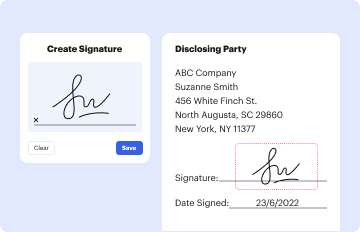
Draw your signature, type it, upload its image, or use your mobile device as a signature pad.

Send texas workforce commission via email, link, or fax. You can also download it, export it or print it out.

Start using our platform today to streamline your document editing and form completion process for free!
We've got more versions of the texas workforce log in form. Select the right texas workforce log in version from the list and start editing it straight away!
A lot of software solutions are available out there for document editing and signing. DocHub is one of the most popular online solutions that comply with all data protection and compliance requirements and guarantees your electronically signed documentation is legally enforceable. All you need to give it a try is to create an account, add your work search log, provide the requested information, and click Sign. Generate your eSignature by typing, drawing it, uploading its picture to your document, or scanning a unique QR code.
When you edit your texas workforce commission work search activity log with DocHub, you simply will not need to look for other applications or solutions to sign it. An electronic signature is part of DocHub’s substantial editing toolset, which allows you to apply changes in your form without jumping between platforms. Simply complete your form, double-check the correctness of the data and put your electronic signature at the end to make it submission-ready within a few minutes.
At DocHub, your data security is our priority. We follow HIPAA, SOC2, GDPR, and other standards, so you can work on your documents with confidence.
Texas Employment Commission was merged into the Texas Workforce Commission by House Bill 1863 during the 74th Legislative Session in 1995.Read more
The basics: Equal Employment Opportunity Commission Average response time: 102 days Fee rate: 2% Success rate: 17%Read more
SMU CAPE is recognized by the Texas Workforce Commission (TWC) as an Eligible Training Provider (ETP). Select certificate programs are now eligible to receiveRead more


