




Here's how it works

01. Edit your north carolina annual withholding online
Type text, add images, blackout confidential details, add comments, highlights and more.

02. Sign it in a few clicks
Draw your signature, type it, upload its image, or use your mobile device as a signature pad.

03. Share your form with others
Send nc form nc 3 via email, link, or fax. You can also download it, export it or print it out.
How to use or fill out nc3 form with our platform

- Click ‘Get Form’ to open the NC-3 form in the editor.
- Begin by entering your legal name, account ID, and address in the designated fields. Ensure you use capital letters as specified.
- For the calendar year, indicate if your business closed or stopped paying wages by entering the final date you paid wages.
- Fill in the total tax withheld for each month from January to December. Be sure to enter amounts accurately without using dollar signs or commas.
- Calculate and enter the total tax withheld as reported on W-2 and 1099 statements in their respective fields.
- Compare Line 16 and Line 17. If there is an overpayment, enter it on Line 18; if underpaid, calculate and enter the amount due on Line 19.
- Complete any additional sections regarding penalties and refund requests as necessary before signing and dating the form.
Start filling out your NC-3 form online for free today!
Fill out nc3 form online
It's free
It's free
See more nc3 form versions
We've got more versions of the nc3 form form. Select the right nc3 form version from the list and start editing it straight away!
Security and compliance
At DocHub, your data security is our priority. We follow HIPAA, SOC2, GDPR, and other standards, so you can work on your documents with confidence.
Learn more


Related forms
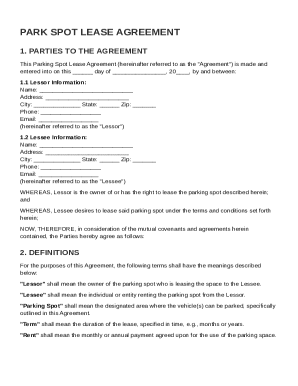
Park Spot Contract Template
The document is a Parking Spot Lease Agreement between a Lessor and a Lessee, outlining the terms for leasing a parking ...
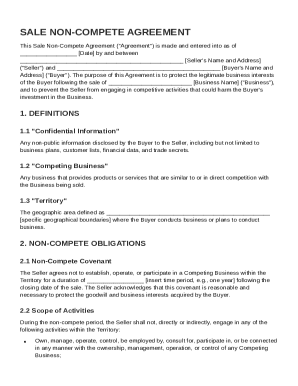
Sale Non Compete Agreement Template
The Sale Non-Compete Agreement is a legal document between a Seller and a Buyer that aims to protect the Buyer's busines ...
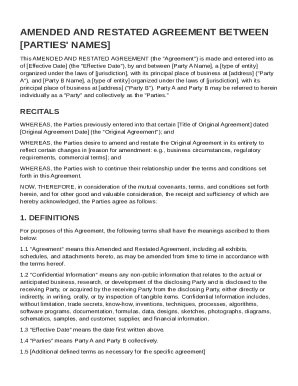
Amended and Restated Agreement Template
The document is an Amended and Restated Agreement between two parties, Party A and Party B, which updates and replaces a ...
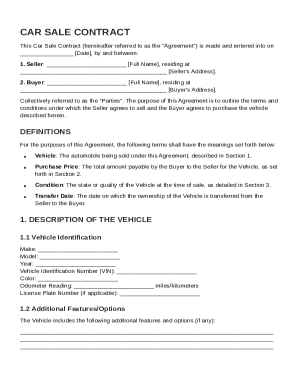
Car Of Sale Contract Template
The Car Sale Contract outlines the agreement between a Seller and a Buyer for the sale of a vehicle, detailing terms suc ...
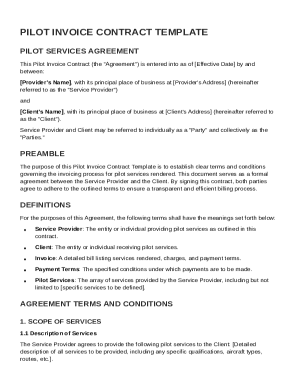
Pilot Invoice Contract Template
The document is a Pilot Invoice Contract Template that outlines the terms and conditions for invoicing pilot services be ...
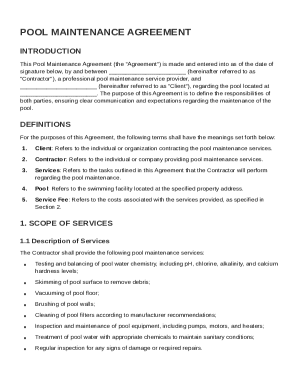
Pool Maintenance Contract Template
The Pool Maintenance Agreement outlines the responsibilities and expectations between a Contractor providing pool mainte ...
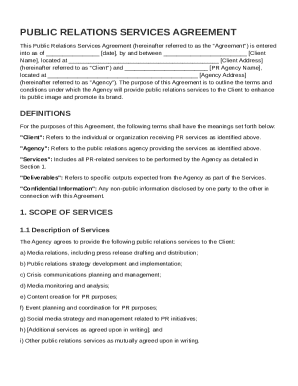
Pr Contract Template
The Public Relations Services Agreement outlines the terms and conditions between a Client and a PR Agency for the provi ...
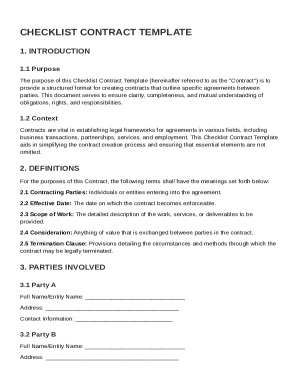
Checklist Contract Template
The Checklist Contract Template provides a structured format for creating contracts that clearly outline the agreements ...