




01. Edit your act 235 application online
Type text, add images, blackout confidential details, add comments, highlights and more.

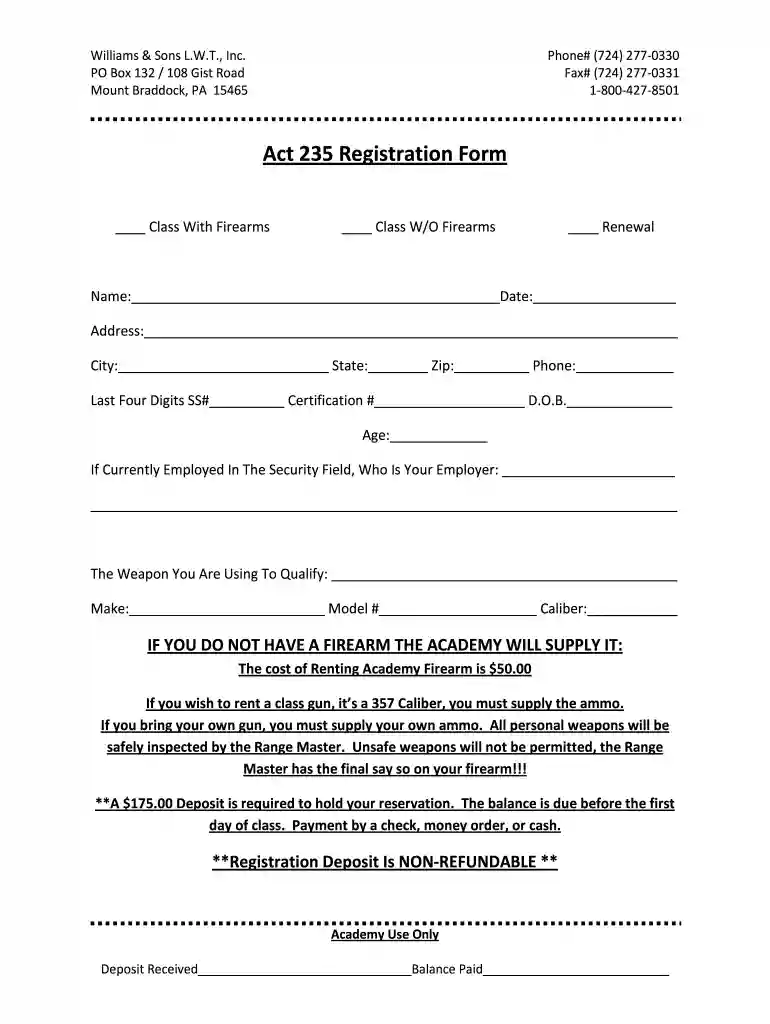
Type text, add images, blackout confidential details, add comments, highlights and more.

Draw your signature, type it, upload its image, or use your mobile device as a signature pad.

Send pa 235 form via email, link, or fax. You can also download it, export it or print it out.

Start filling out your PA Act 235 form today on our platform for free!
At DocHub, your data security is our priority. We follow HIPAA, SOC2, GDPR, and other standards, so you can work on your documents with confidence.
The physicians must be PA licensed. They must submit completed and signed forms to the Lethal Weapons Certification Unit. Photographs. If you do not possess aRead more
Act 235 provides for the training and licensing of watch guards, protective patrolmen, detectives and criminal investigators, carrying and using lethal weaponsRead more
As required by the Water Resources Development Act of 1992 (WRDA), I am pleased to transmit the Environmental Protection Agencys (EPA) Report to CongressRead more


