
Get any PDF form from the DocHub library of ready-made templates - Page 2097
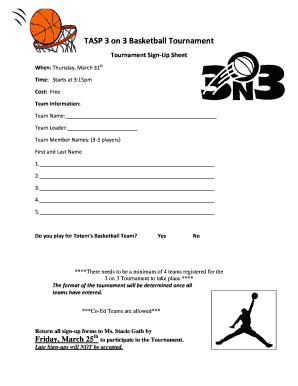
TASP 3 on 3 Basketball Tournament - schoolsfwpsorg
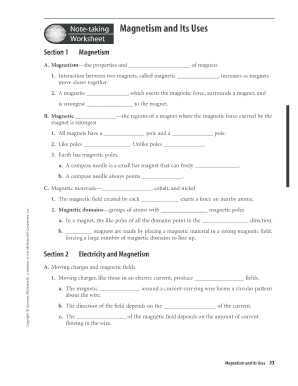
Magnetism worksheet grade 8 pdf
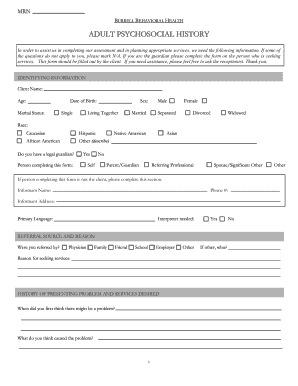
Psychosocial assessment for parole template pdf
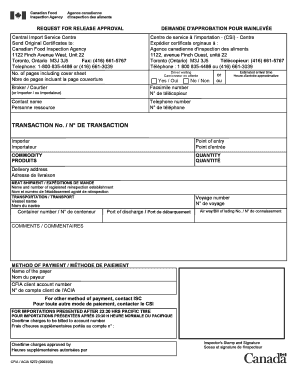
Form 5272

San diego authorization form
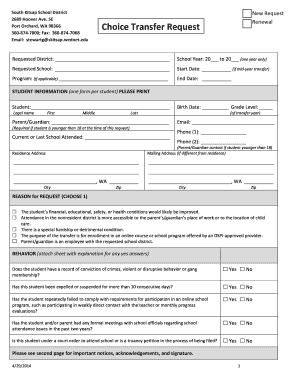
Skitsapwednetedu wednet
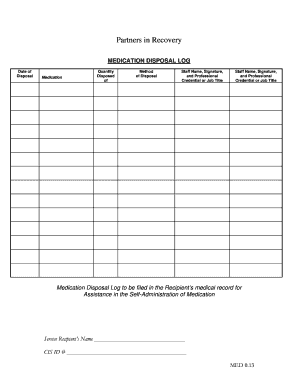
Florida alf medication destruction form
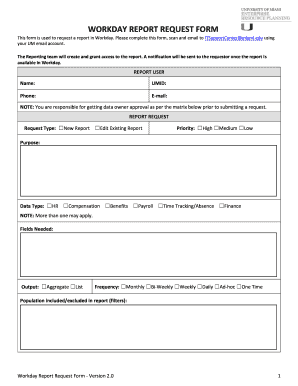
Workday umshare miami
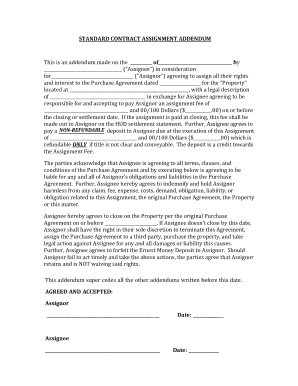
Assignment of agreement addendum
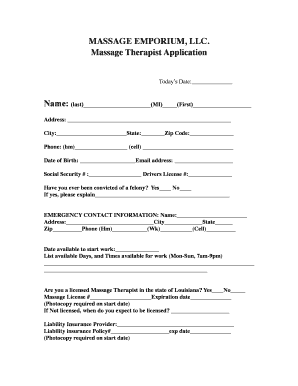
Therapist Employment Application
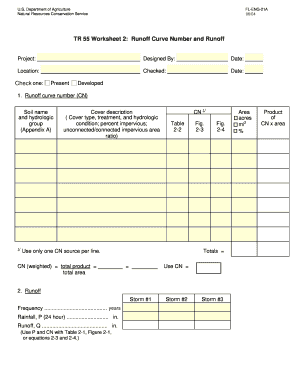
Tr 55 form

Bill nye seasons worksheet answers

Storage waiver template
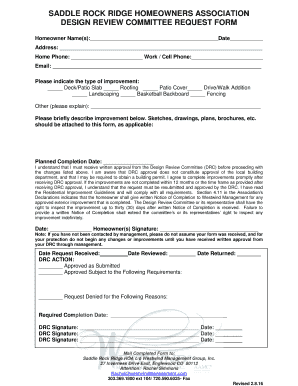
Hoa 80015

Intyg mall
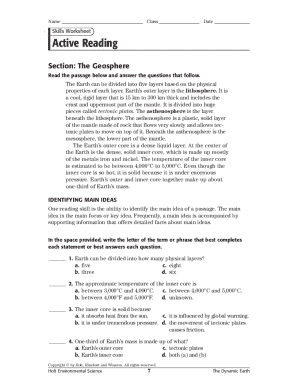
Geosphere worksheet pdf
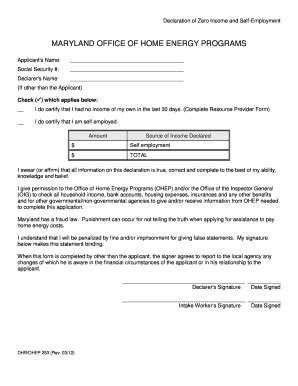
Declaration of zero income form md
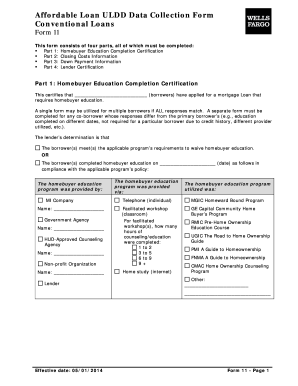
Form 11 loan
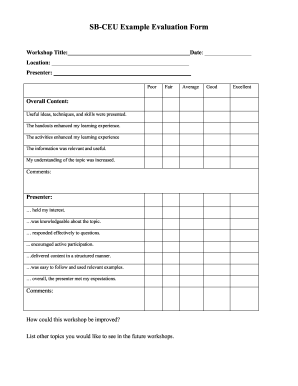
Sample ceu evaluation form
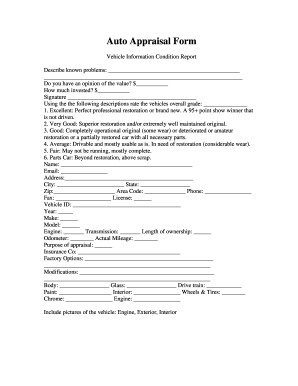
Auto appraisal form information

Printable autobiographies for kids
THE SELMO BRADLEY SCHOLARSHIP Guidelines and Application - eedlo

A musical story worksheet answer key

Cell energy cycle gizmo answer key

Narcotic count sheet
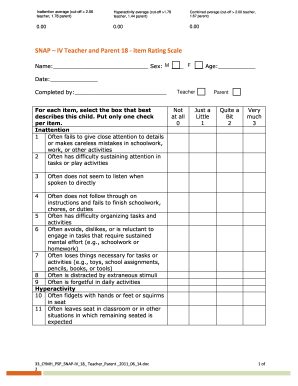
Snap iv form
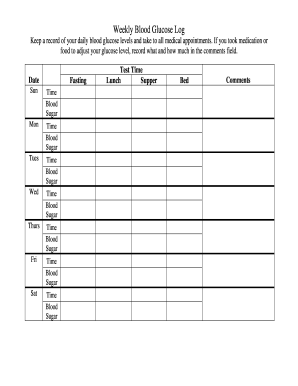
Weekly glucose log
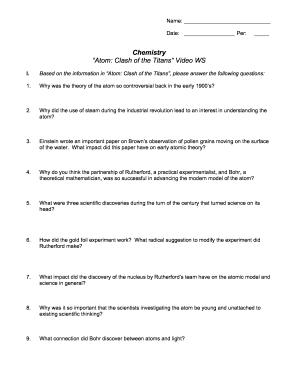
Atom clash of titans worksheet answers
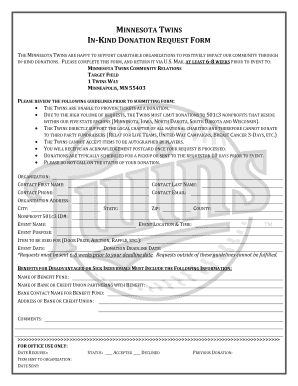
Mn twins donation request
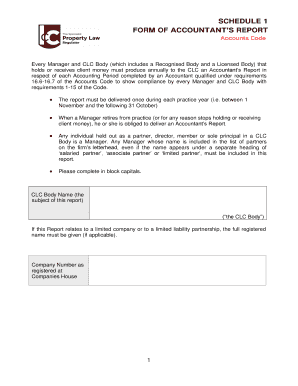
Clc accountants report
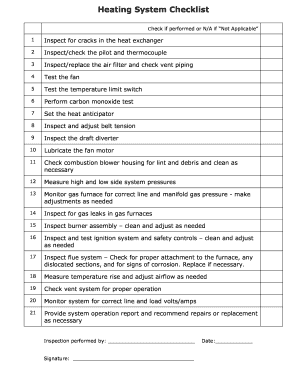
Gas furnace inspection checklist pdf
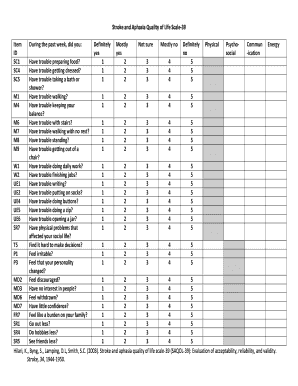
Saqol 39 pdf

Houston donation request
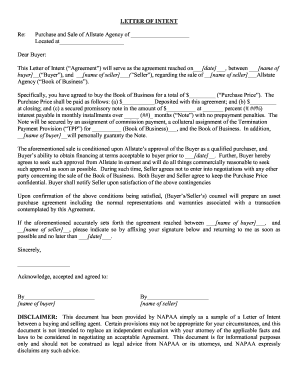
Allstate book of business for sale
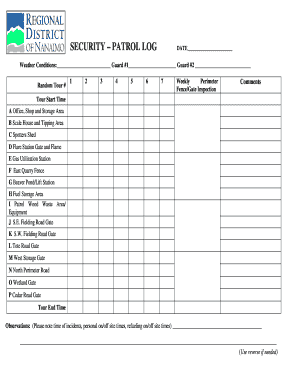
Ca security pdf

Brief dissociative experiences scale
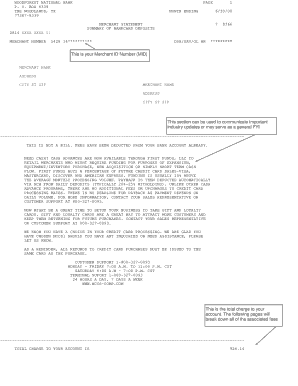
How long does a dispute take with woodforest bank
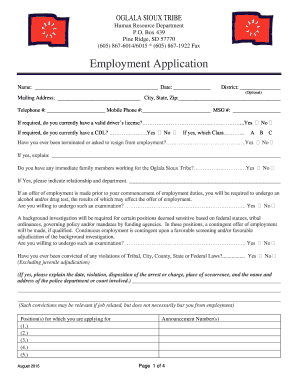
Oglala sioux tribe human resources
Mutual of omaha living promise application
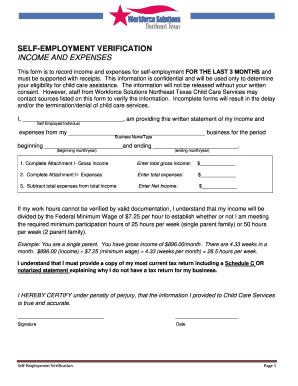
Find income verification letter for self employment in texas
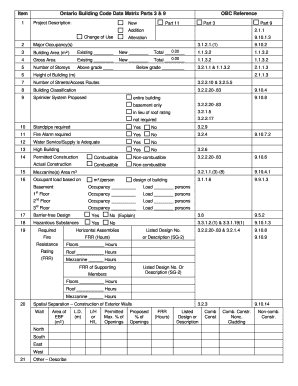
Data matrix parts 3

Aer form 57

Arkansas department of human services verification of earnings

Dd form 2977
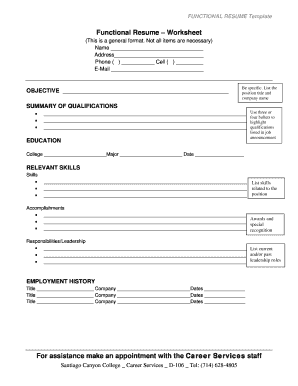
Resume worksheet printable
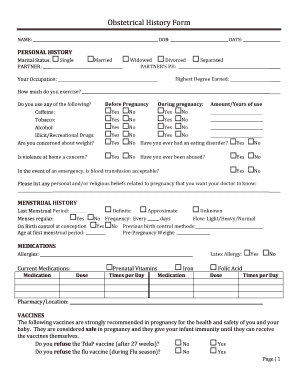
Sss ob history form 2022

Afmsf 16 ver 2019 pdf

RFP KCI2015001 Afterschool Programs Request for Proposals For After School Programs RFP # KCI2015001 Kids Central 2117 SW Highway 484 Ocala, FL 34473 RFP KCI2015001 After School Programs TABLE OF CONTENTS Contents 1

Wayleave agreement template

CONTRACTOR PRE-QUALIFICATION FORM - St Clair
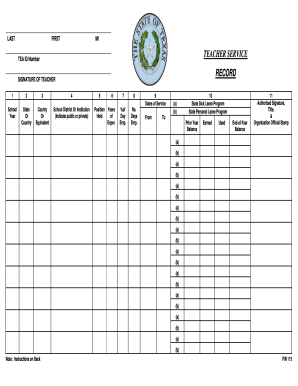
Teacher service record sample
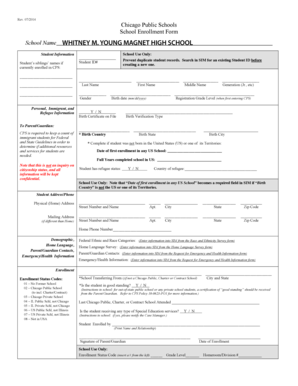
Cps school enrollment form
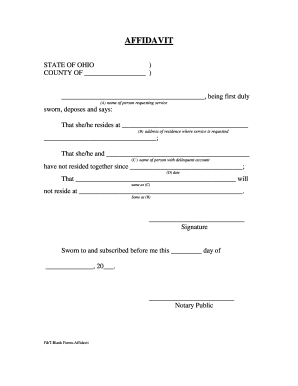
Aes affidavit
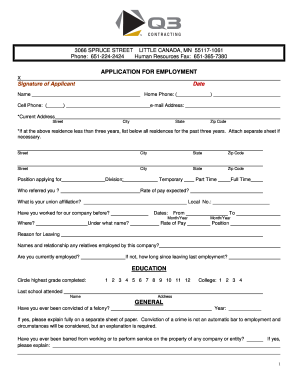
Q3 contracting
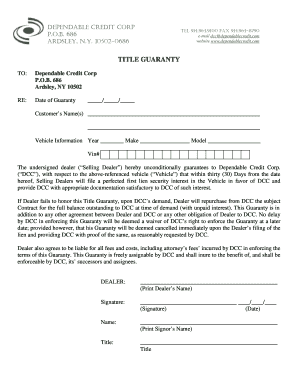
Dependable credit corp
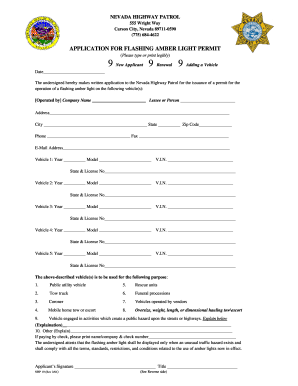
Nevada amber light permit
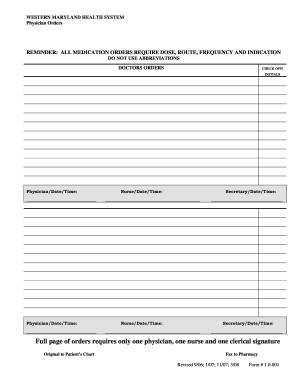
Blank printable physician orders
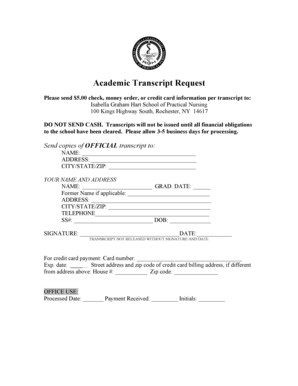
Isabella graham hart reviews
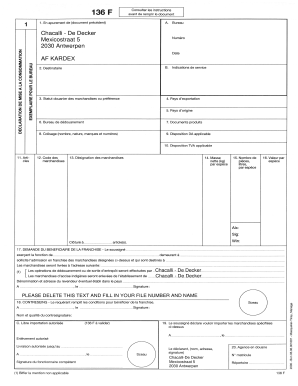
Chacalli de decker catalogue
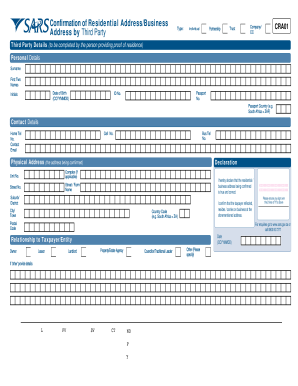
Editable cra01 form

Goal Ladder - Free Spirit Publishing
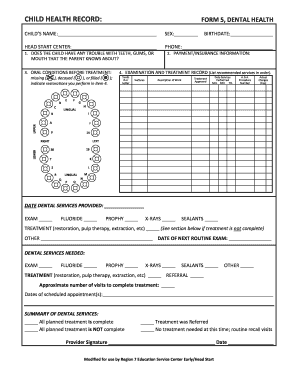
Form 5 dental health
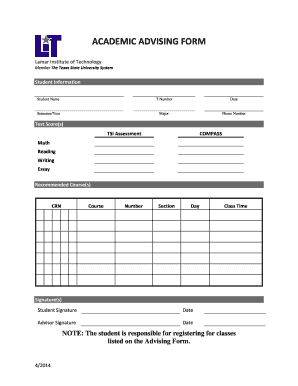
Academic advising form - Lamar Institute of Technology - lit

Telpas writing paper template

Releaseforms northshore org
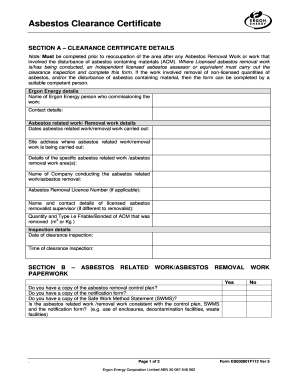
Ergon energy es000901f112 form
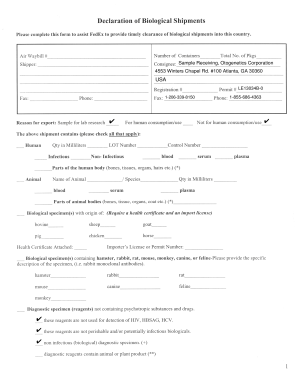
Declaration of biological shipments
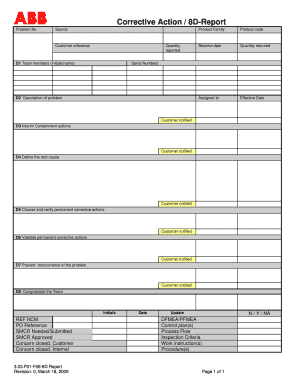
8d form
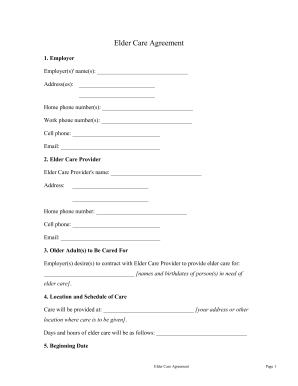
Care agreement
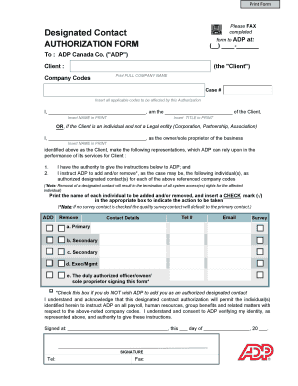
Please Designated Contact - ADP Canada
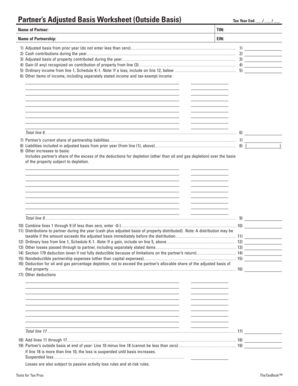
Partner's outside basis worksheet
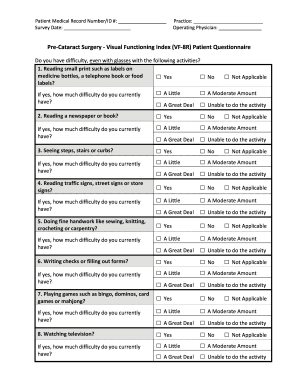
Vf 8r
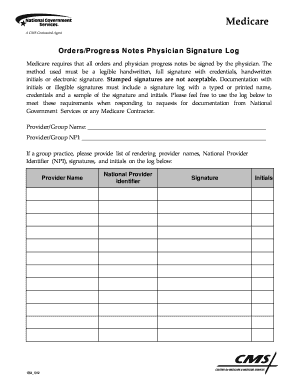
Cms signature log template
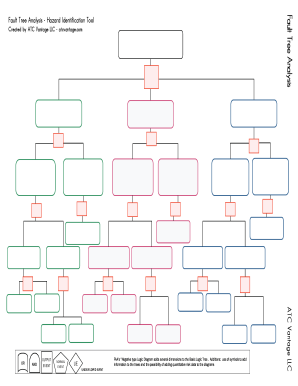
Fault tree analysis template excel
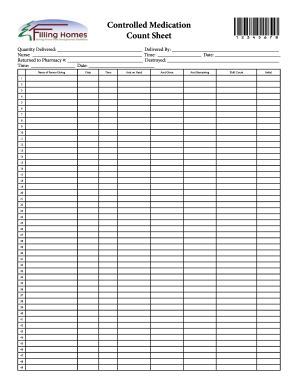
Medication count sheet
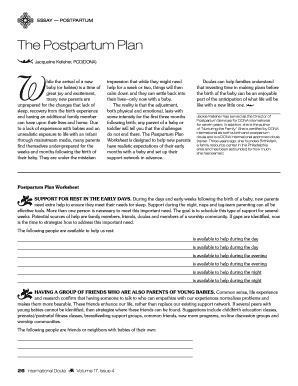
Postpartum information sheet

Sgi driving record
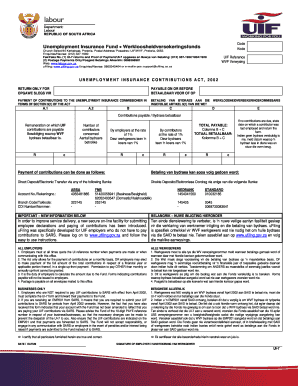
Ui7 form

Denneroll time chart
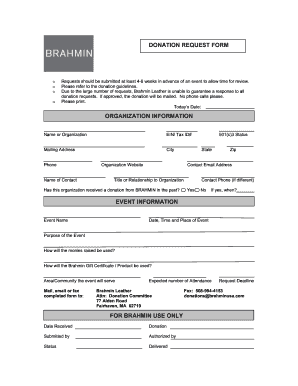
Custom donation slips
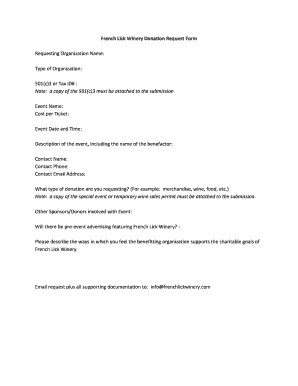
French lick resort donation request

CMS-1500 Template - Ohio State University

Army sheet template
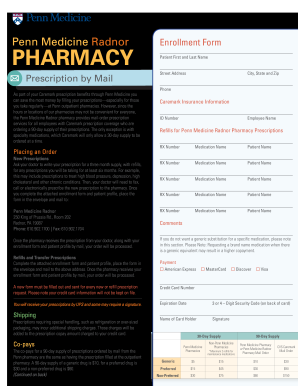
Penn Medicine Radnor PHARMACY Patient First and Last Name
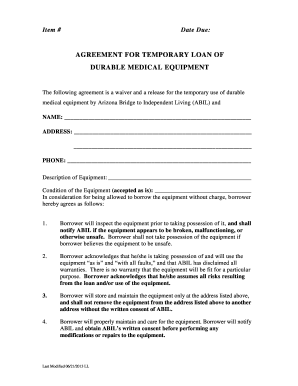
Printable specimen only form
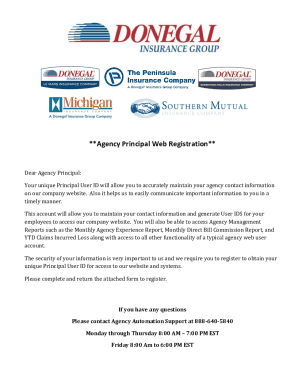
Mico agency apply online
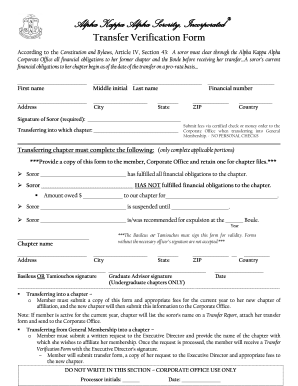
Transfer verification form
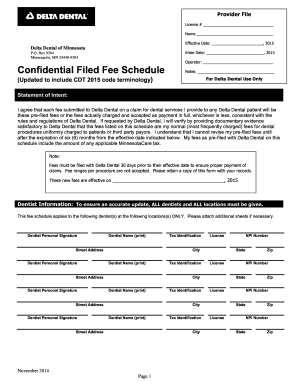
Delta dental confidential fee schedule
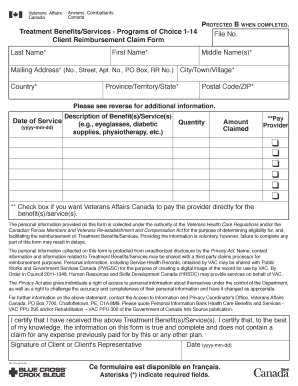
Porrno form
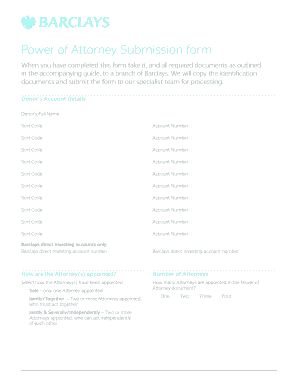
Starfinder adventure pdf
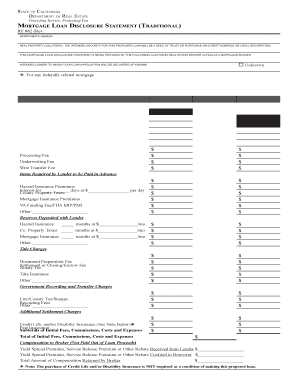
Re 882 statement form
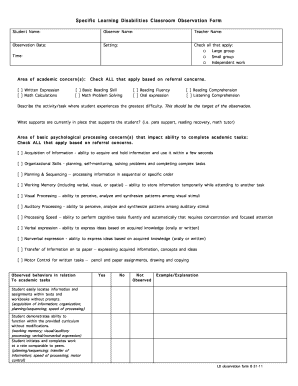
Observation forms children
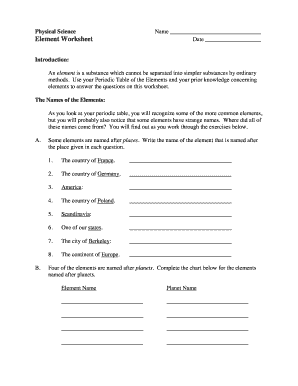
Element worksheet

Chesapeake schools notice intent

Sc3 form
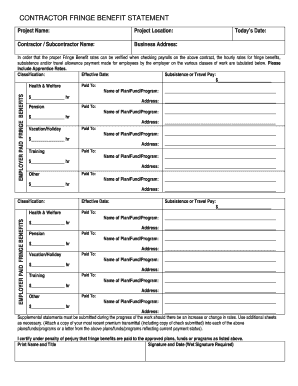
Contractor fringe statement form
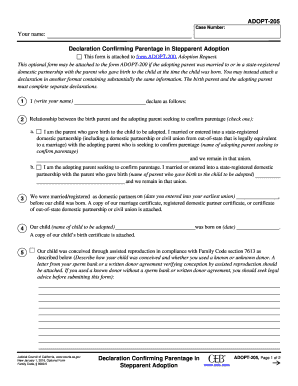
Parentage stepparent adoption

Notice whistleblower form
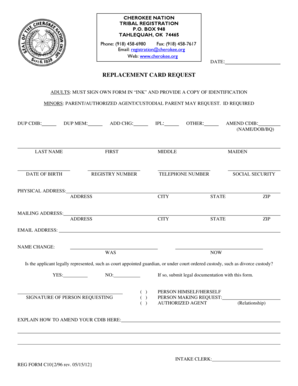
Cherokee nation registration
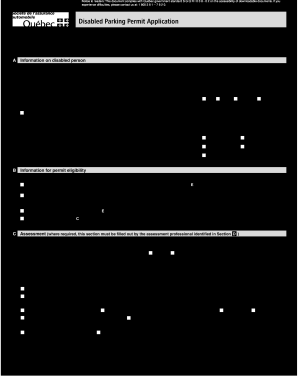
Application for accessible parking permit
Benefit from the DocHub online library of fillable PDF forms
Searching the PDF forms doesn't have to be a tedious and time-consuming process. With the DocHub online library, it has become easier to find the fillable PDF forms and modify them in your browser. The service allows you to adjust the document to your needs using powerful editing tools.
You can use online document editing features to modify almost any type of document with ease. You just need to find the template of your choice, open it in the editor, and use the toolbar to make the necessary corrections.
Follow this guide to get your document done with DocHub:
- Find the PDF template you need.
- Click the Get Form button to open the file in the editor.
- Use the toolbar to fill out and edit the document.
- Easily add and highlight text, insert images, checkmarks, and symbols.
- Drop new fillable fields, and rearrange or delete pages from your file.
- Save changes and download your record.
DocHub empowers everyone to streamline document editing, signing, and distribution, and form completion. Create an account and benefit from our well-organized PDF Forms library and comprehensive editor.