
Get any PDF form from the DocHub library of ready-made templates - Page 2098
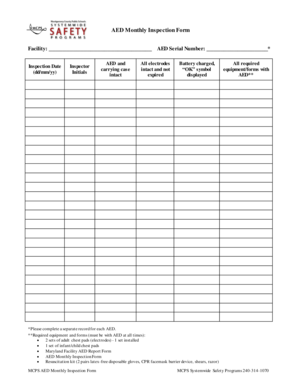
Aed monthly inspection forms

Mt103 rabo
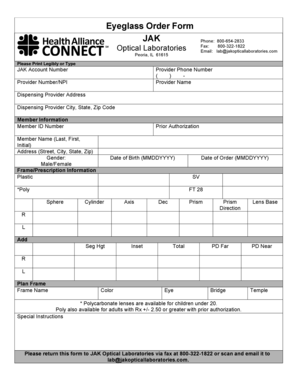
Optical order form template

Medical eye report

Objection guardianship fresno

TR-42 - Request and Consent for Kansas title to be Issued With Lien and mailed Out of State

Aetna medicare prior authorization form

Self storage lien form
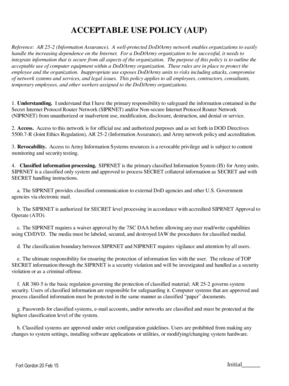
Army aup

Titusville permit application
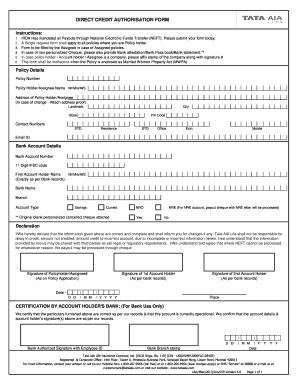
Tata aia neft form
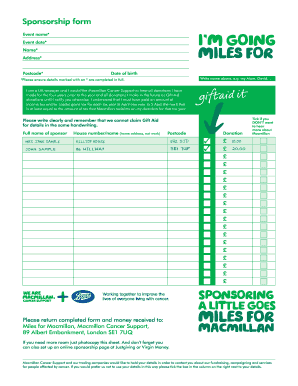
Macmillan form
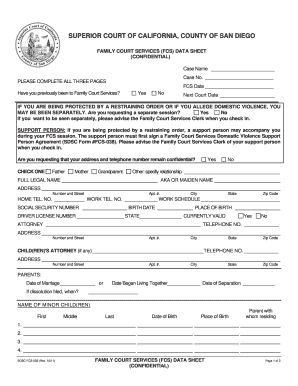
Fcs002
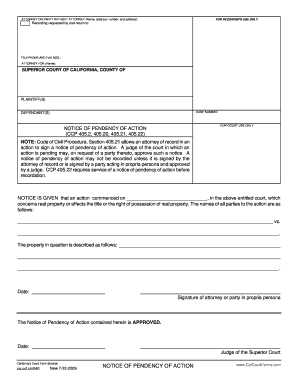
Ca ccf civ240
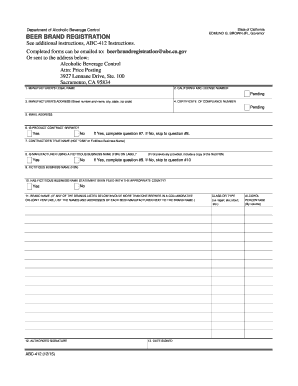
California beer registration
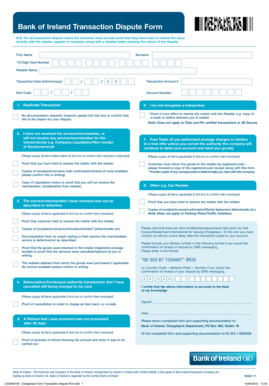
Bank of ireland transaction dispute form

MIAMI-DADE COUNTY PUBLIC SCHOOLS STATEMENT OF BONAFIDE
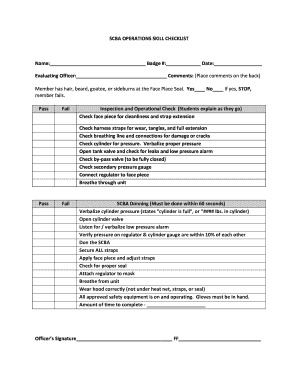
Scba signage
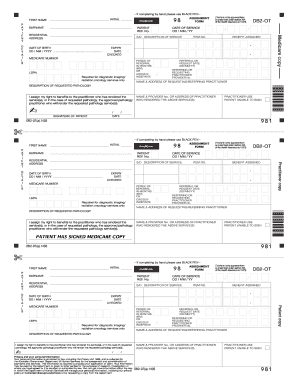
Medicare db2 form
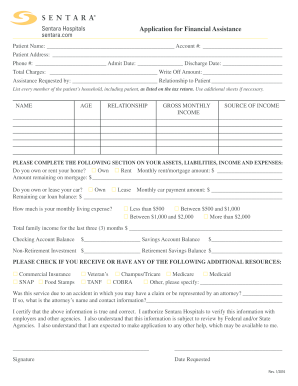
Sentara financial assistance
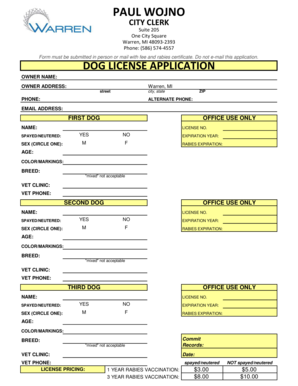
Warren city dog license

Newborn maturity rating and classification

Lisw supervision log

Fall scene investigation report
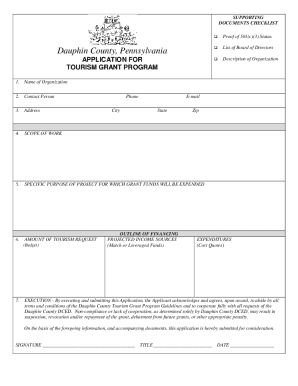
County tourism grant program
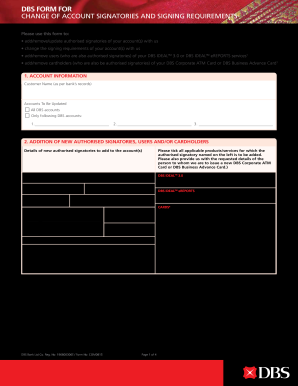
Dbs change signatories
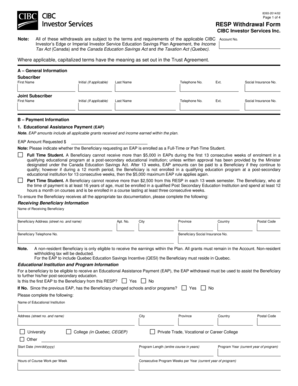
Resp withdrawal form

Hawai writ district
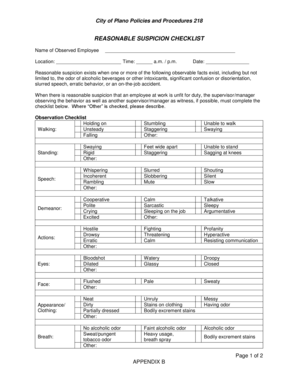
Reasonable suspicion checklist

Osmosis worksheet

Ms 965

Nc bd4
Manhole inspection form

Asset protection glen eira city

Alabama growers permit 2022
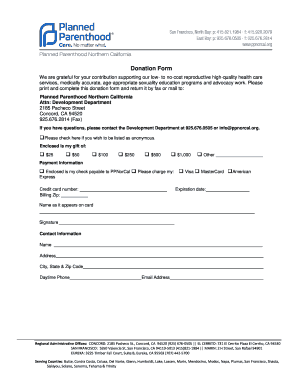
Donation Form - Planned Parenthood Official Site - plannedparenthood
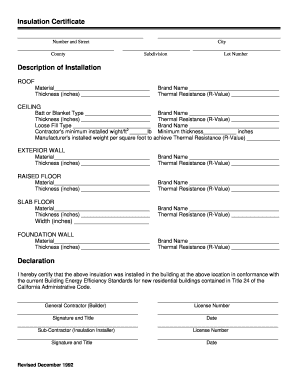
Insulation Certificate Description of Installation - cityofmissionviejo

Pppr form

Ministry justice general affidavit form
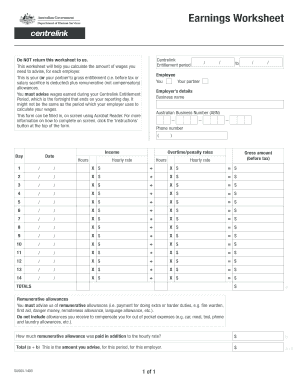
Centrelink earnings worksheet
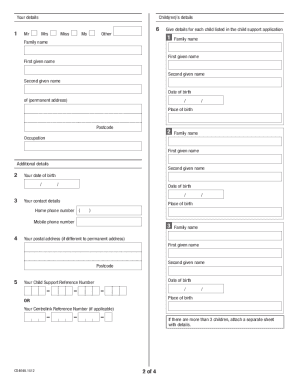
Cs4648
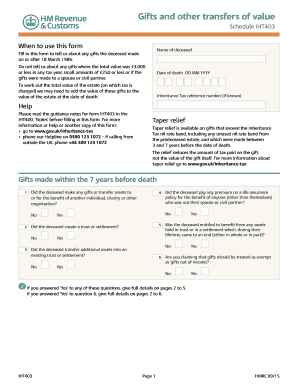
Iht403

Records ivinsonhospital
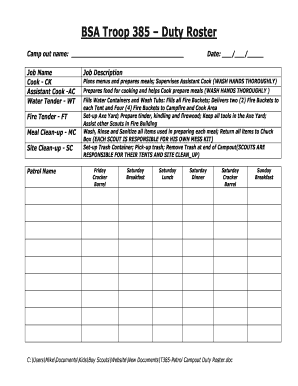
Duty roster template
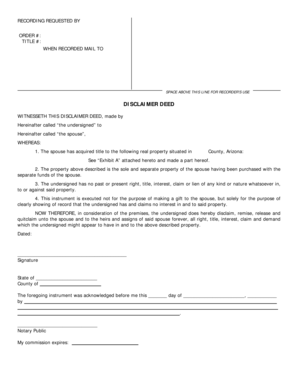
Disclaimer deed format
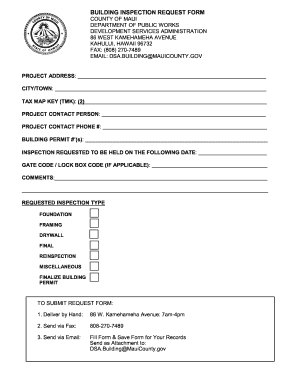
BUILDING INSPECTION REQUEST FORM COUNTY OF MAUI DEPARTMENT OF
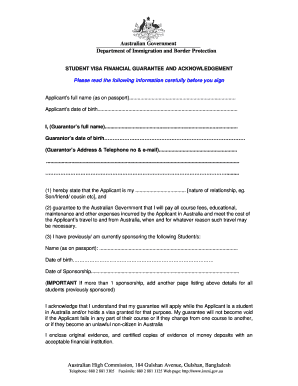
Australia guarantee form

Washington federal foundation grant application

Preoperative History Physical Examination Form - lifebridgehealth
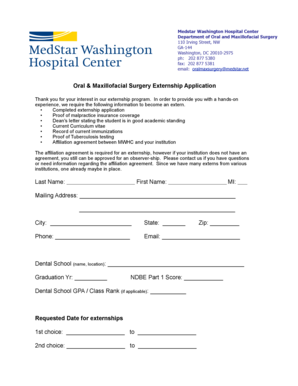
Medstar work note
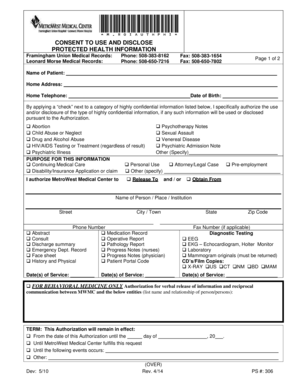
Framingham union hospital medical records

County subject emissions edit

Mv 552a 2015 form
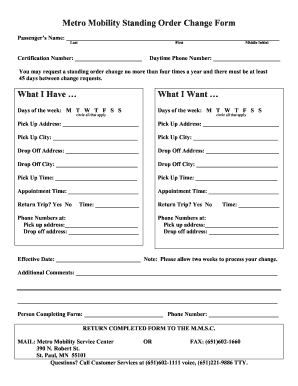
Metro mobility standing order
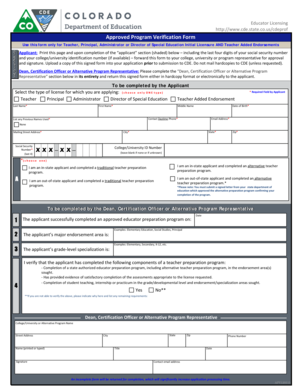
Approved Program Verification Form - CDE - cde state co
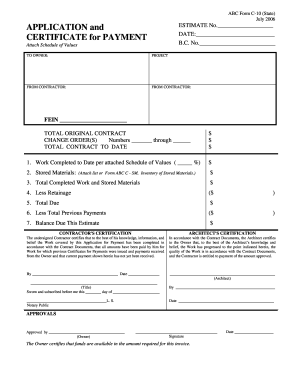
Abc c 10 application latest
Texas workforce commission form c 1

Otda sm ssp otda ny gov

Subpoena for
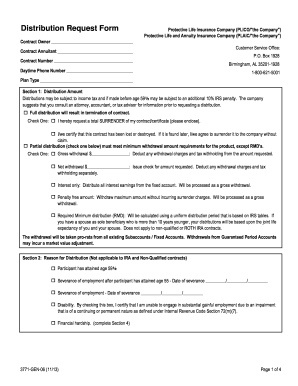
Protective annuity forms
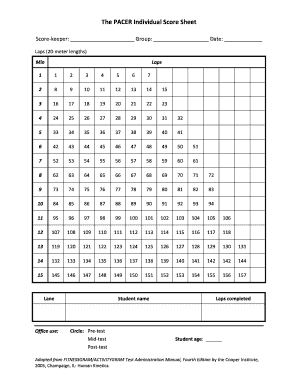
Pacer score
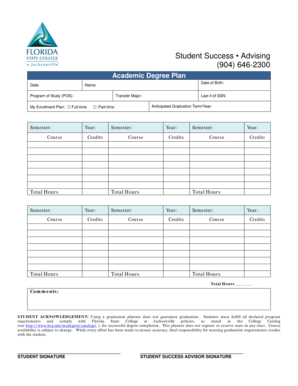
Student Success Advising 904 646-2300 - fscjedu
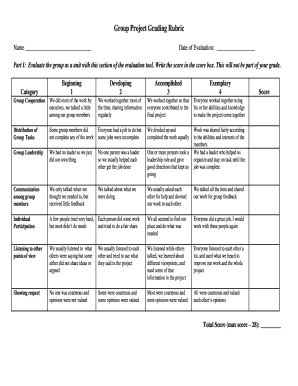
Example of rubrics in assessment
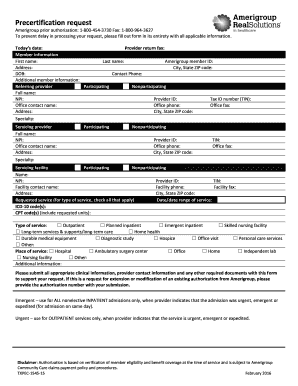
Precertification request form
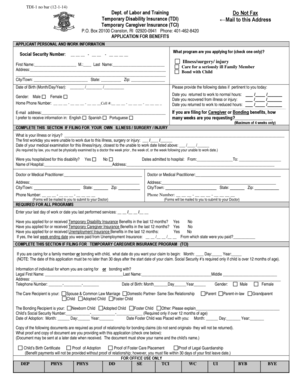
TDI-1 application 12-1-14 - RI DLT - dlt ri
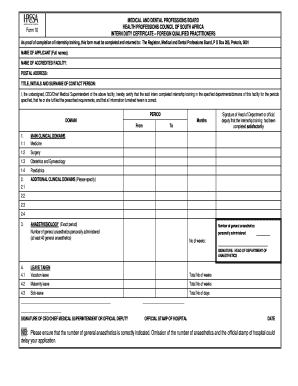
Hpcsa form 10
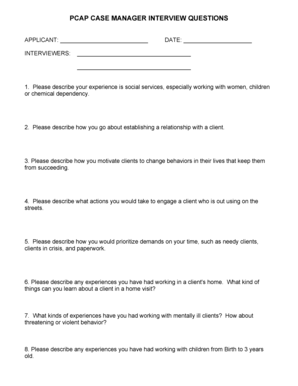
Sample Interview Questions for PCAP advocatesdoc - depts washington
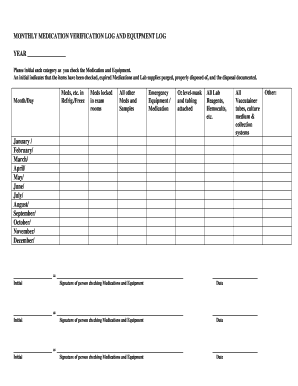
Medication checking log
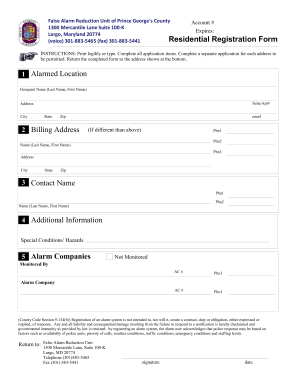
False Alarm Reduction Unit of Prince Georges County - princegeorgescountymd
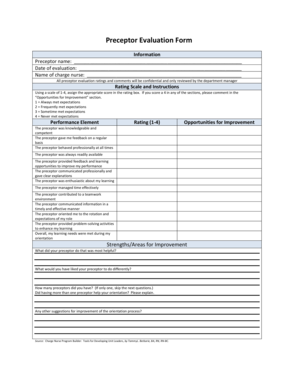
Preceptor evaluation form
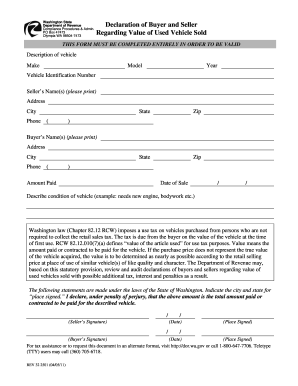
Washington state declarbuyersllrrcvalueusedvehsold
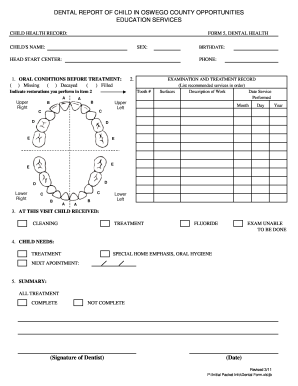
Dental treatment report sample
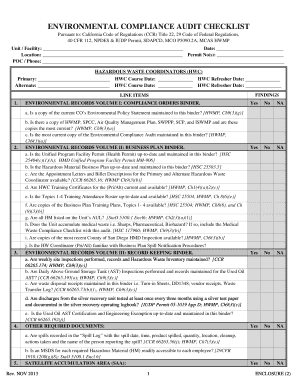
Environmental audit checklist template
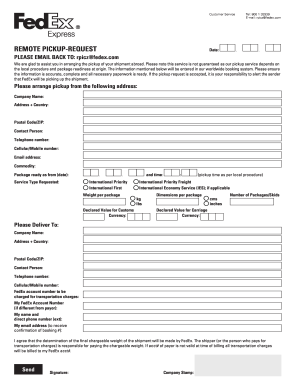
Fedex rpi form
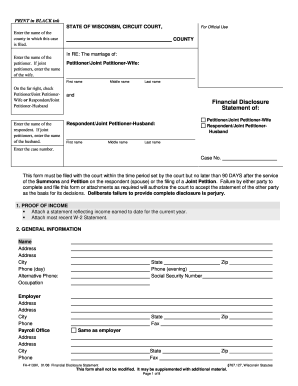
Fa 4139
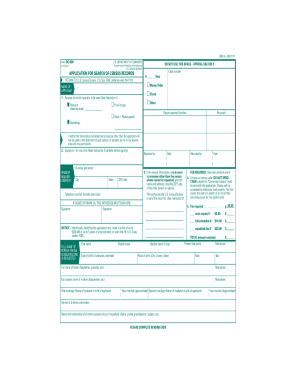
Bc 600
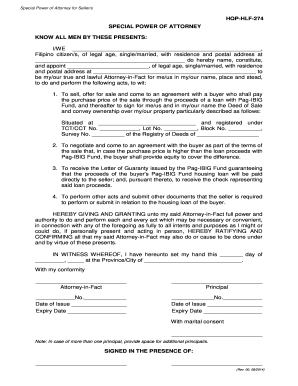
Hqp hlf 274
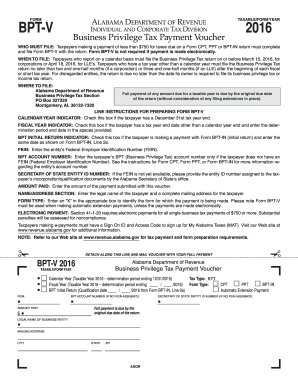
Bpt v 2016-2019 form
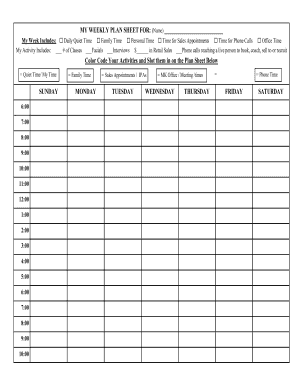
Weekly plan pamela

Sample financial proposal for consultancy unicef
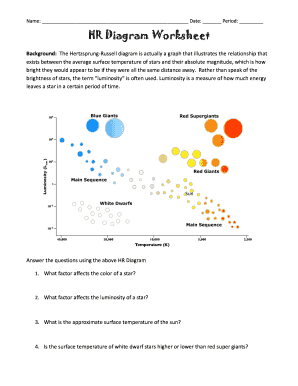
Hr diagram worksheet pdf
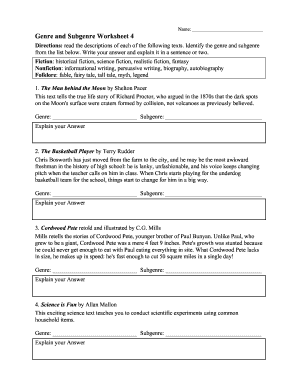
Identifying genre worksheets pdf

Enter form 1114

Cladogram worksheet answers
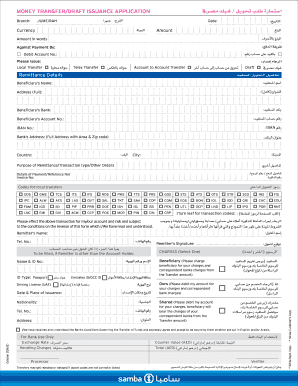
7 Money Transfer Form PDF-1227 KB - Samba
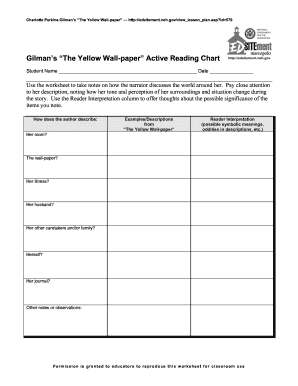
The yellow wallpaper active reading chart answer key
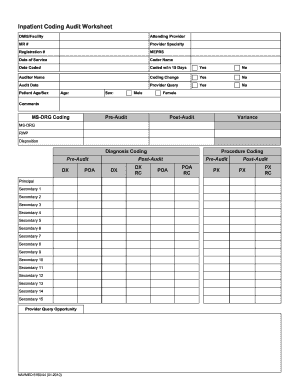
Coding audit template

Navmed 1520 17 search

Arizona sales tax permit application
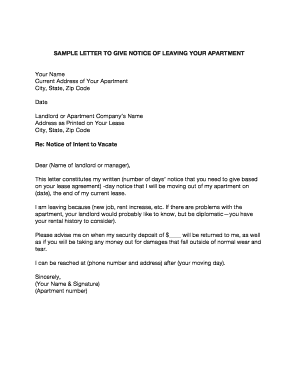
Leaving apartment letter

Cigna iop request form

Florida dmv eye exam form

Ccdr 50 form

Hosted By Date

Ioma conformidad afiliado form search
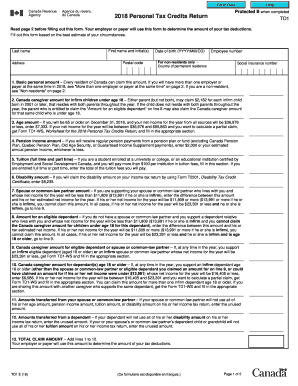
2018 Personal Tax Credits Return - Canada.ca
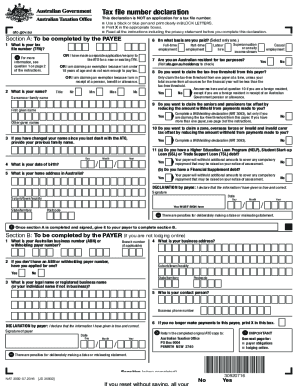
Tax declaration form
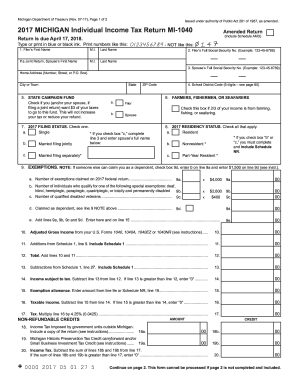
Michigan 1040 form
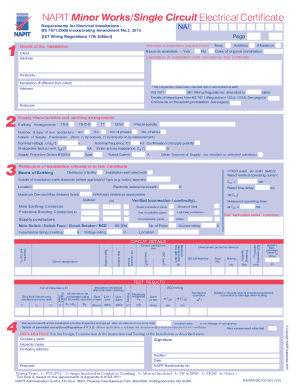
Minor works certificate pdf
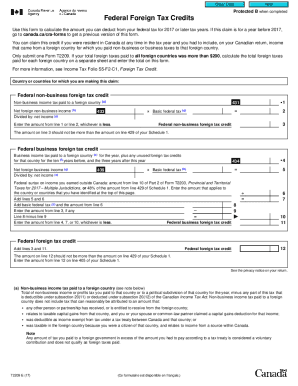
T2209
Benefit from the DocHub online library of fillable PDF forms
Searching the PDF forms doesn't have to be a tedious and time-consuming process. With the DocHub online library, it has become easier to find the fillable PDF forms and modify them in your browser. The service allows you to adjust the document to your needs using powerful editing tools.
You can use online document editing features to modify almost any type of document with ease. You just need to find the template of your choice, open it in the editor, and use the toolbar to make the necessary corrections.
Follow this guide to get your document done with DocHub:
- Find the PDF template you need.
- Click the Get Form button to open the file in the editor.
- Use the toolbar to fill out and edit the document.
- Easily add and highlight text, insert images, checkmarks, and symbols.
- Drop new fillable fields, and rearrange or delete pages from your file.
- Save changes and download your record.
DocHub empowers everyone to streamline document editing, signing, and distribution, and form completion. Create an account and benefit from our well-organized PDF Forms library and comprehensive editor.