




Here's how it works

01. Edit your tr 55 worksheet online
Type text, add images, blackout confidential details, add comments, highlights and more.

02. Sign it in a few clicks
Draw your signature, type it, upload its image, or use your mobile device as a signature pad.

03. Share your form with others
Send tr 55 worksheet 2 via email, link, or fax. You can also download it, export it or print it out.
How to use or fill out tr 55 form with our platform

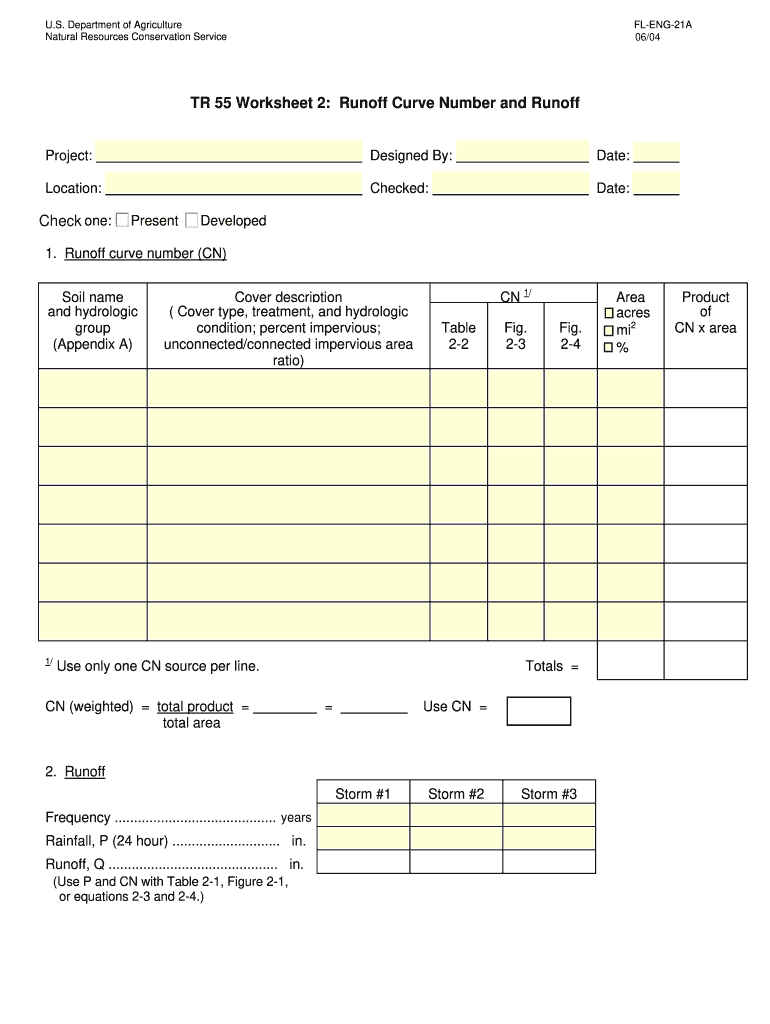
- Click ‘Get Form’ to open the TR 55 Worksheet in the editor.
- Begin by entering the project details, including 'Designed By', 'Date', and 'Location' in the designated fields.
- In Section 1, input the soil name and hydrologic group as per Appendix A. Enter the Runoff Curve Number (CN) and cover description, ensuring to specify treatment and hydrologic condition.
- For each CN source, fill in a new line with the corresponding area in acres or square miles. Calculate the product of CN and area for totals.
- Proceed to Section 2 where you will enter data for Storm #1, #2, and #3. Input frequency, rainfall (P), and calculate runoff (Q) using provided tables or equations.
- Once completed, utilize options like 'Print Form', 'Reset Form', or 'Save Form' to manage your document effectively.
Start using our platform today for free to streamline your TR 55 form completion!
Fill out tr 55 form online
It's free
It's free
Security and compliance
At DocHub, your data security is our priority. We follow HIPAA, SOC2, GDPR, and other standards, so you can work on your documents with confidence.
Learn more


