
Get any PDF form from the DocHub library of ready-made templates - Page 2088
Line jacket template

New jersey form informed

Stromning gmail pdf
Estimate bill format
Certificate of quality template
Rancho cucamonga business license
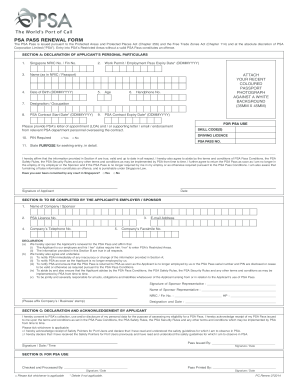
Psa pass renewal form
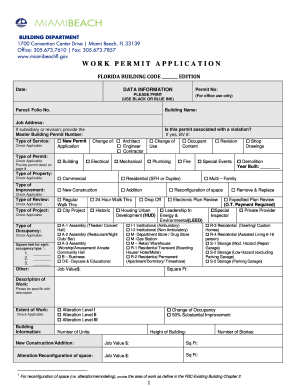
CITY OF MIAMI BEACH Application Forms - Building Permits Miami
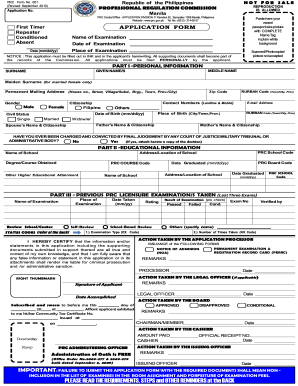
Prc renewal form
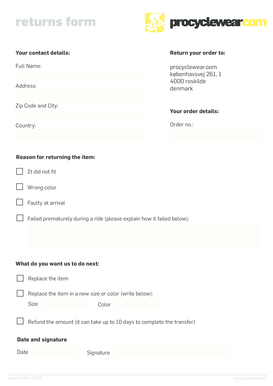
Johnny was returns
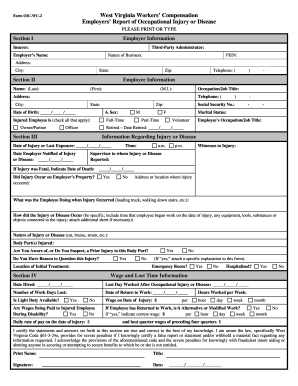
Wv workers compensation form employers

2257
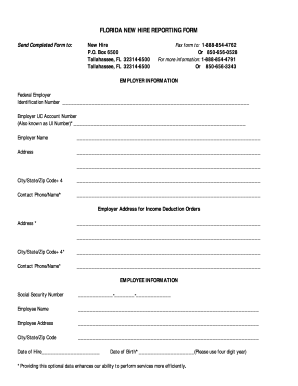
Florida new hire reporting form

Basketball roster template

Fidelity retirement plan account application for inheritors - Trading
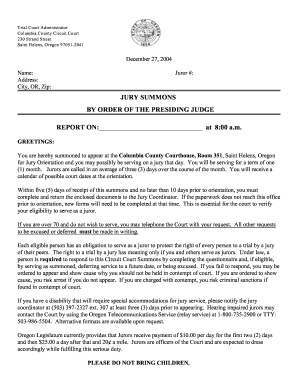
Jury Summons - Oregon Judicial Department - courts oregon
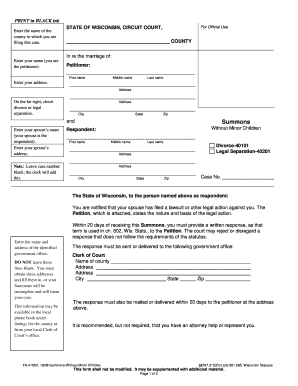
Fa 4105v
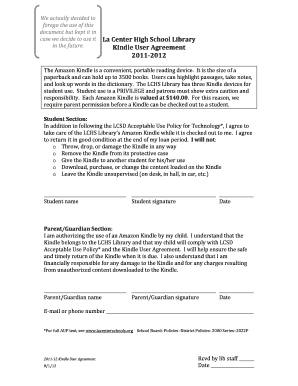
How to fill out downloaded forms online from amazon fire
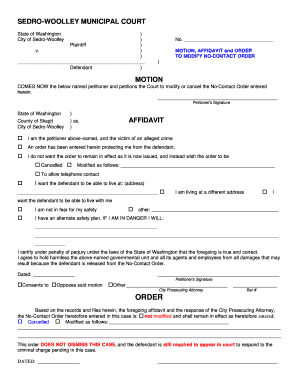
Motion no contact
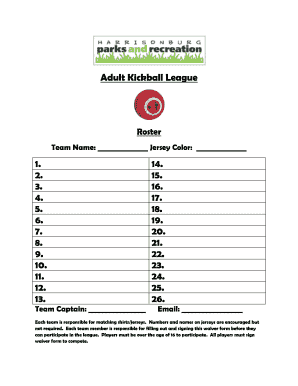
Kickball lineup sheet

Pda form
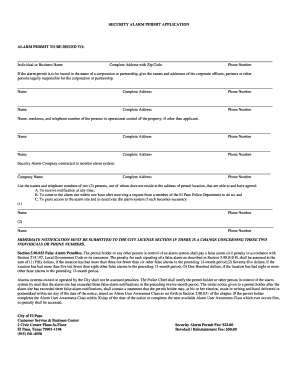
Texas alarm el paso
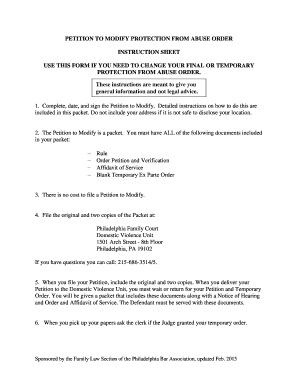
Philadelphia pfa
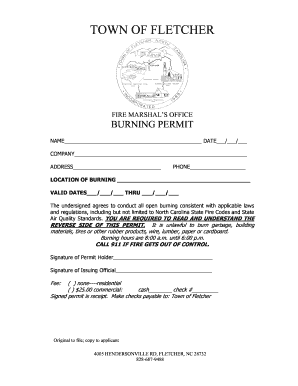
Nc burn permit application
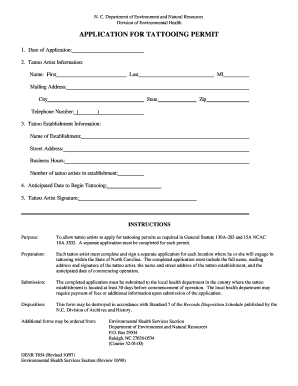
North carolina application tattooing

Fema mt 2 forms

Ccim data form
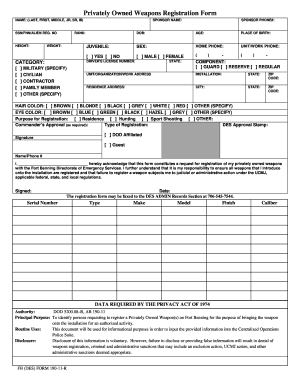
Fort benning weapons registration

Author release form template

Infection control risk assessment
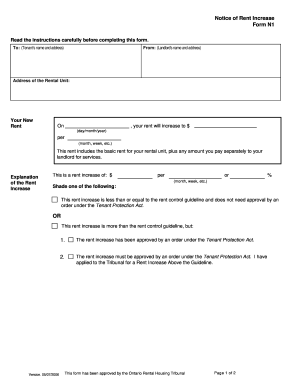
2006 ontario notice form
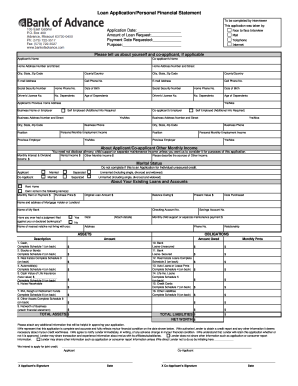
Sample bank application

Form 35 inspection addendum
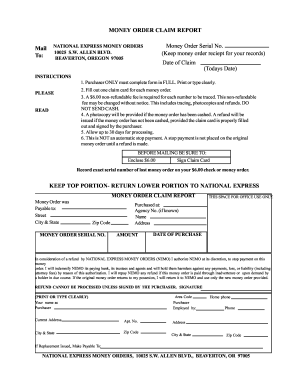
National express money order

Magnolia prior authorization
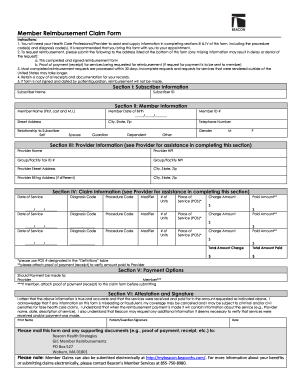
Beacon health options claim form
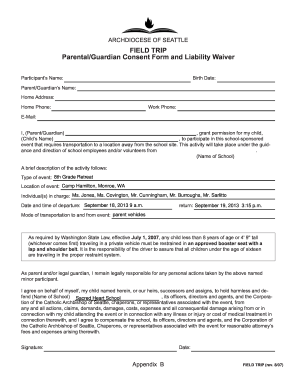
Archdiocese of seattle field trip form

Forms for cattle trucking business
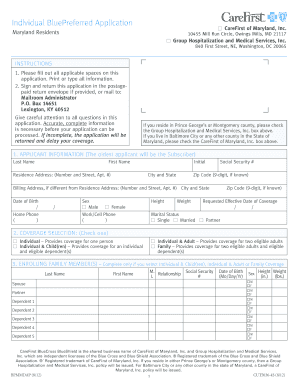
Individual bluepreferred application maryland residents form
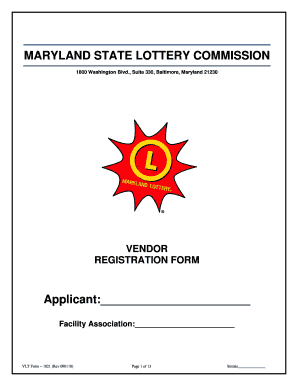
Vlt form 1021 2010

Ahca form 2200 0003
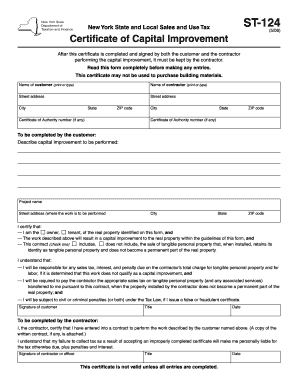
Capital improvement form
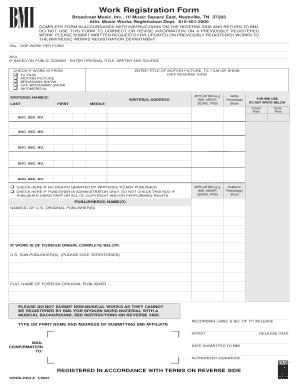
Dcorr work registration form
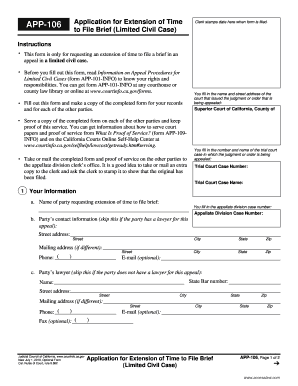
Form app 106

App 102 2009 form
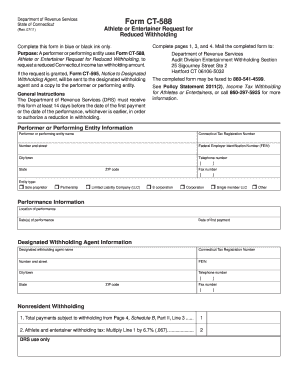
Form ct 588 2011
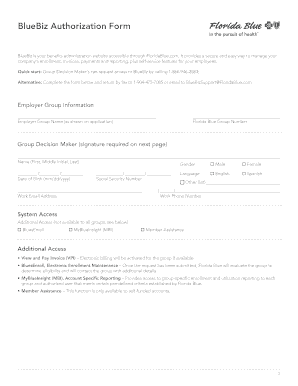
Fl blue bluebiz authorization form
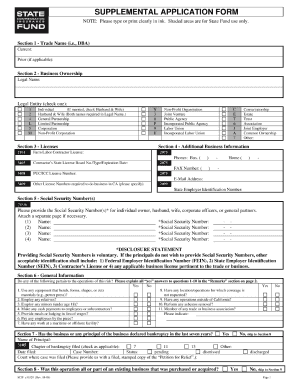
Supplemental application form
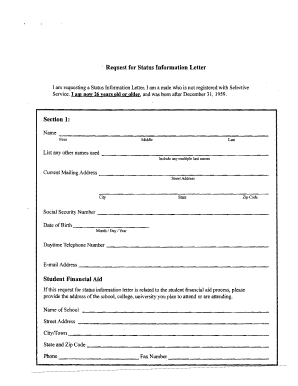
Status information letter sample

Ae 608 10 1a form
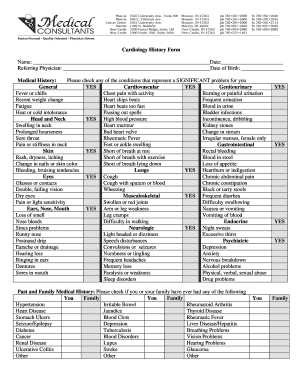
Cardiology form
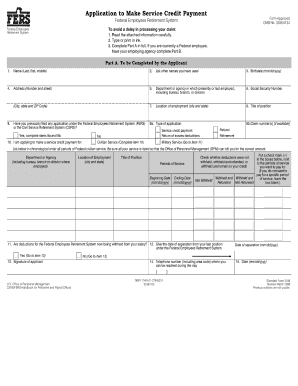
Sf3108a

Pge rebate form

Sba form 413 fillable

I appoint the Attorney-In-Fact above, to sign all papers and documents required to secure the title, and further grant
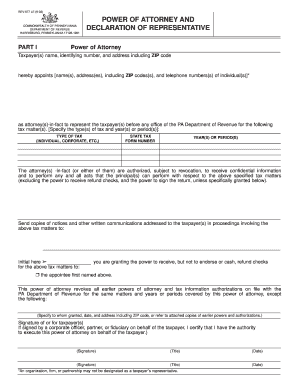
Rev 677 le form

Penn hills dye test form
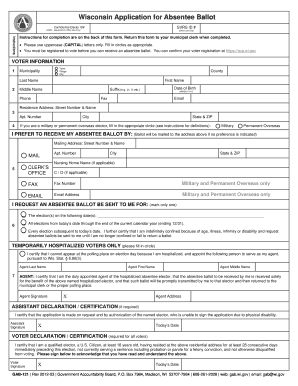
GAB-121 Application for Absentee Ballot (2012-03).pub - longdistancevoter

Healthcare4mi
Tf725
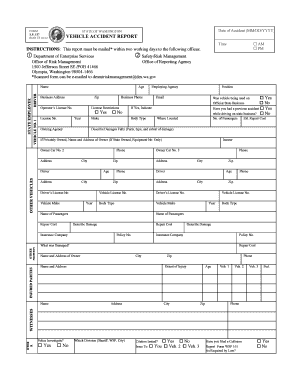
Washington state accident report pdf
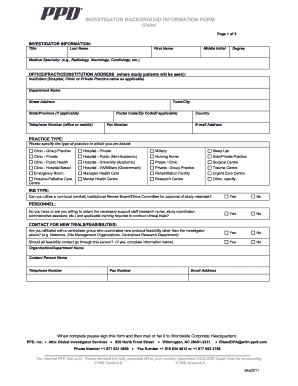
Ppd background information
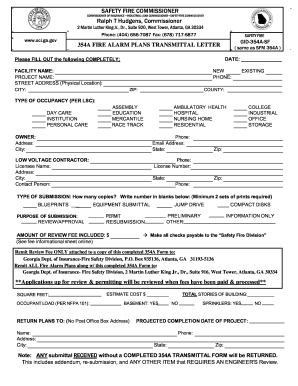
State of georgia form 354 h
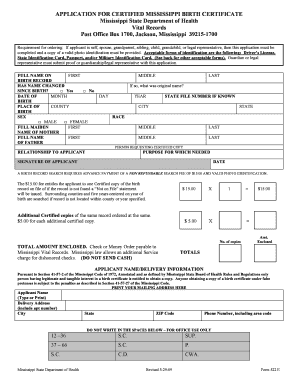
APPLICATION FOR CERTIFIED MISSISSIPPI BIRTH ... - Public Health - public health oregon

Phs 1662
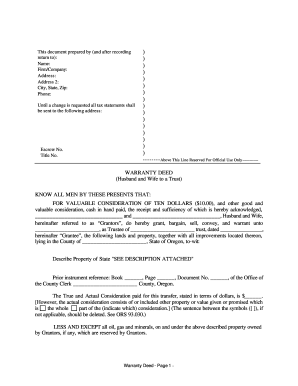
Statutory warranty deed oregon
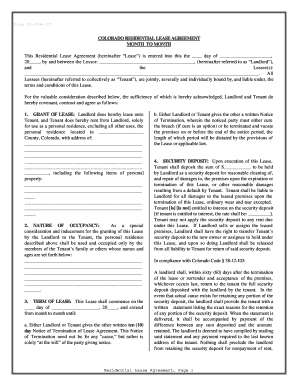
Colorado Residential Lease or Rental Agreement for Month to Month

Sample will for married couple with child
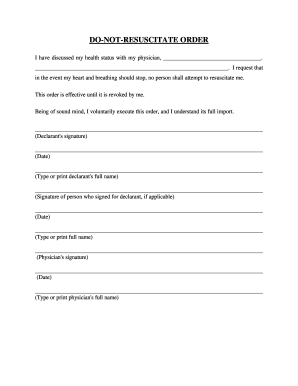
State of michigan dnr form

Printable last will and testament blank forms florida

Quit claim deed new mexico

Durable power of attorney form massachusetts
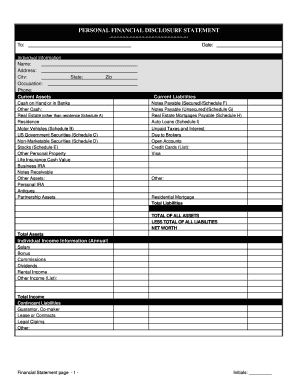
Kentucky Financial Statements only in Connection with Prenuptial Premarital Agreement
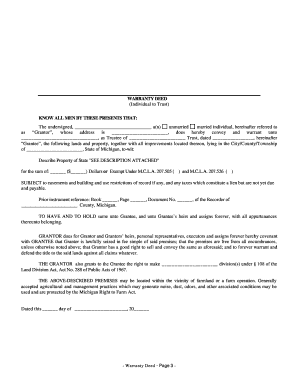
Warranty deed michigan pdf

Bill of sale kansas
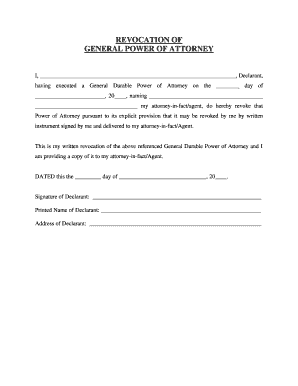
Revoke power of attorney form california
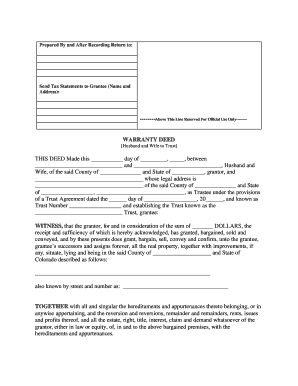
Colorado warranty husband edit
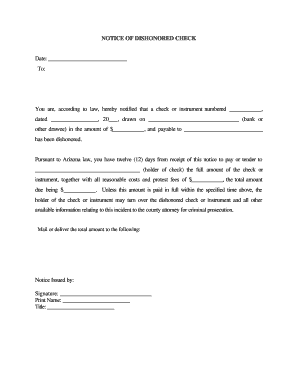
Service arizona sold notice
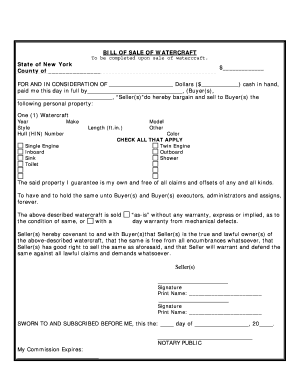
Boat bill of sale new york
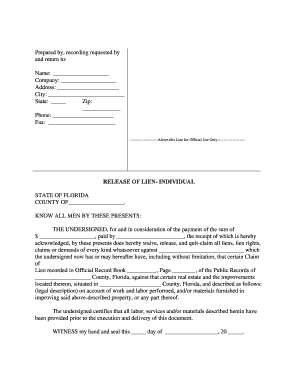
Florida release of lien form
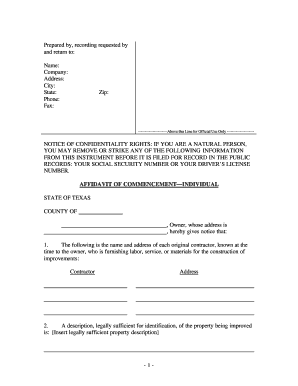
Affidavit of commencement
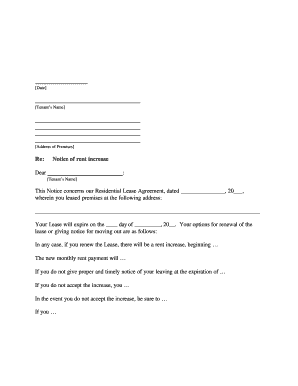
Rental increase form
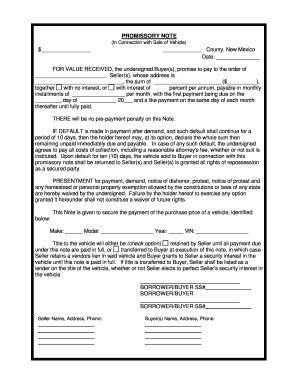
New Mexico Promissory Note in Connection with Sale of Vehicle or Automobile
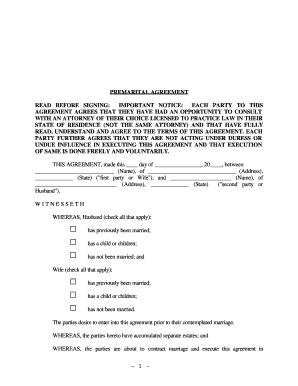
Prenup template
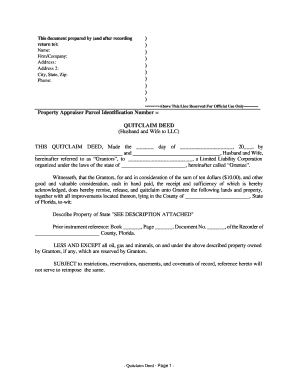
Florida quit claim deed
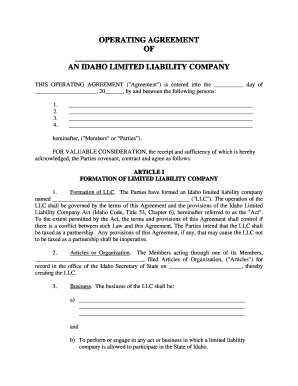
Idaho llc operating agreement form
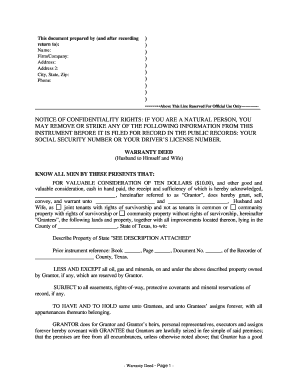
Warranty deed
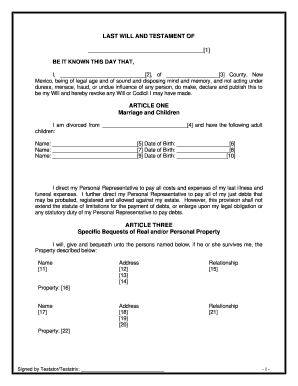
Will template new mexico
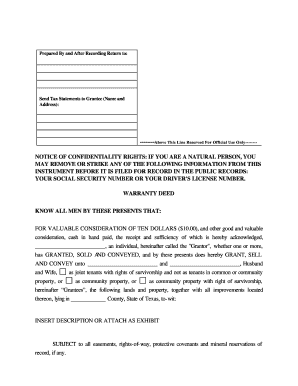
Texas special warranty deed form
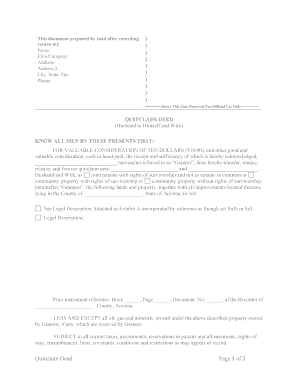
Arizona Quitclaim Deed from Husband to Himself and Wife

Limited poa for real estate

Llc operating agreement oregon
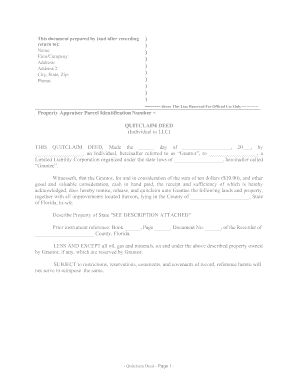
Quit claim deed to llc

Florida fiduciary deed
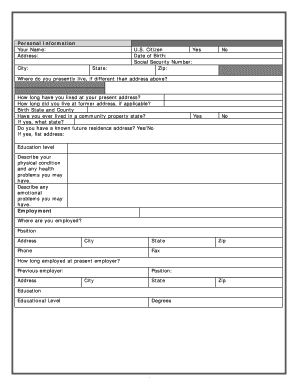
Printable divorce asset worksheet
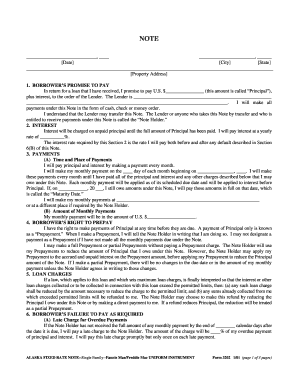
Alaska 3202
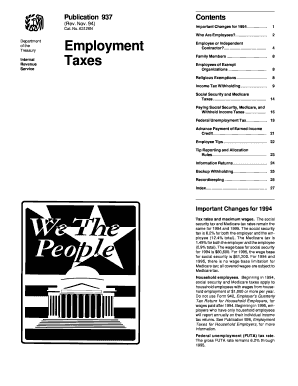
Publication 937
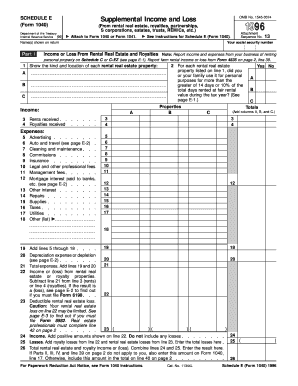
1996 Form 1040 (Schedule E). Supplemental Income and Loss
Irs publication 4143 form
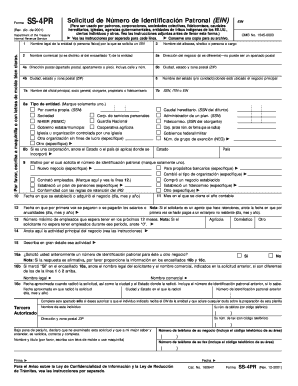
Srp form printable 2001
Benefit from the DocHub online library of fillable PDF forms
Searching the PDF forms doesn't have to be a tedious and time-consuming process. With the DocHub online library, it has become easier to find the fillable PDF forms and modify them in your browser. The service allows you to adjust the document to your needs using powerful editing tools.
You can use online document editing features to modify almost any type of document with ease. You just need to find the template of your choice, open it in the editor, and use the toolbar to make the necessary corrections.
Follow this guide to get your document done with DocHub:
- Find the PDF template you need.
- Click the Get Form button to open the file in the editor.
- Use the toolbar to fill out and edit the document.
- Easily add and highlight text, insert images, checkmarks, and symbols.
- Drop new fillable fields, and rearrange or delete pages from your file.
- Save changes and download your record.
DocHub empowers everyone to streamline document editing, signing, and distribution, and form completion. Create an account and benefit from our well-organized PDF Forms library and comprehensive editor.