Type text, add images, blackout confidential details, add comments, highlights and more.
02. Sign it in a few clicks
Draw your signature, type it, upload its image, or use your mobile device as a signature pad.
03. Share your form with others
Send it via email, link, or fax. You can also download it, export it or print it out.
How to use or fill out forms for cattle trucking business with our platform
Ease of Setup
DocHub User Ratings on G2
Ease of Use
DocHub User Ratings on G2
Click ‘Get Form’ to open the application in the editor.
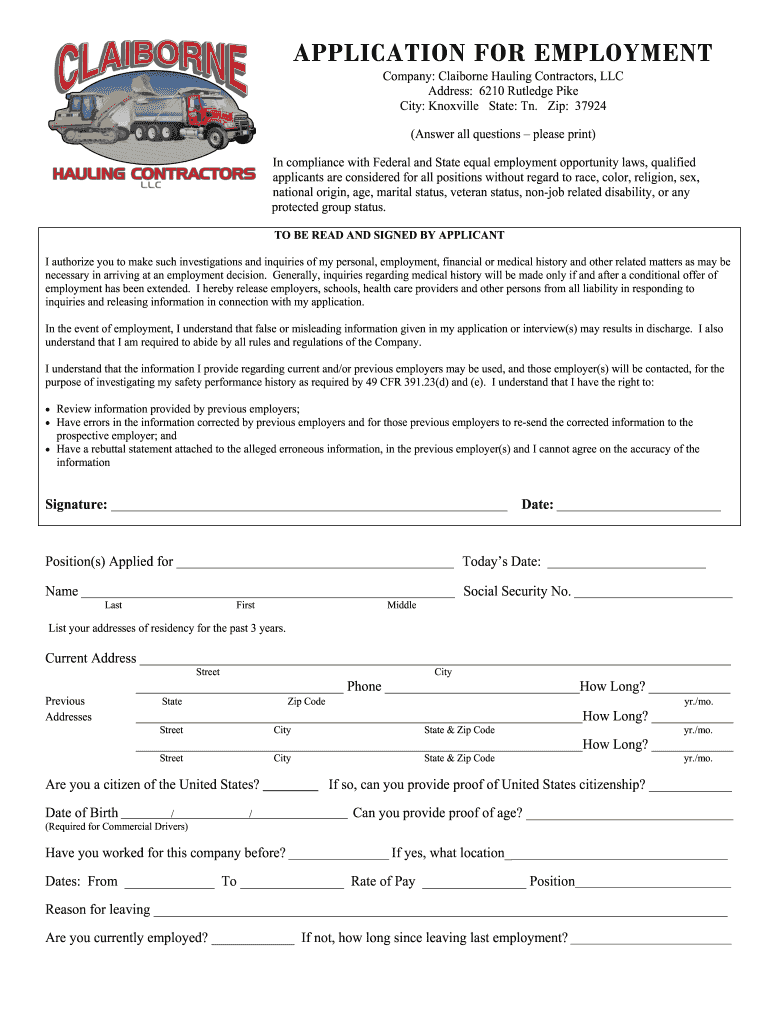
Begin by filling in your personal information, including your name, social security number, and current address. Ensure all details are accurate and printed clearly.
Complete the employment history section by listing your previous employers, positions held, and reasons for leaving. Be thorough as this information is crucial for your application.
In the accident record section, provide details of any accidents you've been involved in over the past three years. If none, simply write 'none'.
Review all sections carefully before signing at the bottom of the form. Your signature confirms that all information provided is true and complete.
Start using our platform today to streamline your form completion process for free!
Fill out forms for cattle trucking business online It's free
Printable forms for cattle trucking businessForms for cattle trucking business pdfFree forms for cattle trucking businessFree printable forms for cattle trucking businessLivestock Bill of LadingCustom trucking invoicesTrucking slipsTrucking tags
Security and compliance
At DocHub, your data security is our priority. We follow HIPAA, SOC2, GDPR, and other standards, so you can work on your documents with confidence.
Jan 31, 2012 Do not attach Form 3800, or television production commencing. Form 3468 for details on qualified. General Business Credit, to Form beforeRead more
Cookie consent notice
This site uses cookies to enhance site navigation and personalize your experience.
By using this site you agree to our use of cookies as described in our Privacy Notice.
You can modify your selections by visiting our Cookie and Advertising Notice.