
Get any PDF form from the DocHub library of ready-made templates - Page 2080
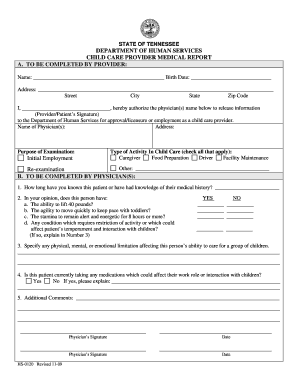
Child care medical form

Window Decal Order Form - WSBL1.doc. Scanned UK gliding magazines

Miranda warning form
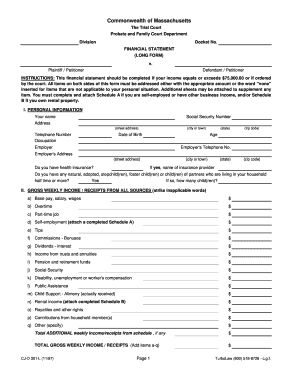
Rule 401 Long Form (PRINT VERSION - NO ZEROES).xls. Image

Area teleride paratransit application form
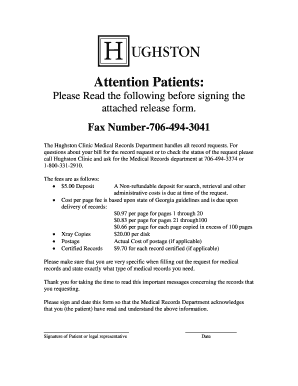
Hughston clinic medical records

Application for financial assistance pdf

Welder performance evaluation form
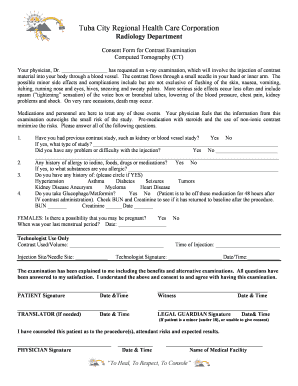
Brain ct scan report sample pdf

Form 4 death certificate download
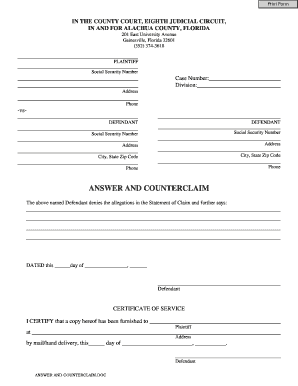
Alachua county answer counterclaim form
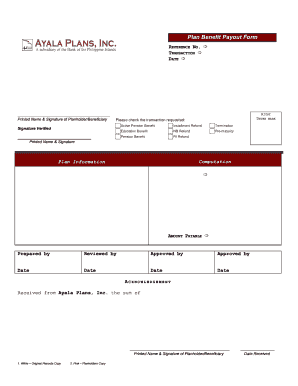
Ayala plan benefit form
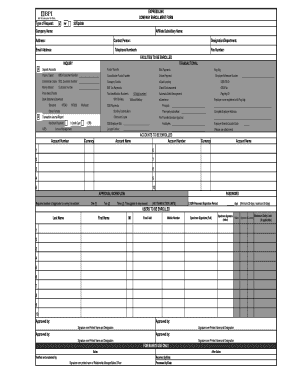
Pagibig
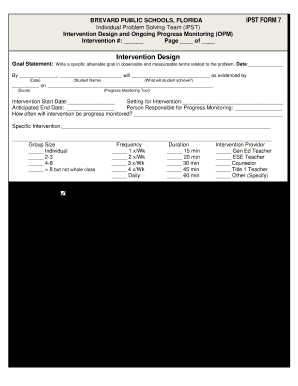
Provation anesthesia quality metrics form
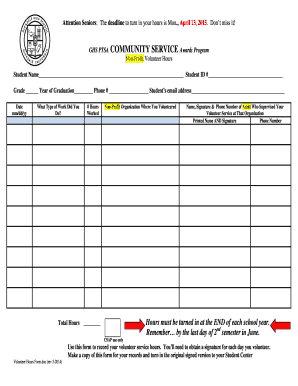
Goodwill community service
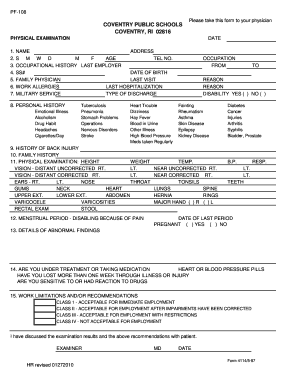
Health physical form for work
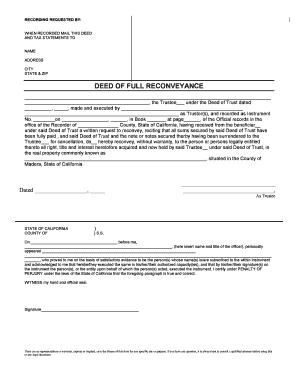
Deed of release and reconveyance arizona
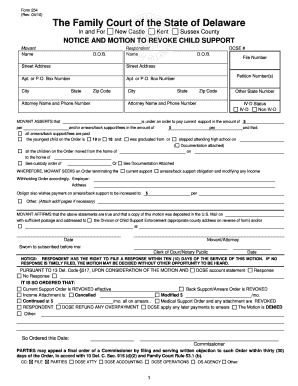
Delaware state family court forms

Earthquake drill template
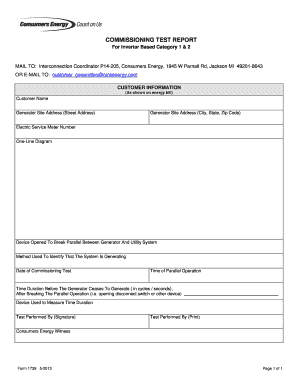
Form commissioning report
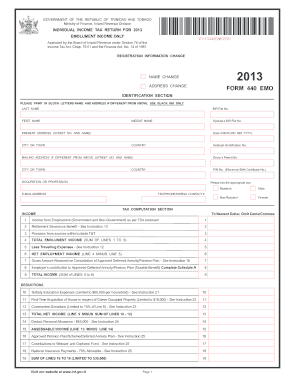
Form 440 emo
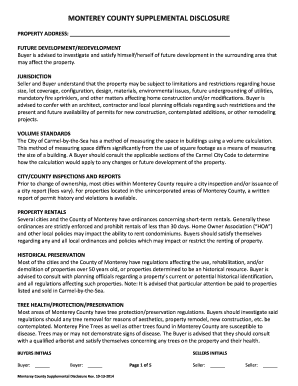
MONTEREY COUNTY SUPPLEMENTAL DISCLOSURE - MCAR Connect
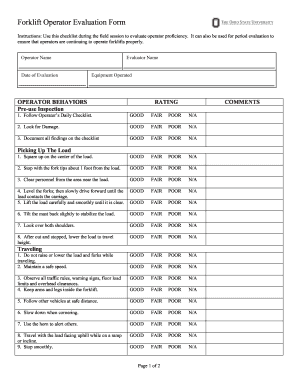
Excavator operator evaluation form

Surgical procedure note template
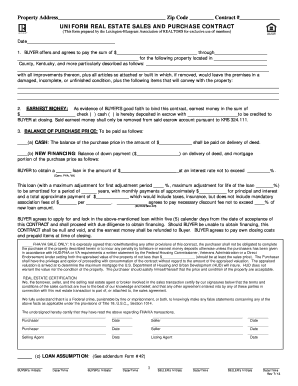
Kentucky real estate purchase contract form
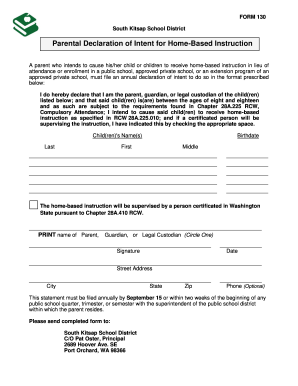
Tennessee notice of intent to homeschool

Cpd form report template
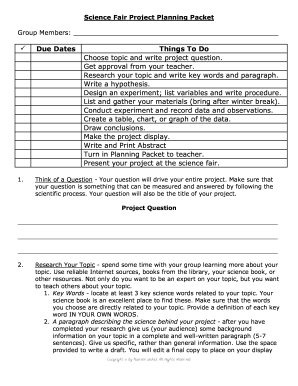
Science Fair Project Planning - Free Horizon Montessori

Hyatt credit card authorization form
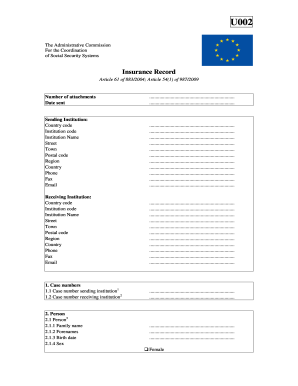
U002

Nrcc lts 01 e form 2019

Concussion form
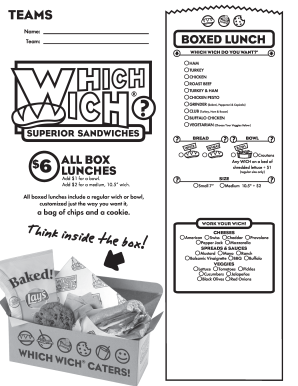
Which wich menu pdf
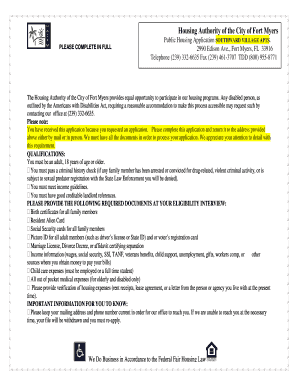
Southward village fort myers
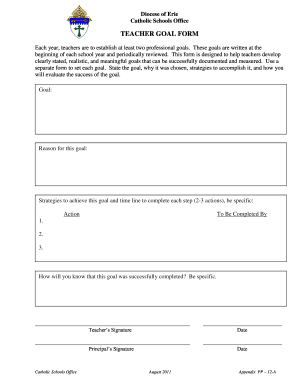
Teacher goal form sample
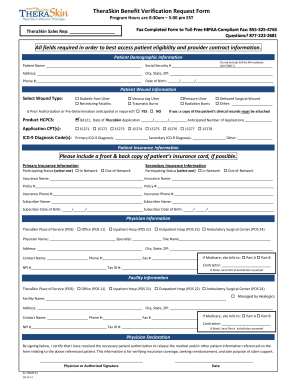
National insurance verification online

School counseling informed consent
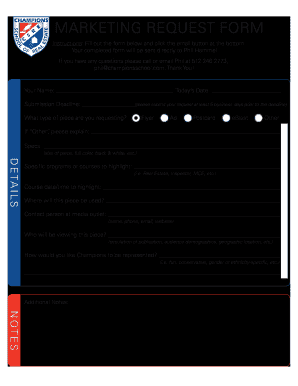
Marketing request form

Printable pre job briefing template
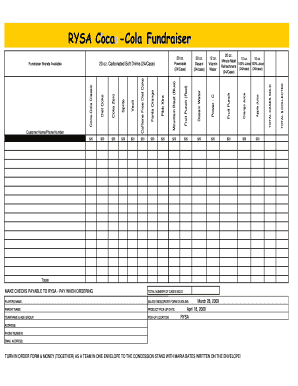
Coca cola fundraiser order form 2019
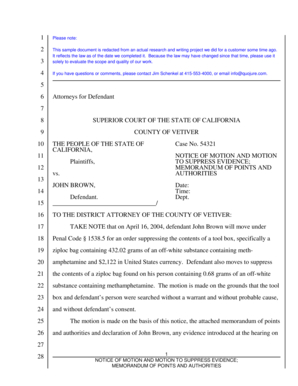
Motion to suppress example
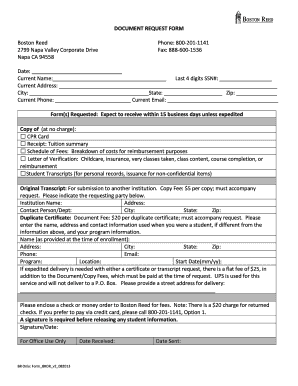
Boston reed college transcript request
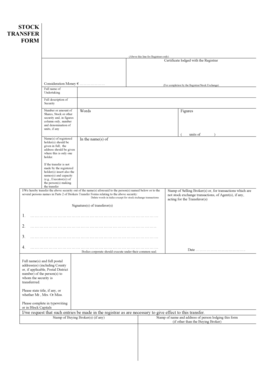
Stock transfer form fillable ireland

Skin form l8
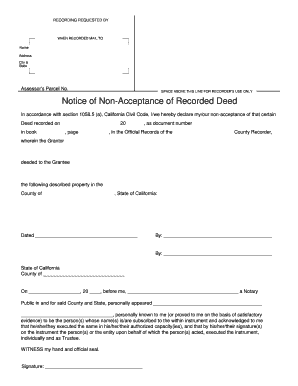
Notice of non acceptance
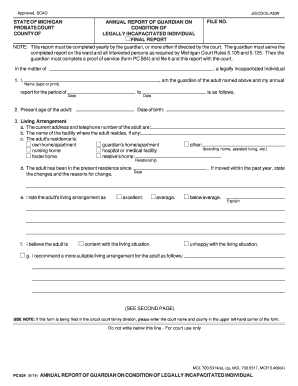
Guardian report annual 2014 form
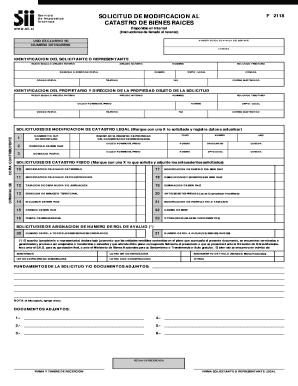
F2118
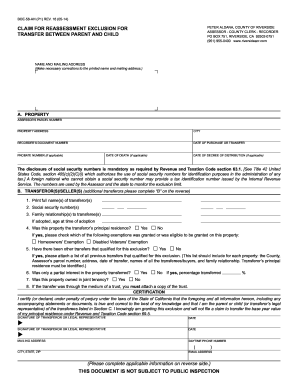
Boe 58 ah 2014 form
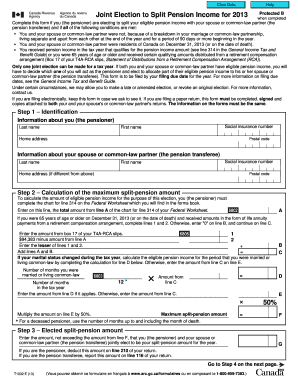
T1032
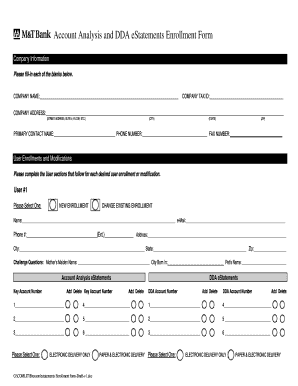
M t bank statement pdf
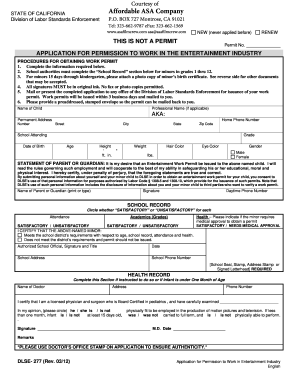
Permission work
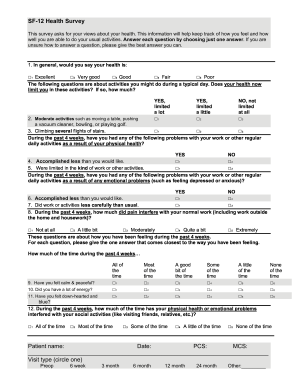
Sf 12

Terminating enrollment
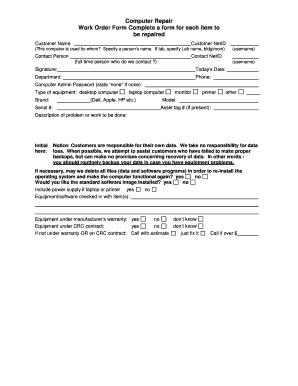
Computer repair intake form
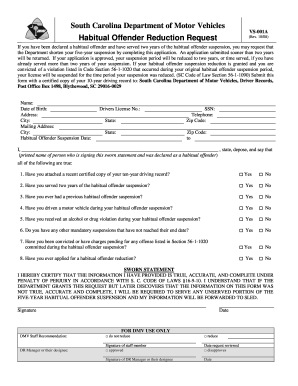
Habitual offender reduction request
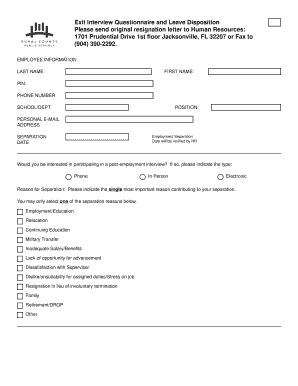
Duval county pubic school
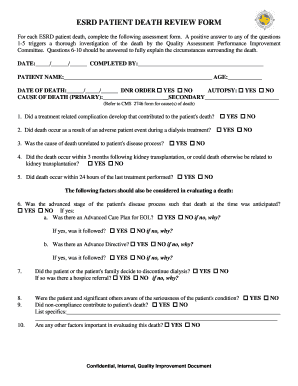
Esrd patient death review form
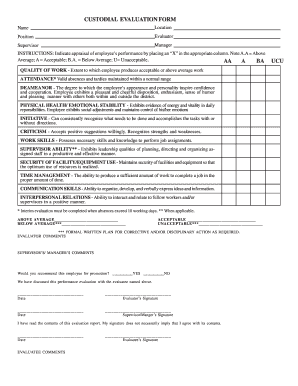
Custodian performance evaluation examples
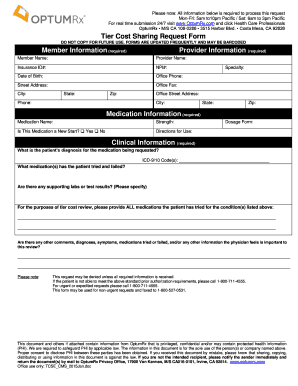
Optumrx tier exception form

Omega psi phi initiation
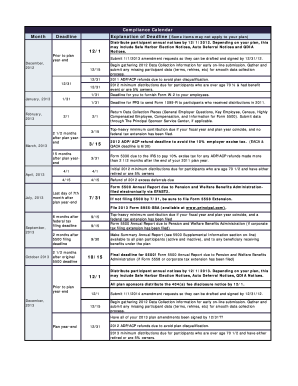
Compliance calendar template excel
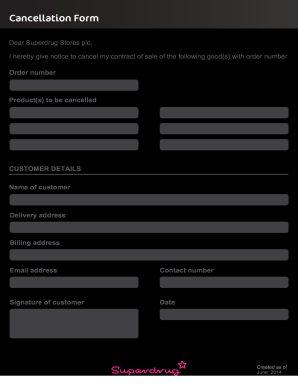
Cancel superdrug order
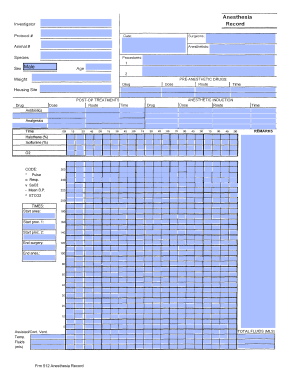
Anesthesia record template excel

Taft hartley theatrical
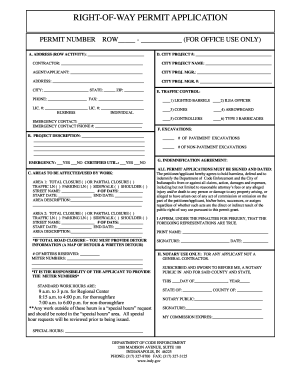
RIGHT-OF-WAY PERMIT APPLICATION - City of Indianapolis - indygov
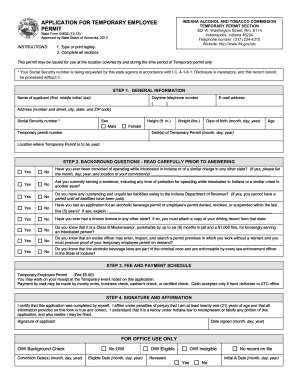
Temporary employee permit
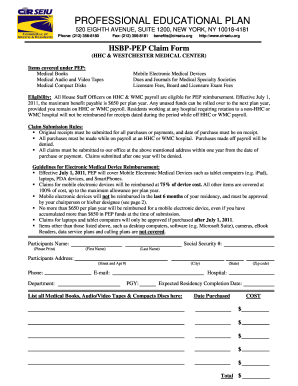
Cir form

Hennepin icmc sheet
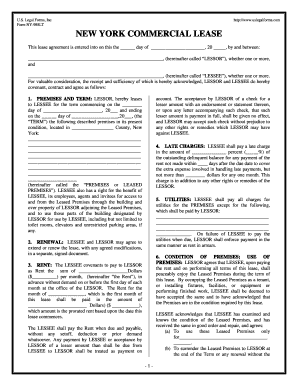
NEW YORK COMMERCIAL LEASE - s3amazonawscom

Ilg62

U.S. DOD Form dod-navmc-10064 - U.S. Federal Forms
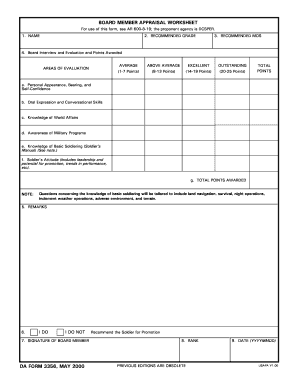
Da form 3356

Real estate offer summary sheet pdf
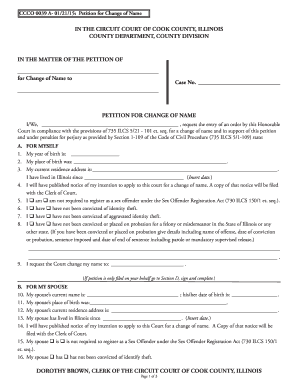
CCCO 0039 A- 012115 Petition for Change of Name

Fl 161

De1000m

Living arrangement form

Dss worksheet a
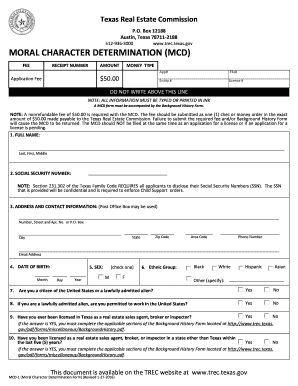
Texas mcd form

Nm 10861 form

Tx form 50 131

Bjc financial assistance
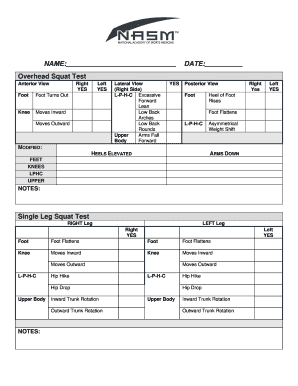
Cgfns international sweepstakes
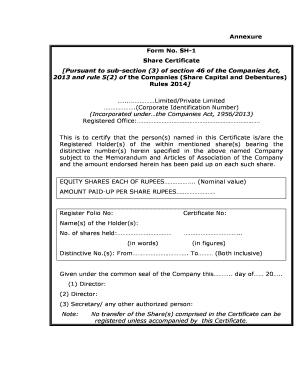
Share certificate format

Intended marriage form

Specimen of affidavit for passport for parent staying abroad form
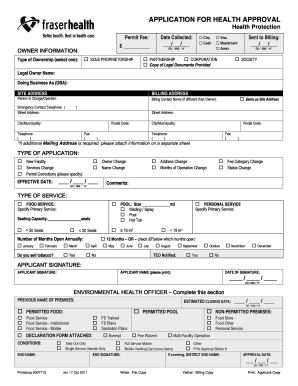
APPLICATION FOR HEALTH APPROVAL - Fraser Health Authority
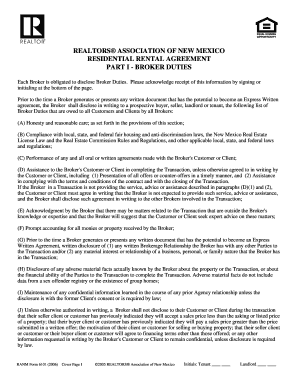
Realtors association of new mexico residential rental agreement 2020

Behavioral health consent to treat
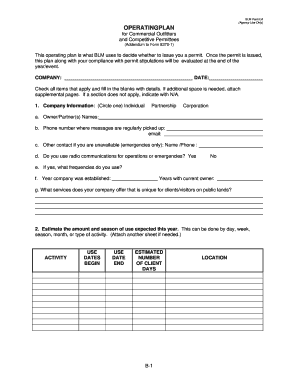
(Addendum to Form 8370-1) - BLM - The Bureau of Land Management - blm

Medical History Form - Lily Med Spa

Bicycle rental agreement and waiver template
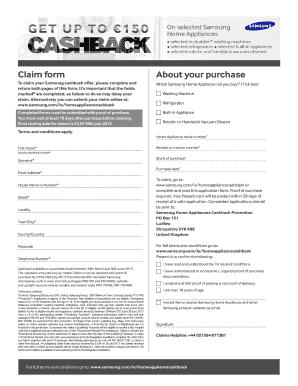
Efax sea samsung com

Form 700

Listing gas form online
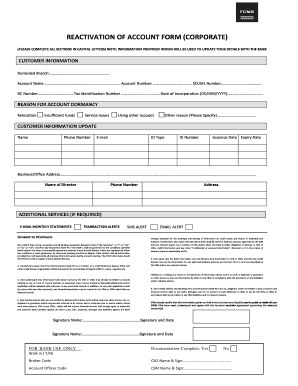
How to unblock my fcmb transfer code
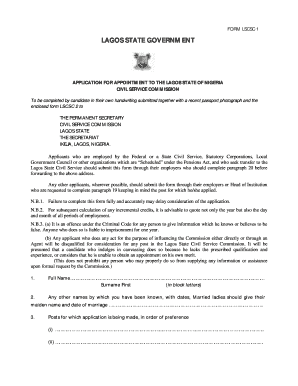
Lagos state civil service commission
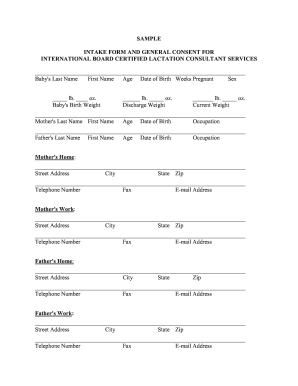
Lactation consultant assessment
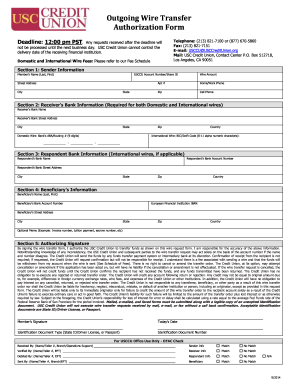
Usc credit union out going wire transfer authorization form
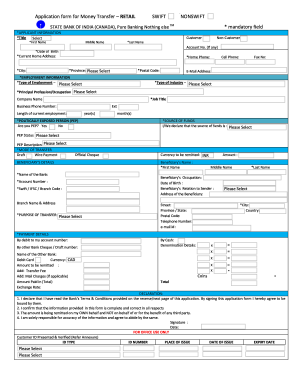
Swiftform
Benefit from the DocHub online library of fillable PDF forms
Searching the PDF forms doesn't have to be a tedious and time-consuming process. With the DocHub online library, it has become easier to find the fillable PDF forms and modify them in your browser. The service allows you to adjust the document to your needs using powerful editing tools.
You can use online document editing features to modify almost any type of document with ease. You just need to find the template of your choice, open it in the editor, and use the toolbar to make the necessary corrections.
Follow this guide to get your document done with DocHub:
- Find the PDF template you need.
- Click the Get Form button to open the file in the editor.
- Use the toolbar to fill out and edit the document.
- Easily add and highlight text, insert images, checkmarks, and symbols.
- Drop new fillable fields, and rearrange or delete pages from your file.
- Save changes and download your record.
DocHub empowers everyone to streamline document editing, signing, and distribution, and form completion. Create an account and benefit from our well-organized PDF Forms library and comprehensive editor.