
Get any PDF form from the DocHub library of ready-made templates - Page 2079
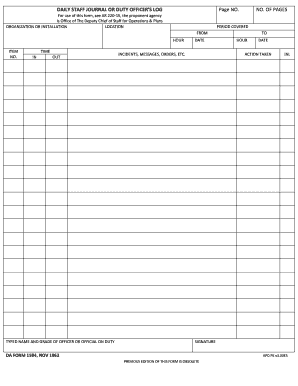
Da form 1594 dec 2019 pdf
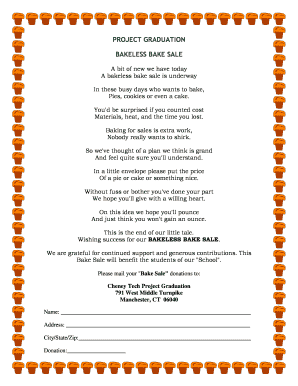
Bakeless bake sale poem
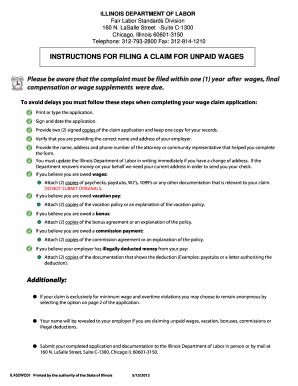
Illinois wage claim
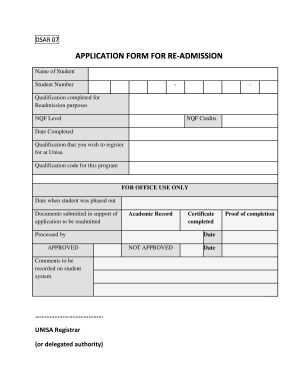
Nsfas appeal form 2022 pdf download unisa
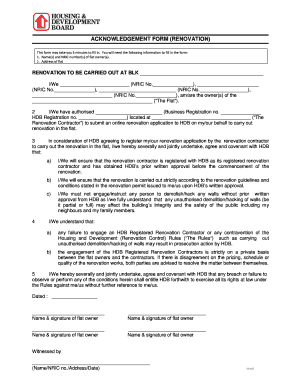
Hdb acknowledgement form

Tri star systems fsa claim form
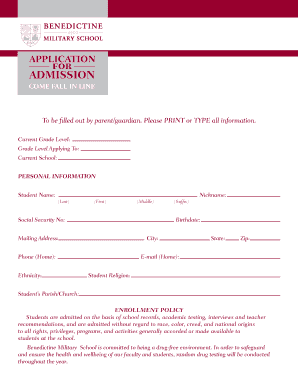
Military school application form 2022
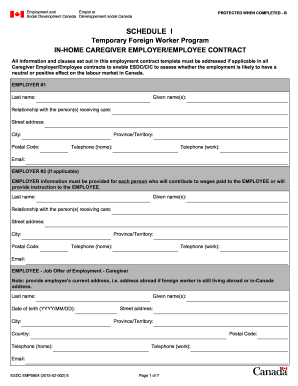
Lmia number format
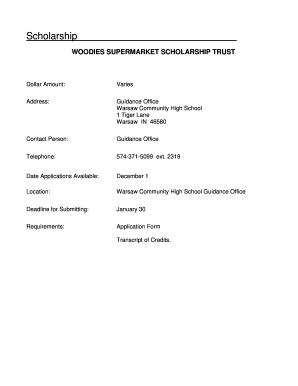
Woodies supermarket scholarship

Doctor registration number

Kaizer chiefs academy application forms 2022

Uk wolseley account
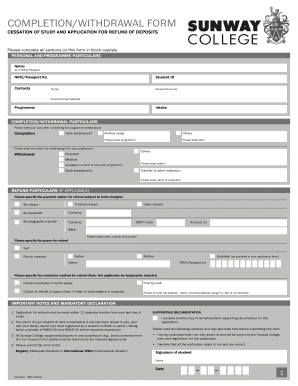
Sunway form

E stamp
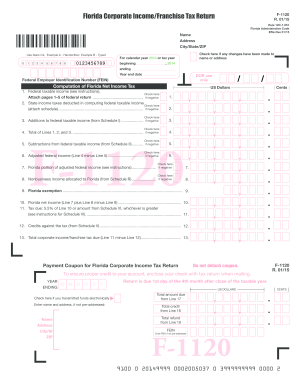
Computation of Florida Net Income Tax
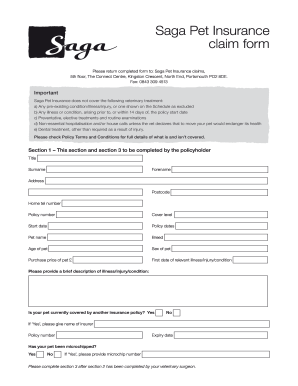
Saga pet insurance claim form
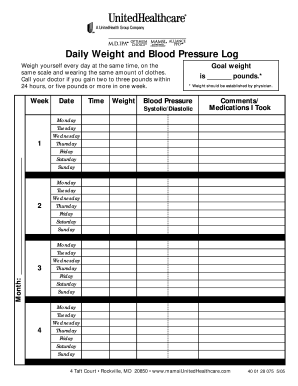
Weight blood pressure log

Cxheck edit
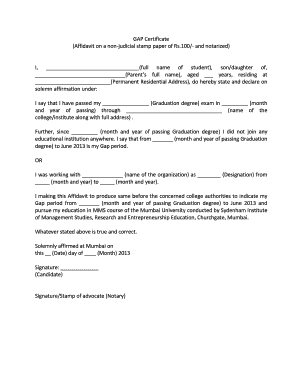
Gap certificate download

Resale certificate florida

Anatomic (Surgical) Pathology Test Requisition Form - Medical ...

Podiatory application form lpt

Sanmar jobs
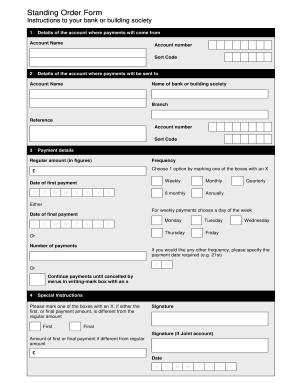
Standing Order Form. Basic Bank Accounts

Botswana health professions council
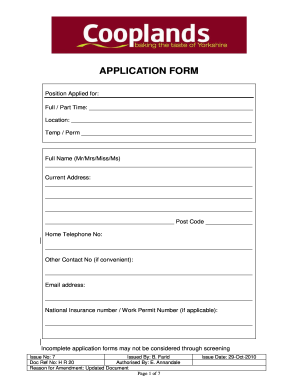
Cooplands application

Untitled - Form 504 Standard Condominium Purchase and Sale Agreement. 10-29-04 1
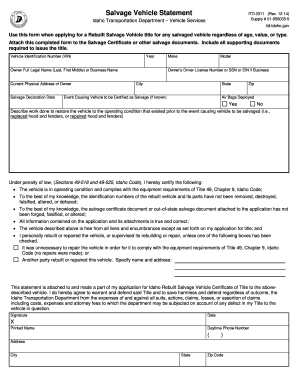
Idaho salvage statement
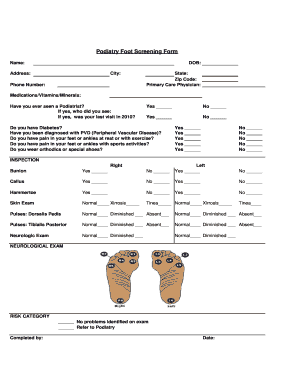
Foot screening form
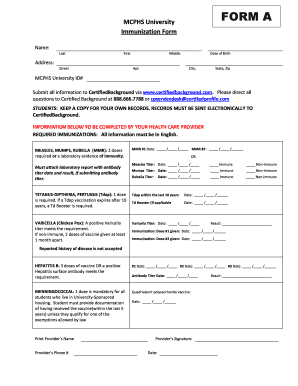
Mcphs immunization form

Open mind graphic organizer
Royal ambassador of nigeria

Particle board waiver for moving

Petty cash handover letter

4a 212 nmrra
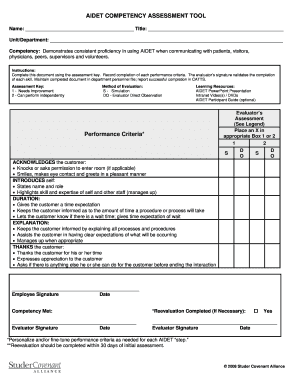
Aidet feedback forms
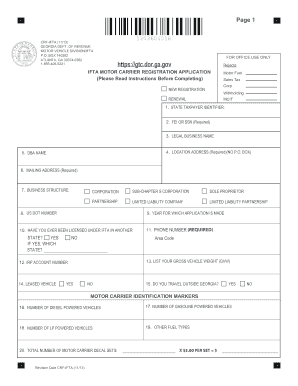
Ifta registration ga

Btranscript requestb - George bWashingtonb High School - GUAM USA
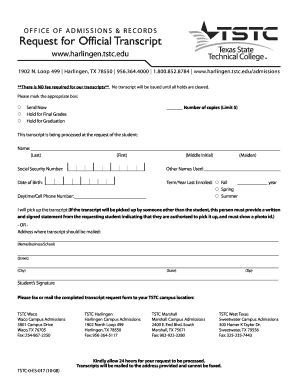
Tstc request transcript 2008 form

Brokers disbursement authorization sample
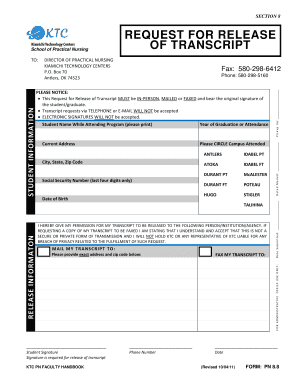
Request for release of transcript - Kiamichi Technology Center - ktc

Tvcc college request search
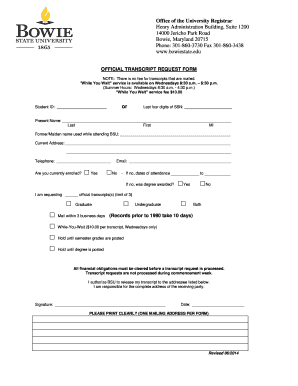
Bowie state university registrarDocHubcom 2014 form
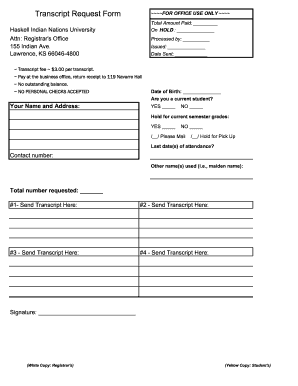
National university transcript request
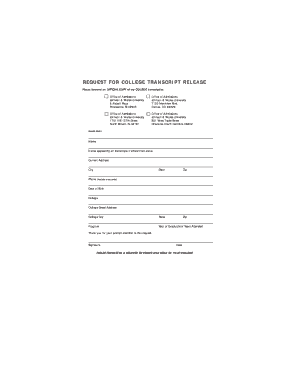
Johnson wales university request transcript
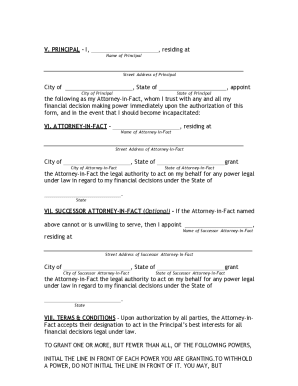
Utah durable form

Rev267
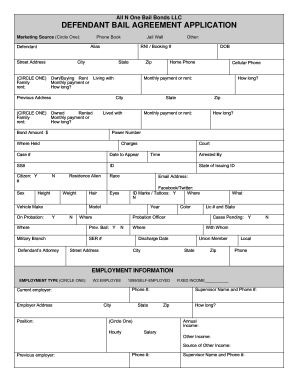
Bail bonds paperwork

Real estate deal sheet template

Client intake template form

Social work notes template
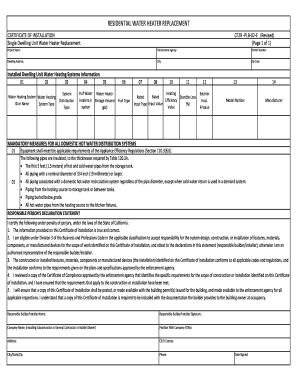
Cf2r plb 02 e form
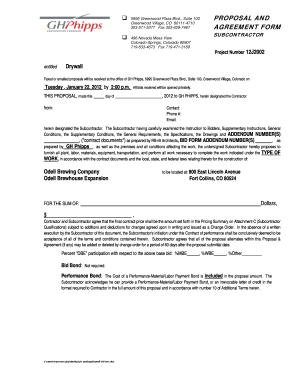
Drywall bid template
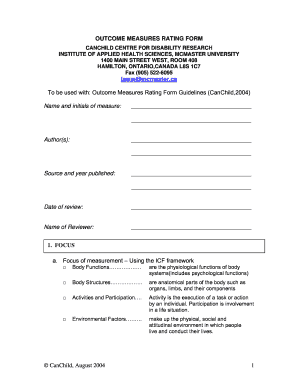
Outcome measures rating
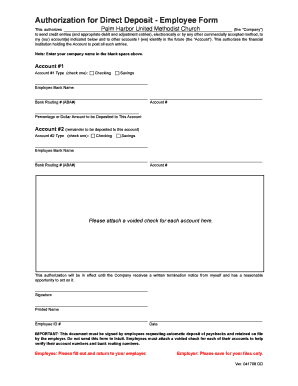
Simple employee direct deposit form

In medical certificate fitness pdf
Maof provider
Ca ala add court
Pse residential gas service application

Contracostahousing org submit applicantion
Mobile alabama notary application

Guam application medical
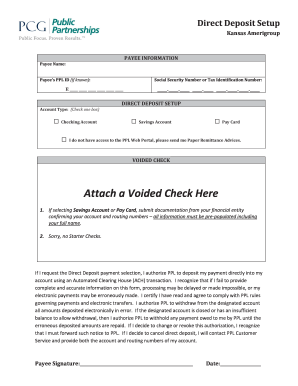
Public partnerships direct deposit
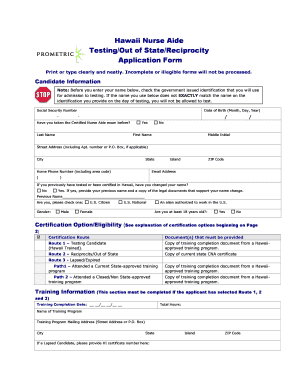
Hawaii cna reciprocity

St. Clair County - NEW Notary Application & Order Form - Alabama ...
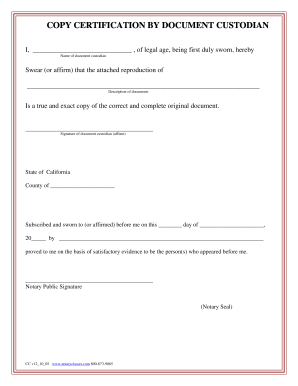
California copy certification document custodian form
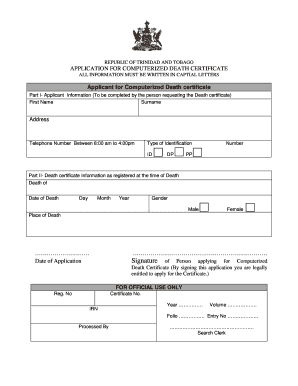
Online death certificate trinidad
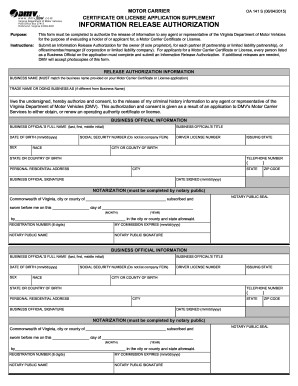
Form oa 141
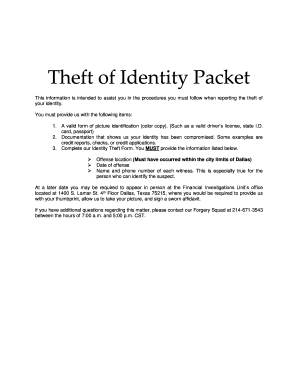
Forgery dpd dallascityhall

Ontario basketball injury
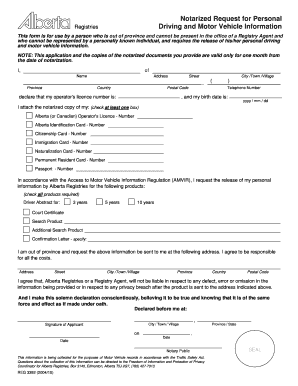
Notarized request for personal driving and motor vehicle information
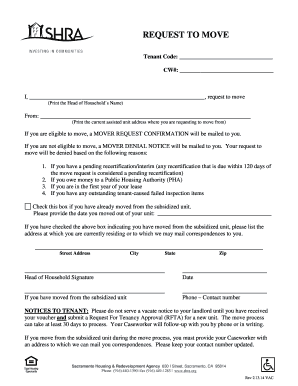
Shra forms
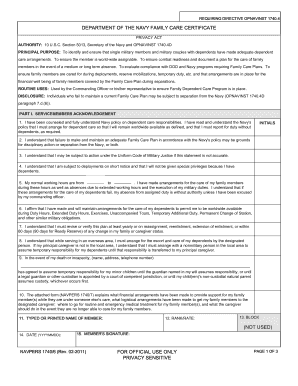
Navpers 1740 6 rev 2 2022
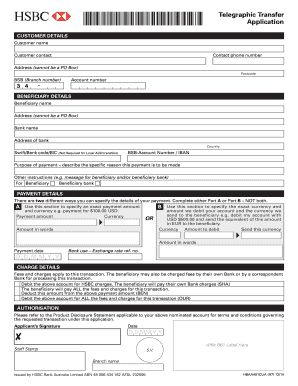
Telegraphic transfer receipt

Af form 2665

Count Sheet Tithes and Offerings - idcag
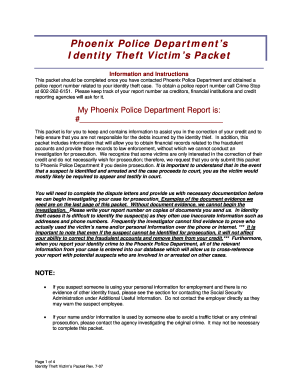
Phoenix police identity theft report

Transport canada aeronautical assessment form

Contract real estate farm
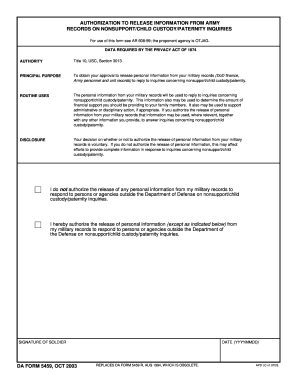
Form information army

Move in condition checklist
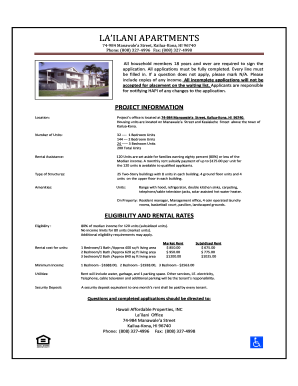
Lailani apartments

2003 - 568-K. Tax Form - ftb ca

Work permit california

Superior riverside fl
Delta dental claim

Community ties of america
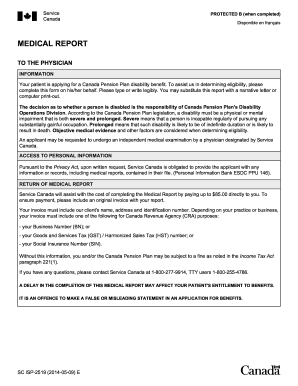
Imm1017e form pdf 2014
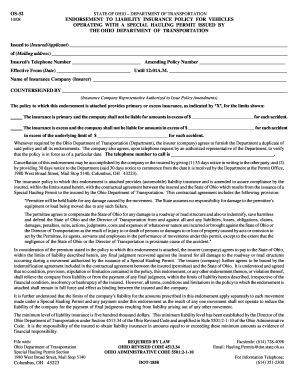
Ohio form os 32

Sample Adoption Contract Image - texalmal
Delta community credit union dispute
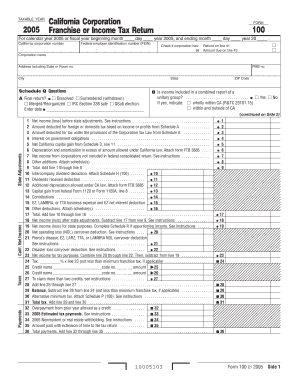
Form 100
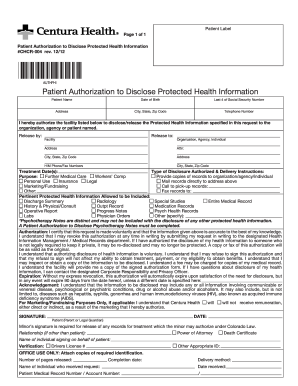
Health patient authorization form

Form LIC 624B Unusual Incident/Injury Report For Family Child ...
Sav rx prior authorization form
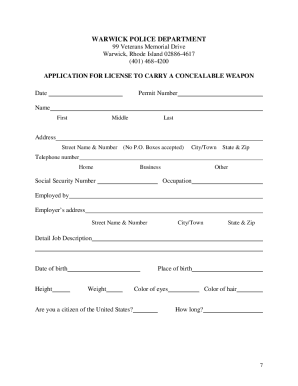
Rhode island pistol permit application
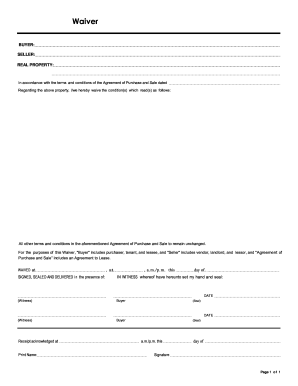
Orea rental application 2022 pdf

Da 5123

Pd quix application
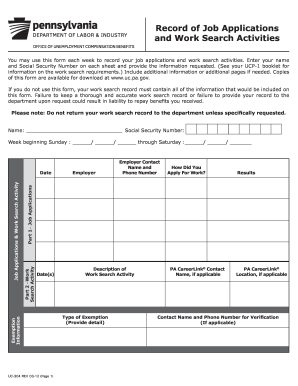
Record of Job Applications
Benefit from the DocHub online library of fillable PDF forms
Searching the PDF forms doesn't have to be a tedious and time-consuming process. With the DocHub online library, it has become easier to find the fillable PDF forms and modify them in your browser. The service allows you to adjust the document to your needs using powerful editing tools.
You can use online document editing features to modify almost any type of document with ease. You just need to find the template of your choice, open it in the editor, and use the toolbar to make the necessary corrections.
Follow this guide to get your document done with DocHub:
- Find the PDF template you need.
- Click the Get Form button to open the file in the editor.
- Use the toolbar to fill out and edit the document.
- Easily add and highlight text, insert images, checkmarks, and symbols.
- Drop new fillable fields, and rearrange or delete pages from your file.
- Save changes and download your record.
DocHub empowers everyone to streamline document editing, signing, and distribution, and form completion. Create an account and benefit from our well-organized PDF Forms library and comprehensive editor.