
Get any PDF form from the DocHub library of ready-made templates - Page 2051
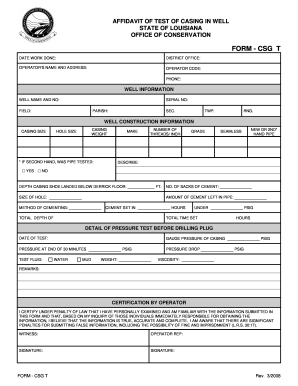
La dnr t
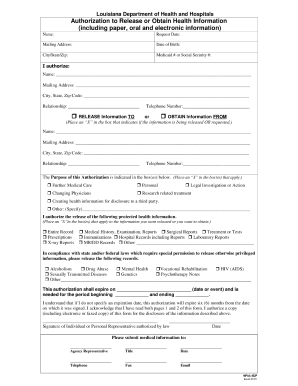
Louisiana department of health and hospitals authorization to release or obtain health information 2010

Louisiana withholding form
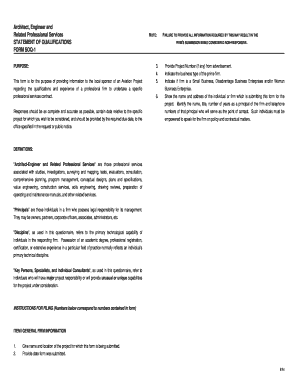
Snap simplified reporting form
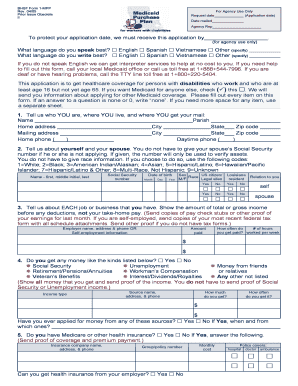
Louisiana medicaid application pdf
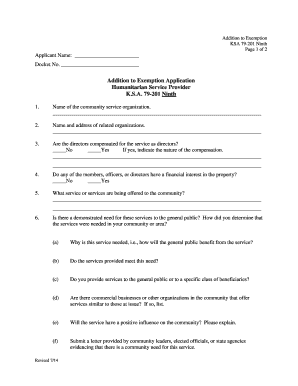
79 201 ninth

Iowa cna registry
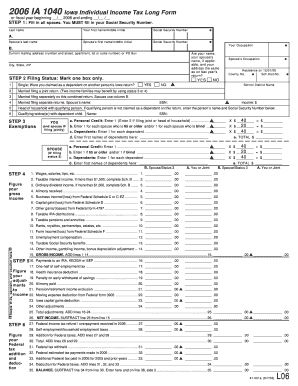
Iowa tax forms 2006
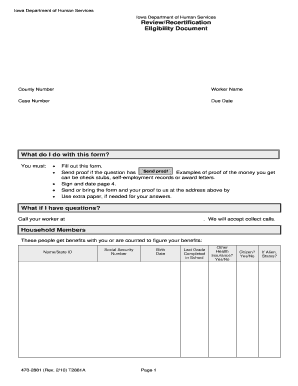
Recertification papers for department of human services iowa 2010 form
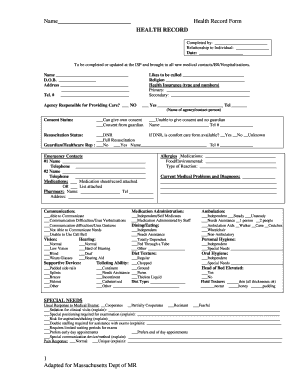
Health Record Form - IN.gov - in
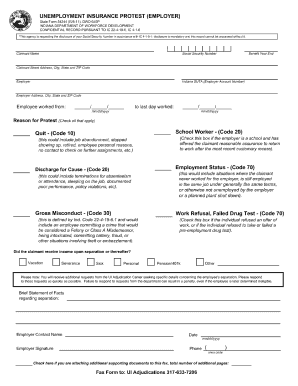
Luimuyule54244jpg 2011 form
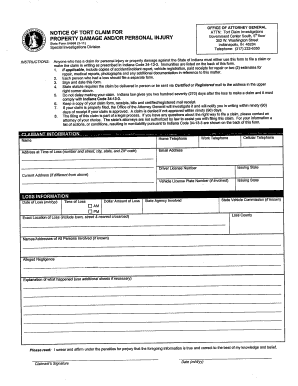
Tort claim
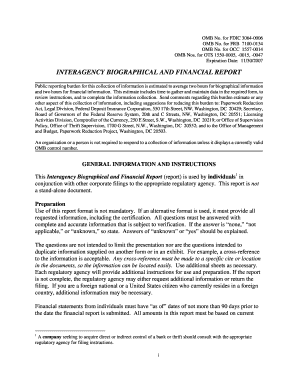
Interagency biographical and financial report 2007 form
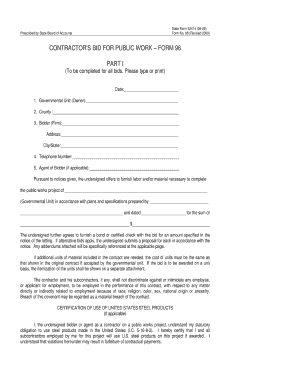
State form 96 indiana 2009
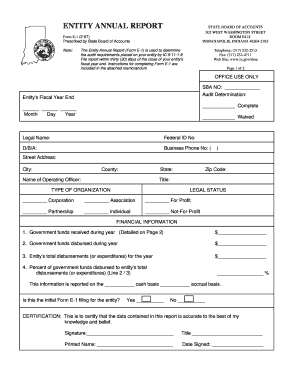
Form e 1
7530 illinois fillable download

Il 4506
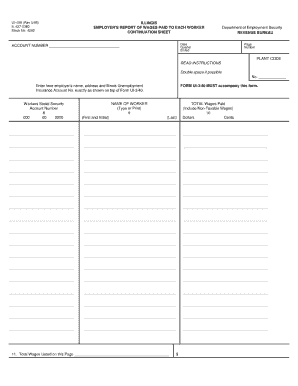
Ui340
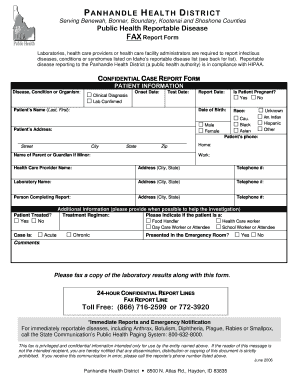
Idaho reportable form
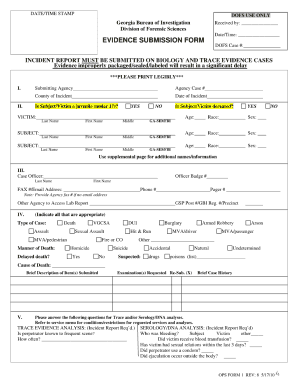
Gbi submission form

Dc master supplier form
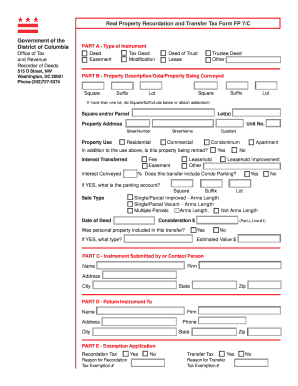
Dc government real property recordation and transfer tax form fp 7c
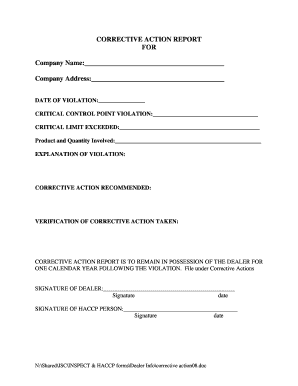
Corrective action report pdf
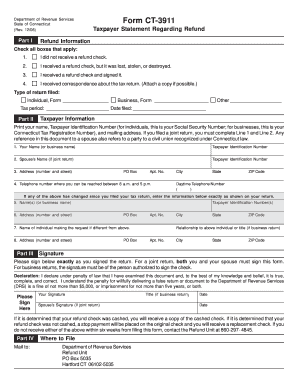
Ct3911 2006 form
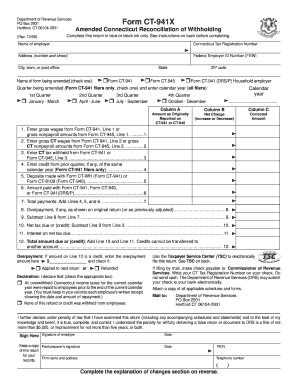
Ct 941x 2009 form

1049 form

State of ct qmb application 2010 form
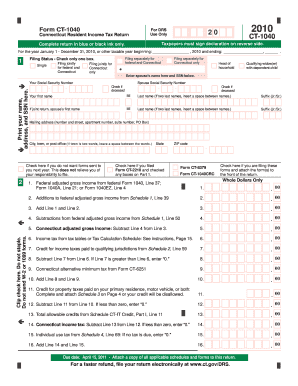
Ct 1040 form 2010
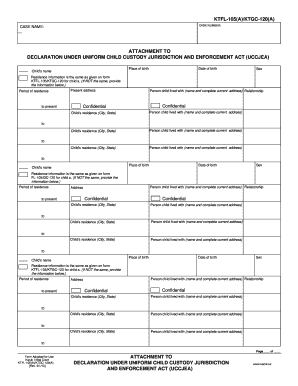
Uccjea
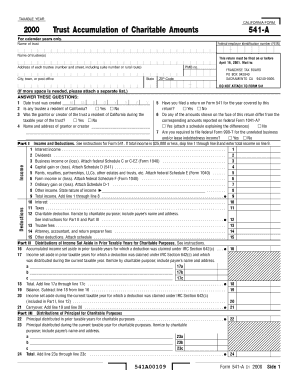
Ftb 1131
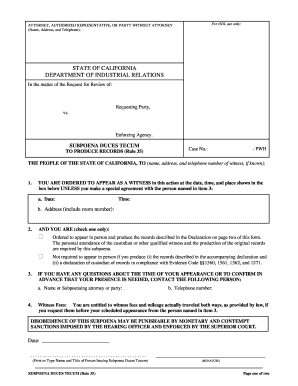
Subpoena duces tecum
Fl 105 instructions
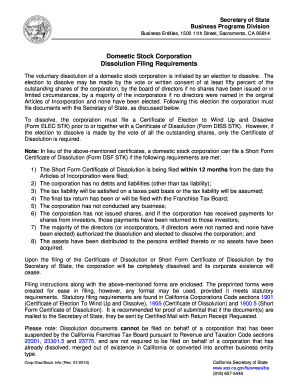
California dissolution fillable online form corporations
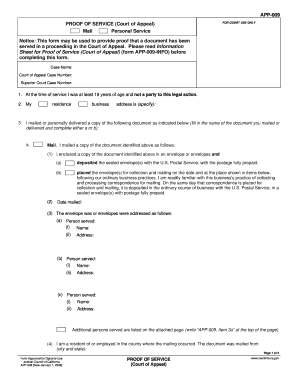
Court proof service form
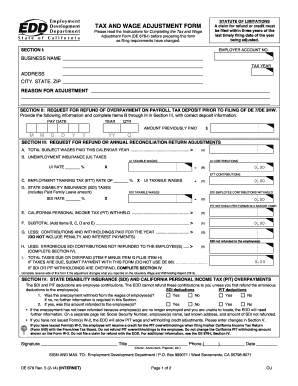
Wage adjustment form
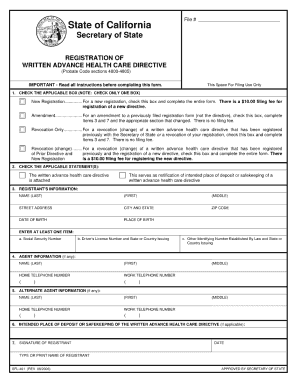
Ca sfl 461 form
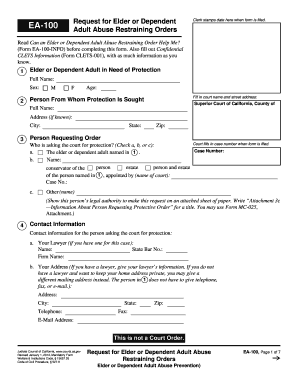
California state forms ea 100 2014
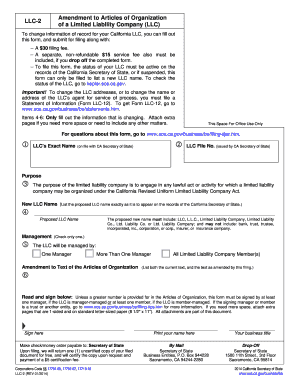
Llc 2
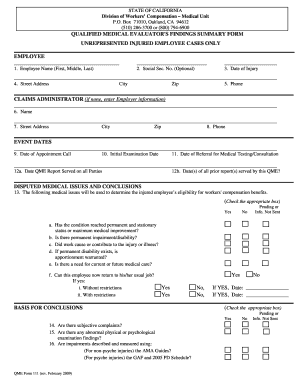
Qme111 form
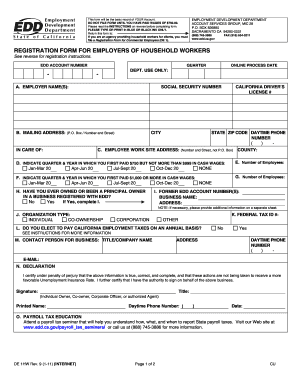
De 4365 pua form pdf

Bcdc regionwide permit form
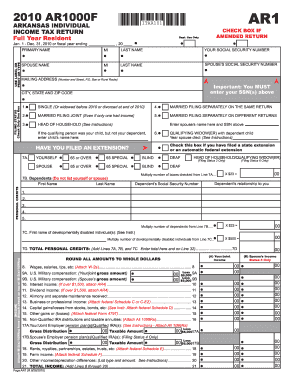
Arkansas state income tax forms 2010
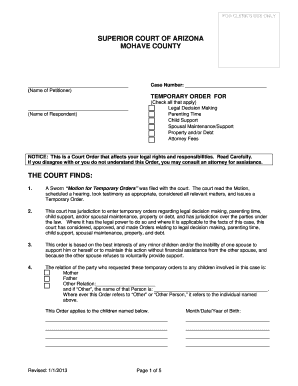
Mohave county superior court forms

Kingman cerbat justice court payments

Civil standby arizona
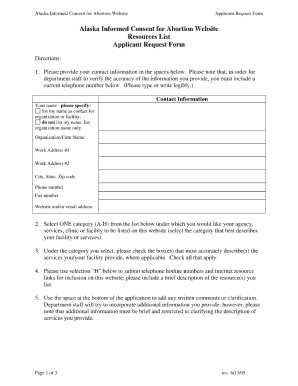
Alaska informed consent abortion hss
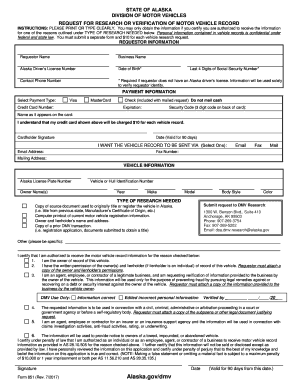
Fillable alaska for 851
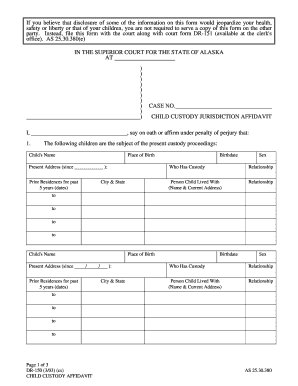
Child custody affidavit
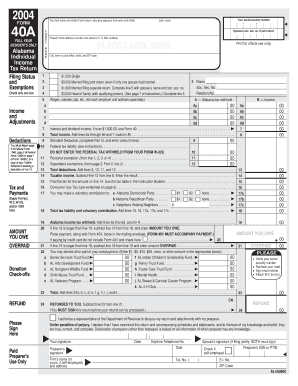
Printable alabama tax forms

Adem form 279
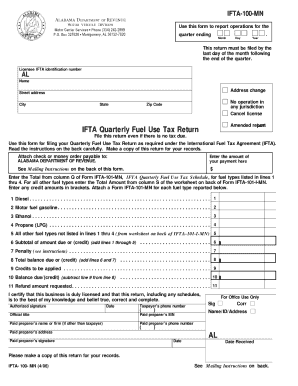
Alabama department of revenue international registration plan 2006 form

Alabama form uc cr4 pdf
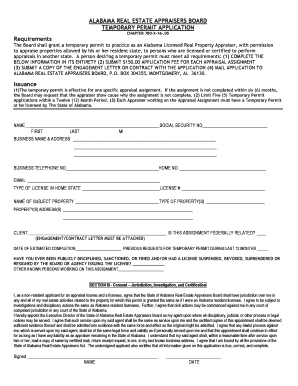
Temporary Permit Application - The Alabama Real Estate ... - reab alabama
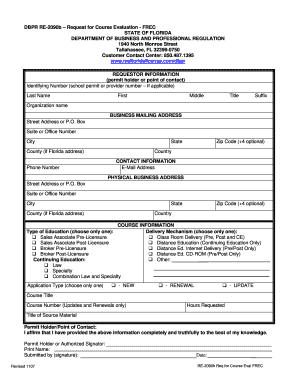
Dbpr request

Oklahoma tax exempt form pdf

New york state department of taxation and financedivision of the treasury 2011 form

Doh 4382 form

Nevada division of welfare and supportive services las vegas nv 2008 form
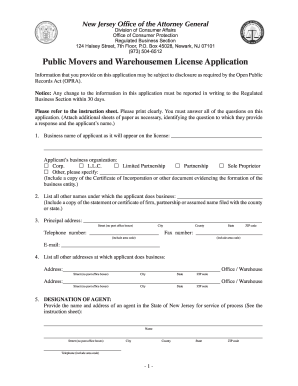
Nj public movers license application

3 202 form
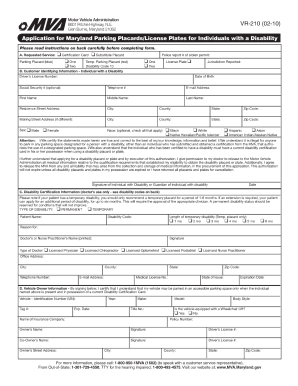
Vr210 2010 form
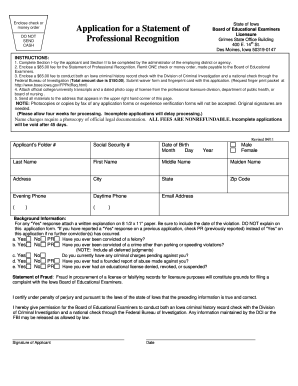
Statement of professional recognition iowa

Renewal judgment 2002 form
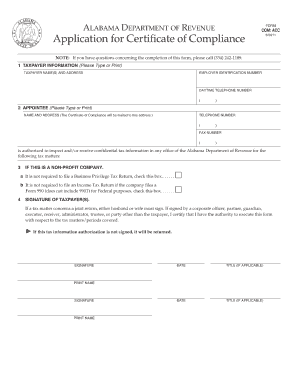
Certificate of compliance alabama
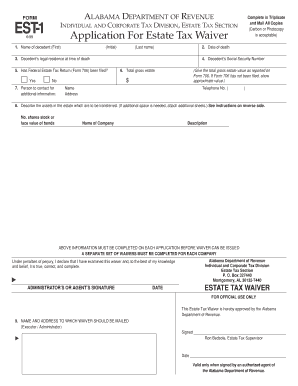
Alabama inheritance tax waiver form
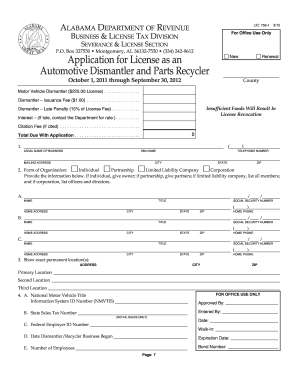
Automotive dismantler
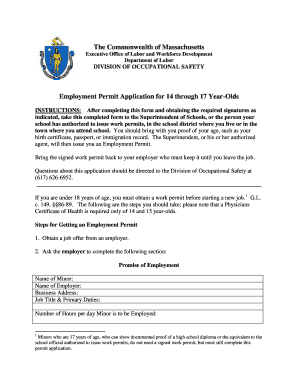
Work permit massachusetts pdf
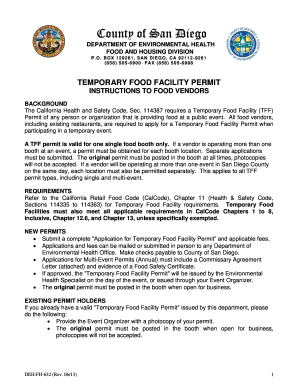
Food facility permit
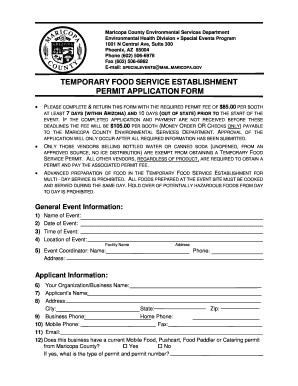
Arizona food service permit
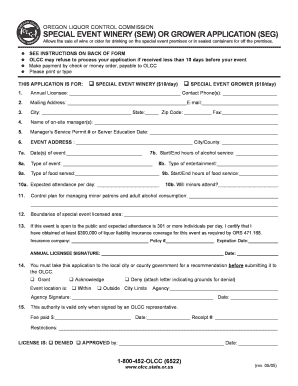
Olcc sew
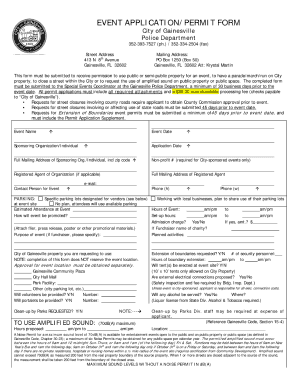
How to get a noise permit
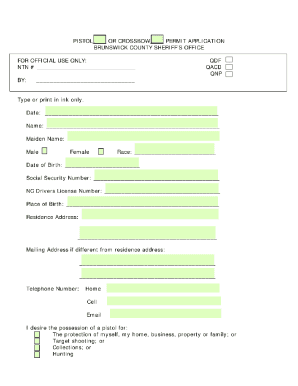
Concealed carry permit brunswick county nc
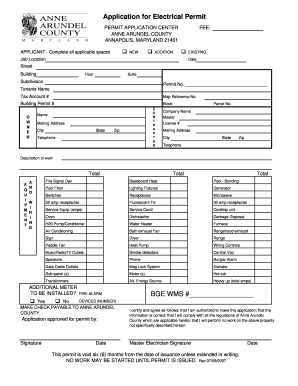
Arundel electrical permit
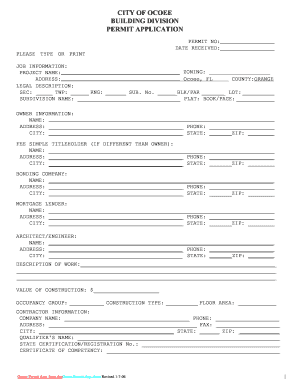
Florida contract permit
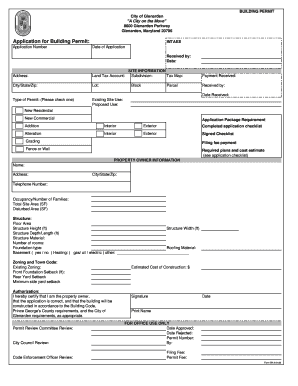
City of glenarden
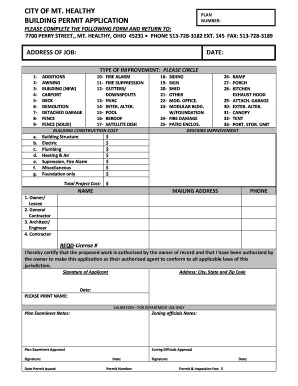
Building permit mt healthy
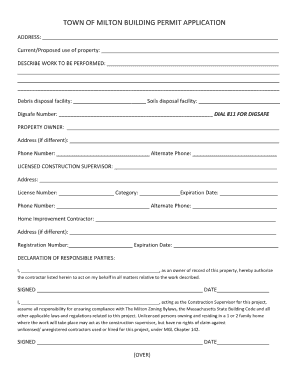
Town of milton building department
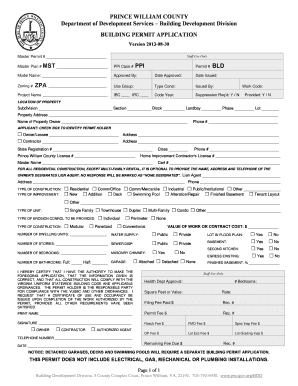
Prince william county building permit application
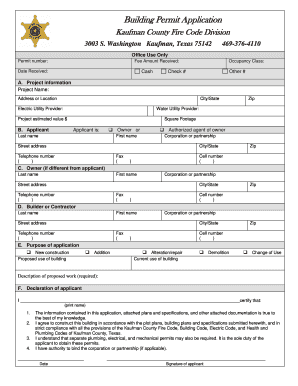
City of kaufman permits
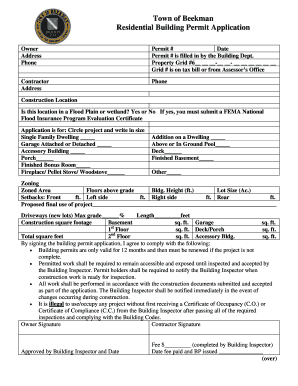
Town of beekman building department
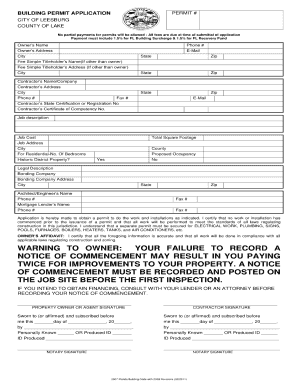
City of leesburg building department
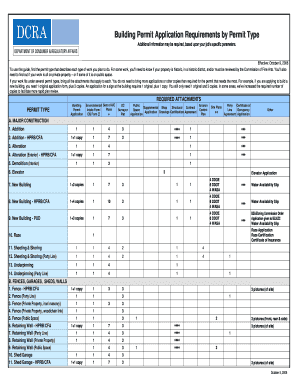
Dcra building permit
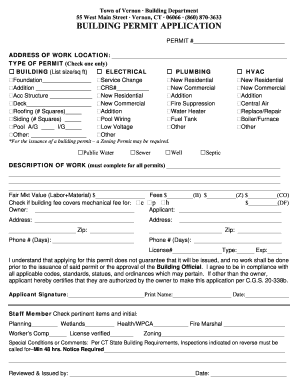
Town of vernon building department
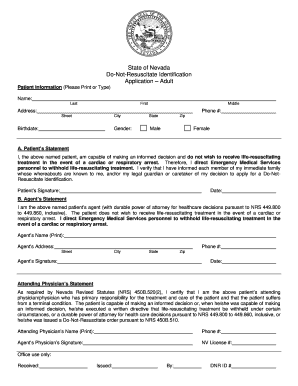
Do not resuscitate form nevada
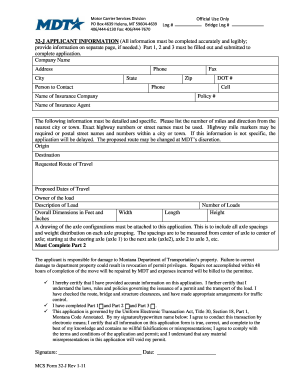
Montana 32j application

APPLICATION FOR LIQUID INDUSTRIAL WASTE TRANSPORTATION - michigan

Mechanic trainee permit michigan
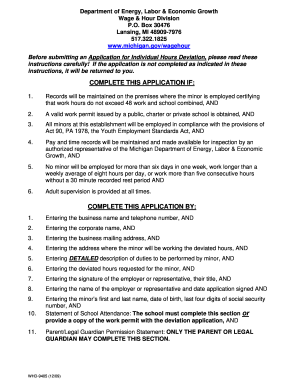
Whd 9405

Mde 240

Form vr 335

Vr 009
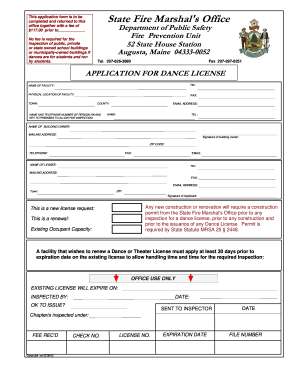
Dance license
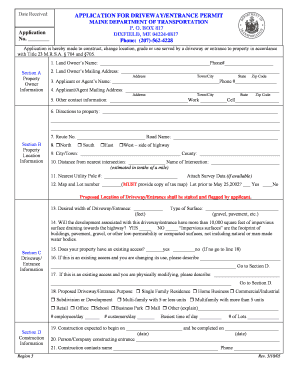
Maine dot driveway permit

Wage verification form dcfs
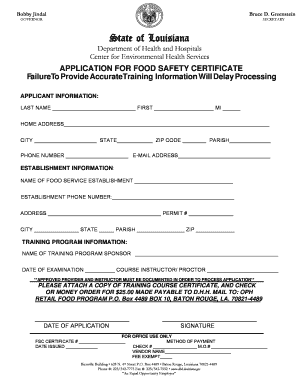
Certification for food safety
Louisiana commercial contractors uniform financial statement 2006
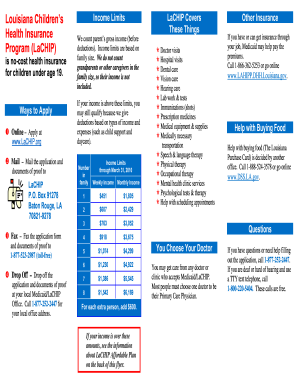
Louisiana lachip application
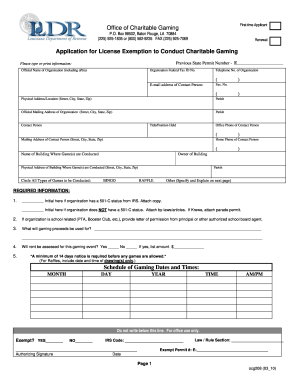
Application for license exemption to conduct charitable gaming
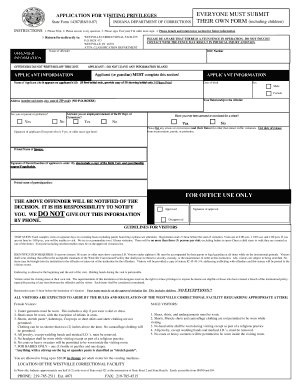
Indiana state form 14387
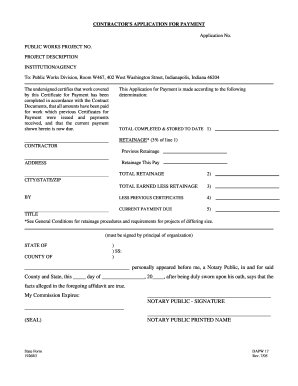
CONTRACTOR S APPLICATION FOR PAYMENT - in
Benefit from the DocHub online library of fillable PDF forms
Searching the PDF forms doesn't have to be a tedious and time-consuming process. With the DocHub online library, it has become easier to find the fillable PDF forms and modify them in your browser. The service allows you to adjust the document to your needs using powerful editing tools.
You can use online document editing features to modify almost any type of document with ease. You just need to find the template of your choice, open it in the editor, and use the toolbar to make the necessary corrections.
Follow this guide to get your document done with DocHub:
- Find the PDF template you need.
- Click the Get Form button to open the file in the editor.
- Use the toolbar to fill out and edit the document.
- Easily add and highlight text, insert images, checkmarks, and symbols.
- Drop new fillable fields, and rearrange or delete pages from your file.
- Save changes and download your record.
DocHub empowers everyone to streamline document editing, signing, and distribution, and form completion. Create an account and benefit from our well-organized PDF Forms library and comprehensive editor.