




01. Edit your tort claim payouts online
Type text, add images, blackout confidential details, add comments, highlights and more.

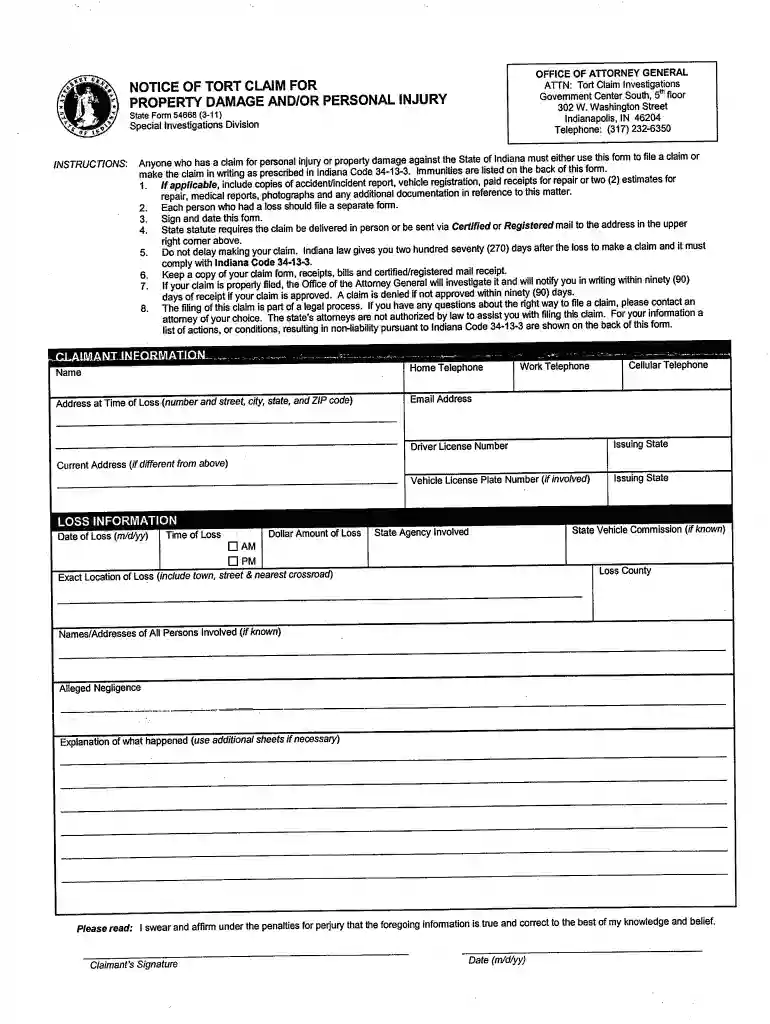
Type text, add images, blackout confidential details, add comments, highlights and more.

Draw your signature, type it, upload its image, or use your mobile device as a signature pad.

Send tort claim form via email, link, or fax. You can also download it, export it or print it out.

Start filling out your tort claim today for free and experience seamless document management with our platform!
At DocHub, your data security is our priority. We follow HIPAA, SOC2, GDPR, and other standards, so you can work on your documents with confidence.
Tort claims act refers to legislation where the governmental entity gives up sovereign immunity protection, allowing it to be sued for the tortious activitiesRead more
Under the FTCA, the federal government acts as a self-insurer, and recognizes liability for the negligent or wrongful acts or omissions of its employees.Read more


