Type text, add images, blackout confidential details, add comments, highlights and more.
02. Sign it in a few clicks
Draw your signature, type it, upload its image, or use your mobile device as a signature pad.
03. Share your form with others
Send it via email, link, or fax. You can also download it, export it or print it out.
How to use or fill out FL-105 instructions with our platform
Ease of Setup
DocHub User Ratings on G2
Ease of Use
DocHub User Ratings on G2
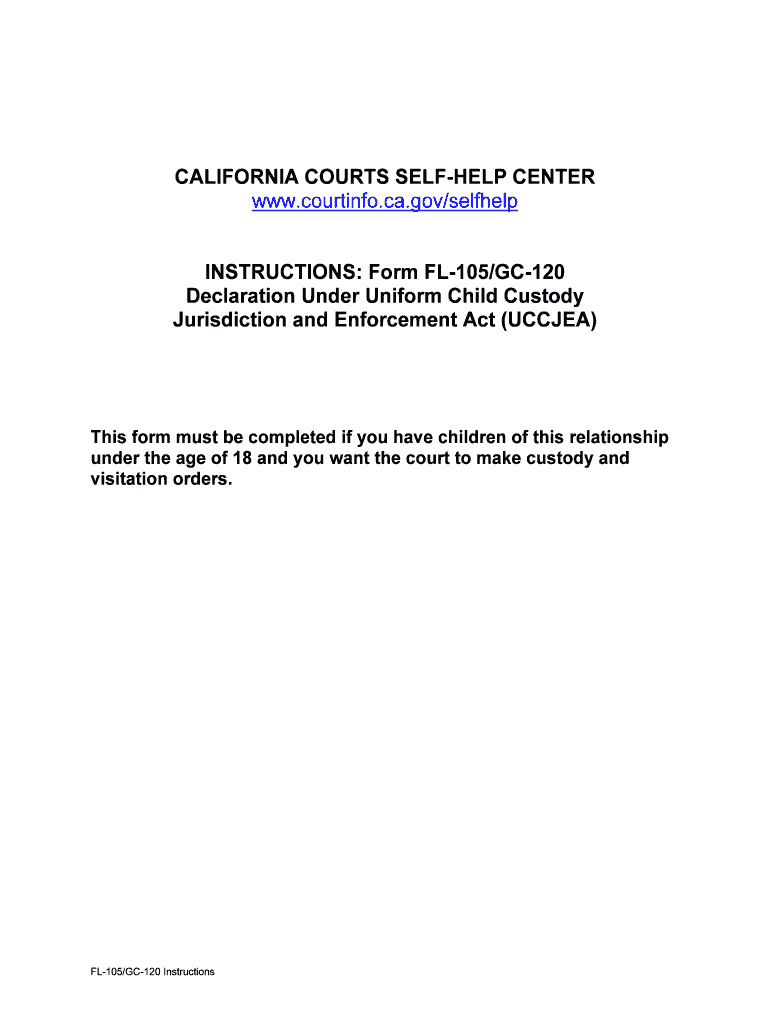
Click ‘Get Form’ to open the FL-105 instructions in the editor.
Begin by entering your name in the 'Attorney or party without attorney' section. If you are representing yourself, ensure this is clearly stated.
Provide your mailing address and telephone number. Remember, while the phone number is optional, including it can help the court reach you if necessary.
Fill in the 'Superior Court of California, County of' section by consulting with your local court clerk for accurate details.
In the 'Case name' field, write both your name and that of the respondent to identify your case.
Complete sections regarding children involved, including their names, birth dates, and current living arrangements. Be sure to indicate if any information should remain confidential.
Review all entries for accuracy before signing and dating at the bottom of the form. This step is crucial as unsigned forms will not be processed.
Start using our platform today to easily fill out your FL-105 instructions for free!
NOTICE TO DECLARANT: You have a continuing duty to inform this court if you obtain any information about a custody proceeding in a California court or any otherRead more
Declaration Under Uniform Child Custody Jurisdiction and
Give the court important information about the children you have with your spouse or domestic partner. The court considers this information before making childRead more
Always unplug the sewing machine from the electrical outlet when removing covers, lubricating, or when making any other user servicing adjustments mentioned inRead more
Cookie consent notice
This site uses cookies to enhance site navigation and personalize your experience.
By using this site you agree to our use of cookies as described in our Privacy Notice.
You can modify your selections by visiting our Cookie and Advertising Notice.