




01. Edit your form online
Type text, add images, blackout confidential details, add comments, highlights and more.

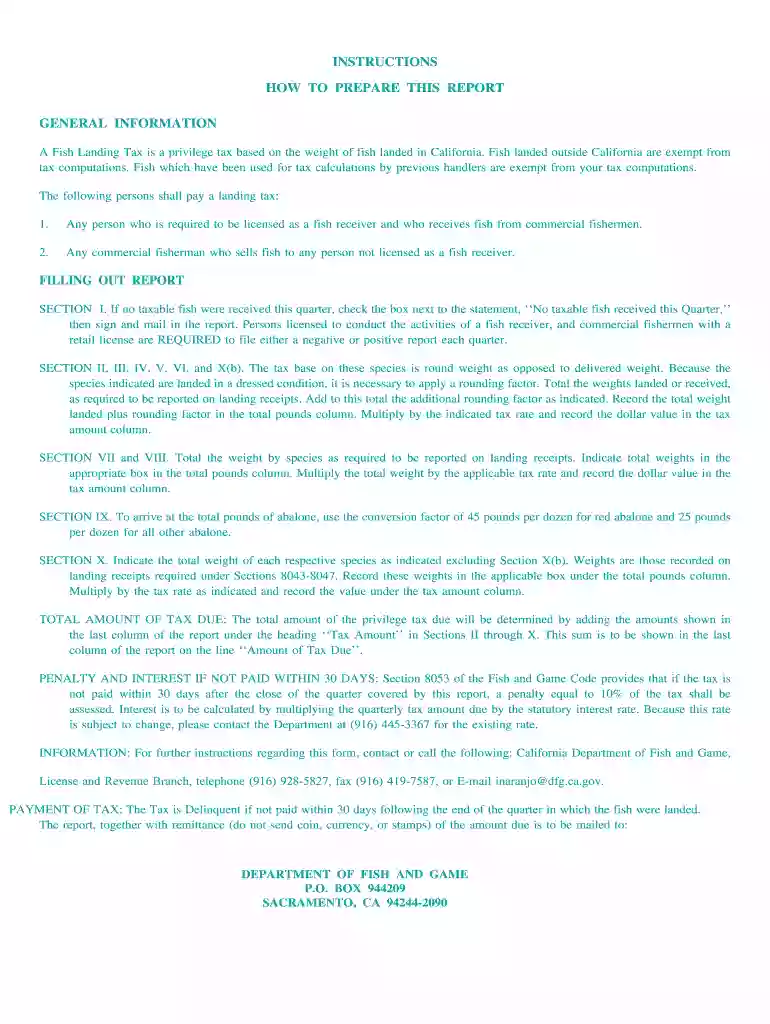
Type text, add images, blackout confidential details, add comments, highlights and more.

Draw your signature, type it, upload its image, or use your mobile device as a signature pad.

Send it via email, link, or fax. You can also download it, export it or print it out.

Start filling out your fg 143 2007 form for free today using our platform!
We've got more versions of the fg 143 2007 form form. Select the right fg 143 2007 form version from the list and start editing it straight away!
Most eSignature services require users to have a paid subscription. With DocHub, there are two options for you to create an electronic signature to your fg 143 2007 form free of charge:
The second option, however, has restrictions on the number of signatures, sign requests, emails, and documents for editing available per month. You can check for full details here.
If you edit your fg 143 2007 form with DocHub, you only need a stable internet connection and virtually any browser installed on your device. No need to set up any third-party software or study tutorials. Simply open a tab with DocHub, drag and drop your file, and edit it immediately.
At DocHub, your data security is our priority. We follow HIPAA, SOC2, GDPR, and other standards, so you can work on your documents with confidence.
Play for Alma Form First Name* Middle Name Last Name* Preferred/Nickname Email Address* Cell Phone Number* Are there any social media accounts you wouldRead more
The mission of the Water Resources Discipline of the U.S.. Geological Survey (USGS) is to provide the information and understanding needed for wiseRead more
To qualify for pensions, applicants had to provide proof of honorable discharge and of at least one years residency in Oklahoma prior to making application. InRead more


